KB: File Buffer is not Initialized Error
Updated: 8月 12, 2025
 Altium Designer
Starting in version: 18
Up to Current
When attempting to generate Gerber output files, users may encounter the error message "File buffer is not initialized", which prevents the files from being created. This issue typically arises due to an excessively long file path or output name. To resolve it, users should shorten the file path by modifying the output container setup and reducing the character count in the output name.
Solution Details
When generating a Gerber output, users may receive this error:
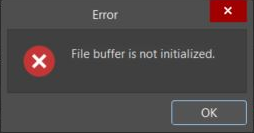
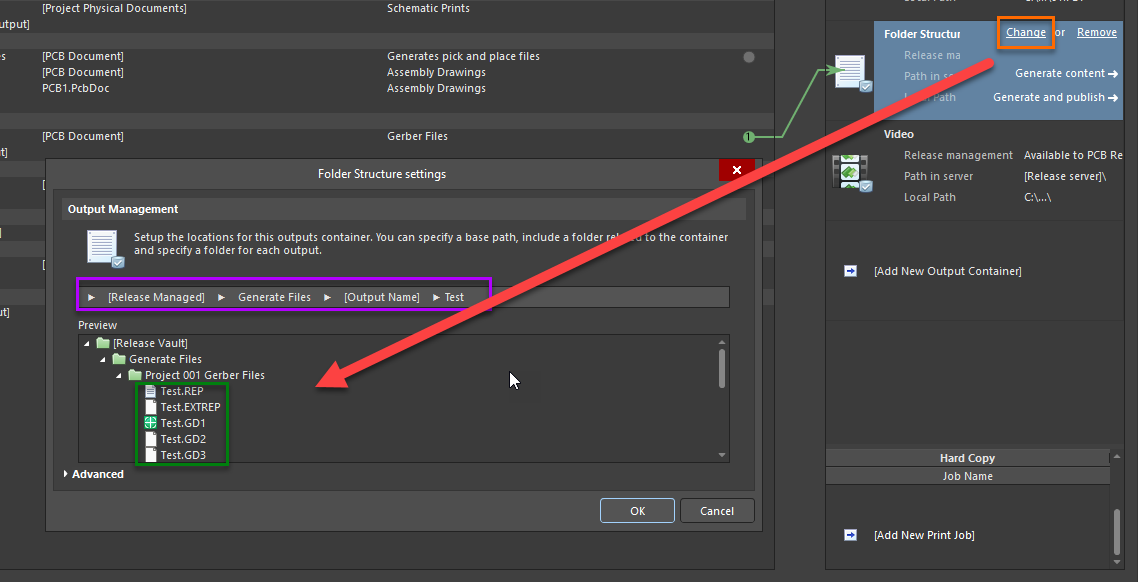
This issue occurs when the Filepath name is too long. To resolve, check the File Name and the overall path character limits. Select the Change button for the Output Container used by the Output. Edit the Setup Locations to lower the character count, to make the Filepath name shorter.
The best method to lower the character count is to change the [Output Name].