
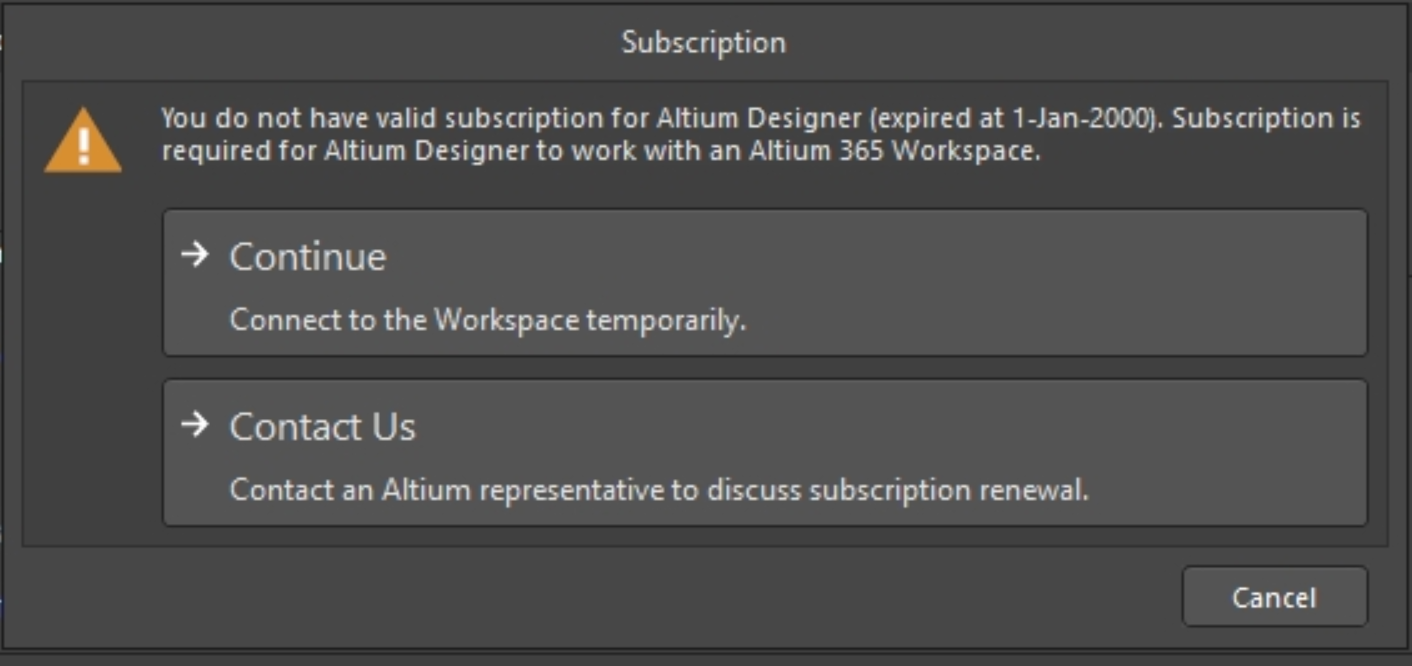
KB: Resolve error "You do not have a valid subscription for Altium Designer" when connecting Altium 365 workspace
 A365
A365
Solution Details
Users will receive this error message when they are not currently using a license, or are using a Viewer license and trying to access an Altium 365 Workspace. (Please note: with viewer license you should still be able to access the Altium 365 Workspace temporarily. You can click on "Continue" on the dialogue box and the cloud sign on the top right corner will turn blue indicating you're connected to the Altium 365 Workspace.)
To prevent this message from popping up, please make sure to use an Altium Designer license first and then click on the Connections Menu, indicated by the Cloud sign on the top right corner, to connect to the Altium 365 Workspace.
Alternatively, you can log into your Altium 365 Workspace from the web:
Altium 365 Workspace
Then, view any project available to you from that interface (which will also let you open the project in Altium Designer when you are using a viewer license).
Exploring the Browser-based Interface
If you don't want to be connected to your workspace, see this documentation:
Disconnecting from Your Workspace
A managed content server can also be removed from your preferences. Here's a Knowledge Base article:
KB: Remove Managed Servers from Environment