
KB: Hide Draftsman designators
Updated: November 20, 2024
 Altium Designer
Quickly disable / enable display of component designators in Assembly view.
Solution Details
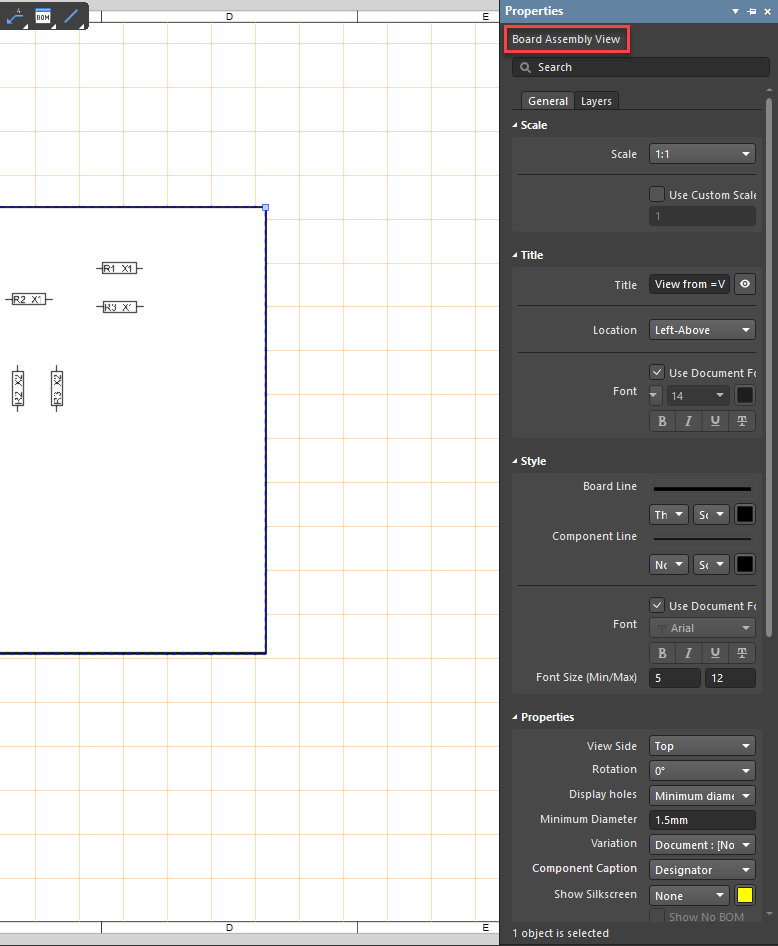
Select the Assembly View to open the Properties panel.
At the bottom of the Properties panel, under the Component Display Properties section, uncheck Designator.
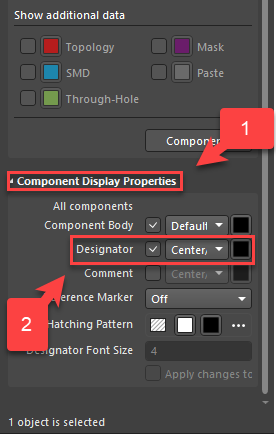
NOTE: The selection for Component Caption is further up and can display either Designator or BOM item Position. The location to change visibility is located further down the panel, so it is not immediately evident.
