KB: Prevent the 1 in front of my schematic sheet name
Updated: November 20, 2024
 Altium Designer
Starting in version: 21
Up to Current
There is a [1] in front of my schematic sheet name in the Projects panel. How do I get the normal filename back?
Solution Details
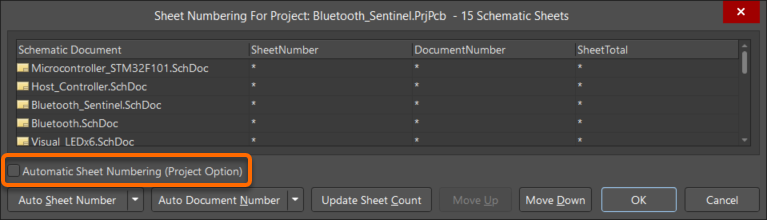
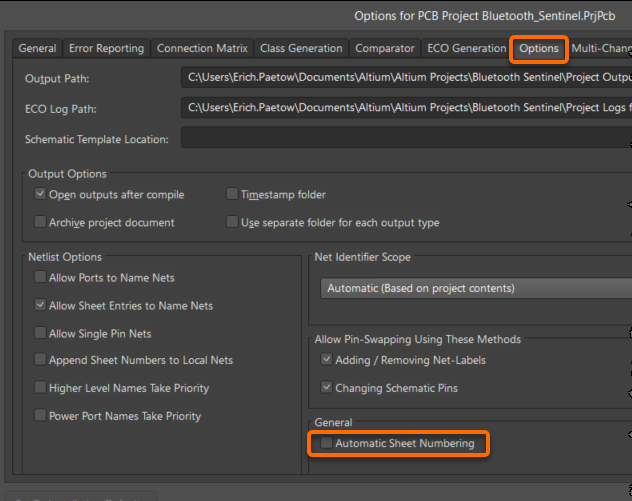
The [1] is there because of Automatic Sheet Numbering. (It's not really part of the name.) To turn off automatic sheet numbering, uncheck the box in one of these two places.
- In AD21 and newer versions, this setting can be found under Project » Project Options » under the Options tab in the General section.
- This setting can also be found in the Schematic editor under Tools » Annotation » Number Schematic Sheets.