
KB: Resolve ERR_TOO_MANY_REDIRECTS connecting to Workspace
Updated: июля 05, 2024
 A365
A365
Users may encounter the message "This Page Isn't Working" followed by the error ERR_TOO_MANY_REDIRECTS when attempting to access a webpage, sign in to a service, or open a workspace link. This error indicates that the browser has entered a redirect loop and is unable to complete the connection. In most cases, the issue is related to cached browser data, cookies, an authentication session problem, or browser extensions interfering with the sign-in process. Clearing browser data and testing in a private browsing session can typically resolve the issue.
Solution Details
Browser Displays Redirect Loop Error
When attempting to access a webpage, users may receive one of the following messages:
- This Page Isn't Working
- ERR_TOO_MANY_REDIRECTS
- The page redirected you too many times
Authentication or Browser Data Causes Loop
The error occurs when a website continuously redirects the browser between two or more pages without successfully completing the session. Common causes include corrupted cookies, expired authentication tokens, cached browser data, conflicting browser extensions, or browser-specific configuration issues.
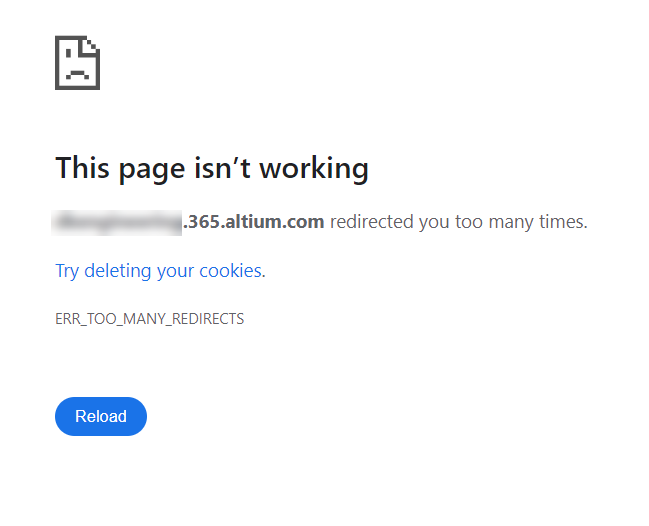
Or
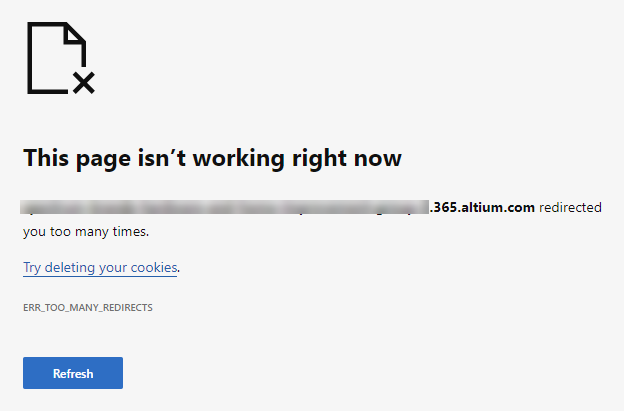
Recommended Troubleshooting Actions
- Clear browser cookies and cached data.
- Test the page using a private/incognito browsing window.
- Disable browser extensions that may affect authentication or website access.
- Try a different supported browser.
- Sign out and sign back in to the affected service.
- Remove the users from the workspace and re-add them back
- Go to Altium Designer » Preferences » Data Management » Servers » Expand the Known Servers item > then click the Clear Cache
Clear Browser Data and Verify Access
- Close all tabs related to the affected website.
- Open the browser settings menu.
- Clear browsing data, including cookies and cached files.
- Close and reopen the browser.
- Open a private/incognito browsing window.
- Navigate to the affected webpage and attempt to sign in again.
- If the issue persists, temporarily disable browser extensions and retry.
- If available, test using a different supported browser.
Additional Notes
If the user has previously released a project or placed a comment, once they are removed they will lose the ownership of the items (meaning it won't show that they are the owner of those items anymore) but those items will remain in the Altium 365 Workspace, and won't be deleted.