
Find Inconsistencies
The ValiAssistant's Find Inconsistencies feature takes a set of requirements, analyzes the requirement text, and identifies inconsistencies or duplications between requirements. This feature automates the process of revising the consistency between requirements, saving time and eliminating the risk of human error from this tedious process.
The Find Inconsistencies feature can be accessed from within the Requirements Module by clicking the  button at the top right, selecting the Find Inconsistencies option from the drop-down in the Choose Action window that opens, and clicking the
  button.
For more information about accessing the ValiAssistant, refer to the ValiAssistant page.
After accessing the Improve Requirements process, you will be informed of exactly how many requirements will be checked.
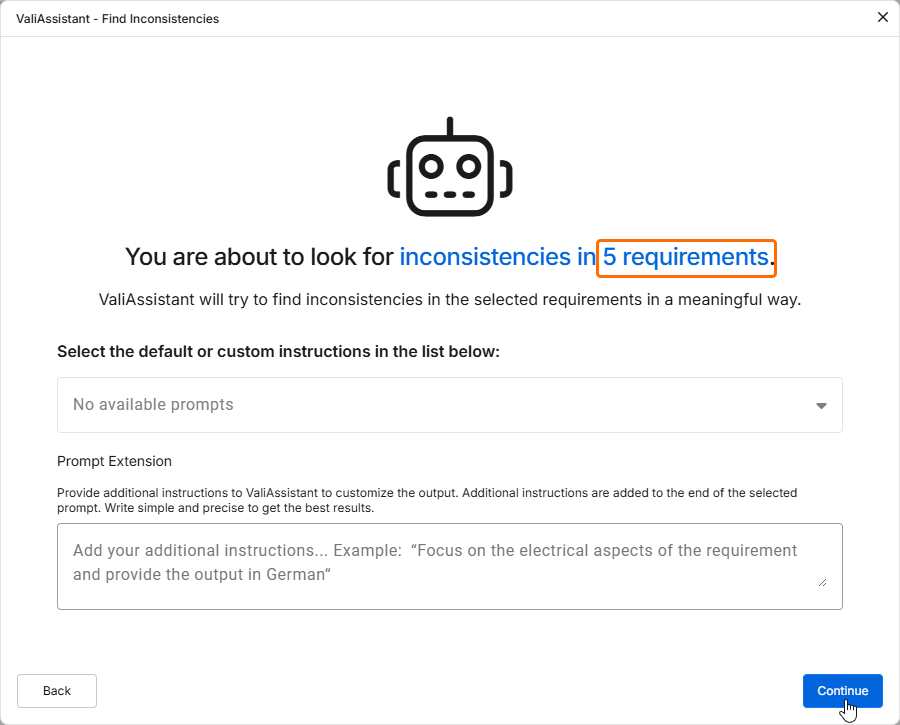
Click  to proceed.
At this stage, the ValiAssistant has highlighted inconsistencies between two or more requirements. These inconsistencies are grouped into categories defined by the AI integration such as:
-
Duplicate – where the requirement texts have the same or similar content.
-
Incompatible values – where the requirement text has values that are contradictory in some way.
You can now review the sets of requirements that have been highlighted. You can adjust the text of a requirements in the list by double-clicking in corresponding field or delete a requirement by clicking the  icon at the right of the requirement's identifier.
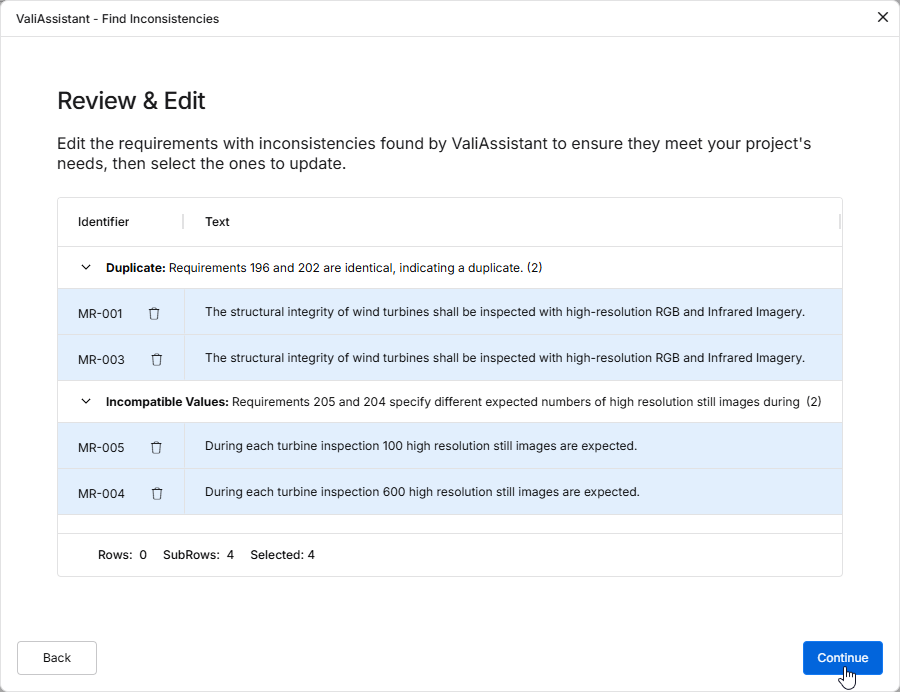
Click to proceed. If you have edited requirements on the Review & Edit stage, the confirmation window will indicate how many requirements have been changed (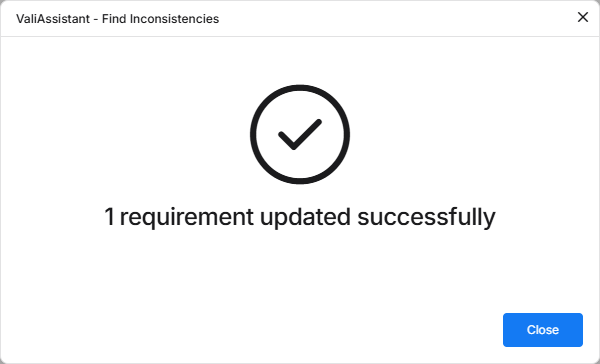 ).
).