Collaborators
Collaborators are all the users within Requirements & Systems Portal. Users can be grouped into one or more groups.
A user or group can be assigned to:
-
Blocks (read more about ownerships here)
-
Specifications (read more about ownerships here)
-
Test procedures (read more about ownerships here)
-
Tasks
-
Discussions
-
... and even provide specific permissions to them. Read more about permissions here.
The list of collaborators is available for users with admin rights on the Users tab of the Collaborators page in Settings ( » Settings » Collaborators).
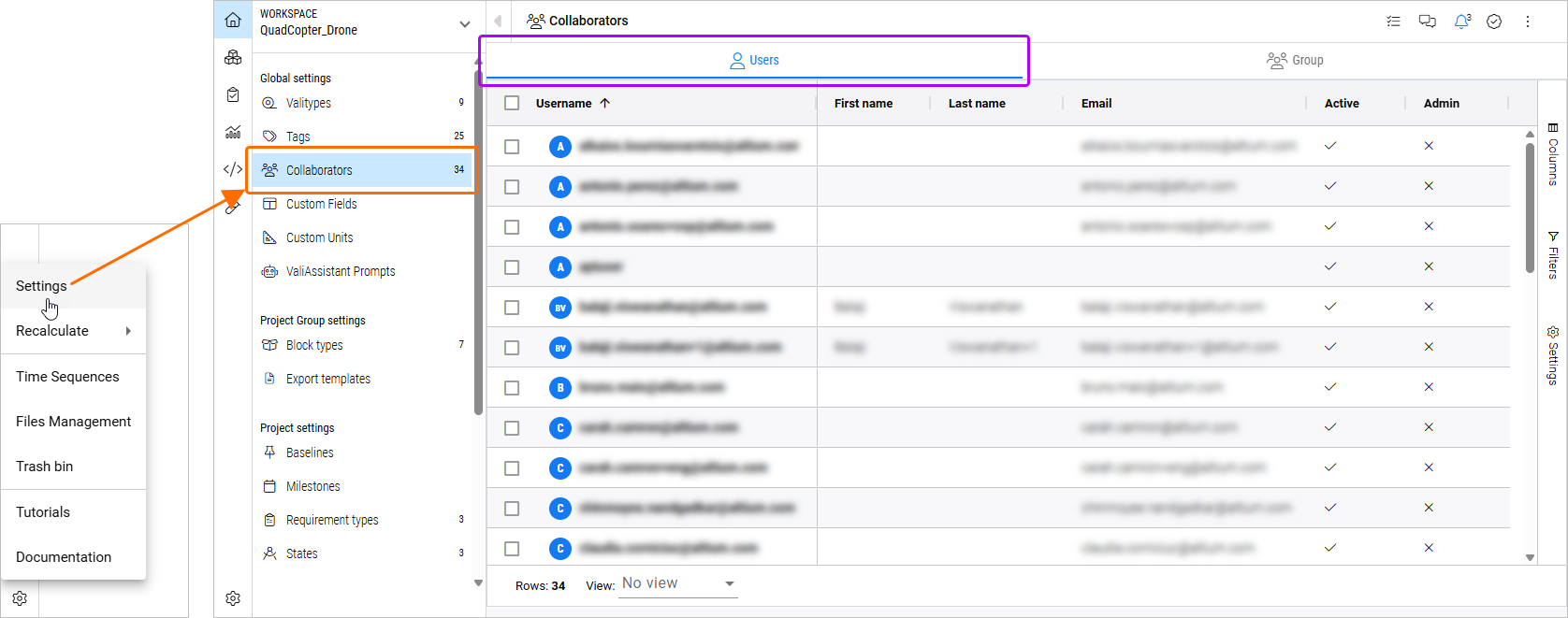
The following information is presented for each user:
-
Username – the user's username that matches its email. A read-only field.
-
First name – the user's first name. A read-only field.
-
Last name – the user's last name. A read-only field.
-
Email – the user's email. A read-only field.
-
Active – shows if the user is active (
 ) or not (
 ) for Requirements & Systems Portal. A deactivated user cannot access Requirements & Systems Portal. To change the state for a user, double-click in the cell and selecting True (to activate the user) or False (to deactivate the user) from the menu that appears.
-
Admin – shows if the user is an administrator (
) or not (). This is defined by the user's membership in the Administrators group in the Altium 365 Workspace (learn more).
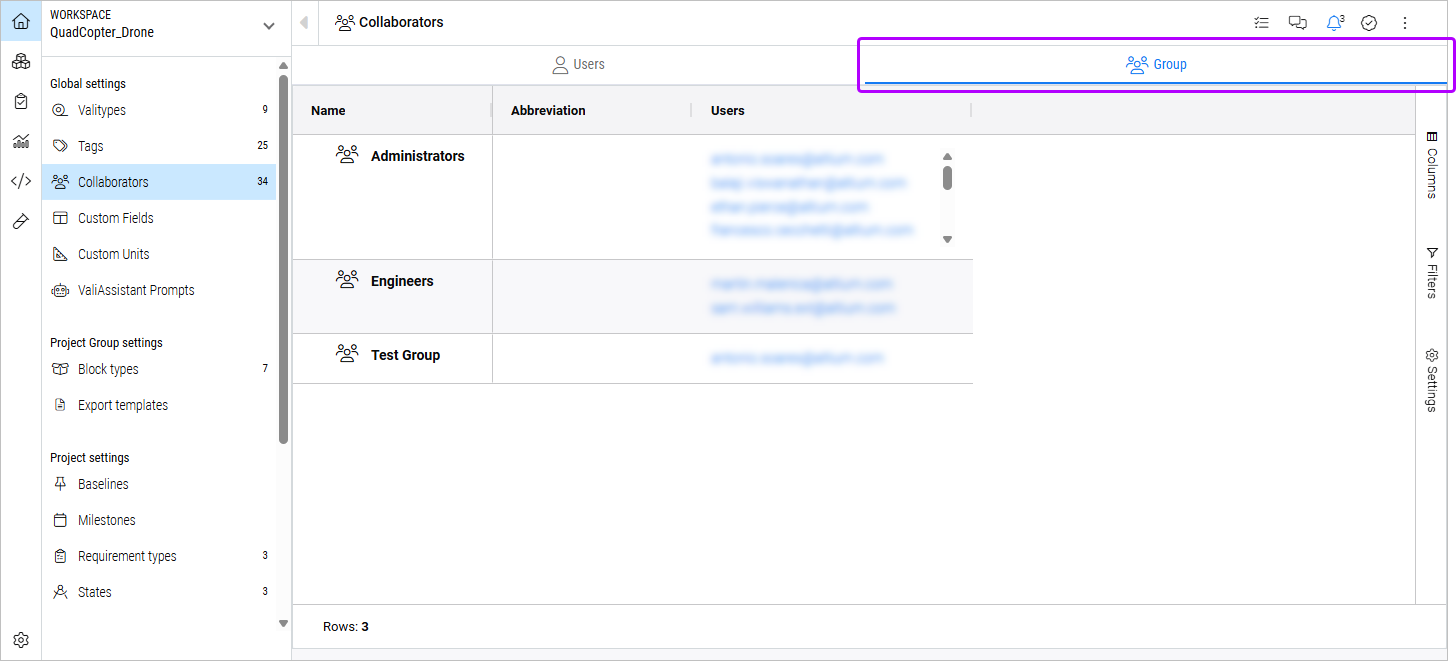
Select the Group tab to see a list of groups and users therein.