KB: Number Sheets in Multi-channel
Updated: November 20, 2024
 Altium Designer
Starting in version: 18
Up to Current
To fix or update sheet numbering across your Altium Designer project, ensure all sheets have accurate Sheet Number values. This article guides you through verifying sheet parameters and using the annotation command to renumber your schematic sheets correctly.
Solution Details
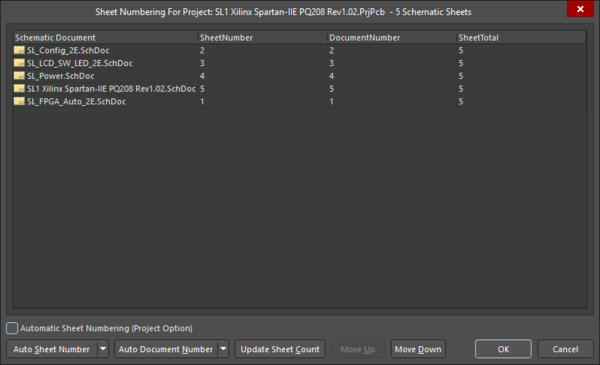
First, be sure that all sheets in your project have a correct Sheet Number and Sheet Total value.
Information on these parameters and how to set and review them can be found in the documentation here:
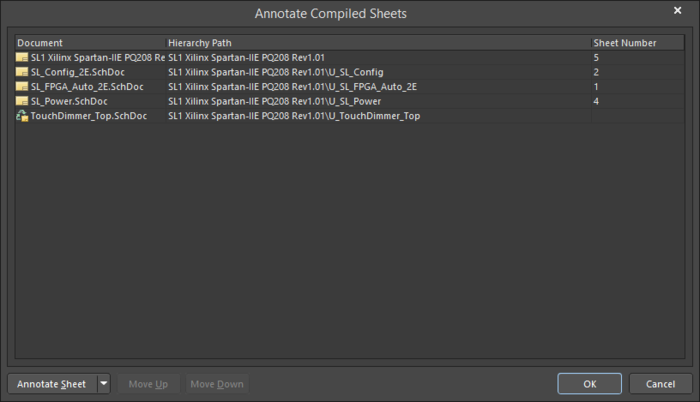
Once we are sure these values are correct, we need to renumber the compiled sheets. To do this, we will use the command Tools » Annotation » Annotate Compiled Sheets.
More information on this particular tool can be found in the documentation here: