
KB: Unable to Rename Items After Project Release
 Altium Designer
Solution Details
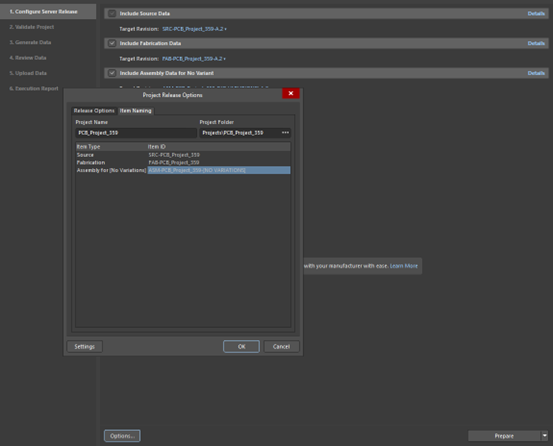
Request: Why can’t I rename a released project? Situation: a project was released and then it should be re-released with another name. This is a normal behavior, once an item is released it is difficult to change the name of it. After the first release, the name(s) of the items are greyed out under to release options: In order to be able to rename the items:
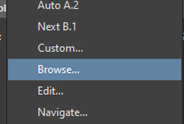
1. Right mouse click the Assembly and select Browse option (the order is important, do not start with the Source data):
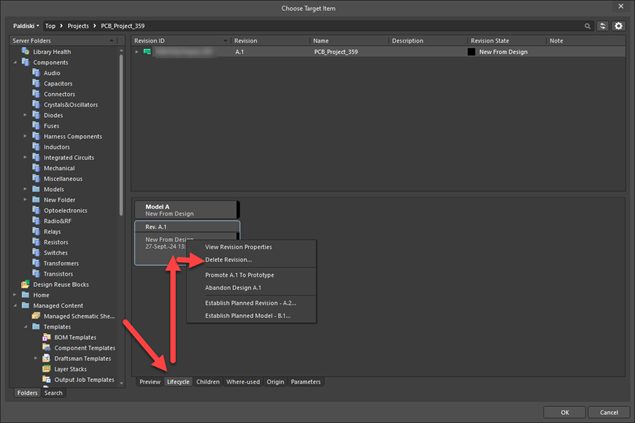
2. After it brings you to Explorer, go to Lifecycle Tab right mouse click the latest Revision and delete the revision:
3. Do the same on the FAB data (the order is important, do not start with the Source data).
4. After the Assembly and Fabrication data’s last revision has been removed, you can do the same on the Source Data.
5. Now you can right mouse click selecting New Item on all data:
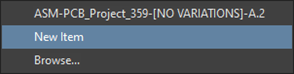
6. After that the Naming should be accessible again via the Options ► Item Naming
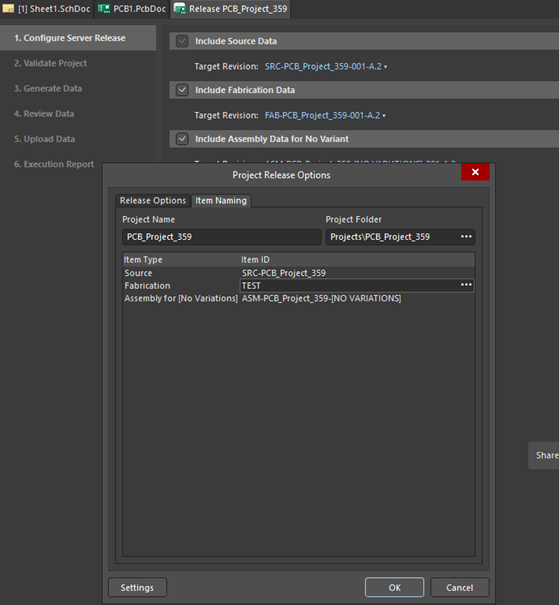
You should be able to release with the new (corrected) project name now:
