
TRANSLATE: KB: 상태 코드 471이 있는 Git 오류로 인해 프로젝트를 저장할 수 없습니다
 A365
A365
Solution Details
Why this happens
The git server of an Altium 365 workspace has protection against misuse: it does not allow binary files larger than 256 MB of the following types:
- zip
- 7z
- rar
Pushing those files to repositories can lead to a significant slowdown in both client-side and server-side processing of customer data, up to denial of service.
Once the user tries to save such a file to the server from Altium designer, the save operation will be rejected by the server with the following error code:
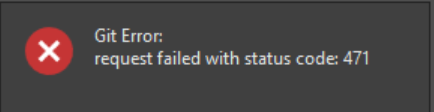
In that case, the user will have to take this file out of version control in their local git repository.
Prerequisites
Users need to download and install git SCM: https://git-scm.com/download/win . The “standalone installer” is recommended, most likely it will be the “64-bit” installer, but it depends on the operating system (here is how to check this: link).
Commands to take the file out of version control
1 Determine the location of the project git repository on disk. Right click on the project in the Projects panel, then click Explore:
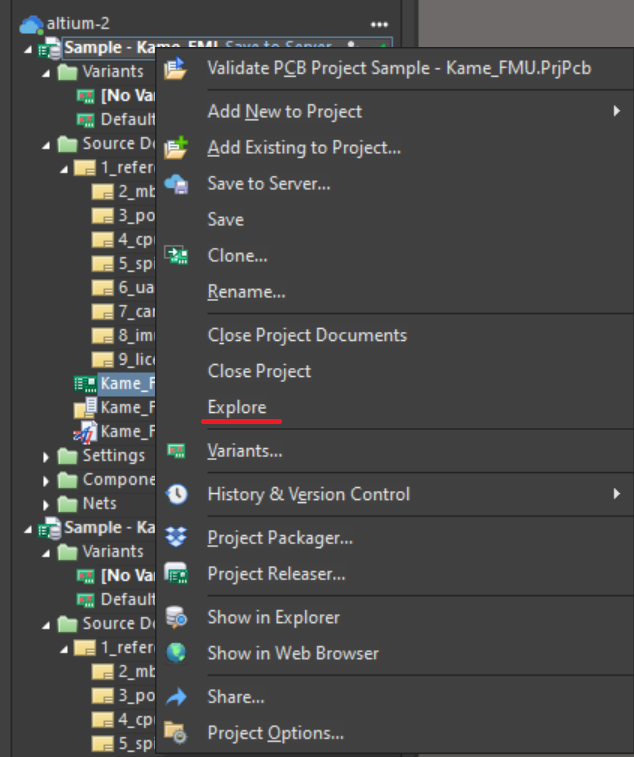
2 Windows explorer will open. Copy the full path to the folder:
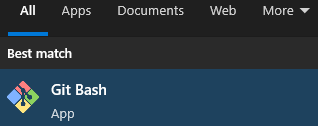
3 Start “Git Bash” utility:
4 Change the current directory to the one you copied from Windows explorer
cd "C:\Users\Public\Documents\Altium\Sample - Kame_FMU
5 Execute the following command to find out which files violate server restrictions for size:
6 git rev-list --objects "origin/master..master" | git cat-file $'--batch-check=%(objectname)\t%(objecttype)\t%(objectsize)\t%(rest)' | gawk -F '\t' -v maxbytes="256000000" '$3 > maxbytes' | cut -f 4- | grep -E "\.(zip|rar|7z)"
The command will output the file (or the list of files) that cannot be pushed to the server. In our example, the file is “bad.zip”:

7 Execute the following command to start editing the repository:
git reset --soft $(git merge-base origin/master HEAD)
8 Take the file(s) you found on step 6 out of version control using the git reset command for each file. In our example there is only one such file, so we’re executing this command once:
git reset bad.zip
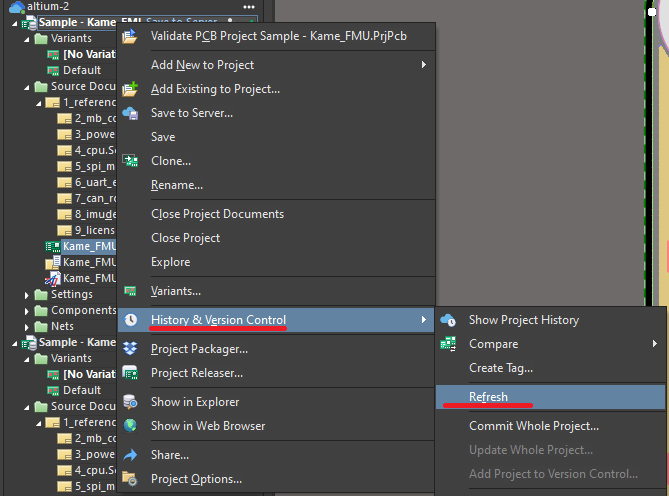
9 Return to Altium designer and refresh the project from version control:
10 Then click Save to Server as usual. Make sure you don’t select the restricted files again:
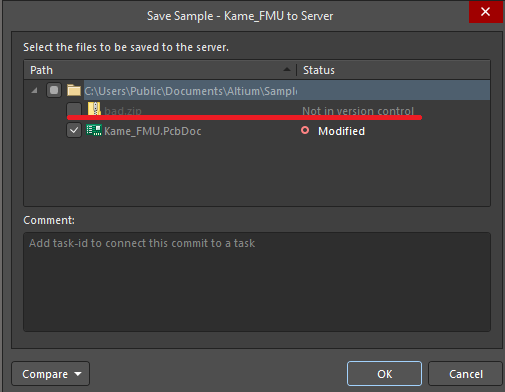
11 The project should be saved without errors.