KB: Release not available
Updated: December 28, 2022
 Altium Designer
"Release not available: Project is not registerd [sic] in PLM" may show up when using Project Releaser, if you have a PLM extension installed.
Solution Details
If you get this error:
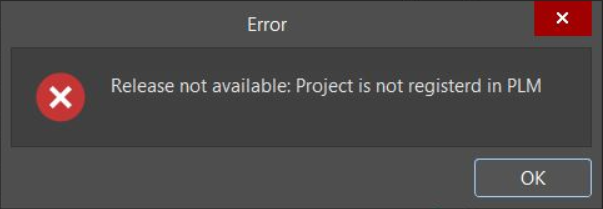
This issue typically stems from the Aras PLM extension found under: Extensions and Updates » Installed.
If you are not using Altium with Aras PLM, uninstall the Aras PLM extension(s). Here's documentation that covers program extension installation and removal (uninstalling is at the bottom):
Extending Your Installation
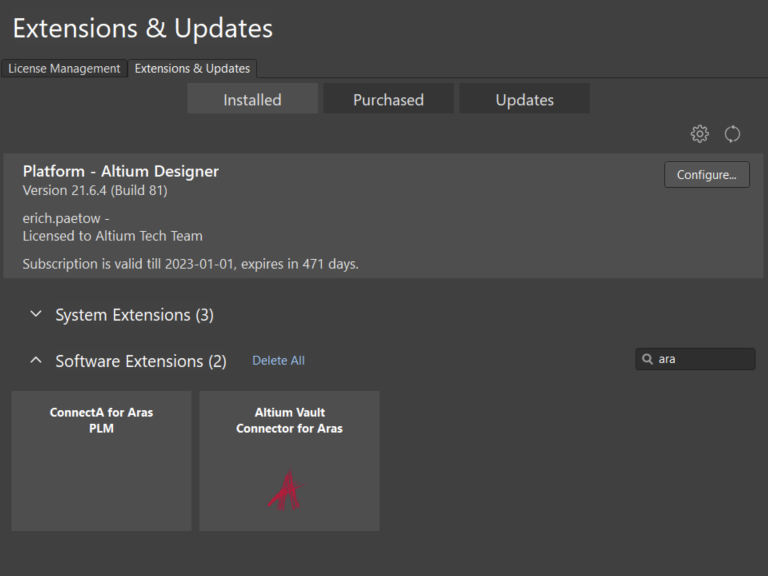
You should re-start Altium after clicking on the trash can icon which removes the extension.
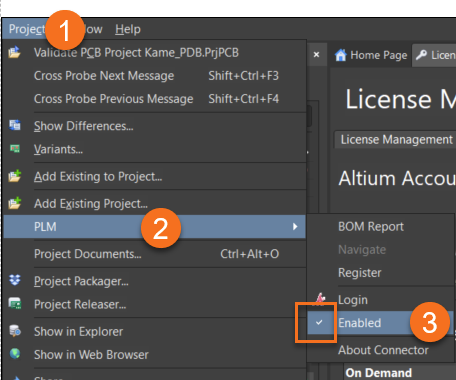
If you are using PLM, you may need to go to Project » PLM » click enabled to remove the checkbox.