
KB: Update PCB Removes Components Due to Legacy Schematic File Extensions
 Altium Designer
Solution Details
Legacy Projects Show Missing Component Behavior
In some legacy projects, updating the PCB from the schematic fails even though the schematic appears normal. The issue may initially appear to be schematic corruption because components are visible and selectable, but several system functions do not recognize them correctly.
- Update PCB attempts to remove all components from the PCB.
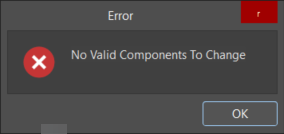
- Footprint Manager reports No Valid Components To Change.
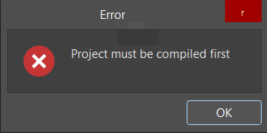
- Parameter Manager and Update from libraries warning stating that the Project must be compiled first.
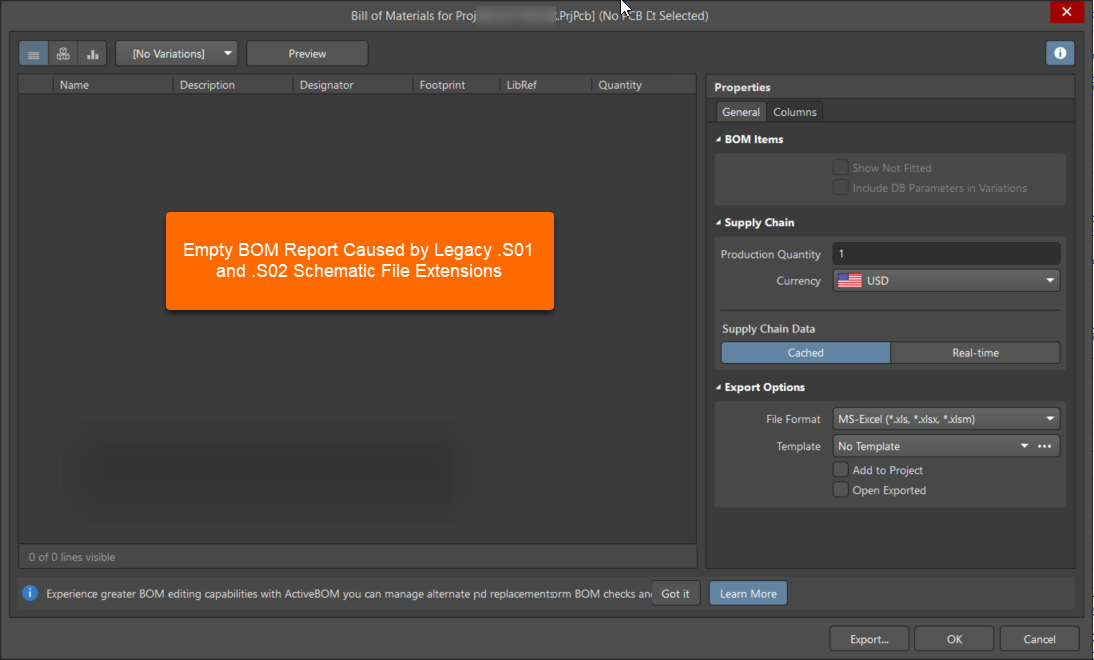
- BOM report generates no component entries.
- Project Component Links dialog shows empty schematic component lists.
- Schematic components are visible and selectable but not recognized by system tools.
- New components placed on the schematic are also not recognized.
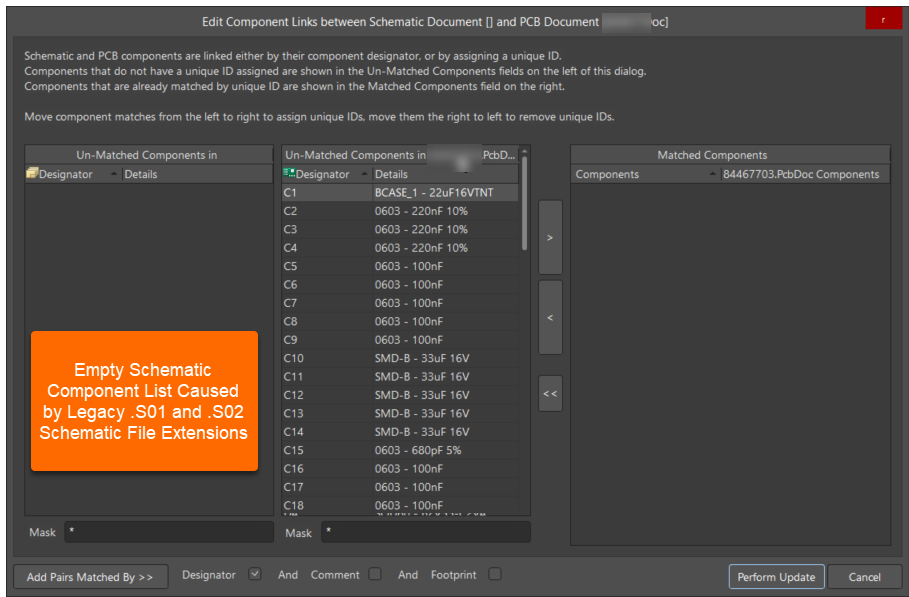
Unsupported Extensions Block Compilation Processing
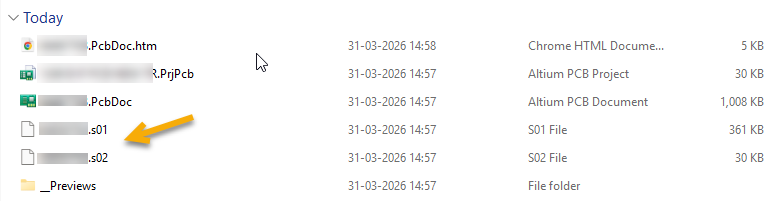
The root cause is that the schematic files use legacy extensions such as .S01 and .S02. Altium Designer can open and display these files, but they may not be recognized as valid native Altium schematic documents for all compilation-dependent operations. As a result, components that appear normal on the schematic are not processed correctly by features that rely on successful project compilation and component recognition.
This distinction is important because document visibility alone does not guarantee that the files are participating correctly in project processing. Operations such as Update PCB, component synchronization, linking, and netlist generation depend on recognized native document types.
Use Native Document Types For Recovery
- Permanent solution: Rename the legacy schematic and PCB files to supported native Altium document extensions and re-add them to the project.
- Temporary workaround: Create a new schematic sheet and move the design contents to it using Edit » Refactor » Move Selected Subcircuit To Different Sheet. This may restore functionality temporarily but does not address the root cause.
Rename Files And Rebuild The Project
- Close the project in Altium Designer.
- Rename schematic files with legacy extensions such as .
S01and.S02to.SchDoc. - Rename PCB files to
.PcbDoc. - Reopen Altium Designer.
- Remove the original files from the project.
- Add the renamed native Altium documents back into the project.
- Compile the project and confirm that compilation completes successfully.
- Run Update PCB again.
- Verify that:
- Components remain on the PCB.
- Footprint Manager opens without reporting invalid components.
- Component links can be updated successfully.
- Netlist generation behaves as expected.
- Update PCB completes normally.
Additional Notes
- This issue can be mistaken for schematic corruption because the schematic remains viewable and editable.
- During troubleshooting, creating a new schematic sheet and moving the design contents to it may temporarily restore Update PCB functionality.
- The workaround should not be considered a permanent fix. The underlying issue is the use of unsupported legacy file extensions.
- When working with older projects, verify the document extensions before investigating more complex schematic or component issues.