通过简化任务跟踪来节省时间
通过简化任务跟踪来节省时间

通过双向同步节省工程时间并减少错误,而无需在 Altium 365 和 Jira 中手动更新信息。
通过增强项目可见性做出更好的决策
通过增强项目可见性做出更好的决策

通过自动同步 Altium 365 与 Jira 任务,确保您始终掌握电子项目的当前状态,以便做出更优的决策。
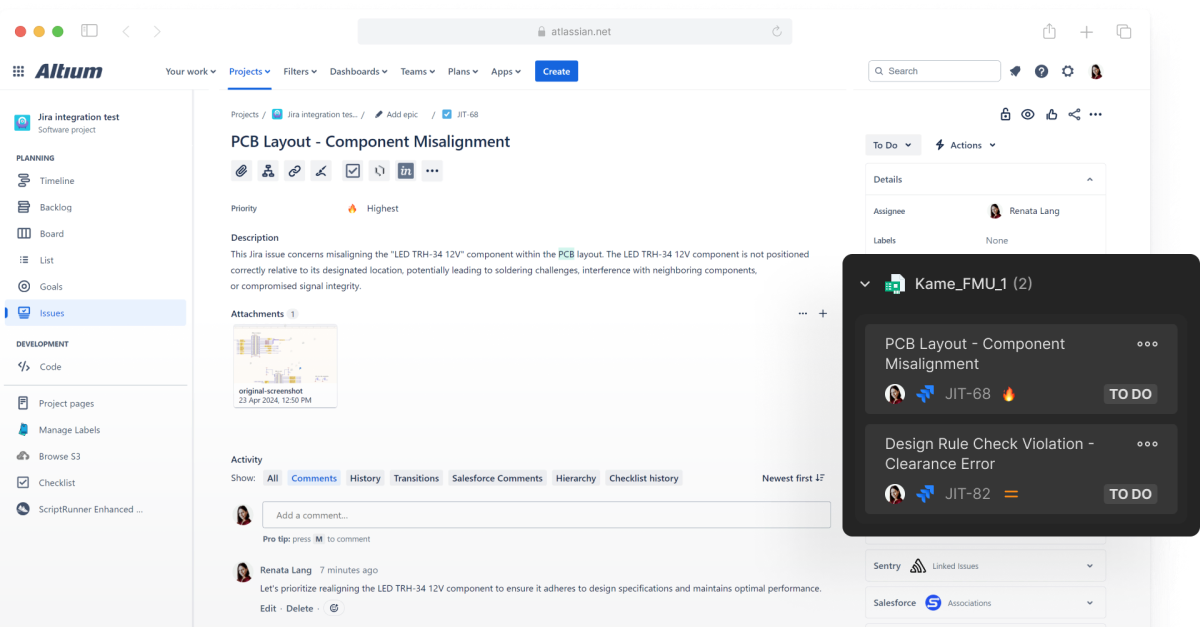
Show Project Tasks with Visual Context & Details

Altium’s integration with Jira keeps engineering tasks organized. That structure helps teams share details across channels, including email notifications, kanban boards, and issues tied to a design or schematic.
关键功能

实时任务跟踪和更新
通过使用实时更新来精简任务交换和跟踪,从而节省时间。
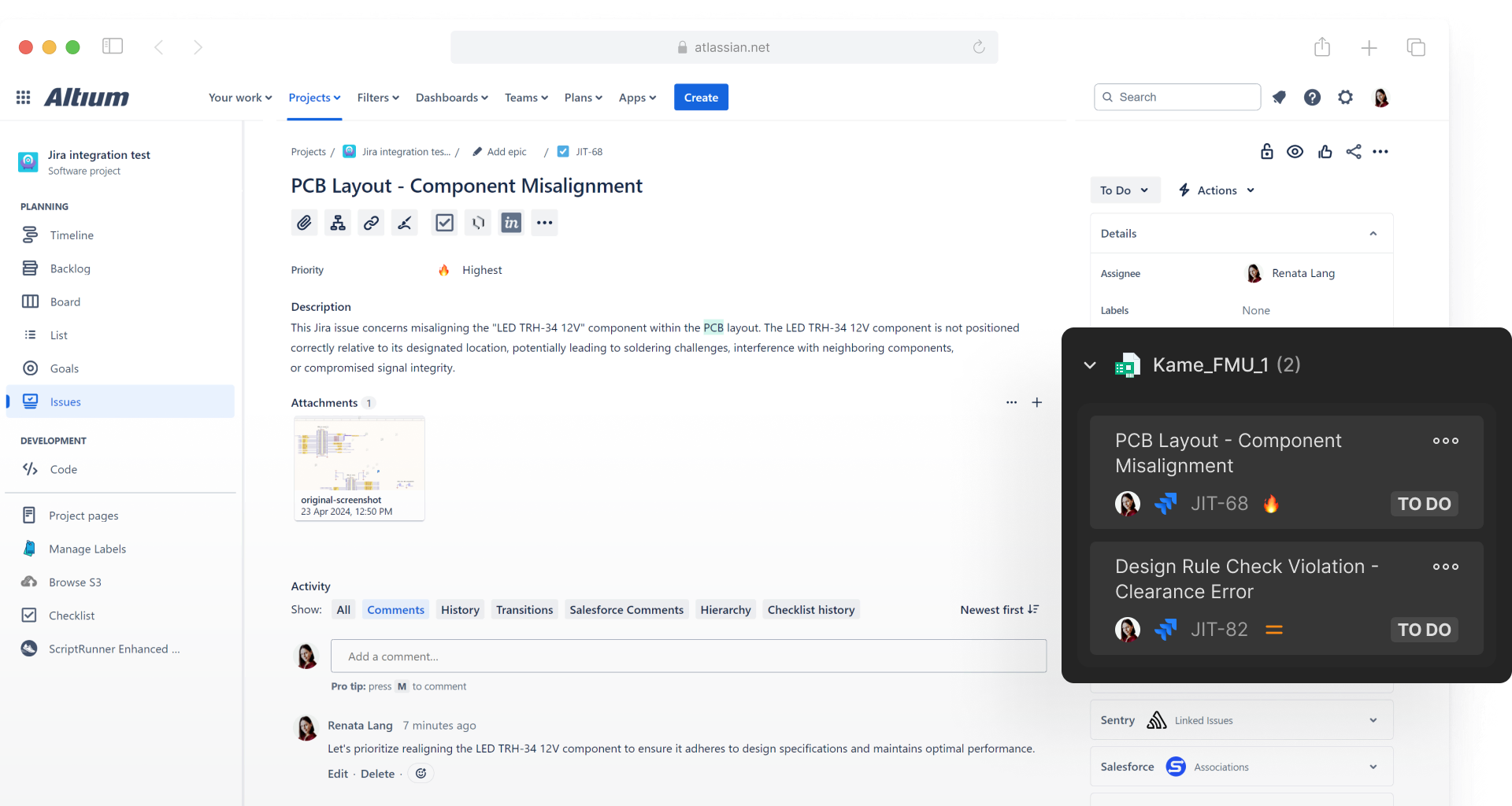
安全的双向集成
Altium 365 和 Jira 可自动同步任务、问题、状态和注释,以实现无缝协作。
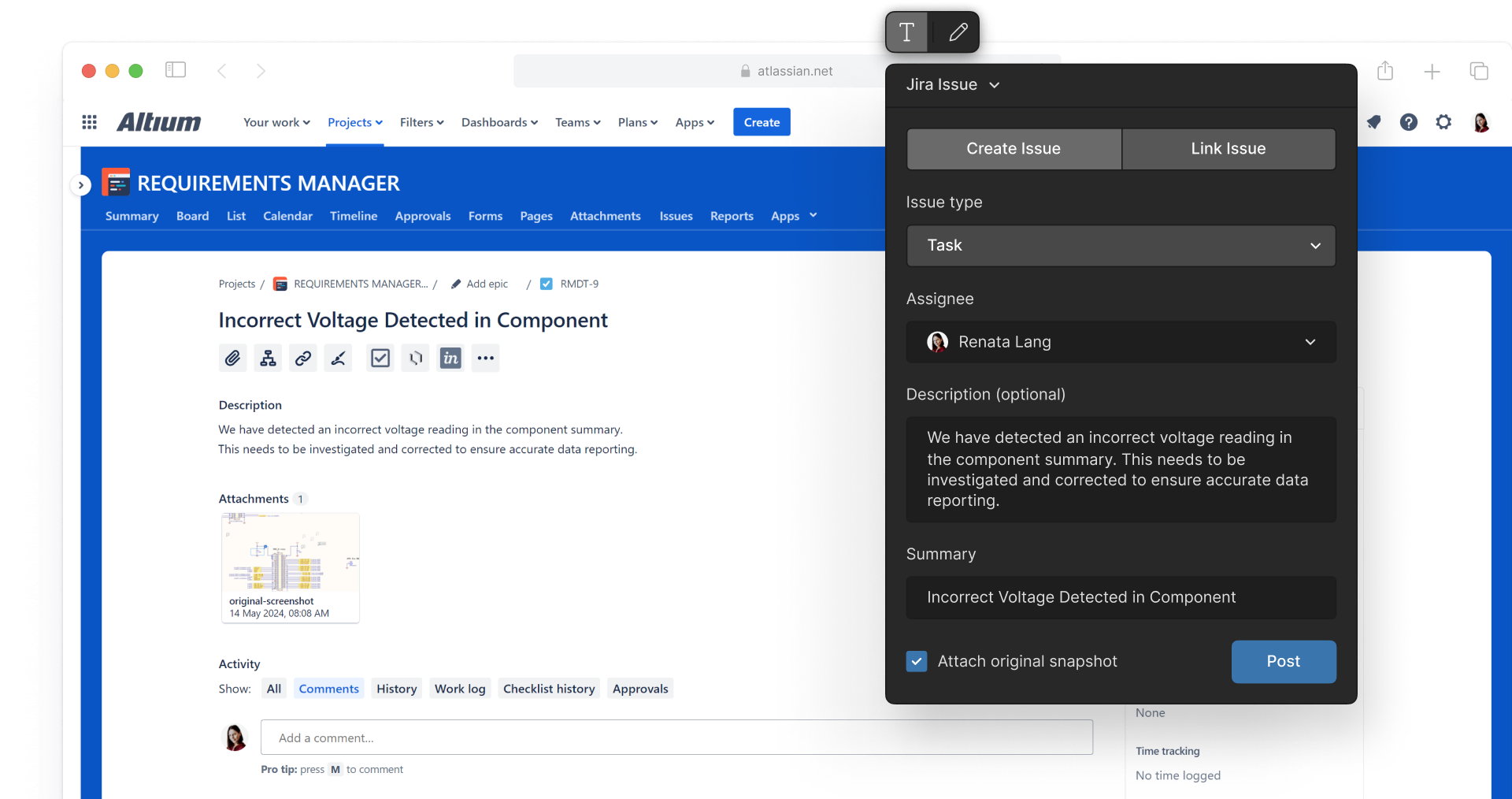
上下文任务管理
借助 Altium 365 的任务功能来保持井然有序,包括电子邮件通知、看板和设计上下文中的问题链接。
常见问题
Jira Integration 是单独的应用程序,目前尚不可用,但预计很快就会上市。它需要单独的许可证。不过,这款应用程序对于 Organizational Security Package 的用户而言将免费提供。
公开测试版预计将于 6 月底左右推出。
Yes, multiple Altium projects can be mapped to one Jira project.
如需配置和连接 Jira Integration,您需要使用 Altium 365。通过 Altium 365 完成配置后,即可与 Altium Designer 一起使用。
Resources
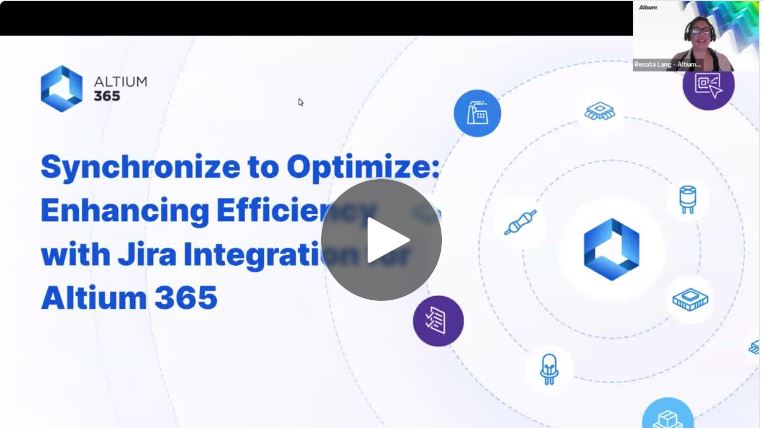
网络研讨会
同步到优化:通过 Jira Integration 提高效率

Blog
Introducing Jira Integration for Altium 365: Streamline Your Electronics Design Workflow
Guide
Jira Integration:
Onboarding Guide

Contact Us
to Learn More About
Altium Agile
Platform-based solution for electronics product
and systems, delivering control without complexity
Complete this form and our sales team will reach out to answer your questions about Altium Agile Teams or Altium Agile Enterprise.
 沪公网安备 31010502006411号