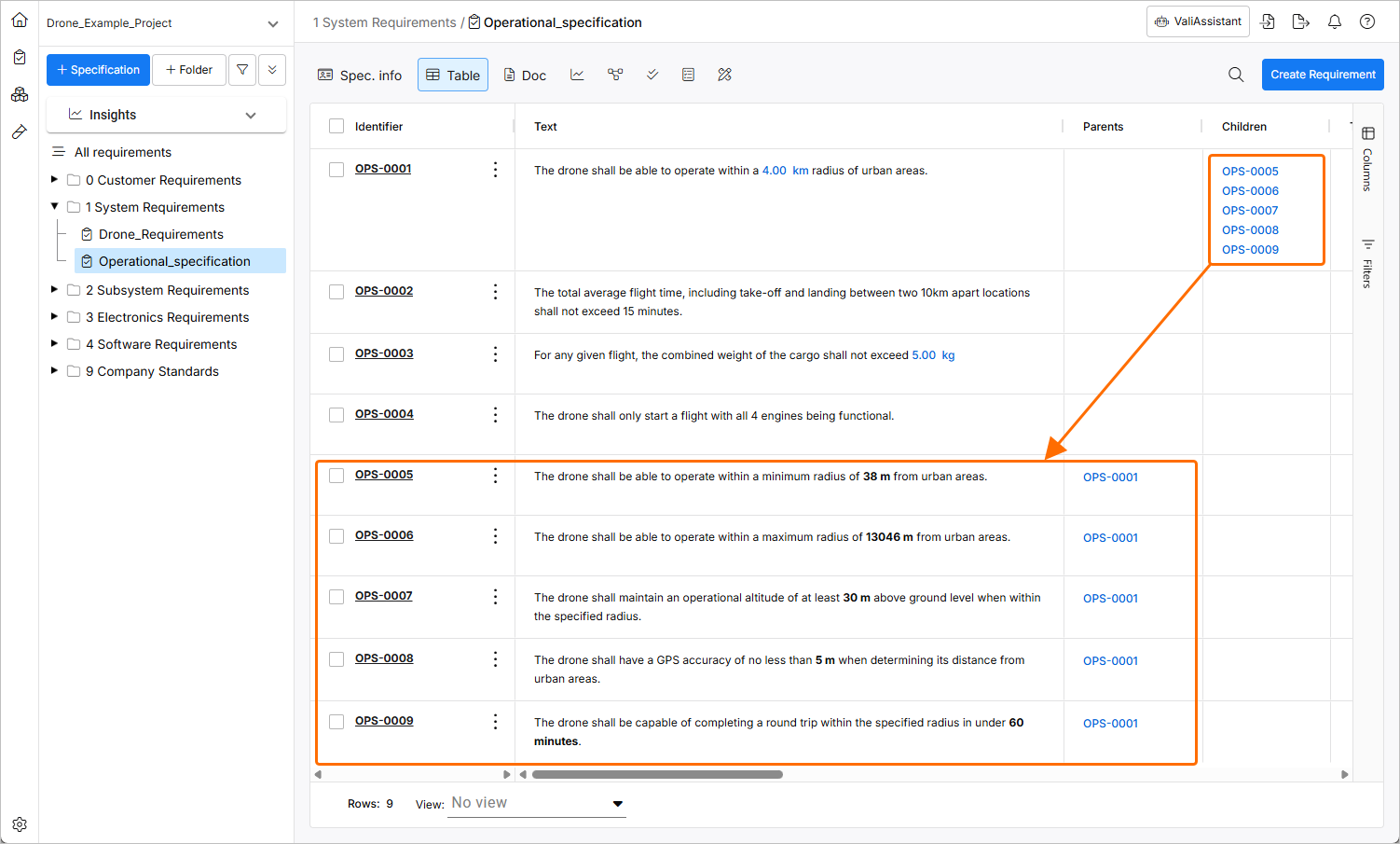
Breakdown Requirements
The ValiAssistant's Breakdown Requirements feature takes selected high-level requirement(s) and derives lower-level requirements from them using AI. In Requirements Portal, the terminology for high- and low-level requirements are parent and child requirements, respectively. This feature accelerates the requirement breakdown process by enabling you to quickly generate lower-level requirements that you can iterate on without starting from scratch. An additional prompt input to generate meaningful requirements can be used.
After accessing the Breakdown Requirements feature from within the Requirements Module (learn more), a process which stages are detailed below will start.
After accessing the Breakdown Requirements process, you will be informed of exactly how many requirements will be checked.
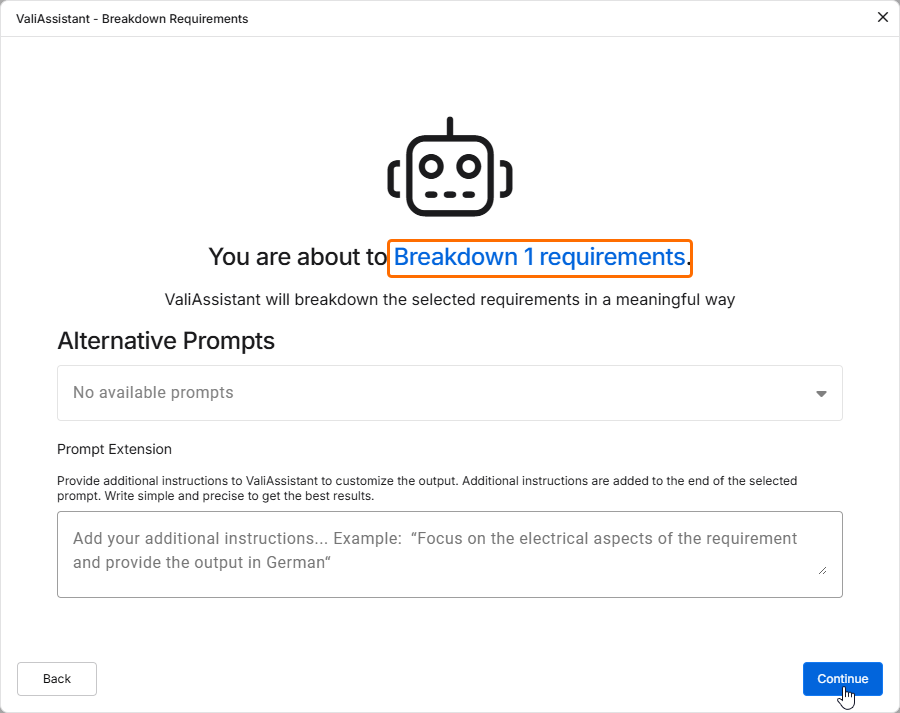
Click  to proceed.
Once the ValiAssistant has processed the requirements, suggested child requirements will be shown.
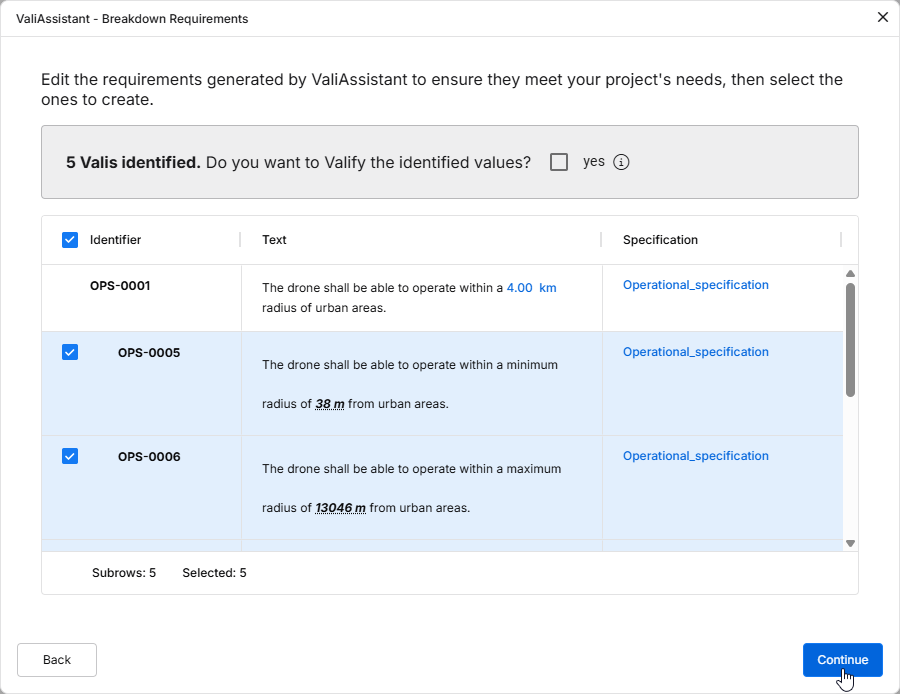
You can edit the identifier, text, and specification of the new requirements by double-clicking in corresponding fields. Using checkboxes, you can further decide which requirements you want to add to your project.
Enable the Do you want to Valify the identified values? checkbox to Valify the Requirements. This will transform any Values + Units into Parameters (Valis).
Click  to finalize the generation of these requirements. Once the requirements are successfully created, a confirmation window will appear, and the requirements will be added to the specification.