
라이선스를 위한 사용자 추가/삭제 및 관리
 Altium Designer
Solution Details
To access the users within your account, the administrator would need to access the Altium Dashboard for your account:
https://dashboard.live.altium.com/
From here, select the Users tab to access the Users page. 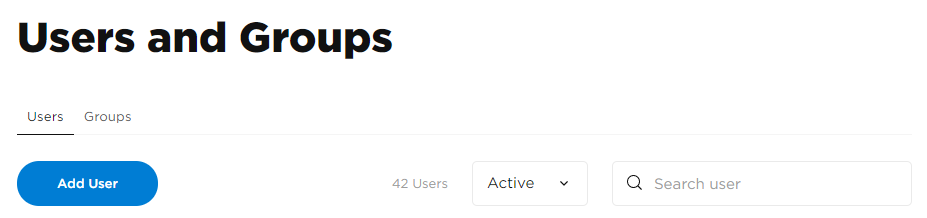
Select the <Add User> option to access the Add User's page to enter in Personal Details: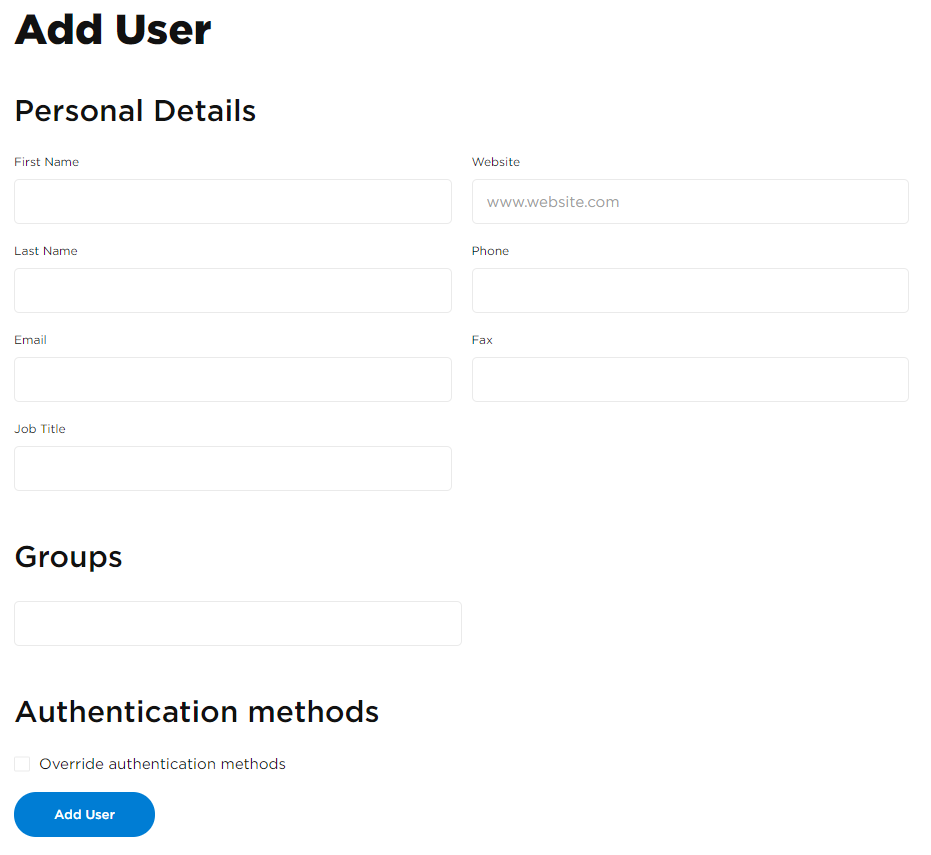
After adding the user, you can manage the user profile by selecting the newly added User in the Users list to get to the Member Profile page. From here, you will get many options, one of them is to Activate / Deactivate the User: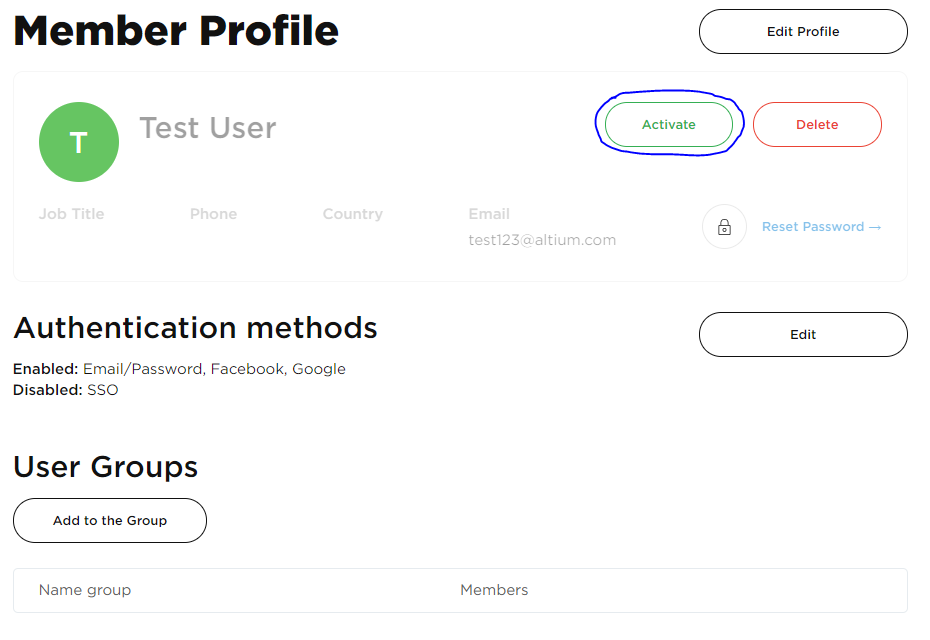
You can also add the User to a Group by selecting the Add to the Group option: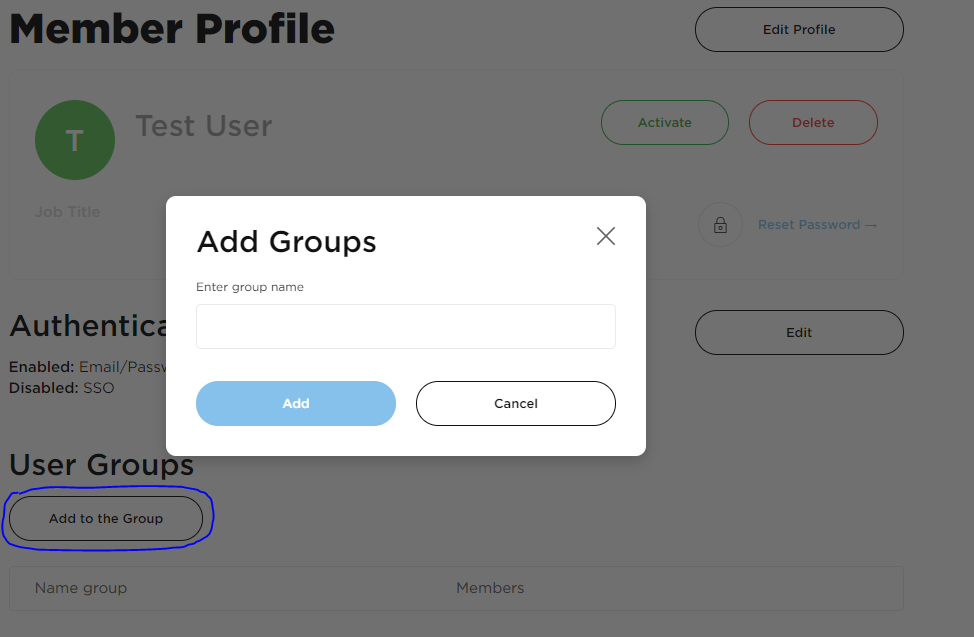
And then enter in the Group.
You can find out who the current admins are in your organization in the Overview landing page of your company dashboard at:: Altium Dashboard