


本地设计,云端协同
正版订阅低至¥1999 /年起*
即可解锁 Altium Designer + Altium 365
设计更专业,协作更安全,尽在 Altium Develop
* 该价格为包含0个创作者(Author)和不限数量协同者(Collaborator)的工作区价格,具体价格以实际订阅价格为准。
/年
免费订阅 30 天
如有任何平台相关问题,请点击此处提交反馈
深受全球创新者信赖















告别文件混乱,让协作更清晰
告别文件分散与版本混淆,迈向更互联的工作方式——
让设计数据更有序、更易访问、更可靠
传统方式
设计文件分散在电子邮件、桌面和共享文件夹中,拖慢团队协作进度,并在版本和更新方面持续造成混乱。


全新方式
设计数据存储在 Altium 365 中,为团队提供一个共享的工作空间,便于清晰地开展协作、审查并跟踪变更。


在 Altium Designer 中设计
在 Altium 365 中共享与协作
在一体化流程中完成设计、共享与协作
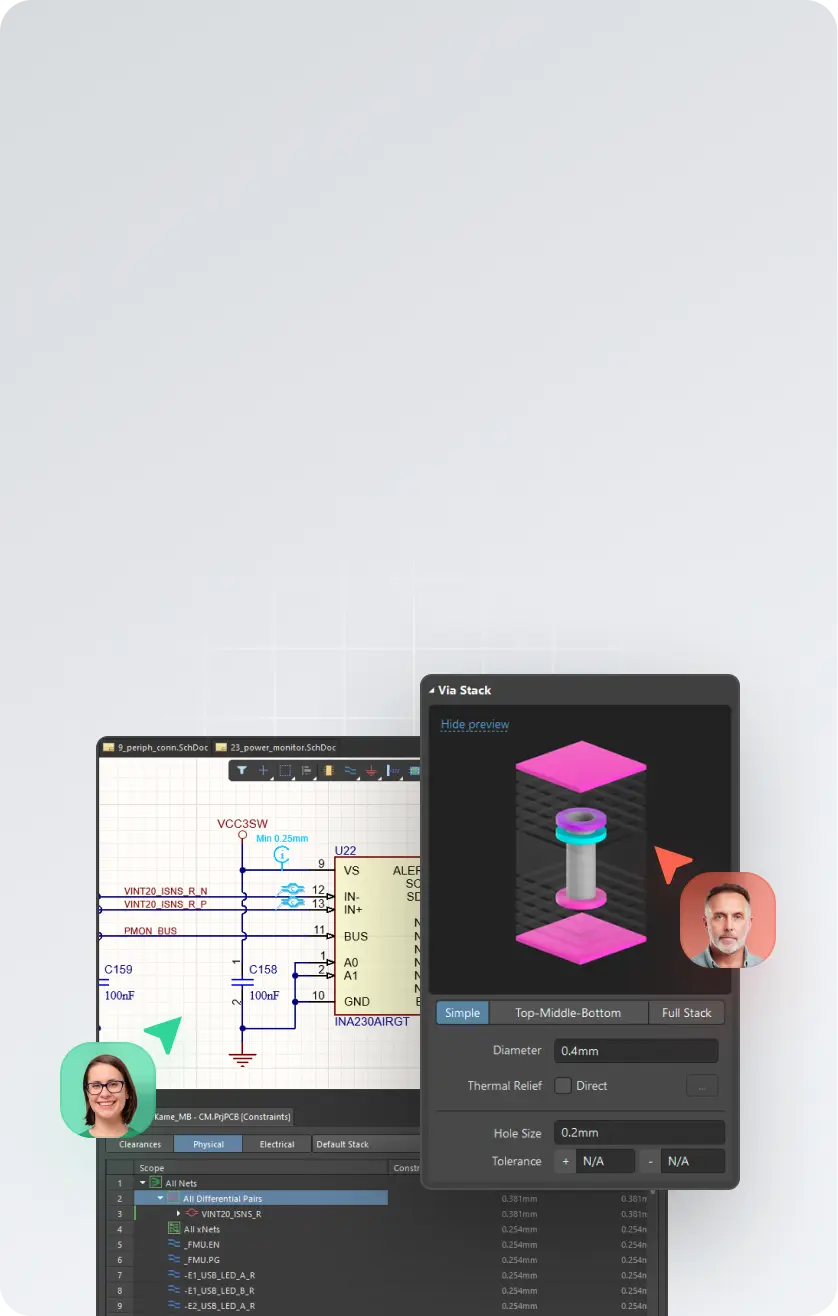

在 Altium Designer 中设计
创建原理图、PCB、多板和线束设计
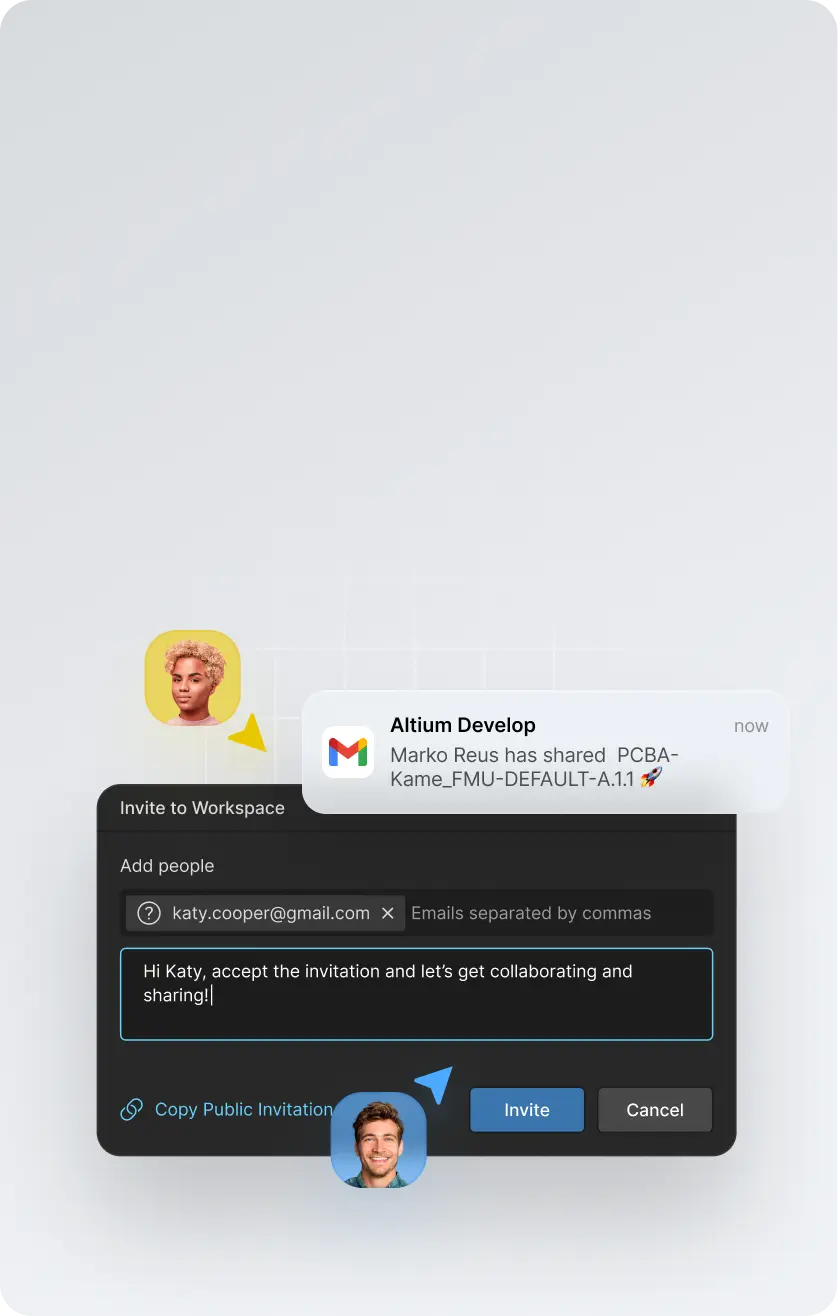

共享至 Altium 365
在安全可控的工作区中集中管理您的设计数据
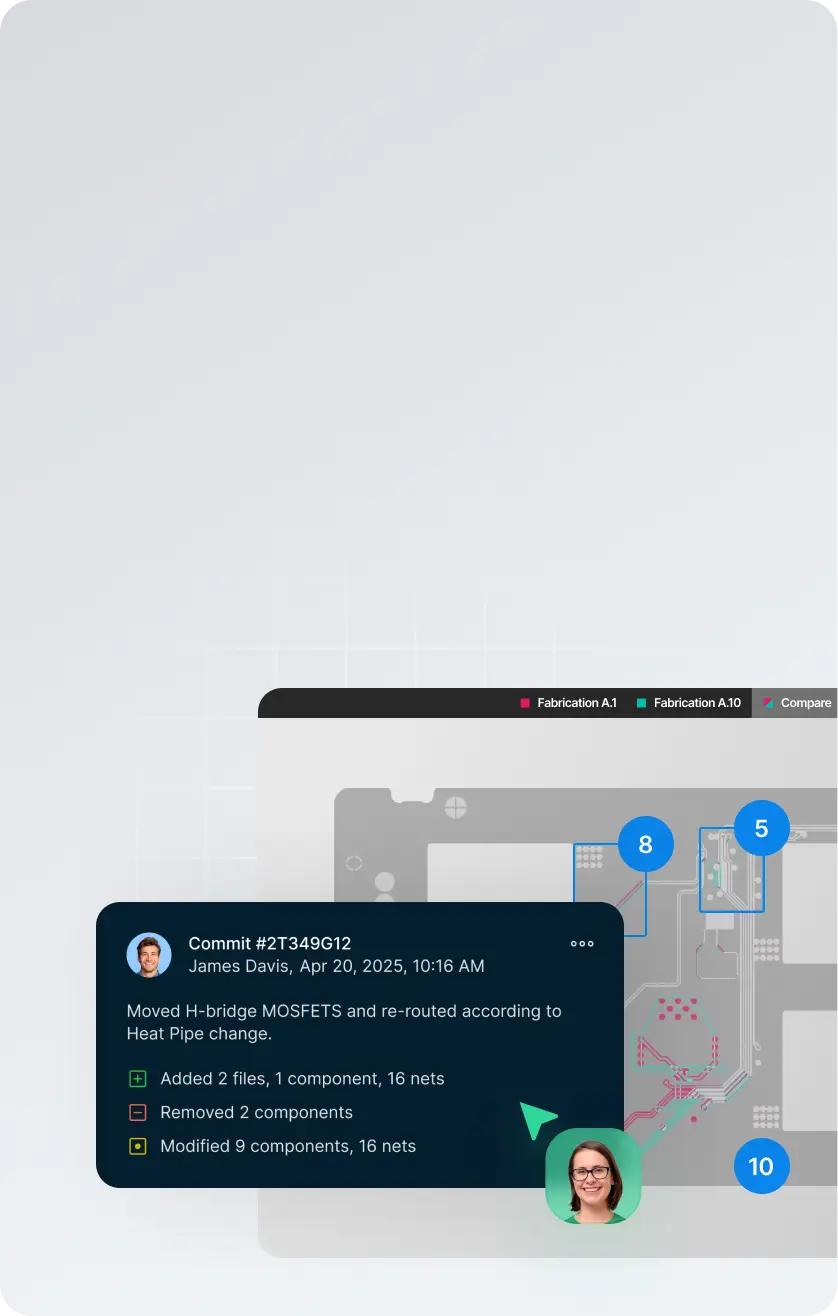

随时随地协作
跟踪变更、比较版本修订并管理发布
/年


开启试用,亲自体验 Altium Develop
需要更多?
每位仅需 1999元/年,即可额外添加最多 4 位 Altium Designer ECAD 设计作者。



深受全球创新者信赖





免费订阅 30 天
如有任何平台相关问题,请点击此处提交反馈
Frequently asked questions
Altium Develop brings professional PCB design and the tools around it into one connected environment, built for individual engineers and lean product teams.
It includes Altium Designer for schematic and PCB design, with connected capabilities for design review, version history, component and sourcing intelligence, MCAD collaboration, requirements, and manufacturing handoff.
The idea is simple: stay focused on designing the board, while the information and people you need can connect to the work when needed — without adding enterprise process or changing the way you prefer to work.
Altium Develop is built for the people doing the engineering work, including:
- Individual PCB and hardware designers
- Independent engineers and consultants
- Startups and small product teams
- Lean engineering organizations that value speed and autonomy
It is a good fit when you need professional PCB design capability but don't need enterprise-level process and governance around it.
Work independently when that's fastest. Bring others into the design when you need review, sourcing input, mechanical coordination, or manufacturing feedback.
Because designing the board is only part of getting a board built.
Reviews happen. Components change. Mechanical constraints move. Someone needs the latest design. Manufacturing needs a clean release. Those handoffs can create unnecessary work when the information around the design is scattered across files, exports, email, and separate tools.
Altium Develop keeps more of that work connected to the design, so you can:
- Design PCBs in the full Altium Designer environment
- Keep design reviews and feedback connected to the right design and version
- See component and sourcing information while decisions can still be changed
- Bring mechanical, requirements, and manufacturing context into the work when needed
- Maintain a clearer path from design through release
You don't have to adopt a new process to use it. Work solo when you want to. Connect other people and capabilities when they help.
Altium Develop uses a subscription model with clear packaging for individual engineers and lean product teams.
Current pricing and what's included are available on the Altium Develop pricing page. You can also evaluate Altium Develop before purchasing to see how it fits your own design work.
Getting started is straightforward:
- Create your Altium Develop workspace.
- Install Altium Designer.
- Open or create a PCB project and start designing.
- Add connected capabilities or invite other people when you need them.
You can begin with PCB design and expand from there. Share a design for review, check version history, work with sourcing information, coordinate with mechanical engineering, or prepare work for manufacturing as those needs arise.
Start with the work you're already doing. Altium Develop connects more of what happens around it without forcing you into a new way of working.
 沪公网安备 31010502006411号