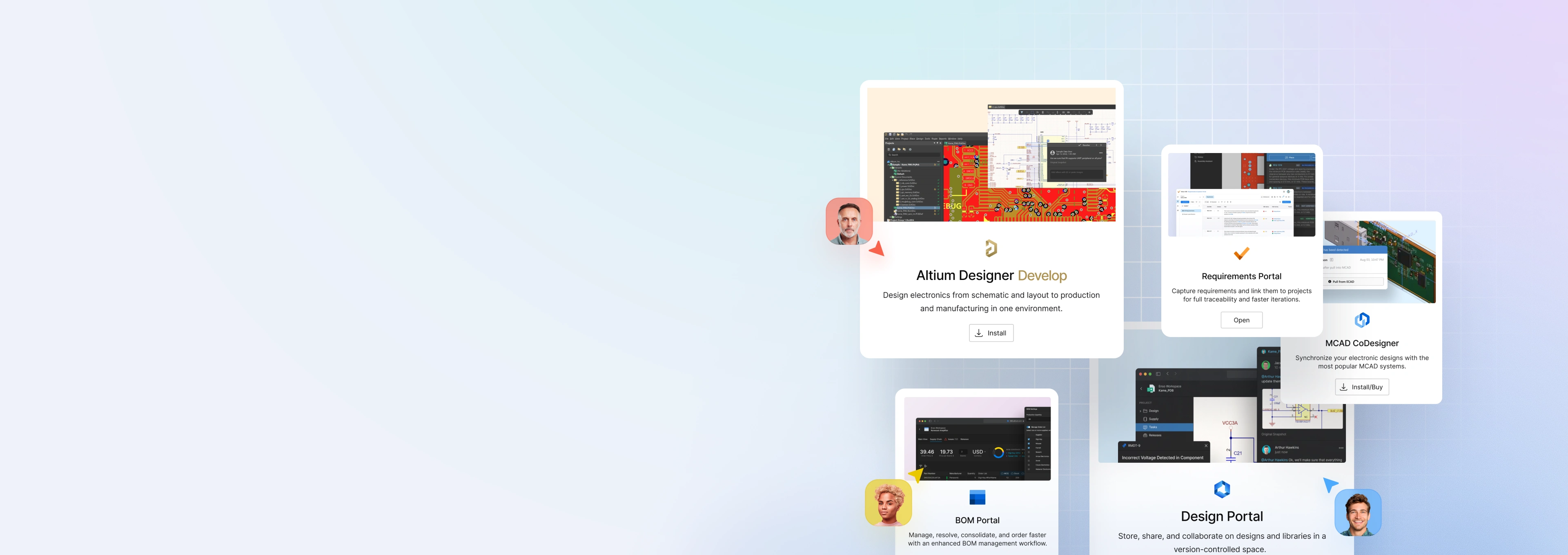

Altium Designer is
now delivered via
the Altium Develop
Platform
The same tools you use today, now with
additional capabilities at your disposal -
all at a new lower price.
What Is Altium Develop?
Altium Develop is 100% Backwards Compatible with Altium Designer Standard

- You can continue to work exactly the way you do today
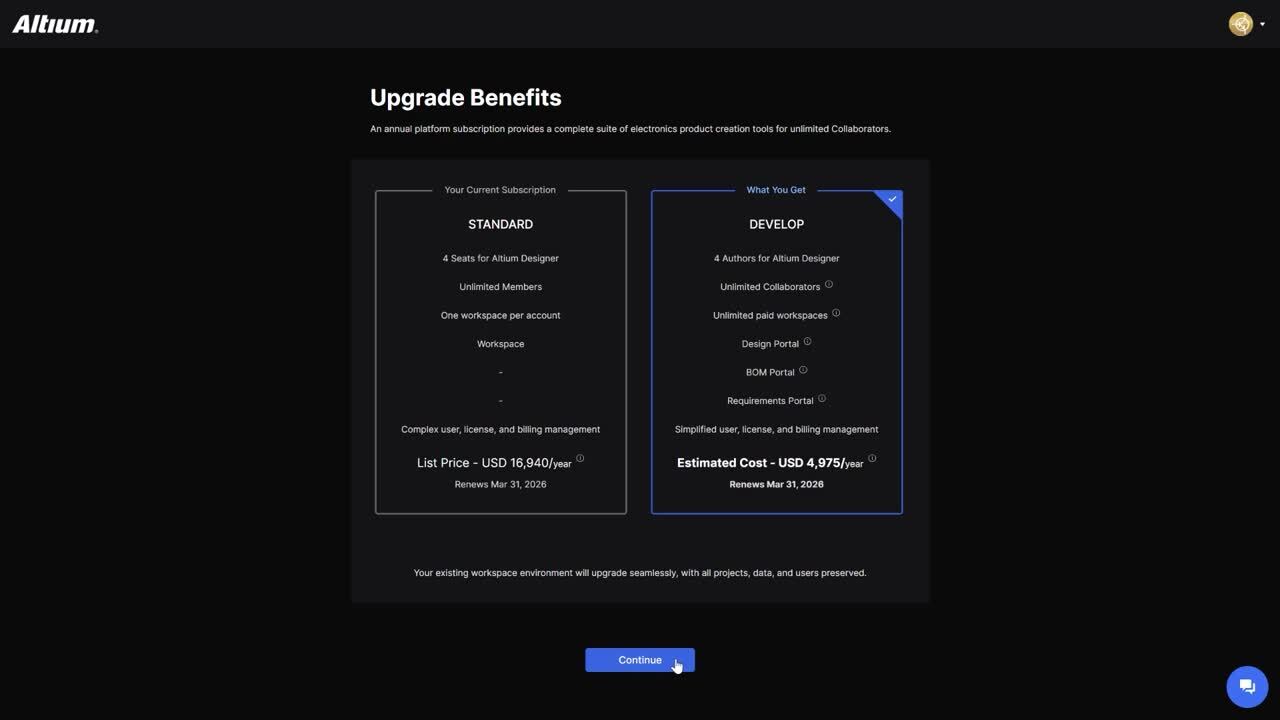
- It costs less than what you’re paying today: Just $1990 USD and each additional license is only $995 USD
- Expanded accessibility as licenses can now be shared across your geographic region
- As an Engineer, what does this mean for me?
Altium Develop Platform

Provides additional benefits and features that you can adopt when the the time is right
All your data and designs
remain intact and untouched

Your new subscription is associated to your existing data and workspace so everything remains intact
How to Update Your Subscription
Update Today
- All Altium Designer Standard customers are eligible to update
- You’re just a few clicks away, it’s that simple
- If you do not currently have an active Workspace, you’ll be prompted to create one
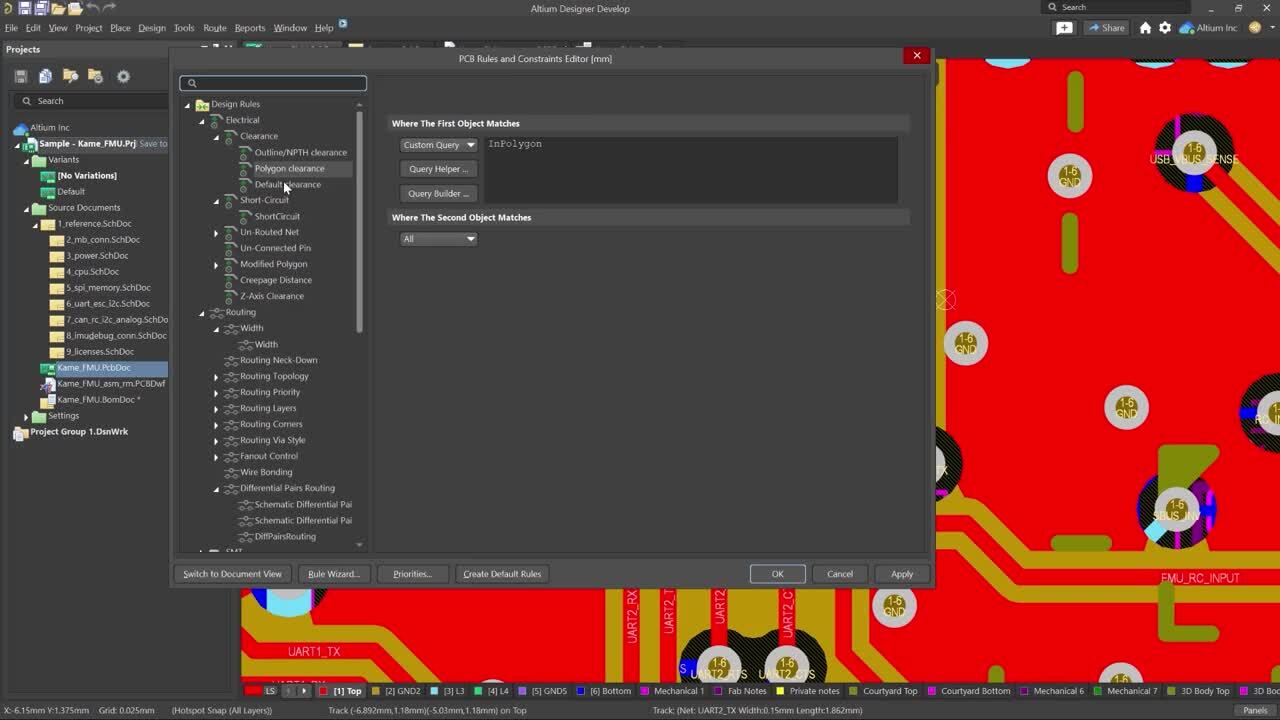
Start designing
in Altium Develop
You’ll log in with your same Altium ID, open your familiar tools, and continue working as before. No downtime. No learning curve. Just a better way to design.

Still Have Questions?
Click below to chat with an Experience Manager who
can answer your questions or help walk you through
the process or check out the FAQ section below.
Altium Develop Capability Chart
Altium Develop keeps Altium Designer’s professional PCB workflow intact and adds Multi-board
and Harness Design capabilities. The designer-first experience stays streamlined by leaving out enterprise
governance overhead, while including platform capabilities you can adopt on your timeline.
Core PCB Design
INCLUDED
Enhanced in Develop
Enhanced in Develop
Enterprise Exclusions
NOT INCLUDED IN DEVELOP
Unified Schematic + PCB Layout Workflow
Rules-Driven Design / Constraints
Hierarchical & Multi-Channel Design
Native 3D PCB Design
Manufacturing Outputs & Release Confidence
Assembly Assistant
Multi-Board Assembly
Harness Design
Real-Time BOM Management
Cloud Part Libraries (optional use)
Push to Manufacturing / Handoff
Design Review in Context
Version clarity and platform-based coordination (optional use)
Single Sign-On (SSO / SCIM)
Group & Organization Management
Advanced Workspace Policy Controls
Data Lifecycle Governance / Release Controls
Event Logs / Audit Logs
Configurable Workflows
Advanced Requirements Verification Management
Turnkey PLM / ERP / MES integrations
Still Not Sure?
You’ve invested years mastering Altium Designer.
Altium Develop is a seamless transition - built for the same engineers, solving the same challenges, with better
tools and lower cost. If you want to take it for a test drive first, you can start your evaluation today.
Common Questions
Nothing. Subscription services are no longer offered on legacy AD licenses, but you retain full ownership of your perpetual license. It will have access to all versions of AD up through your subscription end date. Please note that your perpetual license will NOT connect to your new Develop Workspace.
Altium Develop is 100% backwards compatible with Altium Designer Standard. You do not lose any design capability and now have access to Multi Board and Harness Design functionality. The only difference is how your subscription is delivered on the backend. There are additional features and functions that come with Altium Develop which you can adopt on your own timeline.
It costs less than what you’re paying today: Just $1990 USD and each additional license is only $995 USD
You can have up to 5 concurrent Design Authors (those who are actively designing and editing projects) while you get unlimited collaborators who can view, comment and participate without using a paid author license.
The Altium Develop platform provides the flexibility to manage your data in the cloud, offering secure storage and version control. However, you can continue working in a local environment and saving your data there. You are not forced to store things in the cloud.
Altium takes cloud security seriously. Our platform is built on industry-standard security practices — including encrypted data transfer and storage. We also comply with global data-protection and privacy standards to ensure that your designs and IP remain safe and under your control. For detailed information on our certifications, encryption standards, and compliance framework, please visit our Altium Trust Center
For most customers, moving is simple. Click HERE to update your licenses to the Develop Platform. If you currently have a Pro Subscription, please contact your account manager.
No, your Workspace and data will remain intact and will not be touched. Your new licenses will simply be tied to your existing Workspace and data.
New customers can create an account and get a 30 day trial of Altium Develop. Exisitng customers are encouraged to simply move their licenses to Develop.
Yes, licenses are floating and can be used in a Continental scope
Yes - Altium Designer projects can be created, edited, and passed between Develop and Non-Develop workspaces.
Yes, you can move to Develop anytime. When you update your account, your will retain your existing license/subscription end date. Once in the Develop Platform you can easily extend your subscription and add any additional licenses needed.
Yes, within the Develop platform you can change your default payment method from credit card to Purchase Order and click to generate a quote. You can then upload your Purchase Order against that quote.