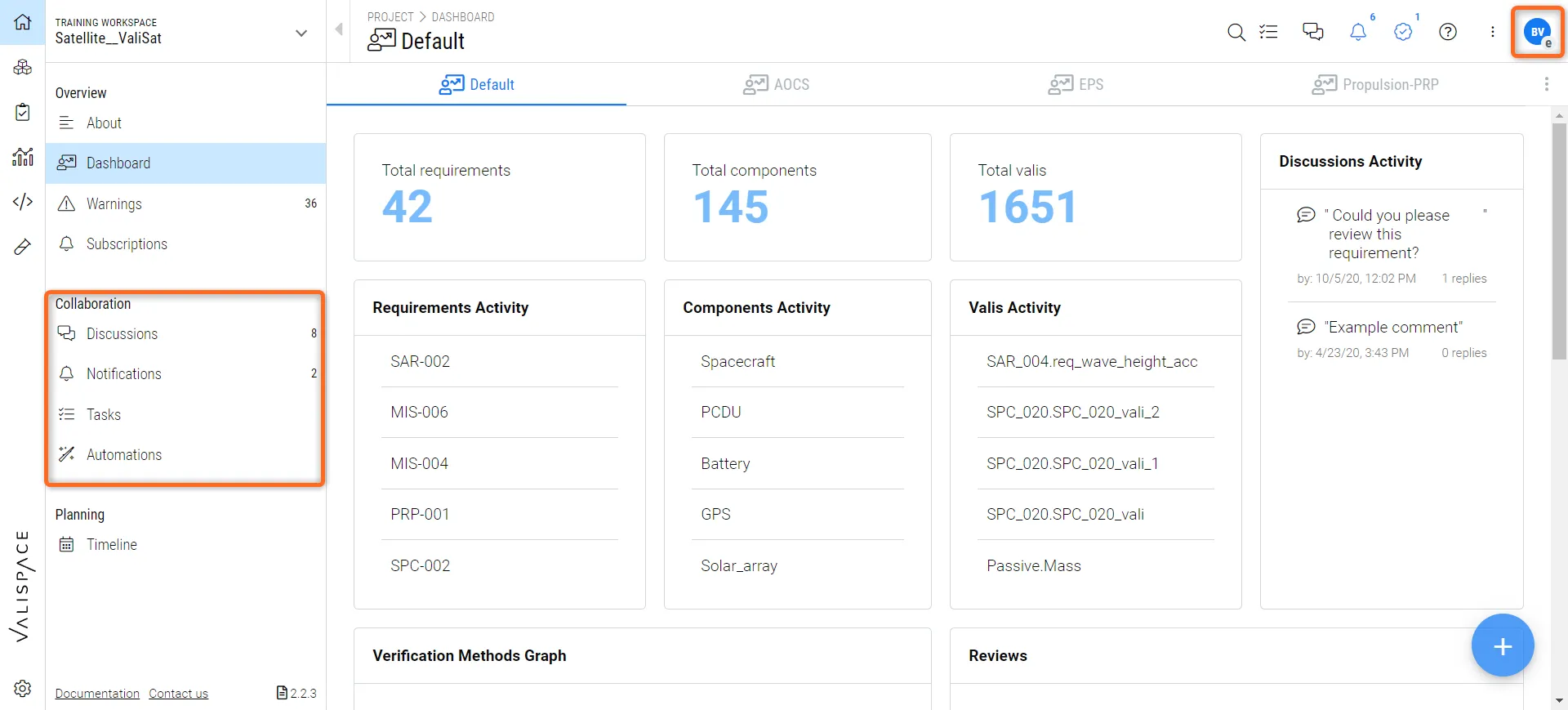
Adding External Users
Let's first explore the possibility of adding a user as an external when creating a new user. You can tick the user as an external in the “Create User” dialogue box, as shown in the image Adding users as external.
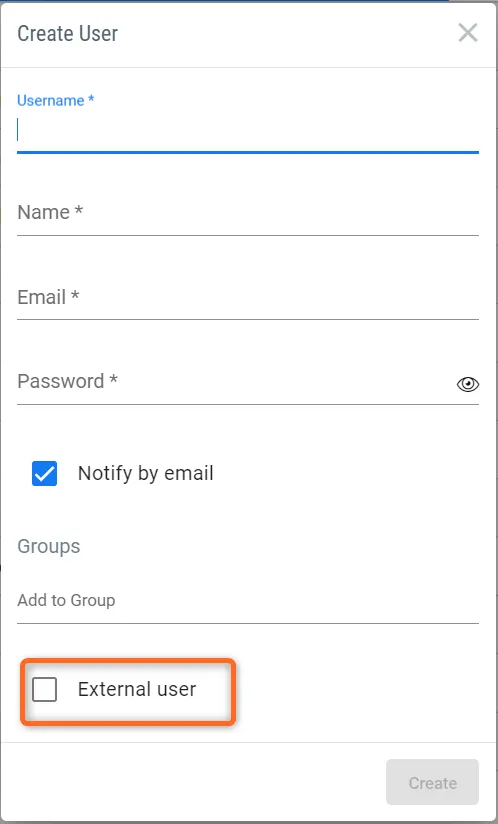 Adding users as external
 If you have already created the user without selecting this option, you can change it directly in the collaborators. You can double click on the cell of “External” and the username. This opens up a dialog box with the option “True” and “False”. Selecting the option “True” makes the user external.( refer to the image Assigning existing users as external in the collaborators sections)
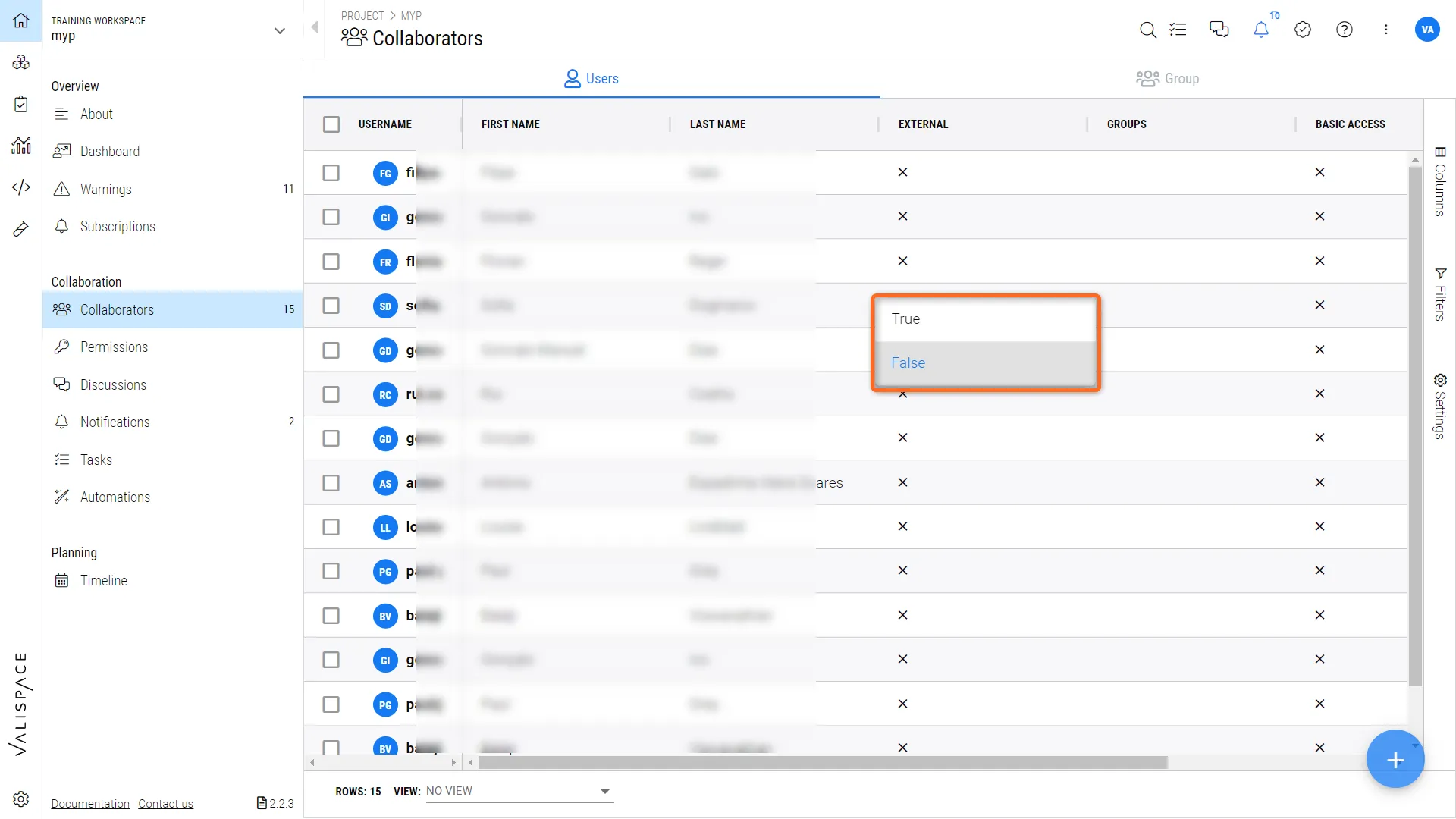 Assigning existing users as external in the collaborators sections
What can external users do?
If the admins assign the user as an external user:
-
They won't be able to read the internal discussions
-
They won’t be able to see the list of collaborators and the permissions page