
Automated Verifications
Updated: February 04, 2025
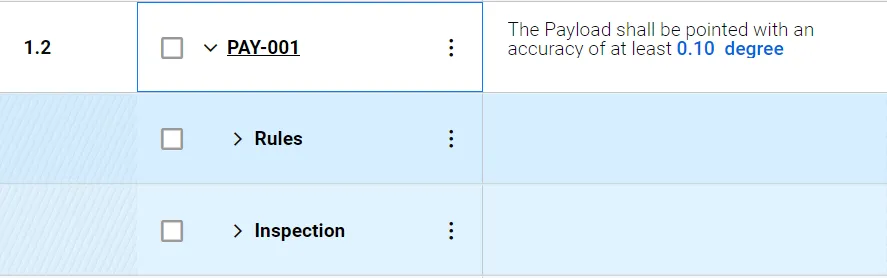
Verification Methods
Here you can:
-
In the Verification Methods column on the requirements table, you can assign different verification methods to each requirement
-
Each requirement can have one or multiple verification methods
-
You can easily track the status of the verification in the status tab
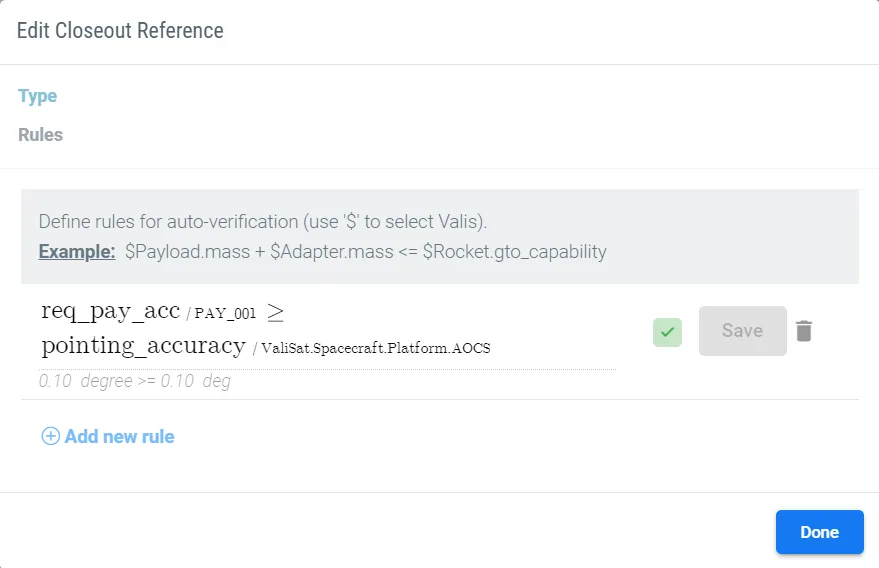
Verify by rules
-
Create new rules in the Closeout Reference column on the requirements table in order to make more specific verifications for your requirements
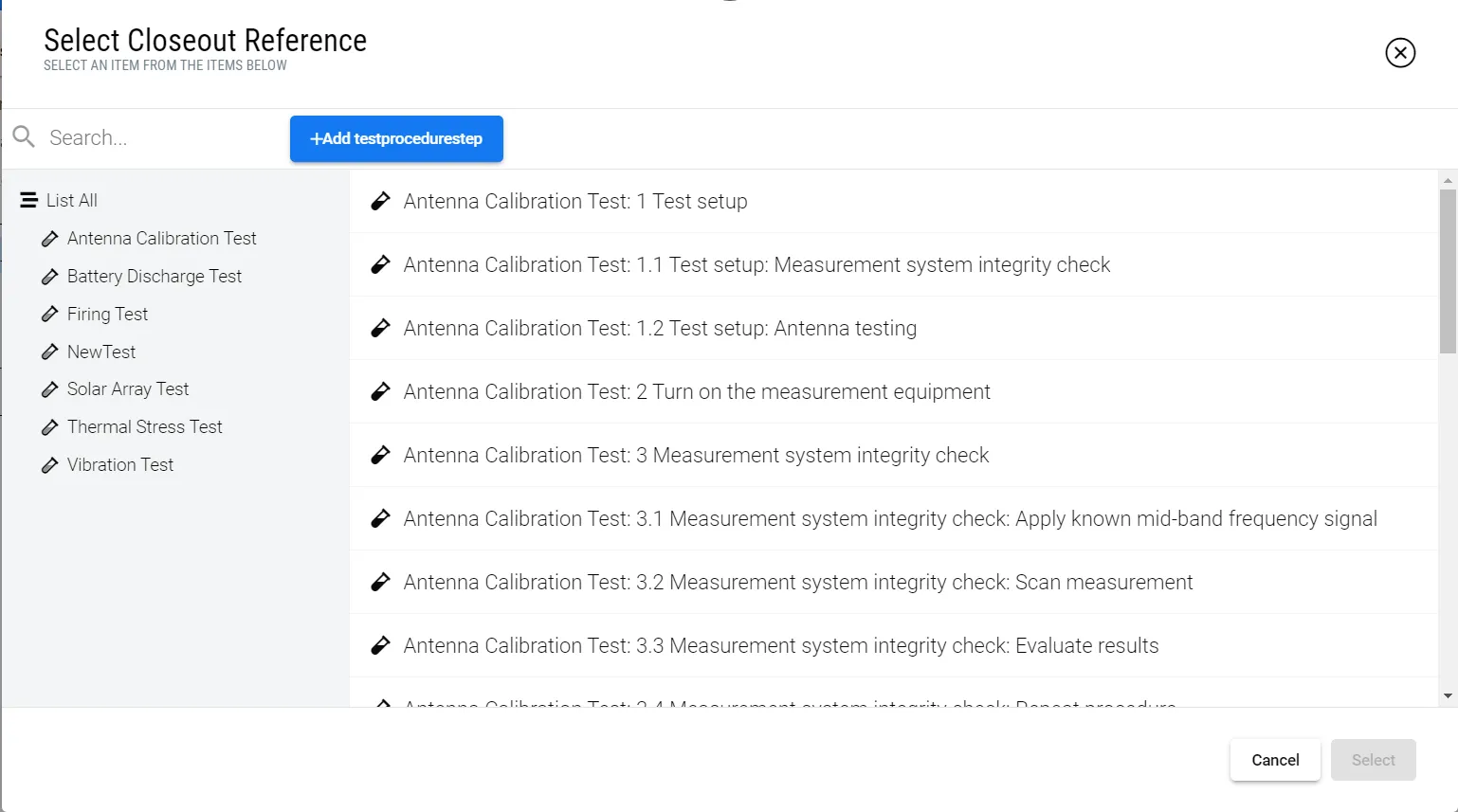
Connect to Test Procedures
-
Select different test procedures that will allow you to verify the requirement with ease.