
Interface Management
Created: January 23, 2025 | Updated: February 04, 2025
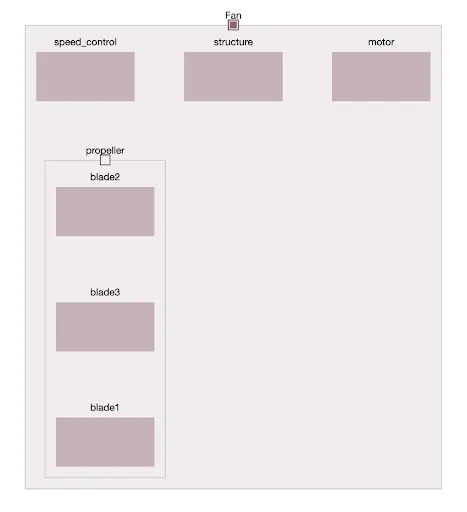
Manage the physical and logical interfaces between the hardware Blocks of your project.
-
Blocks Connections allows you to model the connections between your system Blocks
-
You can easily keep track of all interfaces and interactions in your system
-
Blocks can be linked to other Blocks in your system
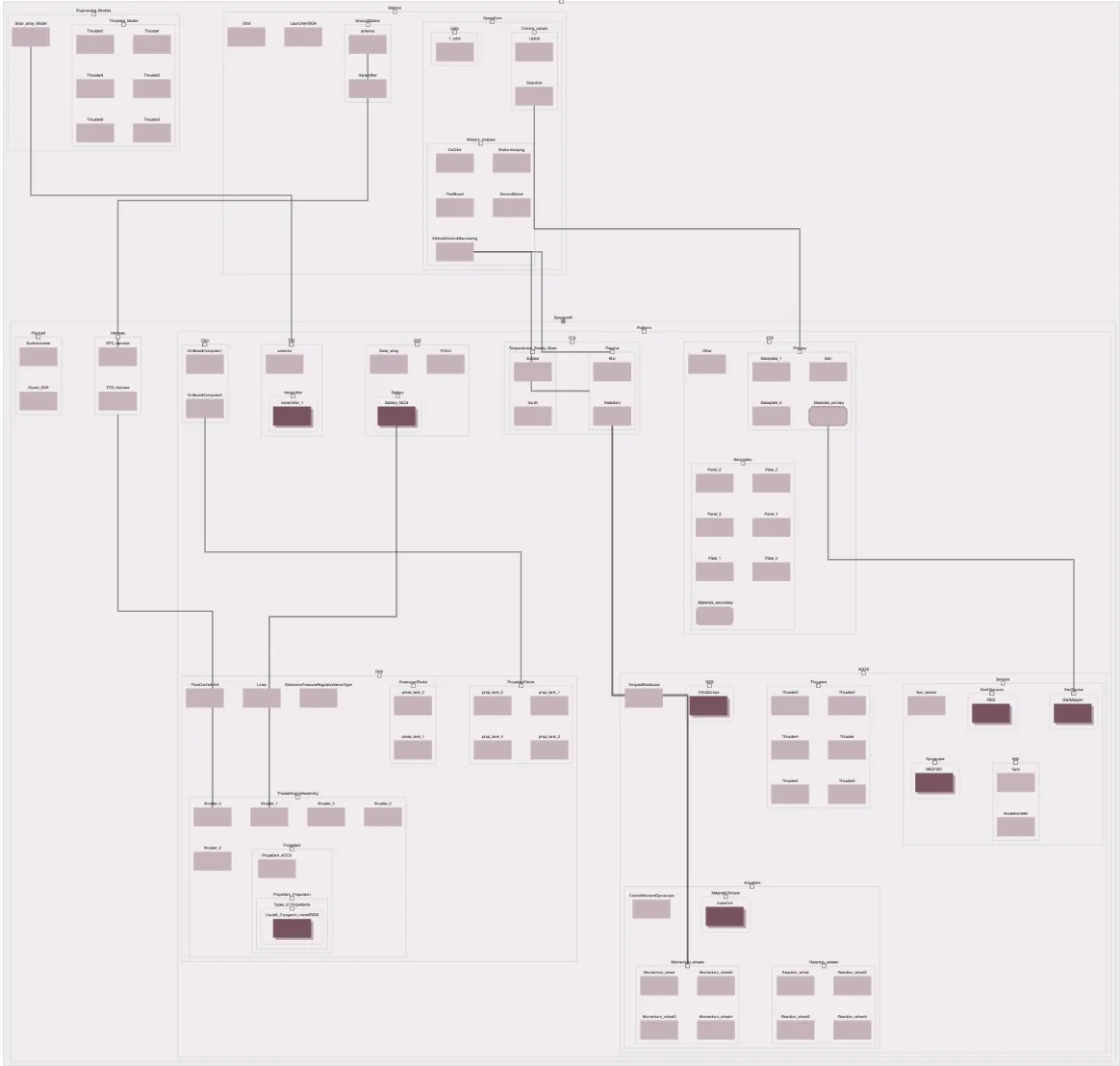
In the connections tab, you can:
-
Create and visualize the connections between elements graphically
-
Rearrange the Blocks the way you want
-
Add Tags, Tasks, Discussion and notifications to each connection
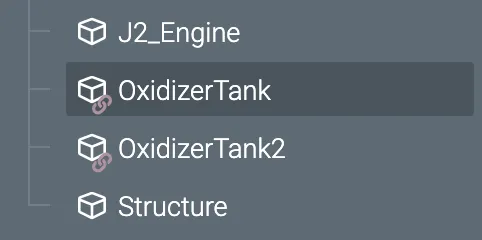
Created connected copies of Blocks
-
Duplicate and reuse Blocks with ease
-
Once copied, the Blocks will be linked, meaning they will be automatically updated wherever you use them