
Requirements Breakdown
Updated: February 04, 2025
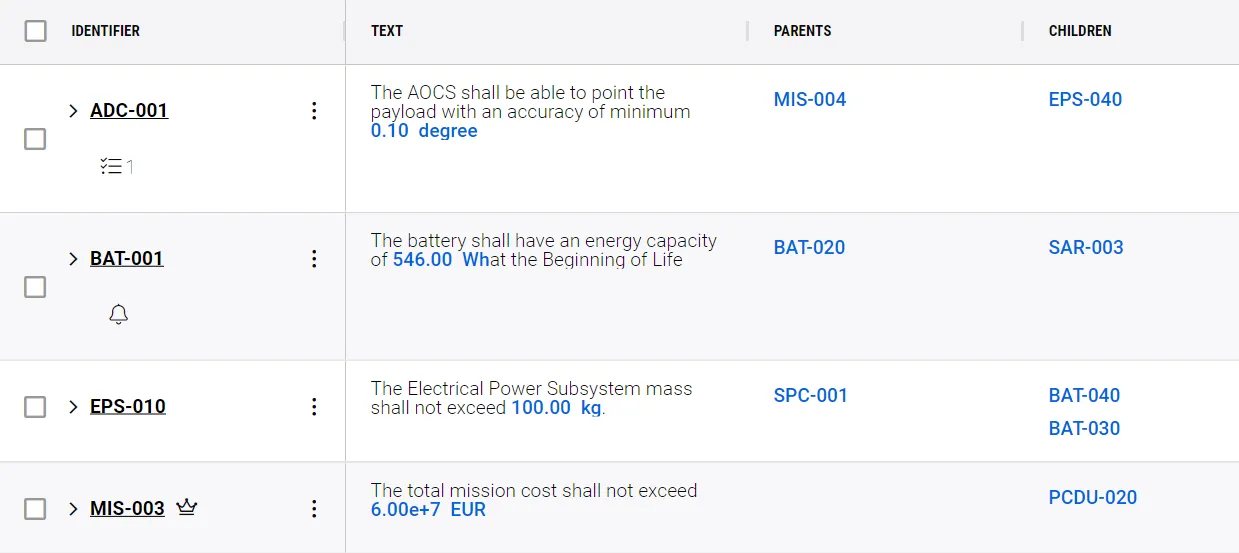
Parent-Children Breakdown
-
In this column on the requirements table, you can easily see which blocks in your project are linked in parent-child relationships
-
When you make changes to one of these blocks, the respective changes will automatically update if necessary.
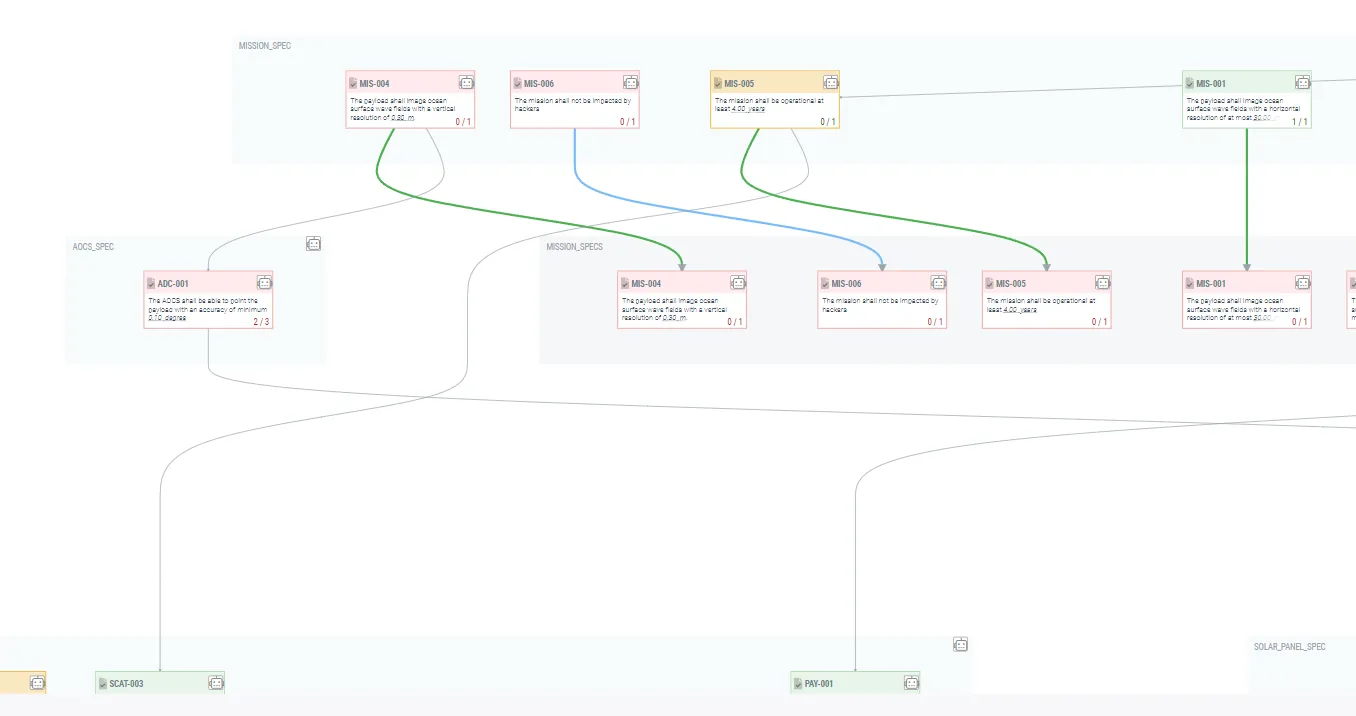
Requirements Connection Graph
-
The Connections Graph allows you to visualize all your parent-child connections
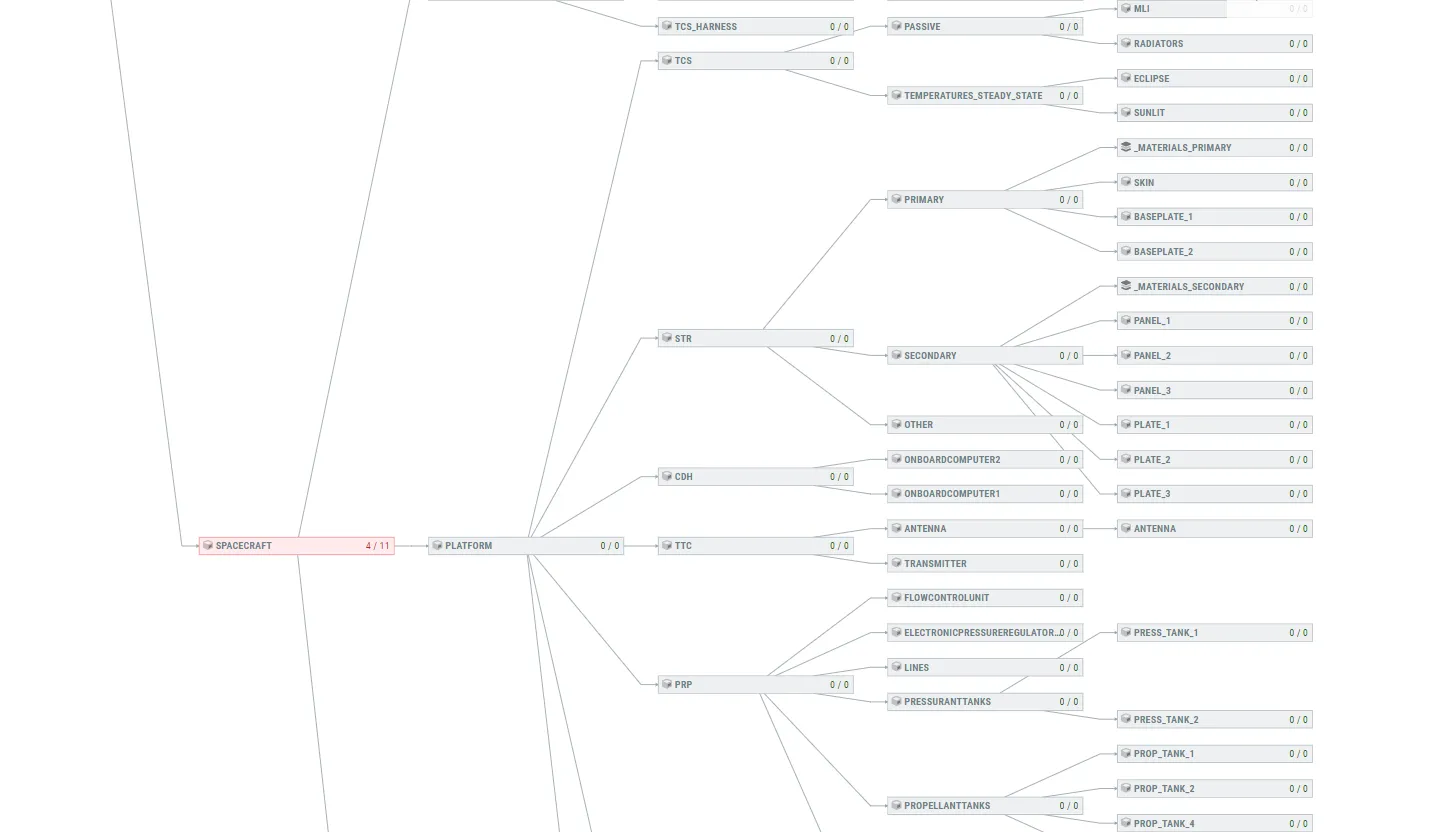
Tracking Verified Children
-
In the status tab, you can also track the number of verified children
-
This can be seen on both a table or a graph
-
The verified children are in green