Jira Integration
Synchronize your electronics design process with Jira
to streamline hardware project management.
Save Time & Manage Errors with Simplified Task Tracking

Use Jira for hardware development to save engineering hours and reduce errors. Bi-directional synchronization eliminates the need to manually update information in both Altium and Jira—an update in one updates the other
Enhanced Project Visibility Sharpens Decisions & Results

Automatically synchronize Altium and Jira tasks so you can always look up a detailed status of your electronics projects. When engineering leaders don’t demand periodic status reports, teams focus on uninterrupted work.
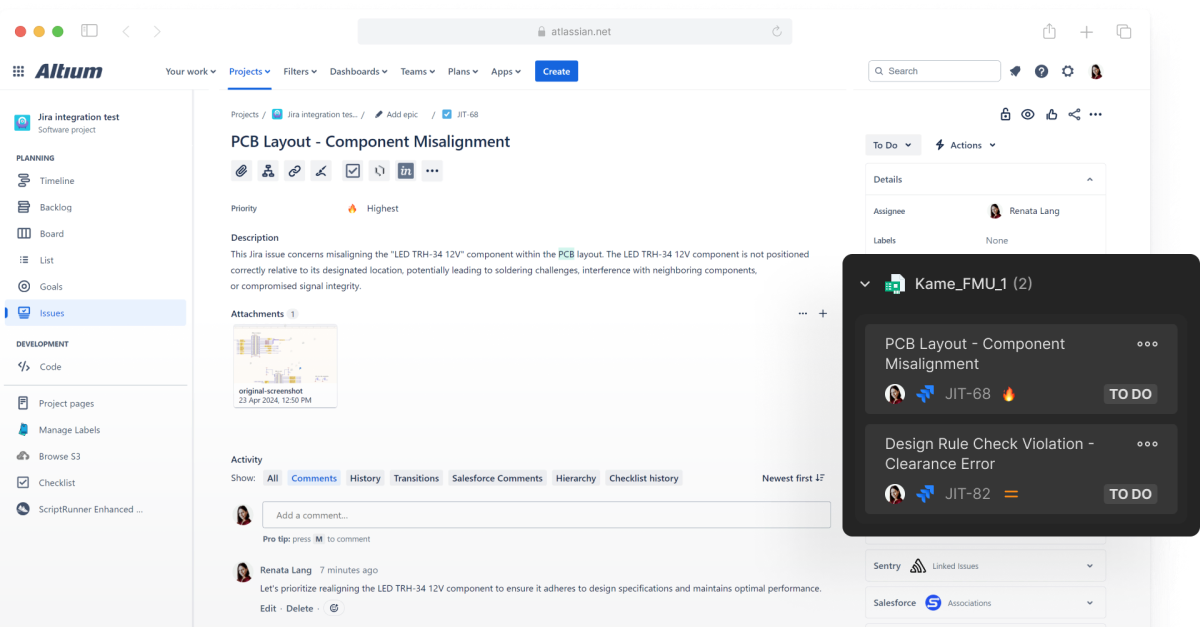
Show Project Tasks with Visual Context & Details

Altium’s integration with Jira keeps engineering tasks organized. That structure helps teams share details across channels, including email notifications, kanban boards, and issues tied to a design or schematic.
Key Capabilities

Jira Integration with Real-Time Task Tracking and Updates
Distributed teams often work in different locations and time zones. To synchronize colleagues as they manage multiple tasks and responsibilities, real-time updates in Altium streamline task exchange and tracking.
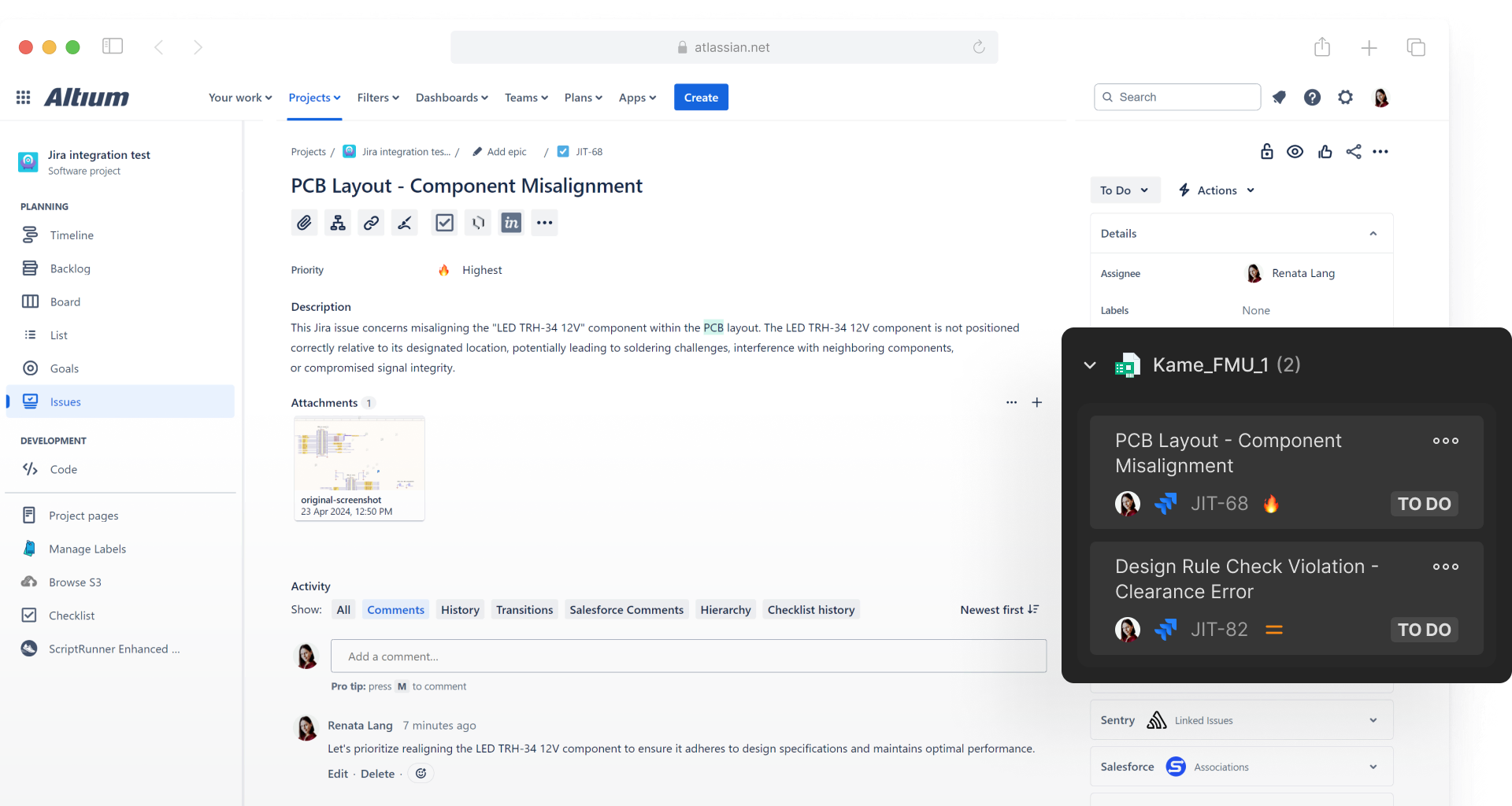
Secure Bi-Directional Integration for Automatic Updates
Altium and Jira auto-sync tasks, issues, statuses, and comments. Everyone learns that they can trust the status they’re seeing, whether they’re working on the project every day or supervising progress periodically.
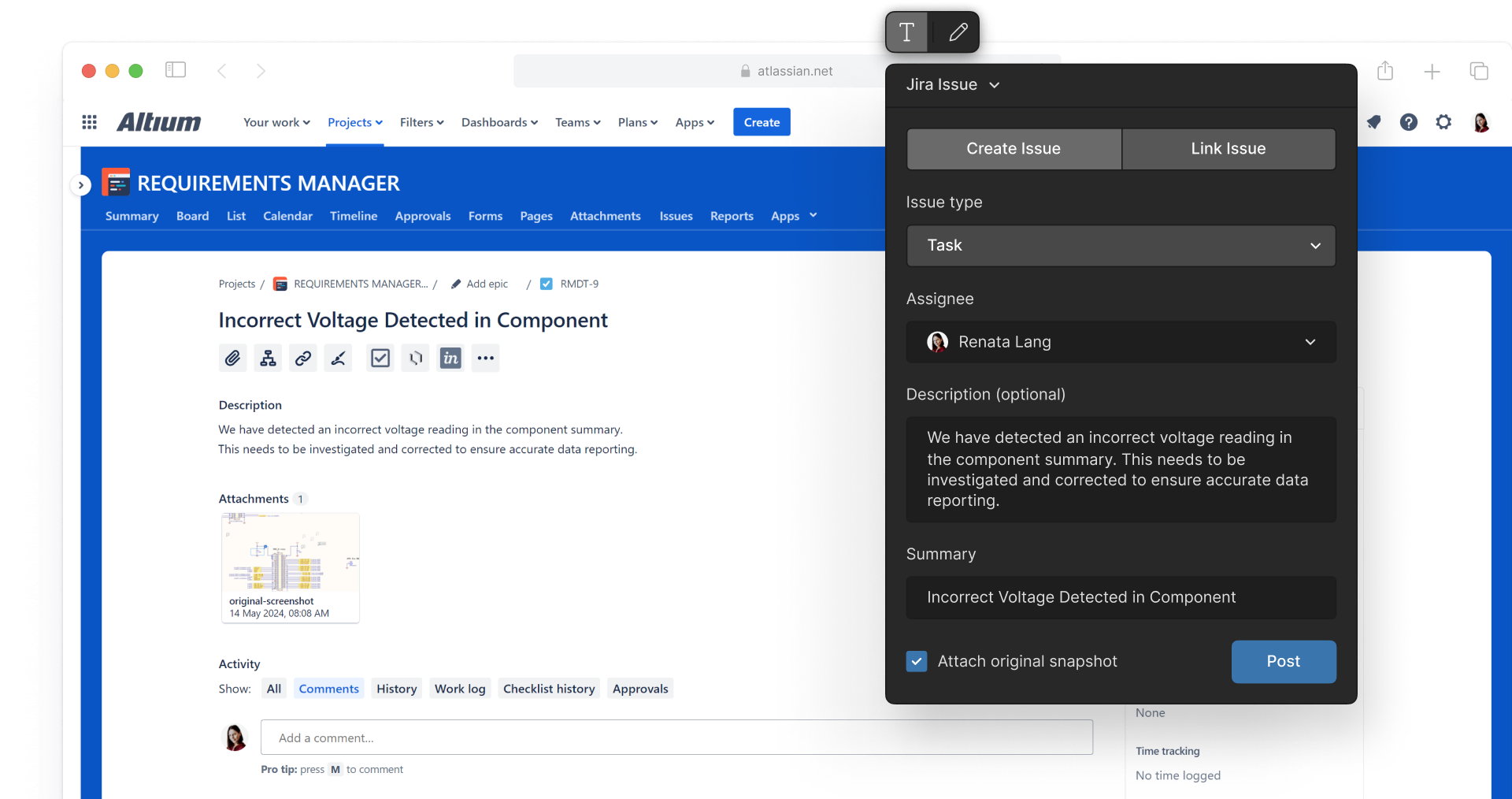
Tasks Without Context are Like Maps Without Street Names
When Project Managers invite collaborators into a workspace, they risk causing disorientation. Altium can present tasks in a user’s favored channel, be those email notifications, kanban boards, or within the design file.
FAQs
Integrating Jira with your electronic design software streamlines hardware project management, making it faster and more accurate. With bi-directional synchronization between Altium and Jira, tasks, comments, and statuses update automatically, eliminating manual data entry and minimizing errors. Engineers stay focused on their design work in their preferred environment, without needing to switch between tools.
When a ticket is marked as done, the comment will be hidden by default but will remain visible in the Done column of the task dashboard in your Altium workspace.
Yes, multiple Altium projects can be mapped to one Jira project.
No, you must decide during creation whether to create a comment/task or to create/link a Jira issue. You cannot convert an existing Altium comment into a Jira issue.
Resources
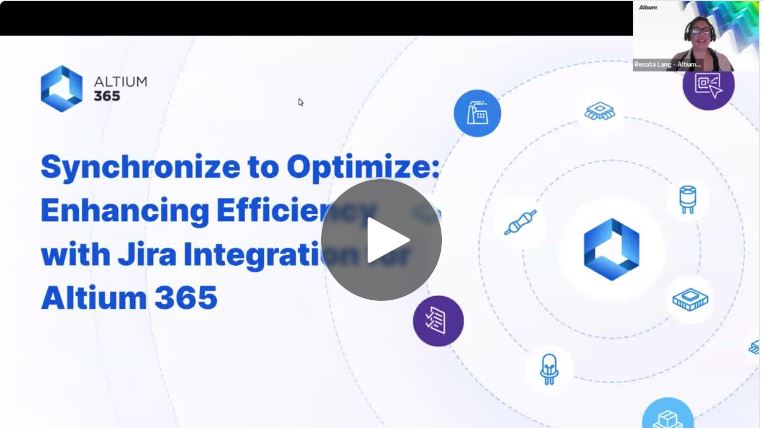
Webinar
Synchronize to Optimize: Enhancing Efficiency with Jira Integration

Blog
Introducing Jira Integration for Altium 365: Streamline Your Electronics Design Workflow
Guide
Jira Integration:
Onboarding Guide

Contact Us
to Learn More About
Altium Agile
Platform-based solution for electronics product
and systems, delivering control without complexity
Complete this form and our sales team will reach out to answer your questions about Altium Agile Teams or Altium Agile Enterprise.