
Find The PCB Tool That Fits How You Work.
For the Professional Engineer
Working Independently
Working on your own means every decision is yours to make.
The right tool can quietly remove friction — while the wrong tool
can make the problem worse. This guide compares KiCad and
Altium Designer based on the real jobs solo engineers do every day.
- No credit card
- No sales outreach
- Design whatever you want
Which Of These Describes
Most Of Your Projects?
Pick the statement that sounds most like your day-to-day work.

KiCad often fits well here - low startup overhead, no licensing friction, fast iteration on familiar board types.

Altium Designer can also pay off once past initial setup; routing automation reduces manual thinking on repeat topologies.
Trial tip: Route familiar board in Altium. It feels faster? If not, KiCad is the right call.
The question is not whether KiCad can do it. The question is how much manual vigilance the tool demands from you.
This is where the cost of missing features starts to rise. Constraint handling, real-time rule awareness, and earlier visibility into problems start to matter more than tool cost alone.
Trial tip: Take a layout with tight constraints and test how early each tool surfaces problems.
KiCad supports hierarchical sheets and symbol libraries, but cross-project reuse requires manual folder management and discipline.
Altium Designer's managed libraries and design reuse blocks let you maintain a single source of truth across projects — update once, propagate everywhere.
Trial tip: Import your most-reused block into Altium's Managed Content. See how fast the next project starts.
KiCad produces clean, industry-standard Gerber and ODB++ files accepted by all major fabs — but documentation requires more manual templating.
Altium Designer's output manager makes standardized fab and assembly packages faster. When you need to quickly and repeatedly generate client-safe output packages, documentation workflow matters.
Trial tip: Generate a full fabrication and assembly package in both tools, and review it as a manufacturer would.
KiCad is free and open-source with community-driven updates. Ideal when budget is the primary constraint and your designs fit its capabilities.
Altium Designer’s cost has come down, but it only makes sense if the tool clearly reduces respins or speeds up billable work enough to justify the cost.
Trial tip: Track hours saved during your 30-day trial. Multiply by your rate — the ROI math usually answers itself.
What You're Trying To Do -
And How Each Tool Handles It
Click any workflow to see how KiCad and Altium compare.
Strong in lower-to-mid layer designs and the embedded/mixed-signal space. Advanced designs are achievable, but DDR memory, rigid-flex, and multi-gigabit interfaces typically require more manual setup or external analysis.
Takeaway: KiCad works well within its sweet spot. As complexity grows, Altium reduces setup effort, manual checks, and rework; these are advantages that compound the more projects you do.
Integrated high-speed toolbox: xSignals, impedance and stackup management, length and delay tuning, and mature rigid-flex support. Less time setting up rules and validating constraints means faster iteration on demanding boards.
Trial tip: Start a rigid-flex or 10+ layer board and apply your usual high-speed rules. Time yourself and compare how quickly each tool gets you from stackup definition to validated routing.
Solid DRC that works well when you have clear net class habits and a structured review process. Most engineers who've used KiCad seriously make it work fine; it just depends on your own discipline to catch what the tool doesn't flag.
Takeaway: If a single respin costs you a week of schedule, a client conversation, and more than a year of Altium's license, stronger constraints pay for themselves on the first avoided mistake. If your boards rarely carry that risk, KiCad's approach is fine.
Strong constraint system with real-time DRC that's always running. On dense or high-layer-count boards, issues surface while you're still routing — not during review or after fabrication.
Trial tip: Intentionally violate a clearance or impedance rule in both tools. Compare how quickly each one tells you, whether you'd have caught it on your own, and how much time that gap would have cost you on a real project.
Full control over your libraries. Also full responsibility. Symbols, footprints, and parameters stay aligned only if you maintain them, and sourcing data like lifecycle status and availability typically live outside the design environment and are often checked separately, sometimes too late.
Takeaway: If your library hygiene is one of your strengths and sourcing surprises rarely affect your projects, KiCad's approach works. If library drift or late-stage BOM problems keep costing you time and client confidence, built-in structure and real-time part availability start paying you back on every project.
Managed libraries with enforced structure across symbols, footprints, and parameters. Supplier data, lifecycle status, and part risk are surfaced inside the design workflow, not in a separate spreadsheet or supplier tab you check after layout.
Trial tip: Find a used component in your library. Check whether it's still in active production, not just in stock, but not NRND or EOL. Note whether you had to leave your design environment, and what it would cost to discover that status change at quoting versus catching it during selection.
Produces standard manufacturing outputs: gerbers, BOMs, pick-and-place files. Assembling a complete, consistent release package with drawings, notes, and documentation depends on your own templates and process.
Takeaway: This isn't about whether either tool can output files. It's about how much manual assembly, checking, and templating still lands on you before every release, and what that time costs when you're billing for design, not paperwork.
Integrated output job files, documents, and repeatable release configurations. Set up a release package once and regenerate it cleanly across revisions and projects.
Trial tip: Generate a full fab and assembly package and inspect the output as if you were handing it to a CM today. Time the whole process and note how much of it you'd have to redo on the next project.
Git-friendly, text-based version control. Works well for engineers already fluent in Git-based workflows. Seeing what actually changed in the schematic or layout requires additional steps outside the editor.
Takeaway: Both can track changes. The difference is how much effort it takes to understand what changed and whether that understanding is immediate or indirect.
Graphic-based Git version control. Visually compare changes in the schematic, layout, BOM, and gerbers - no searching, no command line.
Trial tip: Make a few schematic and layout changes in a real project. Time how quickly you can answer: what changed, where, does it matter, and how long would it take to explain that change to a client or reviewer?
Excels as a programmable platform. Python-based extensions, custom DRC scripting, and a deep community automation ecosystem make it a natural fit for engineers who want full control over their workflow. That flexibility is real, but building and maintaining custom tooling is time you're not billing.
Takeaway: If you want to extend your CAD tool the same way you extend your IDE, KiCad is the clear winner. If you'd rather skip the tooling work and rely on built-in automation that's already there, Altium gives you that time back for billable projects.
Favors integrated workflows over open extensibility. Scripting exists but is more limited. The tradeoff is that output jobs, design rule templates, and managed release processes handle common repetitive work without writing code.
Trial tip: Pick three repetitive tasks from your current process — generating outputs, checking rules, and updating documentation. Time yourself on each and compare which tool lets you automate or eliminate them faster, whether through scripting or built-in workflow.
Choose Based On Your
Typical Week - Not A Feature List
Both tools are used by real engineers in production. The right one depends on
what you design, how often you design it, and what your clients expect.

When the tool works, spending more doesn't
Buy the open source product that matches your needs
- Your boards are under 6 layers and rarely require signal or power analysis
- You catch errors through your own review discipline, and respins are rare
- Your library system is tight, and you rarely hit sourcing surprises at handoff
- Your clients accept standard Gerber/ODB++ packages and don't ask for polished documentation
- You're comfortable setting up and managing version history in Git
- You enjoy building custom tooling, and the time investment pays off across projects

When your work demands it - or your clients do
Buy the product that matches your needs
- You're taking on denser, higher-layer, multi-board, or rigid-flex work - or want to
- A single respin would cost you more than the tool does in a year
- You'd rather have the tool manage library consistency and flag part risk for you
- Clients expect professional release packages with minimal back-and-forth
- You need to see what changed visually without leaving the editor
- You'd rather use built-in automation than build and maintain your own

One Solution For The Many Hats You Wear
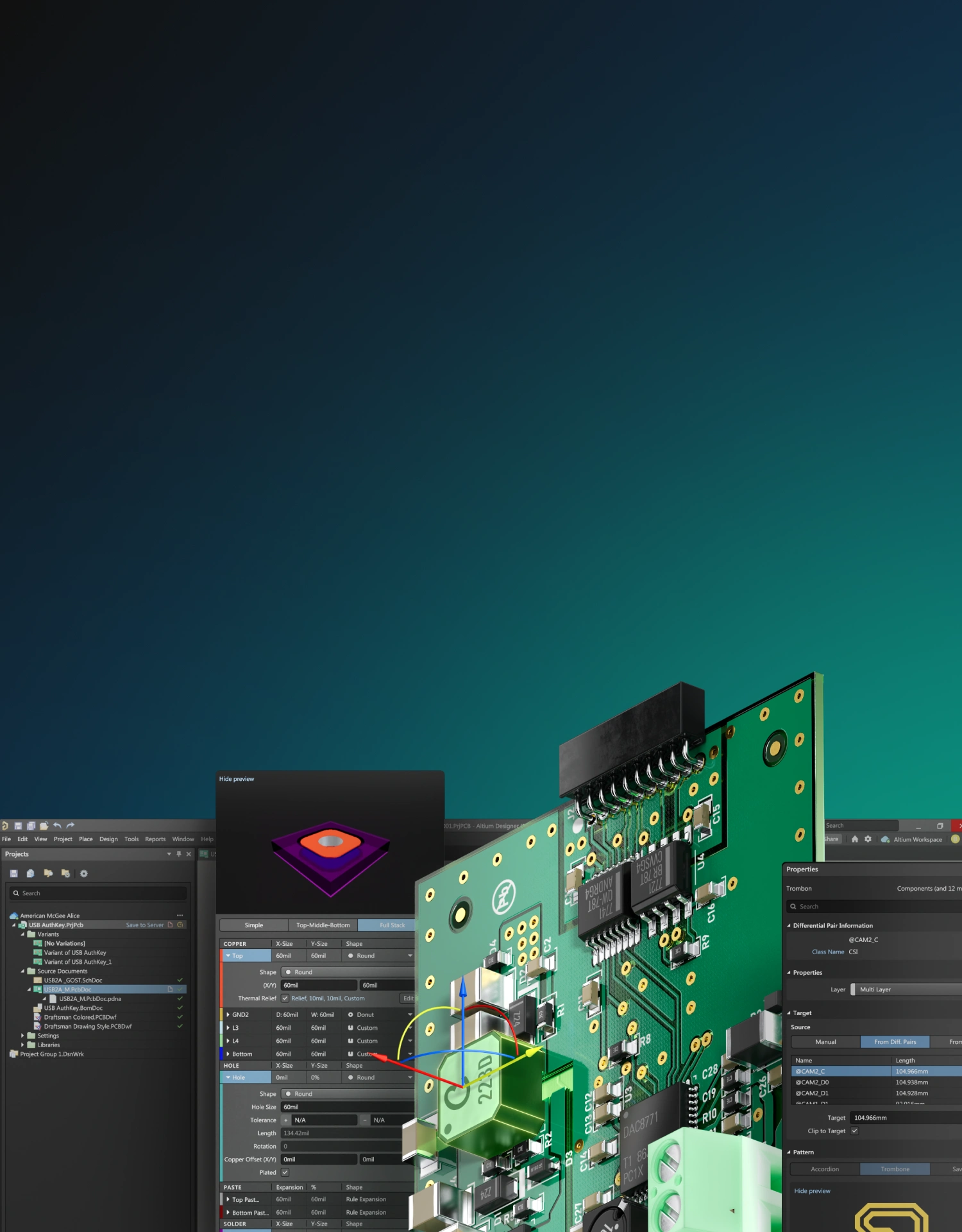
Altium Develop
Design is only part of the job.
You also define requirements, source parts, share progress, deliver releases, and manage costs; all while keeping projects moving. Altium Develop brings those pieces together so the work between steps takes less effort. It connects your design environment to the broader jobs you already do.
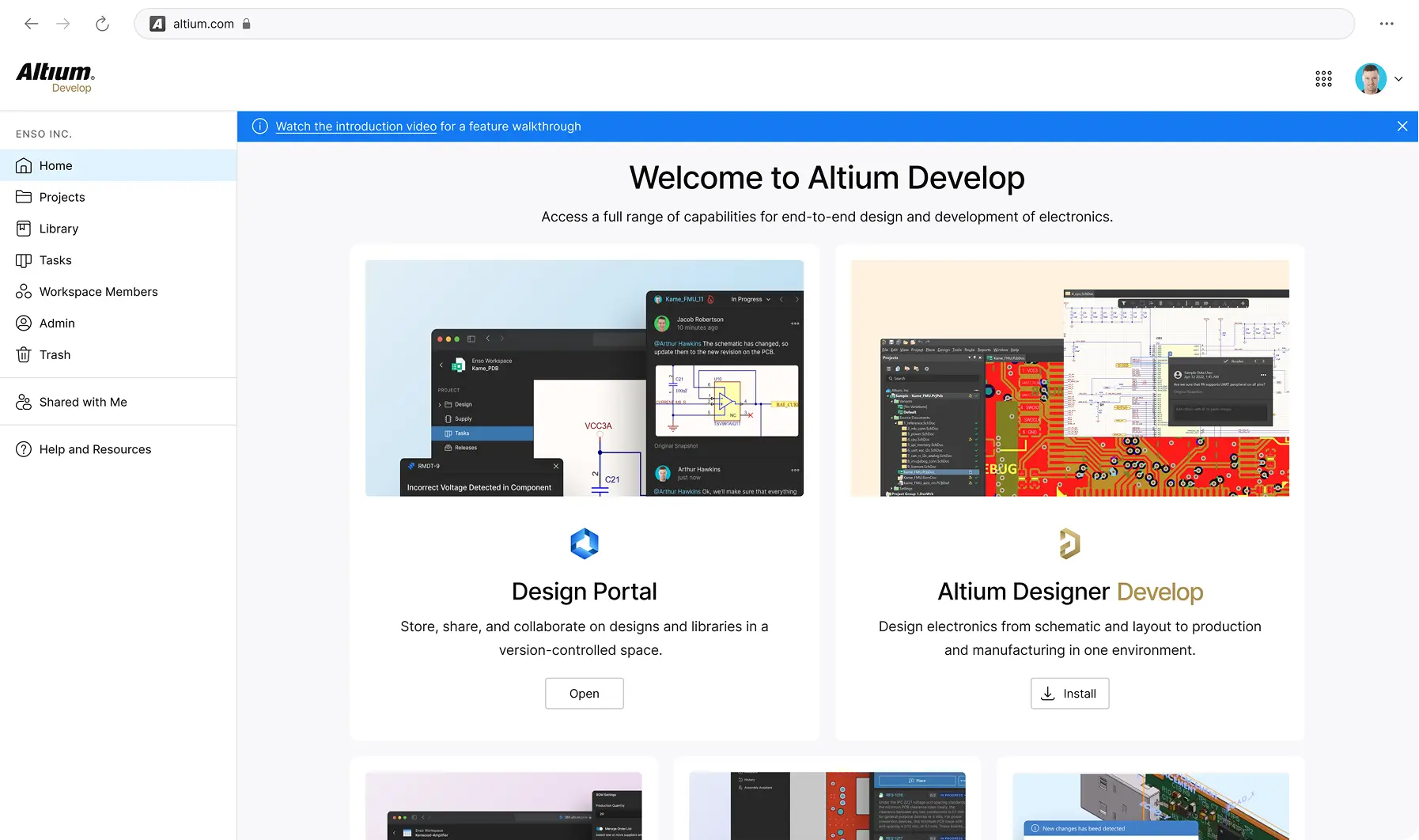
Define
Link requirements directly to design items so nothing gets lost between the spec and the board.
Source
Find, validate, and manage components with supplier data and approved component lists built into your workflow.
Share
Clients and reviewers see designs directly in the browser - no Altium license needed. Comments and markups happen on the actual design, not in a separate thread.
Deliver
Generate and manage release packages (Gerbers, BOMs, assembly docs) with revision tracking so nothing ships without a record.
Track
Version-controlled design history with visual diffs and an audit trail so you always know what changed, when, and why.

Free 30-day trial.
No pressure
attached.
Design whatever you want. Treat it as a workflow
experiment, not a commitment.
- Design any board you want during the trial
- No credit card required to start
- No sales contact unless you request it
- Optional technical support if you get stuck
Start Free
Free 30-day access. No credit card required.
Are You A Student? Enroll in the Student Lab