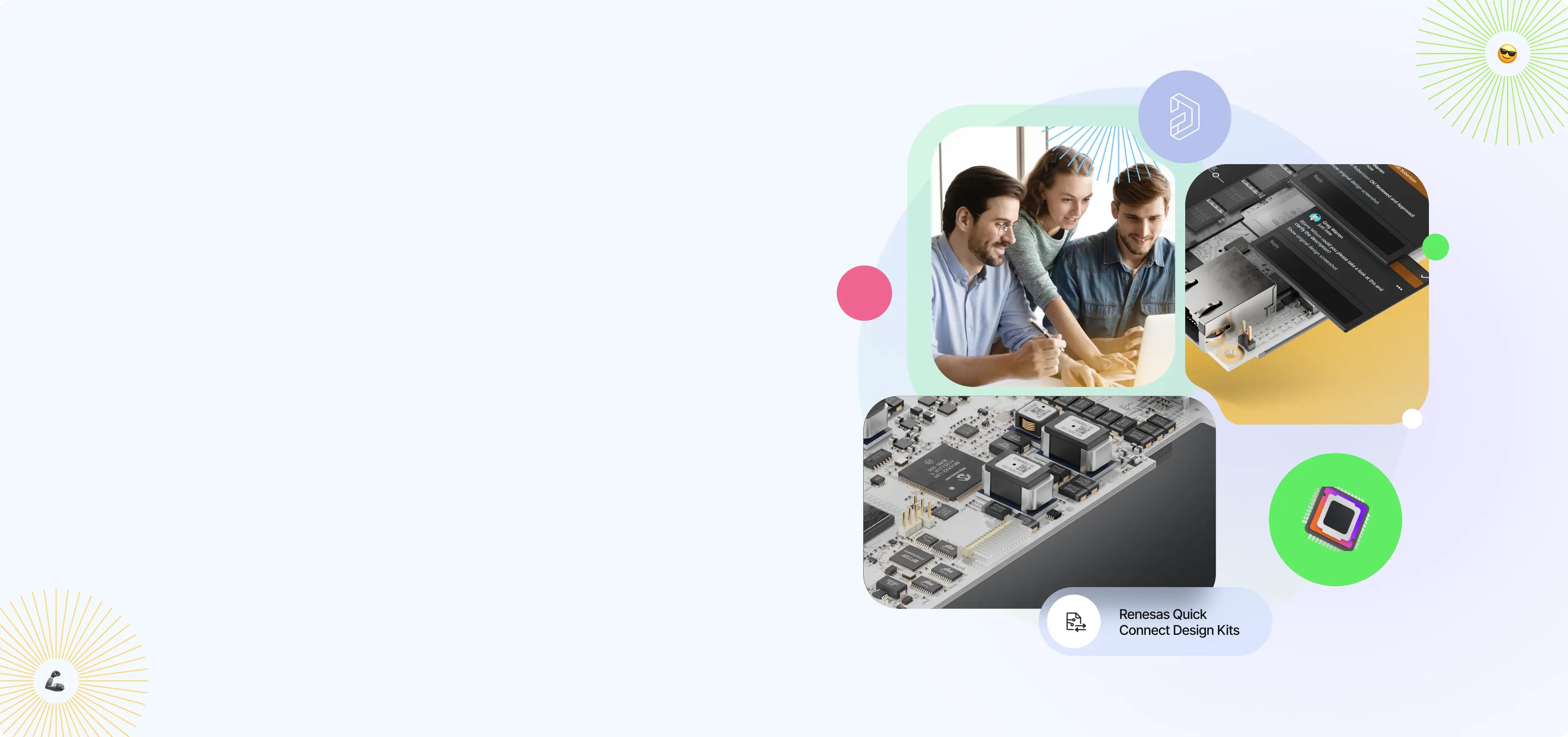


Embedded Systems:
From Product Design
to PCB Layout
Hands-on curriculum and resources that support real-world engineering skills
The Embedded Systems curriculum brings hands-on,
real-world engineering experience into the classroom.
Combining PCB design tools with Renesas QuickConnect
Beginner’s Kits, embedded systems training, and ready-to-use
teaching resources, the curriculum helps educators give students
practical experience designing and building electronic systems.
Request access to the curriculum, Renesas QuickConnect Kits,
or both to get started.
Need Support? Contact us
Explore the Comprehensive Curriculum
A structured, two-semester learning pathway designed for classroom integration and skill development.
Embedded Systems Curriculum
Key Features & Benefits
Designed for seamless adoption, this program
includes ready-to-use materials and platform access.

- Practical, industry-aligned training in:
- Embedded software
- Product development
- System design
- A modular, two-semester structure with basic tracks (30+ hours each)
- Courses that can be integrated into existing coursework or assigned individually to students
- Instructional content and lab materials for hands-on learning
- Access through a dedicated learning platform (LMS)
- Expert insights backed by Renesas and Altium
Skill Badge Awarded Upon Completion
Basic Embedded Systems
Get hands-on experience with embedded software and hardware for real-world applications.
Skill Badge Awarded Upon Completion
Basic PCB Design
Learn the fundamentals of designing and preparing printed circuit boards for manufacturing
View Course Agenda, Topics & Requirements
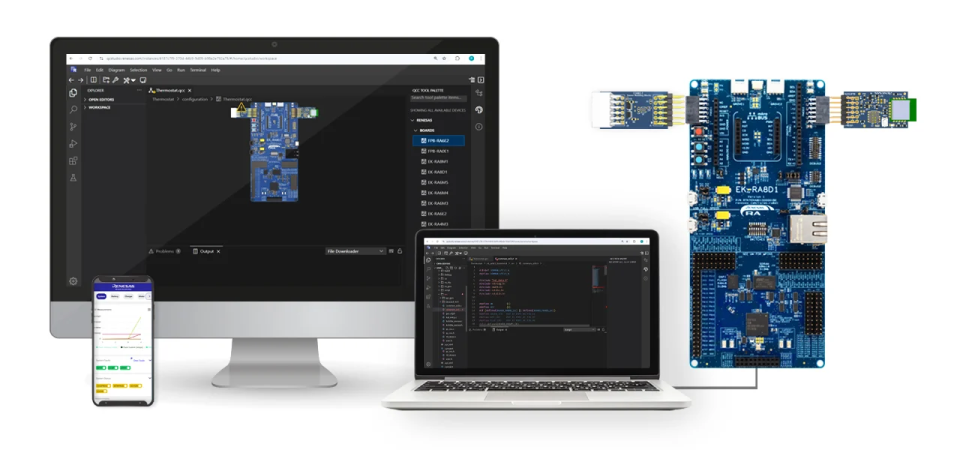
Basic Embedded Systems Design
Design, build, and prototype embedded systems using Renesas QuickConnect Kits and QuickConnect Studio.
Basic Printed Circuit Board Design
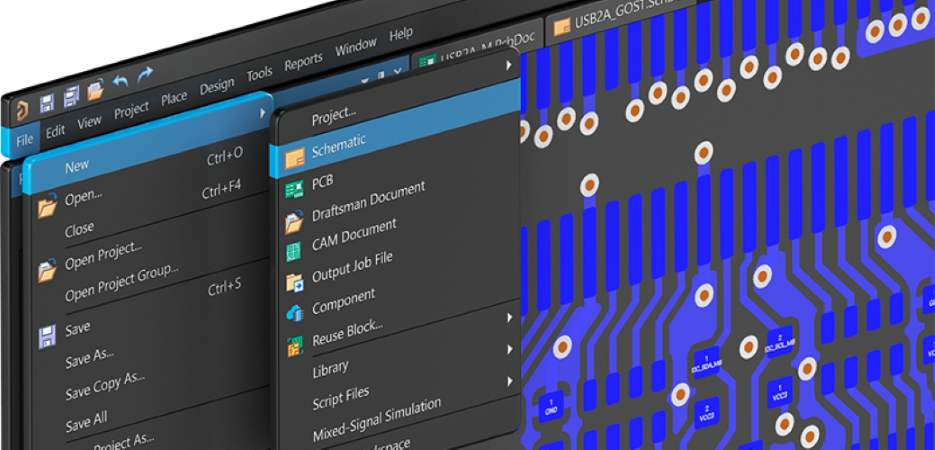
Master libraries, schematics, and PCB layouts in a self-paced course with Altium solutions.

Set Up Your Workspace
Create your workspace to start assigning courses and managing student access
Frequently Asked Questions
A valid email address that's associated with your university domain is required for the Altium Designer license. However, your institute may not be listed in our database. In this case, we would need to see a copy of your valid student card and your current semester enrollment letter. If you're having trouble, please contact us with the requested materials.
Yes, each participating university must appoint at least one faculty coordinator to handle all communication and coordination with the program team.
Renesas QuickConnect Beginner’s Kits can be purchased through DigiKey with or without access to the Embedded Systems curriculum. Use the link and part number provided below.
United States: Order through DigiKey US
Enter the quantity needed and proceed with your order.
Japan: Order through DigiKey Japan
Ordering from another country?
Follow these steps to order the correct kit in your local currency:
Step 1: Select the Change Country icon circled below. 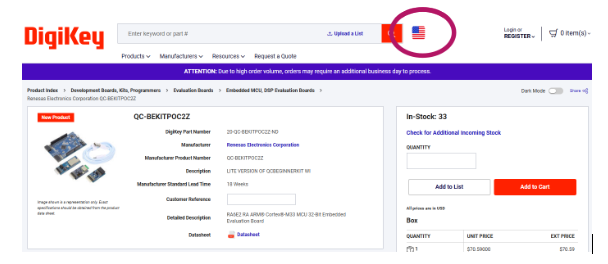
Step 2: Enter part number ‘QC-BEKITPOC2Z’ in the search bar and select the first product shown in the results.
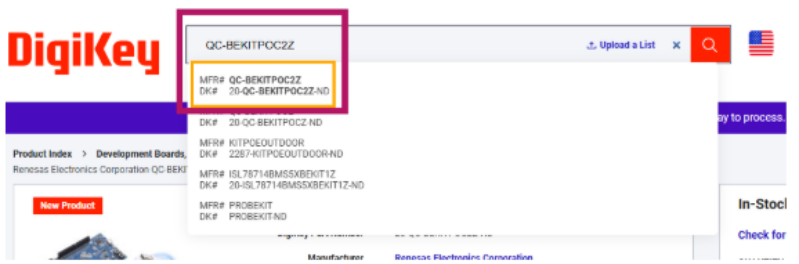
Step 3: Enter the quantity needed and continue through the checkout process.
Following these steps will ensure you are ordering the correct product and purchasing in your local currency.
Yes. Renesas QuickConnect Beginner’s Kits can be purchased separately through DigiKey without requesting access to the Embedded Systems curriculum.
Please review the system requirements here which should help you determine which laptop/desktop to use. Please note that Windows OS is supported.
If you need help securing your license or enrolling through the university program, please watch our getting started video:
Altium Designer: Getting Started
This will walk you through obtaining your academic license, activating your account, and completing the required steps for university curriculum faculty enrollment.
To learn the basics through a guided, hands-on lesson, watch the following Renesas QuickConnect tutorial:

Renesas QuickConnect: Getting Started & Building the Application
This training module walks you through creating and customizing a simple starter application, showing you how to get it up and running quickly while helping you understand the workflow and build confidence with QuickConnect.
As a student you have several resources where you can find intensive information on the topics you are interested in:
Please contact us for assistance.
The badges are dispatched upon completion of the entire curriculum. Students who complete the full online courses will receive a certificate for each course completed–one for Basic Embedded Systems Design and one for Basic Printed Circuit Board Design. If you choose to customize or modify your syllabus by completing only selected modules, badges will not be issued in such cases.
The curriculum is modular so you can modify it as per need. Universities may choose to adopt one or both curriculums to integrate. It can be integrated fully or partially or can even select specific modules to embed within existing syllabus and start learning accordingly.
The sessions are On-demand. These are self-paced modules that are automated in the system and a learning path is generated once a student is added to the curriculum. Each session is online and integrated in TI from where the students will be learning and completing modules. There can be lab sessions as well if instructed by the faculty, where they can practice on Altium Designer tool, Renesas QuickConnect Studio or working on the Renesas Beginner’s Kit. All are instructed and guided by the university faculty.
Sessions can be conducted in the classroom instructed by the faculties. External trainers won’t be provided.
Please contact us for assistance.
The program includes a modular, two-semester curriculum covering embedded software, hardware development, and system design. It also provides free access to Altium Designer solutions for educators and students, as well as supporting materials for hands-on learning.
Get Access to the
Embedded Systems
Curriculum
Bring hands-on embedded systems and
PCB design learning into your classroom
with ready-to-use teaching resources.
Request Curriculum Access
Complete the form below to request access to the Embedded Systems curriculum.