간소화된 작업 추적 기능으로 시간 절약
간소화된 작업 추적 기능으로 시간 절약

Altium 365 및 Jira에서 수동으로 정보를 업데이트할 필요가 없는 양방향 동기화로 엔지니어링에 소요되는 시간을 절약하고 오류를 줄이십시오.
향상된 프로젝트 가시성으로 더 나은 의사 결정 내리기
향상된 프로젝트 가시성으로 더 나은 의사 결정 내리기

더 나은 의사 결정을 내릴 수 있도록 Altium 365를 Jira 작업과 자동으로 동기화하여 전자 프로젝트의 상태를 항상 최신으로 유지하십시오.
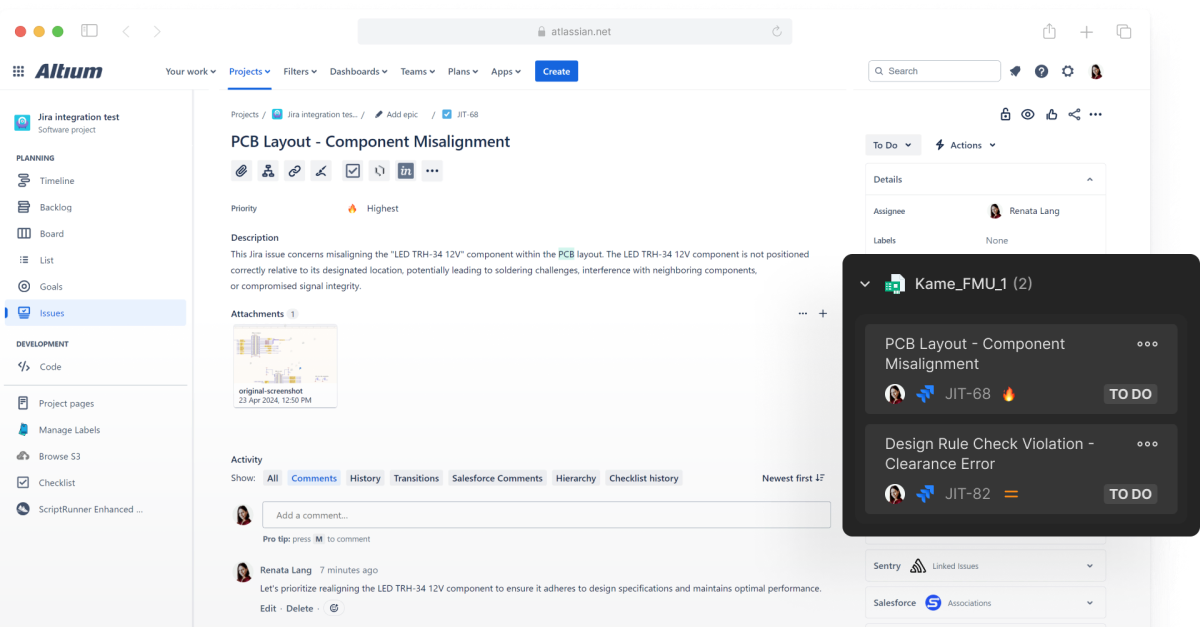
Show Project Tasks with Visual Context & Details

Altium’s integration with Jira keeps engineering tasks organized. That structure helps teams share details across channels, including email notifications, kanban boards, and issues tied to a design or schematic.
주요 기능

실시간 작업 추적 및 업데이트
실시간 업데이트를 통해 작업 교환 및 추적을 간소화하여 시간을 절약하십시오.
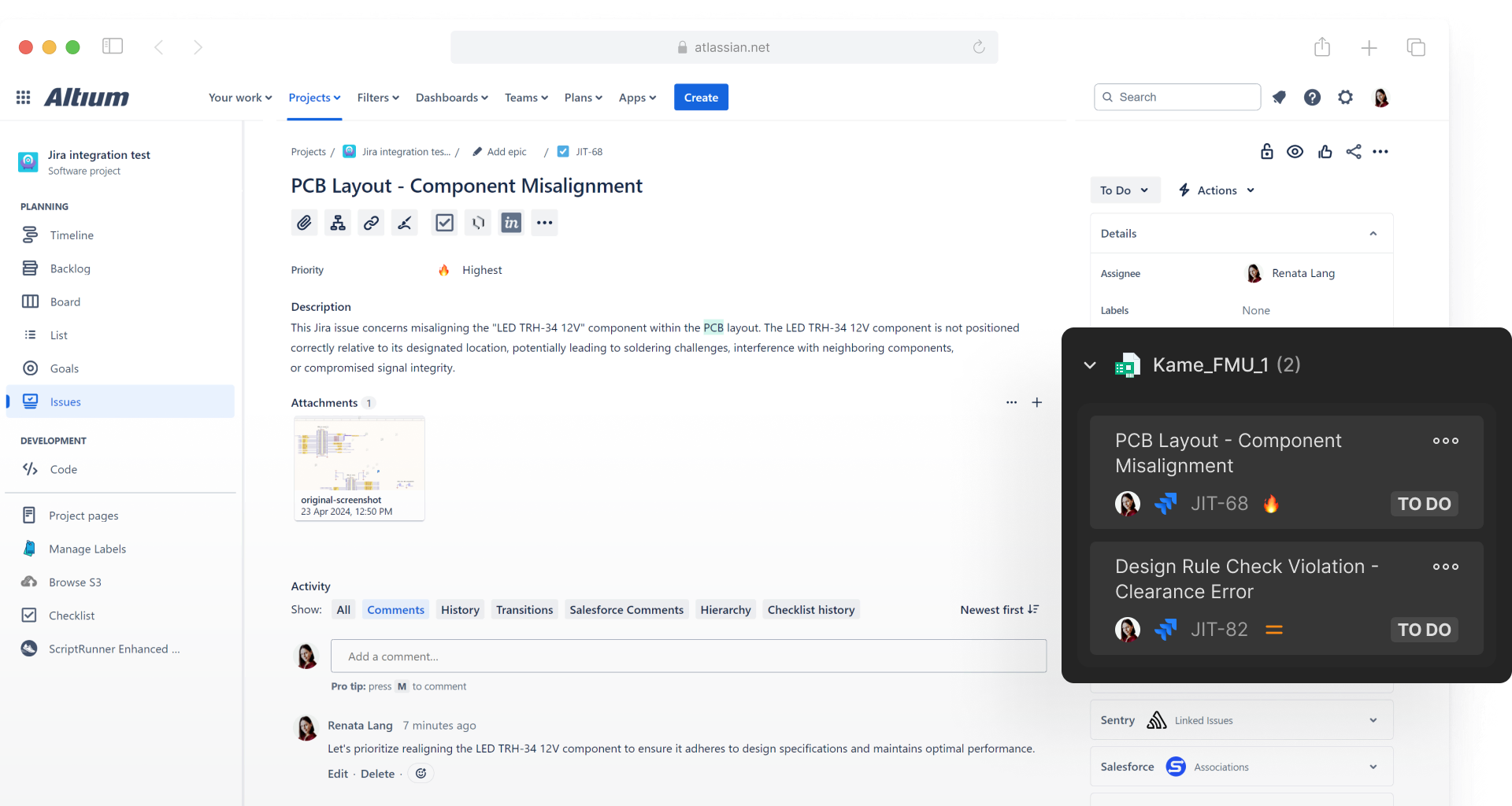
안전한 양방향 통합
Altium 365와 Jira가 원활한 협업을 위해 작업, 문제, 상태와 댓글을 자동으로 동기화합니다.
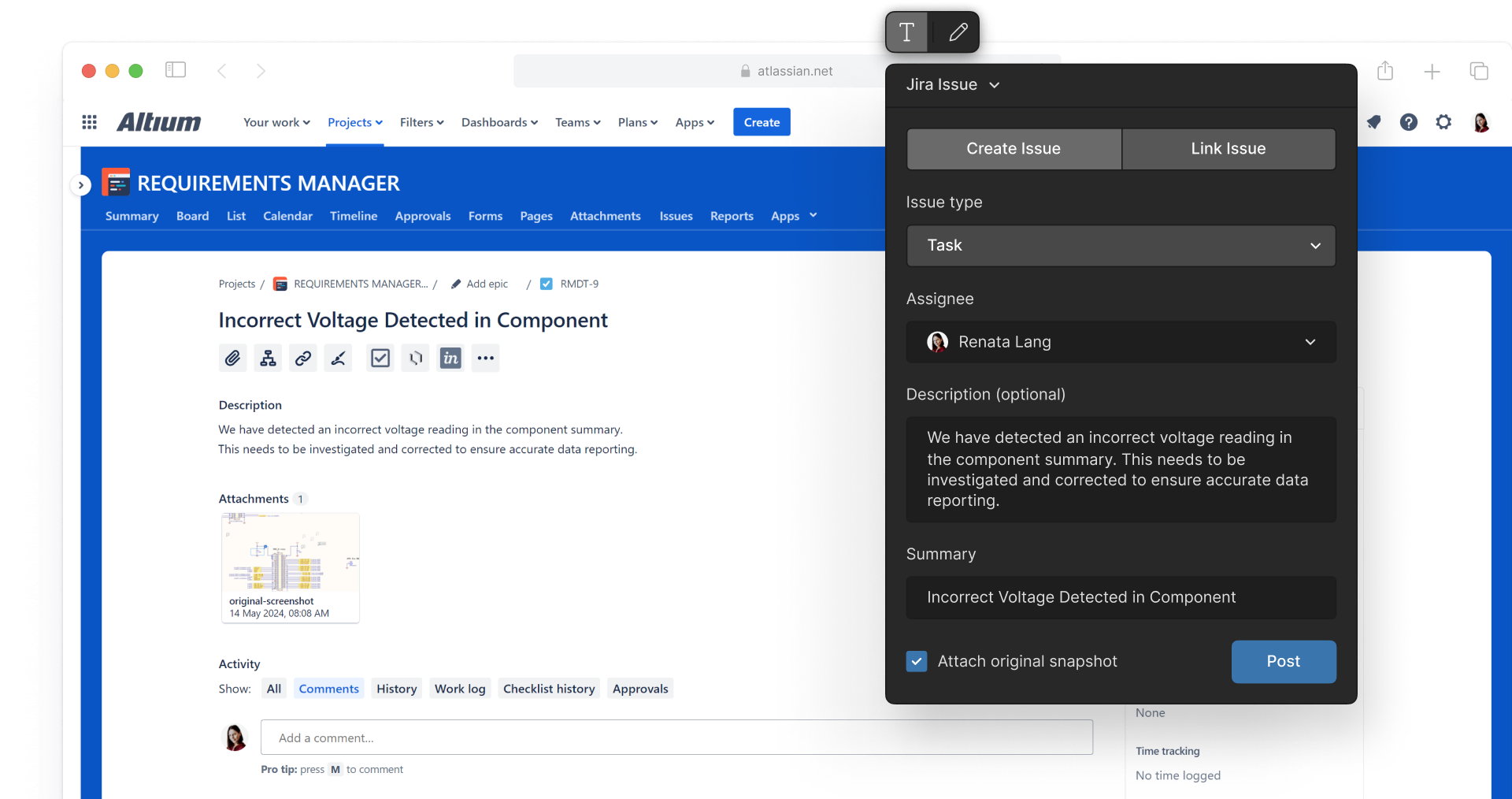
상황에 맞는 작업 관리
이메일 알림, 칸반 보드, 설계 맥락에 따른 문제 연결 등 Altium 365의 작업 기능을 사용하여 체계적으로 정리하십시오.
자주 묻는 질문
Jira 통합은 별도의 애플리케이션으로서 아직 사용할 수 없지만, 곧 출시될 예정입니다. 이 통합을 사용하려면 별도의 라이선스가 필요하지만, Organizational Security Package 사용자에게는 무료로 제공됩니다.
오픈 베타는 6월 말경에 제공될 예정입니다.
Yes, multiple Altium projects can be mapped to one Jira project.
Jira 통합을 구성하고 연결하려면 Altium 365를 사용해야 합니다. Altium 365를 통해 구성한 후 Altium Designer®와 함께 사용할 수 있습니다.
Resources
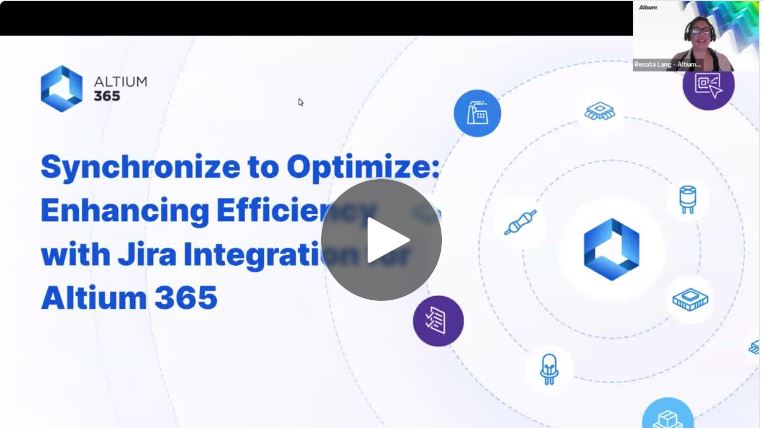
웨비나
최적화를 위한 동기화: Jira 통합을 통한 효율성 향상

Blog
Introducing Jira Integration for Altium 365: Streamline Your Electronics Design Workflow
Guide
Jira Integration:
Onboarding Guide

Contact Us
to Learn More About
Altium Agile
Platform-based solution for electronics product
and systems, delivering control without complexity
Complete this form and our sales team will reach out to answer your questions about Altium Agile Teams or Altium Agile Enterprise.