簡素化されたタスク追跡で時間を節約
簡素化されたタスク追跡で時間を節約

双方向同期により、Altium 365とJiraで情報を手動で更新する必要がなくなり、エンジニアリング時間を節約し、エラーを削減できます。
プロジェクトの可視性の向上で意思決定を改善
プロジェクトの可視性の向上で意思決定を改善

Altium 365をJiraタスクと自動的に同期することで、電子機器プロジェクトの現在のステータスを常に把握し、より適切な意思決定を行うことができます。
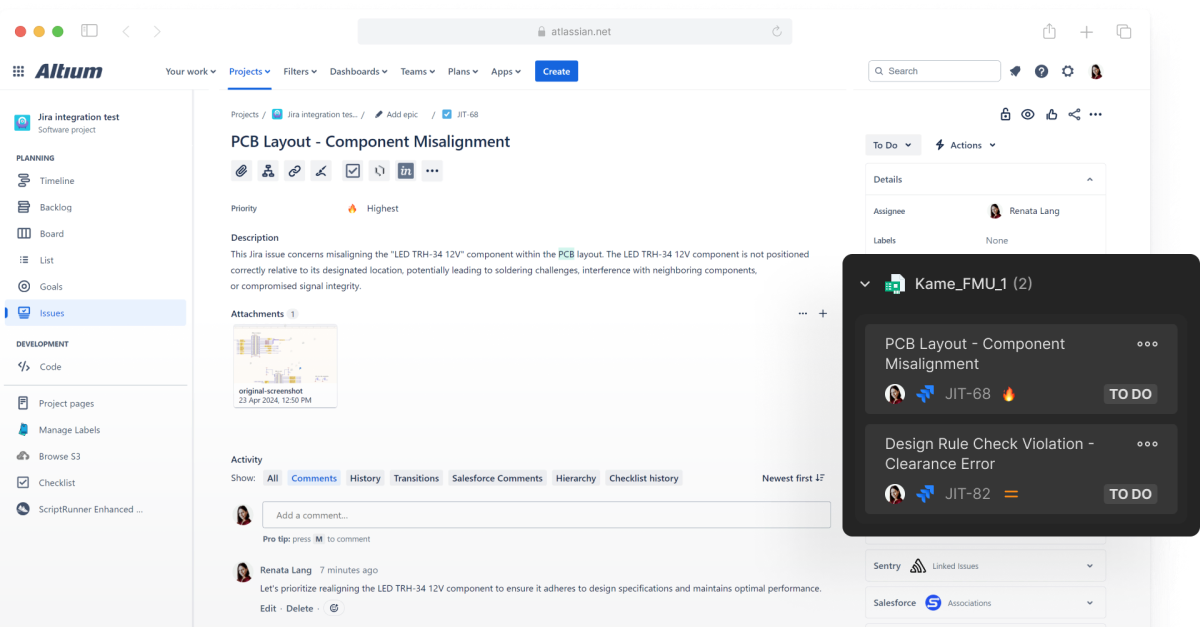
Show Project Tasks with Visual Context & Details

Altium’s integration with Jira keeps engineering tasks organized. That structure helps teams share details across channels, including email notifications, kanban boards, and issues tied to a design or schematic.
主な機能

リアルタイムのタスク追跡と更新
リアルタイム更新を利用してタスクに関するやり取りと追跡を効率化し、時間を節約します。
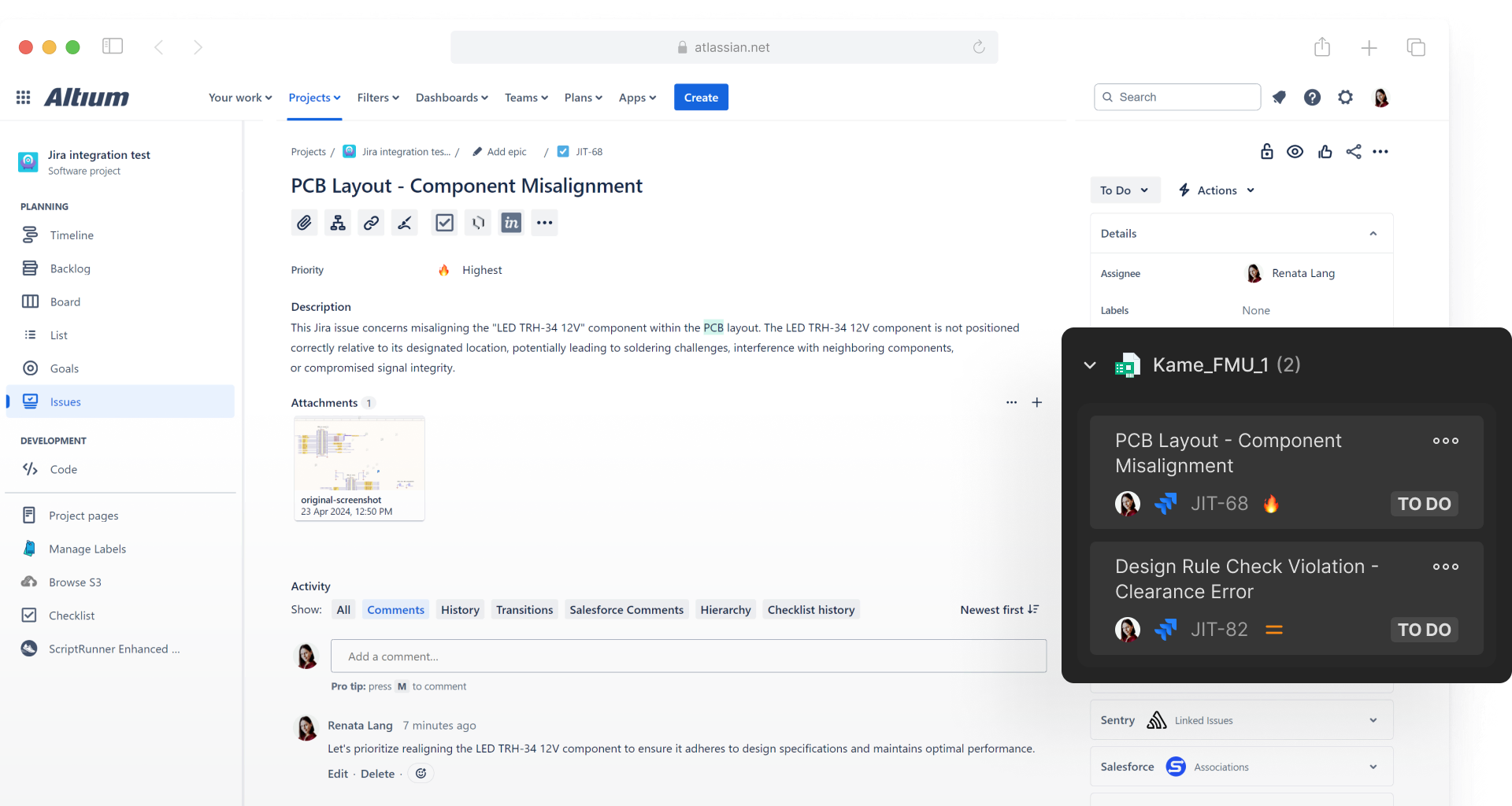
安全な双方向統合
Altium 365とJiraでタスク、課題、ステータス、コメントを自動同期して、シームレスなコラボレーションを実現します。
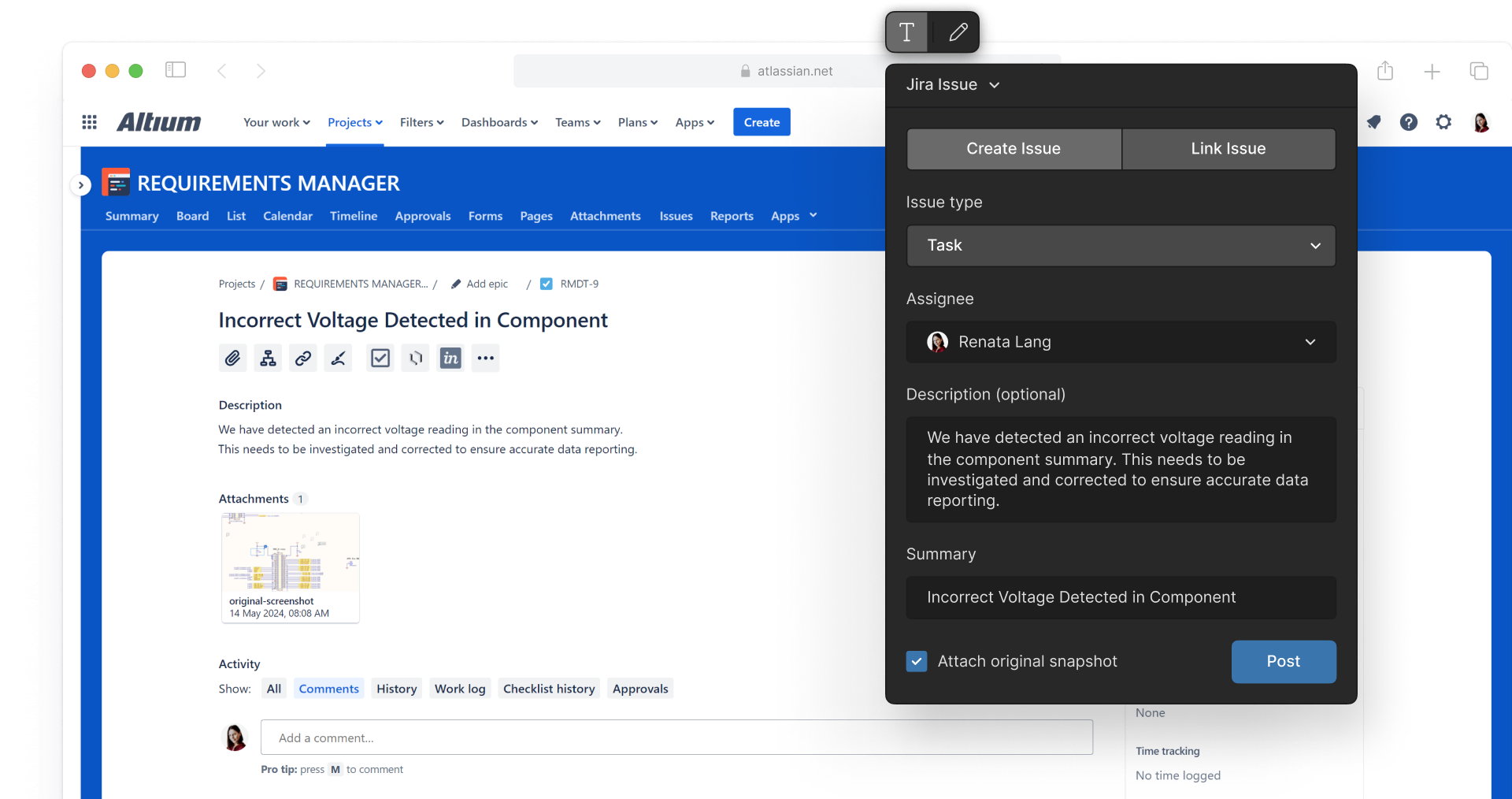
インコンテクストタスク管理
電子メール通知、カンバンボード、設計のコンテキスト内での課題リンクなどのAltium 365のタスク機能を使用して、整理された状態を保ちます。
よくある質問
Jira Integrationは別のアプリケーションであり、まだ利用できませんが、まもなく利用可能になる予定です。別途ライセンスが必要です。ただし、Organizational Security Packageをお持ちの場合は無料でご利用いただけます。
オープンベータは6月末頃に提供開始の予定です。
Yes, multiple Altium projects can be mapped to one Jira project.
Jira Integrationを構成して接続するには、Altium 365を使用する必要があります。Altium 365で設定すると、お使いのAltium Designerで使用できます。
Resources
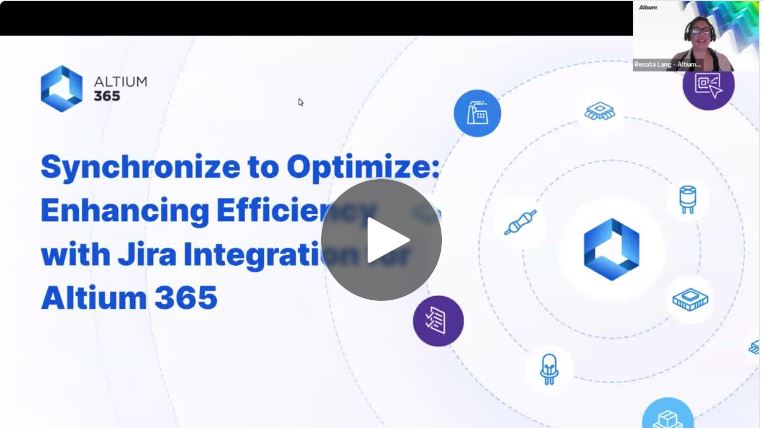
Webセミナー
同期して最適化:Jira Integrationによる効率の向上
Blog
Introducing Jira Integration for Altium 365: Streamline Your Electronics Design Workflow
Guide
Jira Integration:
Onboarding Guide

Contact Us
to Learn More About
Altium Agile
Platform-based solution for electronics product
and systems, delivering control without complexity
Complete this form and our sales team will reach out to answer your questions about Altium Agile Teams or Altium Agile Enterprise.