BOM Software Helps
Buyers & Engineering
Teams Stay Ahead of
Supply Chain
Challenges
The BOM & procurement intelligence layer
for electronics hardware teams
Mastering BOM Management

Electronics Procurement
Turns Designs to Reality
BOM software is where engineering decisions meet procurement reality. Learn how design and procurement experts can enhance their competitive advantage by connecting engineering choices to procurement data, parts selection, compliance, and streamlined manufacturing releases.

BOM Sourceability
and Risk
The bill of materials (BOM) provides all the information needed to execute parts purchases and release designs to manufacturing.

Procurement managers, component engineers, and engineering team members all contribute to smart purchase decisions, ensuring each component aligns with functional requirements and cost targets.
When the electronics supply chain experiences demand surges or supply shocks, engineers and procurement often need to work together to develop quick solutions to these challenges. This can range from quick redesigns to looking at alternate part numbers, parts packaging, or a combination of these options. These decisions are collaborative, requiring input from multiple stakeholders with visibility across the electronics supply chain.
These issues create practical delays: prototype orders stall, RFQs come back with exceptions, CMs request engineering clarification, and production teams lose time resolving parts that should have been assessed earlier.
How BOM
Software Reduces
Sourcing Risk
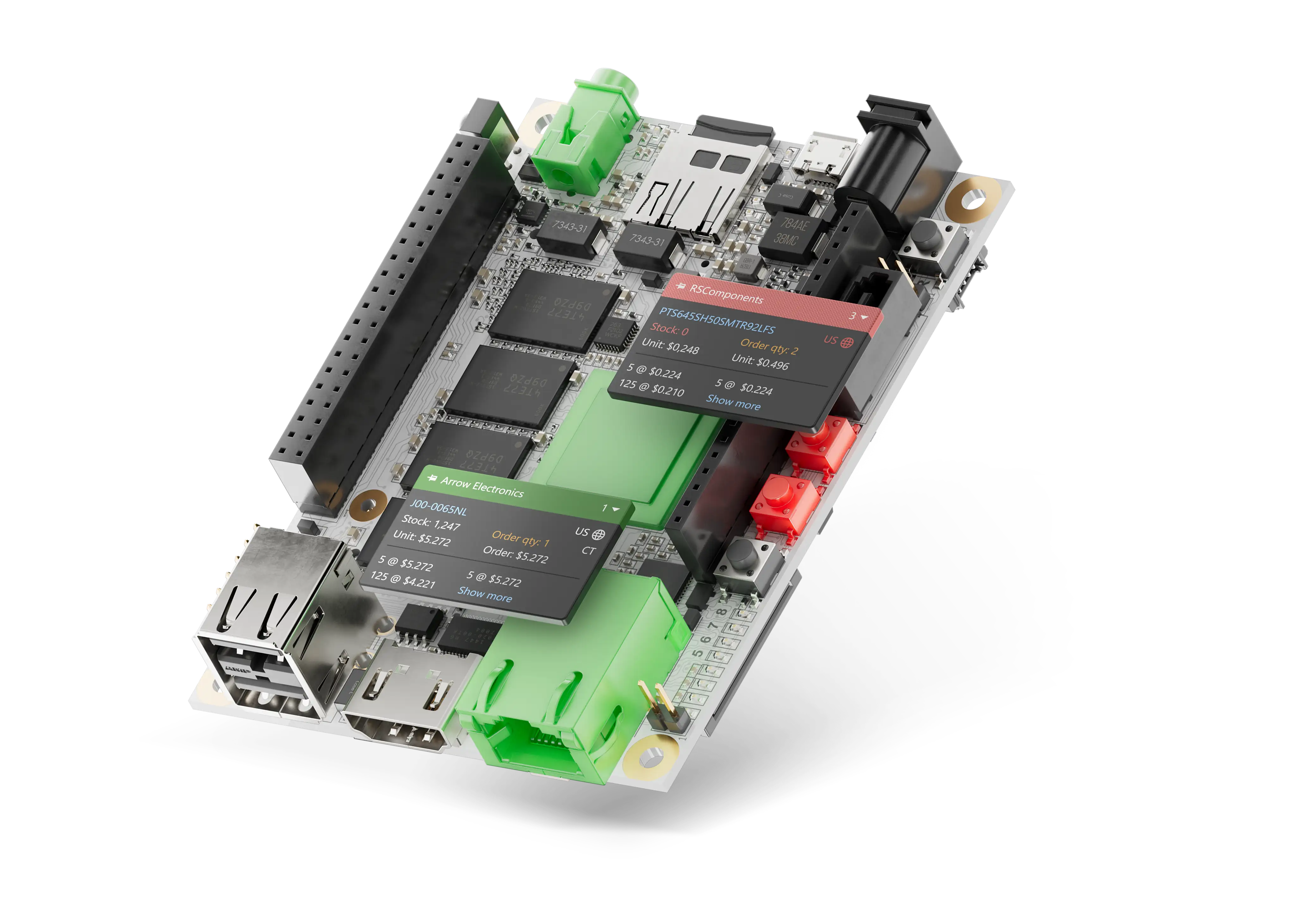
BOM management software exposes sourcing risk before RFQ by giving each line item two layers of intelligence: where to buy it (approved sources, pricing, packaging, supplier constraints) and whether you should (lifecycle status, alternates, compliance data).
What Good BOM Software
Actually Does:
Lifecycle, compliance, and availability checks flag vulnerable line items early when changes are cheap, not critical.
Comparing alternates across suppliers before RFQ keeps cost decisions grounded in real market data.
Linking BOM decisions directly to distributor sourcing removes the handoff where errors and delays accumulate
Supply chains change after launch. Ongoing part monitoring gives teams time to plan before risk becomes a stoppage
Connecting Supply
Chain Data to Key
Engineering Decisions
BOM management software that is tailored for hardware engineers gives a comprehensive view of the electronics supply chain throughout the design process, embedding itself into key design and purchasing steps.
Optimizing Cost

Make cost-optimal decisions while balancing inventories, parts cost, and delivery timeframes while aligning with product requirements.
Prevent Schedule Disruptions

When parts go out-of-stock, quickly spot and source alternates with minimal disruptions to build schedules and cost.
Align Design and Purchasing

Ensure each BOM line item conforms to engineering decisions, cost targets, and production schedules.
Plan For Part Swaps and Redesigns

Lifecycle data for each BOM line item allows teams to anticipate parts swaps or redesigns when critical parts go end-of-life (EOL).
BOM Workflow
1. Upload BOM or ECAD Design

Drop a spreadsheet BOM or pull straight from an Altium 365 design. Up to your full board. Nothing to reformat.
2. Review Health & Cost Forecast

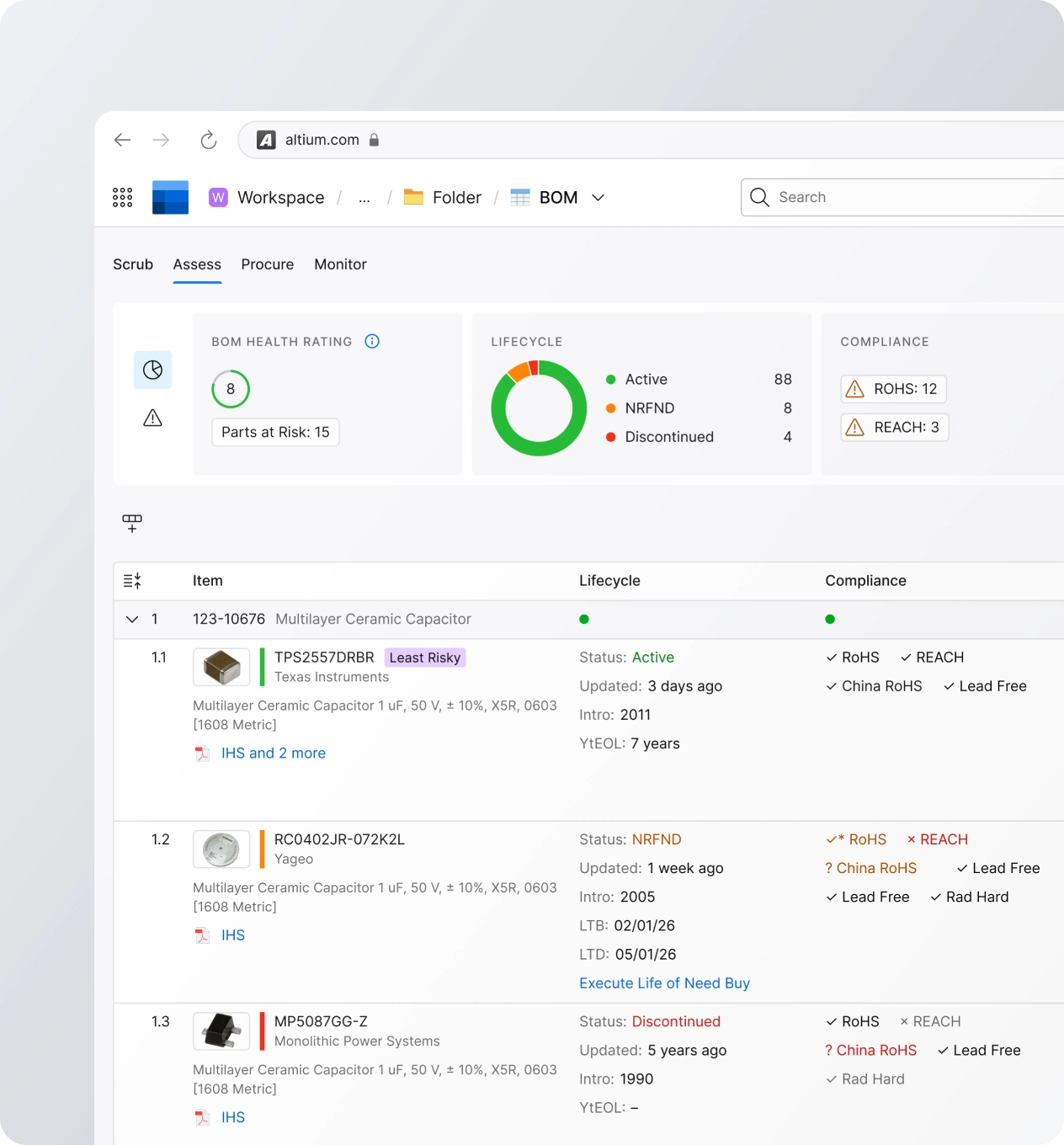
See a graded BOM Health score with lifecycle, sourcing and compliance flags plus a live cost estimate per batch.
3. Scrub & Apply Savings

Fill missing MPNs with smart, in-stock suggestions and apply detected split-order, alternate and distributor savings.
4. Buy or Export Per Supplier

Check out through Octocart in one click, or download a released BOM split by supplier ready for purchase order.
What is a BOM?
Different BOMs support different lifecycle stages, from design through sourcing and manufacturing Scroll to discover
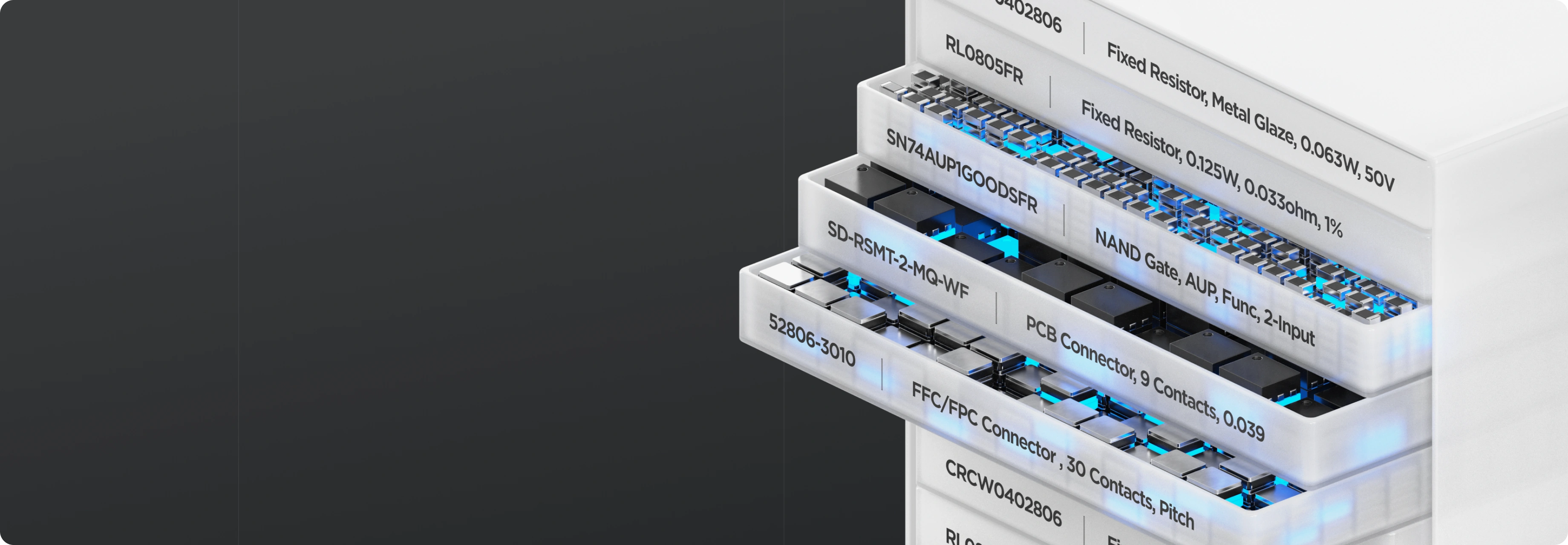
An electronics BOM is a controlled parts list used to define, source, and build a PCB or product. Its content changes across the product lifecycle depending on whether engineering, sourcing, or manufacturing teams are using it.
An engineering BOM may focus on descriptions, values, and footprints, while sourcing and manufacturing BOMs require exact supplier data, pricing, and approved alternates.

Why BOMs
Matter
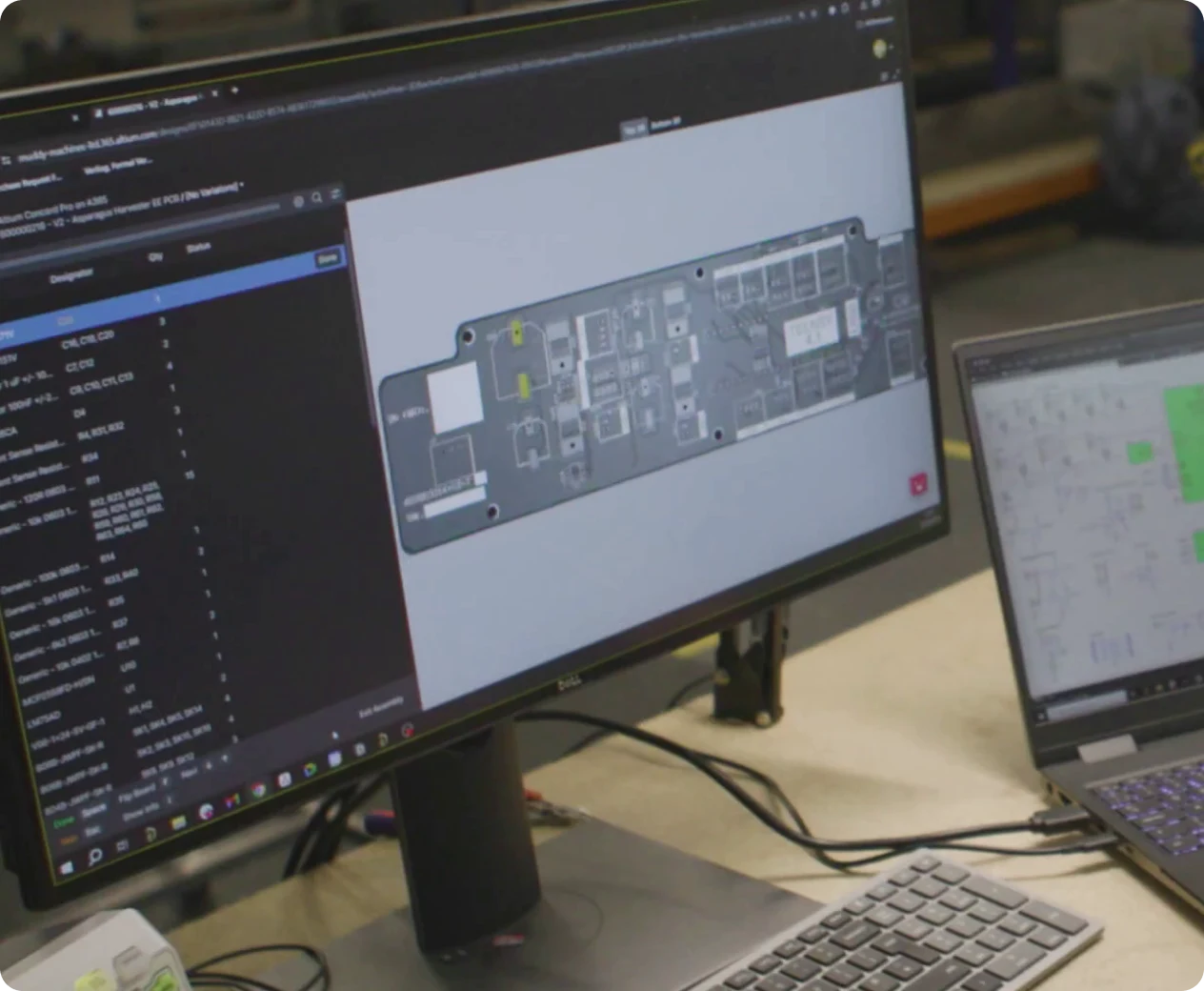
There are millions of unique electronic components, which may or may not be interchangeable. Buyers need exact part number information and quantities in order to execute purchase and ensure designs are built exactly to specification.

Bill of materials software provides an interface where procurement and engineering can see the complete BOM, make changes, and create parts orders. The best BOM software will pull the BOM directly from project data and show the complete supply chain data for each part.
Your electronics BOM software
should support:


For electronics engineering teams, the BOM is the bridge between design intent, approved components, supplier reality, and manufacturing execution. BOM software makes this bridge possible.
Engineering BOM
Captures design intent, values, footprints, variants, DNI status, candidate MPNs, and alternates that require engineering approval.
Procurement BOM
Adds additional information such as exact MPNs and preferred supplier, and may include distributor inventory, pricing, MOQ, packaging, and lifecycle status.
Manufacturing BOM
Extends the procurement BOM by adding build-specific information such as approved alternates, extra items, and quantities.
Altium BOM Software Solutions
Compare pricing, swap parts, and create orders,
directly from your PCB project files
BOM Software
Features
Different BOM workflows require different levels of component, sourcing, and lifecycle control
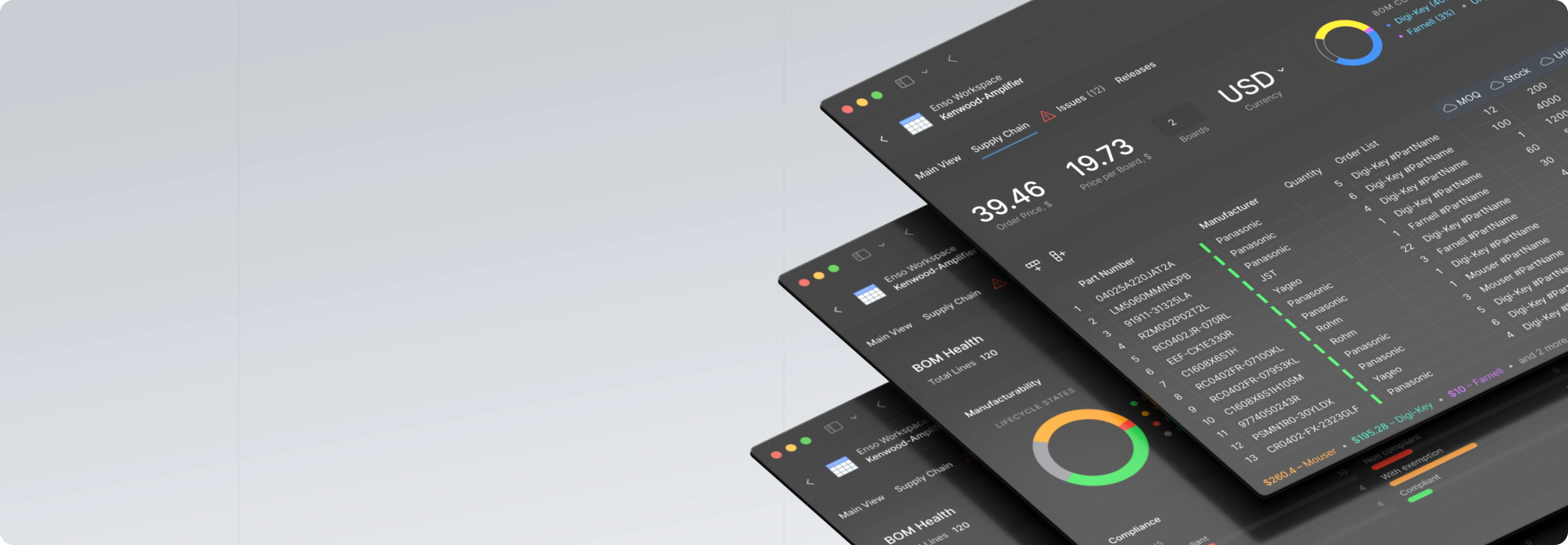
Electronics BOM software should understand MPNs and provide all the data needed to make purchases, validate parts for a design, select alternates, and view lifecycle data.
By linking directly to PCB project files, BOM software can instantly regenerate the BOM as each project revision is committed to version control. Lifecycle and pricing stay current thanks to full supply chain integration.
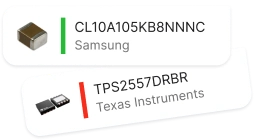
Manufacturer
Part Number
Accurate data, instantly
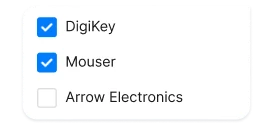
Approved
Vendor List
Permitted sourcing paths
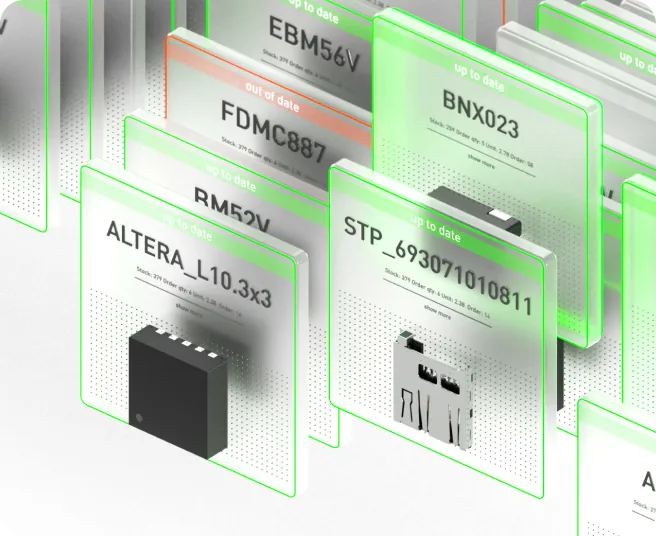
Types of BOM
Software
Bill of materials software spans a range of tools: Excel files and scripts for basic BOM creation, ECAD-integrated views like ActiveBOM that generate the BOM directly from schematic capture, software for comparing multi-level BOMs, and specialized distributor marketplaces for sourcing.
ERP and PLM systems sit at the end of this chain as systems of record, storing and managing the final data.
Altium is a platform built around the design process itself, bringing role-specific intelligence to every stage, from smart part suggestions to real-time saving opportunities, and moving part data seamlessly from design into sourcing and production.

The right BOM software covers the full journey from design intent to production-ready data.
These five capabilities work together to keep component decisions, sourcing constraints, and compliance requirements aligned across every team.
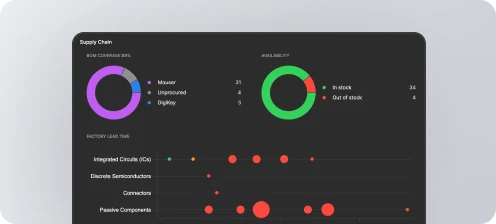

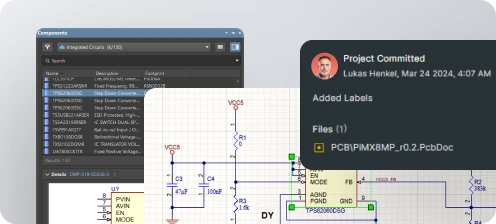
Create a complete BOM from the design intent by linking component libraries, MPNs, variants, and real-time supply chain information.
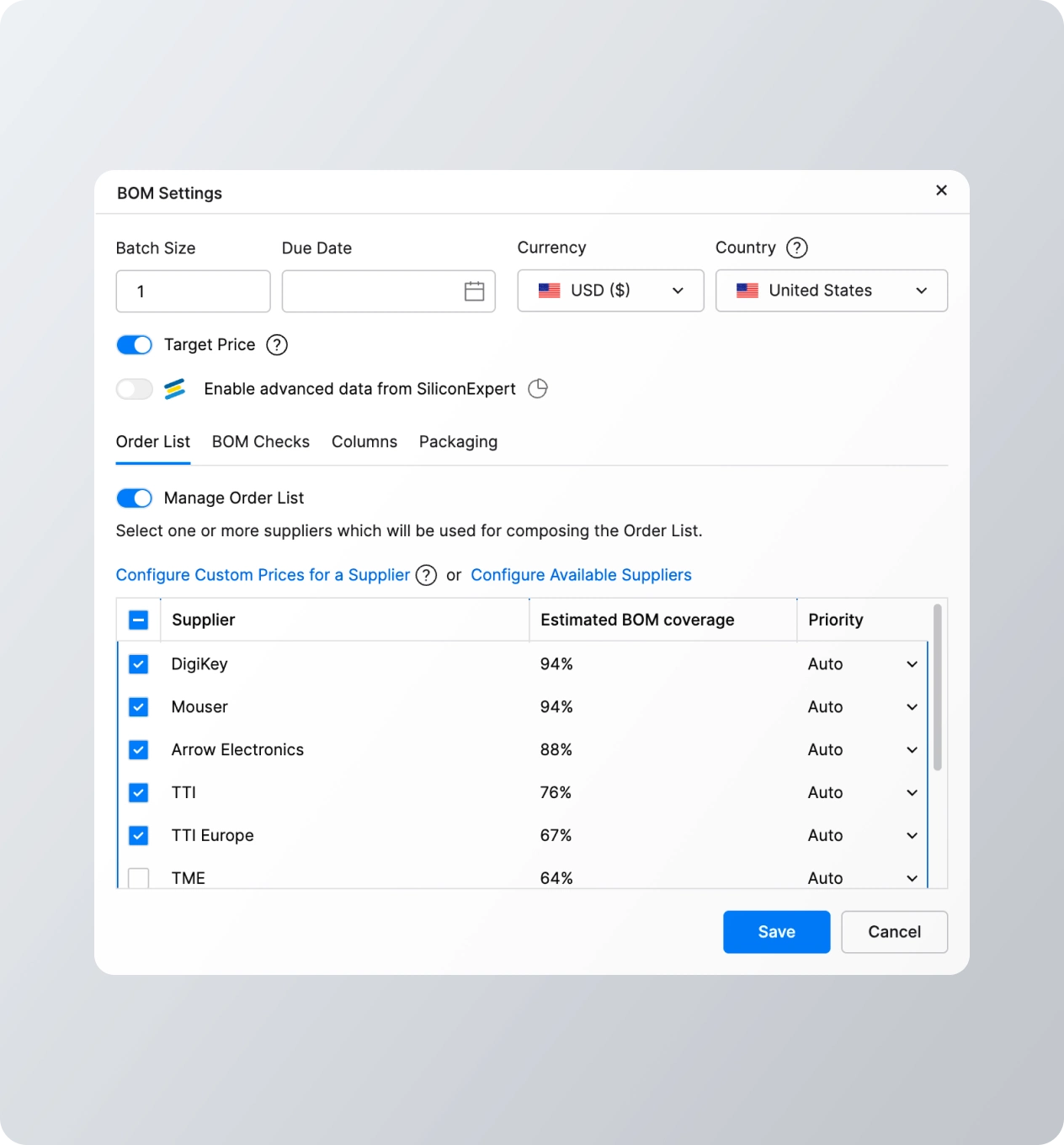
Procurement management is performed by matching BOM line items to inventory from the approved vendors list (AVL).
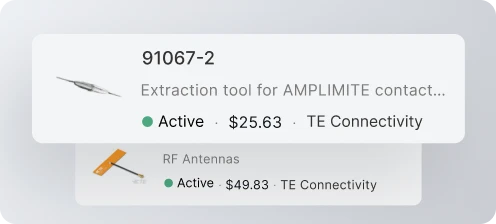
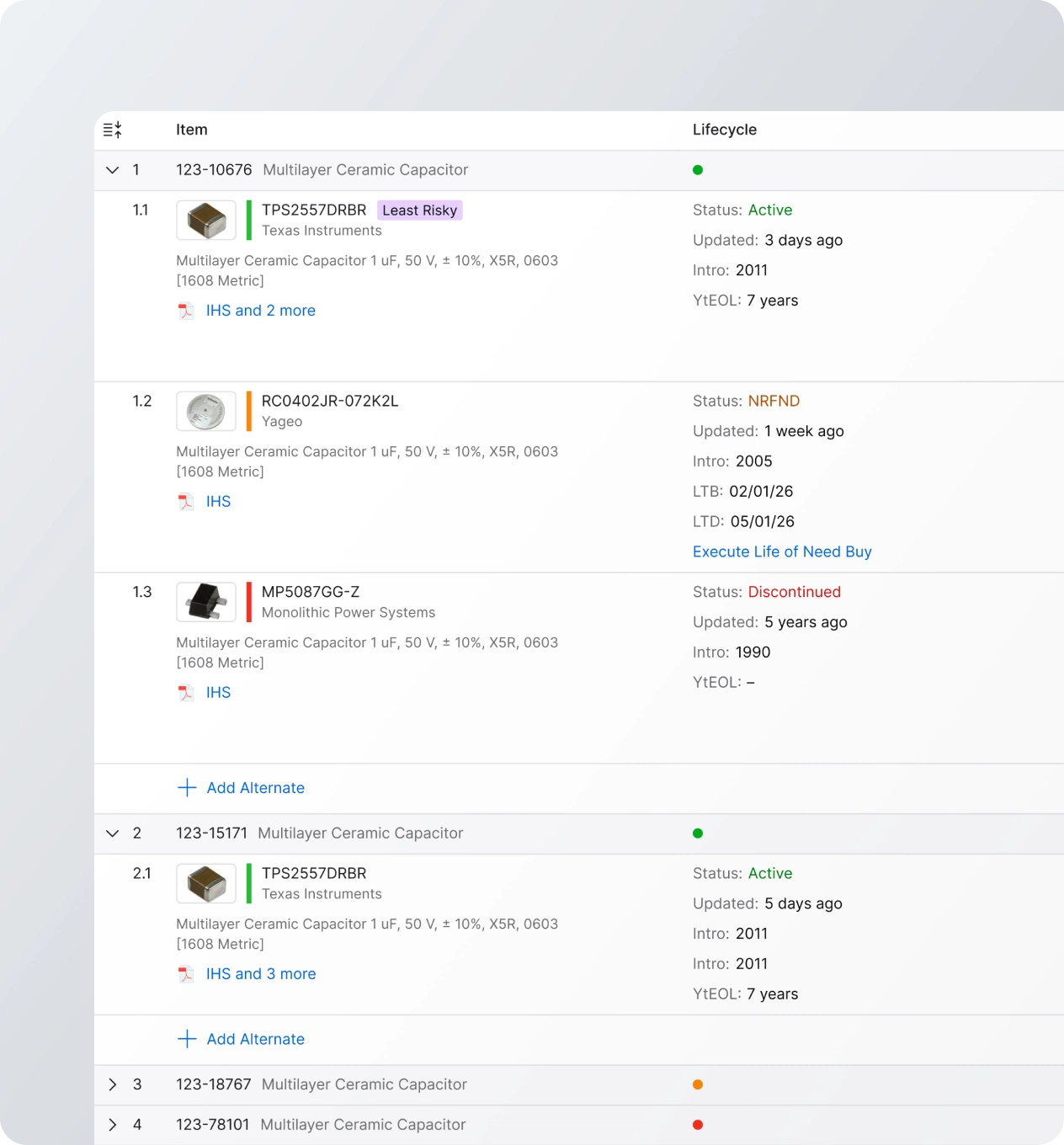
Access to lifecycle data allows obsolescence/EOL status to be tracked inside the BOM and eliminated quickly before an assembly run.
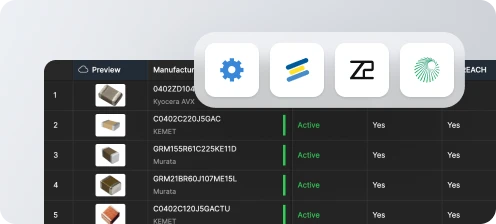
Compliance tools centralize RoHS, REACH, conflict minerals, export, and customer-specific part requirements.
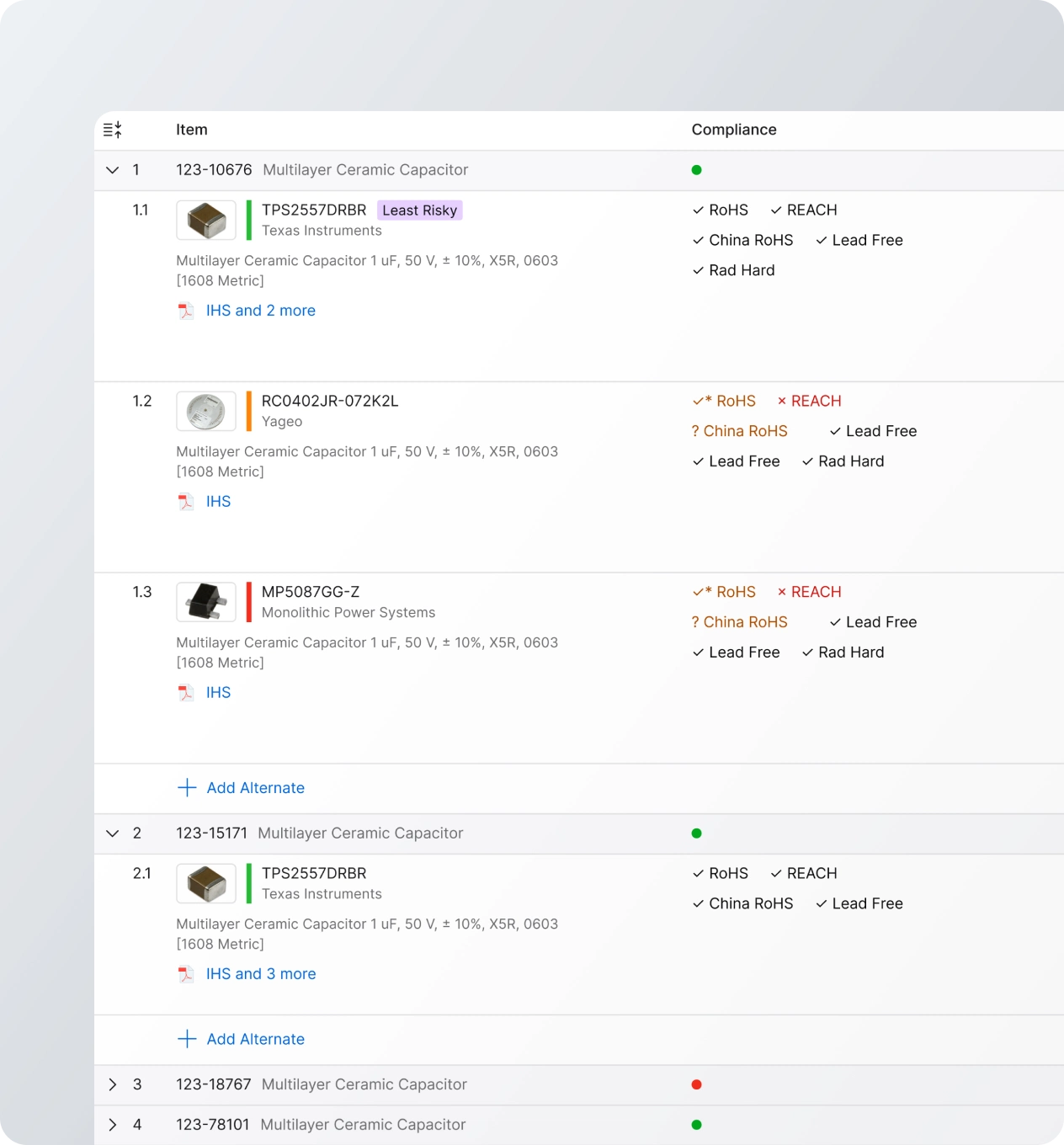
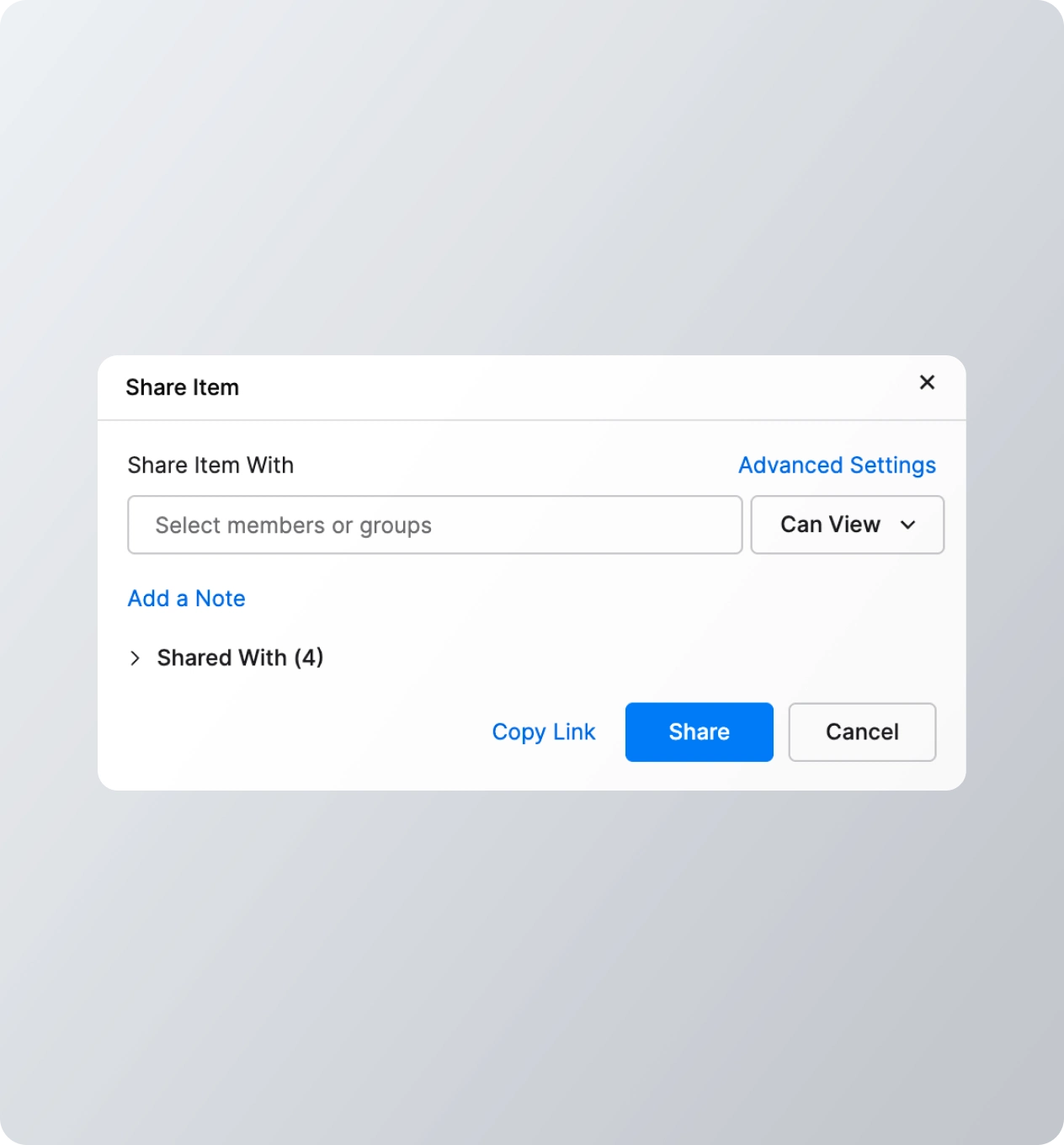
After approving swaps, export or share the BOM with a contract manufacturer or assembler.
BOM Software Capabilities
for Electronics Teams
Connect PCB design projects, supply chain data,
and your manufacturing releases
From BOM to
Manufacturing
Production-ready BOM data helps manufacturers quote production orders, source components, and assemble PCBAs
Whether you need a turnkey service or you are consigning parts to assembly, every electronics build depends on a BOM that is complete, sourceable, and supports the production schedule. Manufacturers need approved part numbers, alternates, quantities, and packaging information before production.
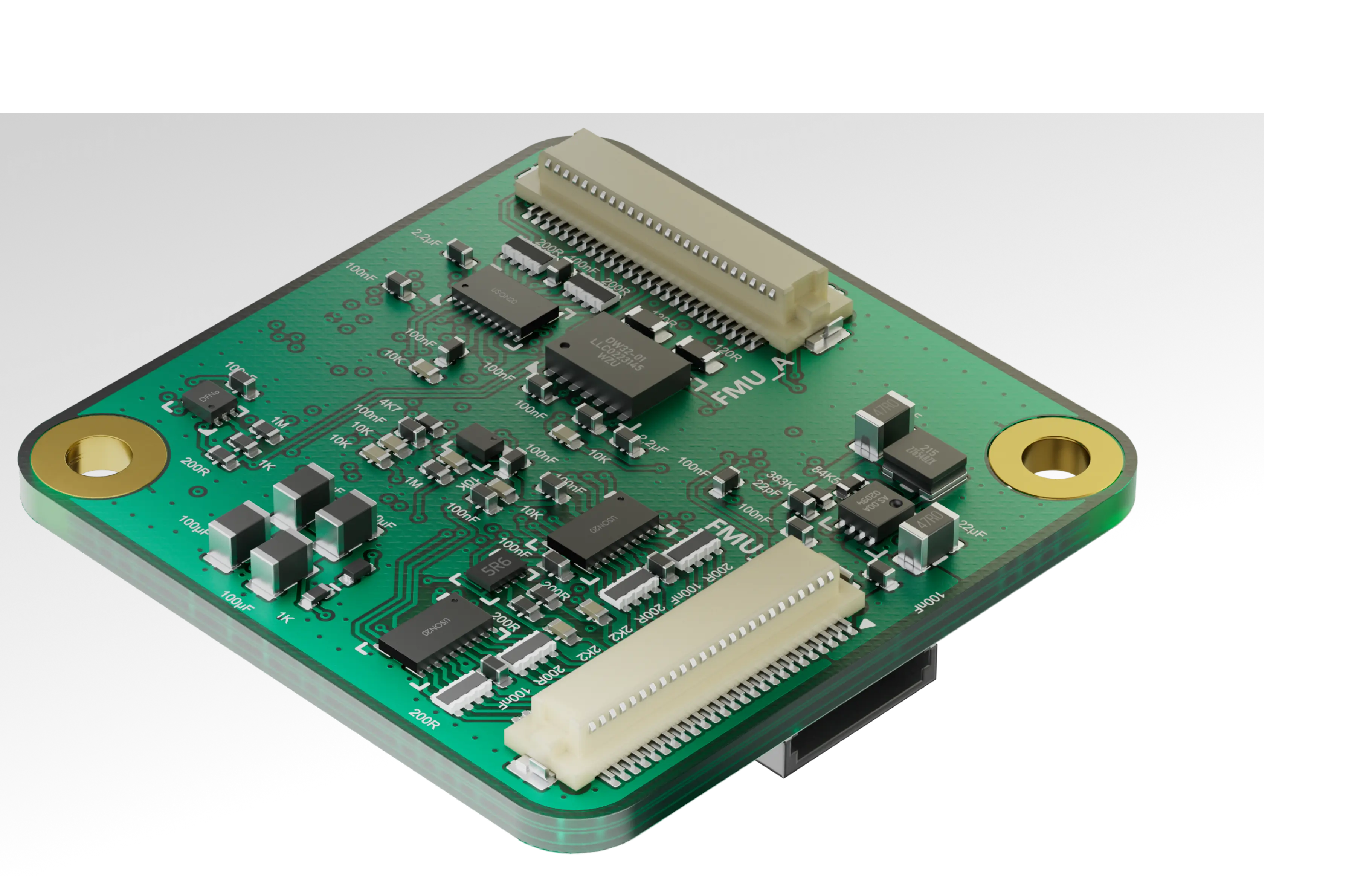
Complete parts information in a BOM helps engineers, buyers, and manufacturers stay agile. Everyone can react quickly to changes in component inventories and availability during production, which helps reduce approval roadblocks and keeps production on-schedule.

Real-Time
Supply Chain Data
in Your BOM
A BOM is only as useful as the data it contains, and BOM data should always be accurate. Spreadsheet BOMs might start out accurate, but they slowly lose relevance as the supply chain shifts and part lifecycles progress.

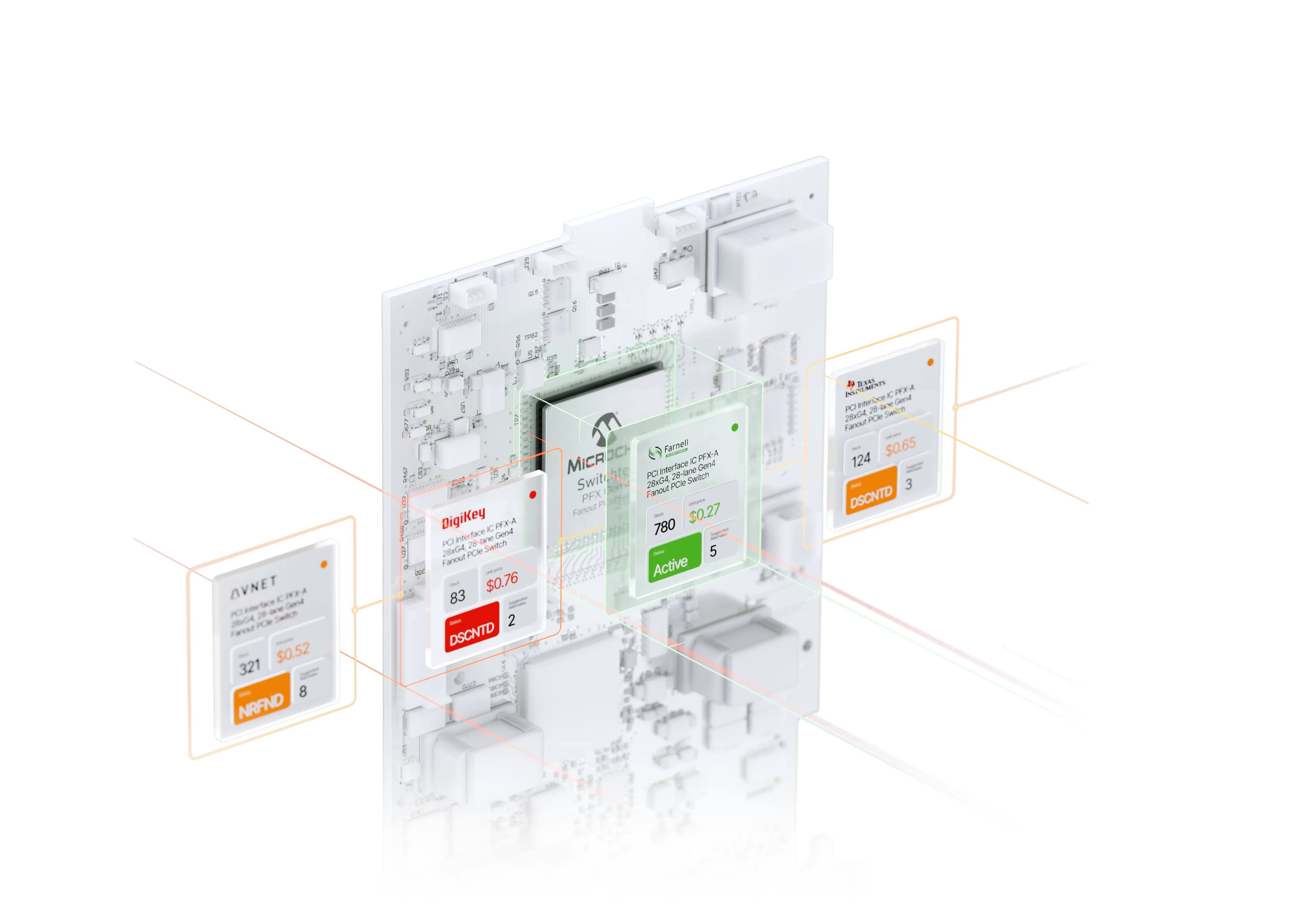
Inventory & Price
Approved Vendor Inventory

Component Lifecycle Management

BOM management software gives a direct link between your design data and the supply chain, pulling accurate inventory, lifecycle, and pricing information directly into the BOM. Procurement and CMs need this information to ensure parts can be purchased at cost and assembly is defect-free by keeping BOM inventory and reorders current.
After approval, the BOM becomes part of the manufacturing release package. Procurement, the CM, and engineering should work from the same revision-controlled source of truth. The BOM completes the bridge between your PCB design data, the supply chain, and manufacturing.
From BOM
to Build
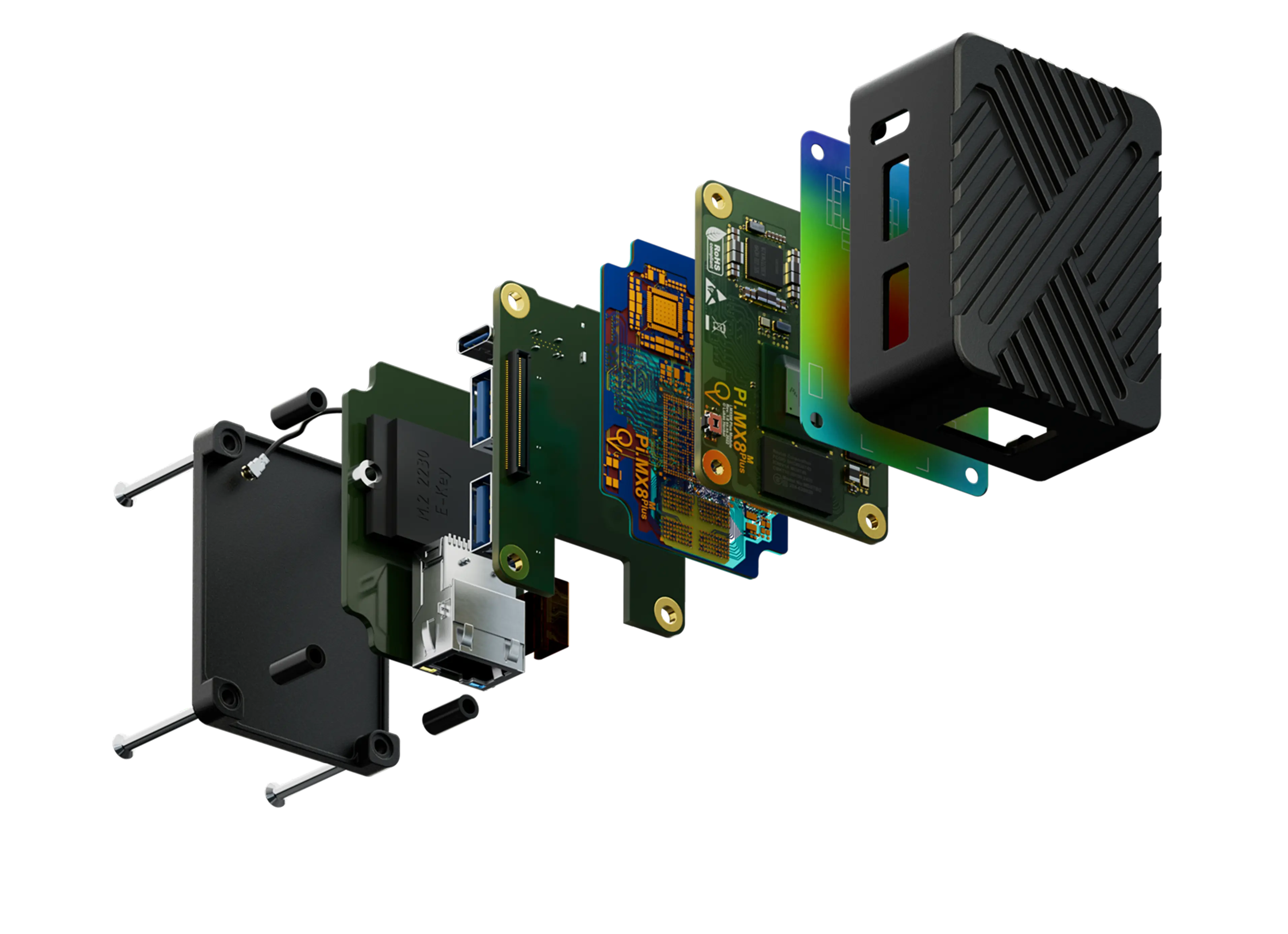
Once the BOM is reviewed and approved for release, the workflow moves from engineering data to purchasing
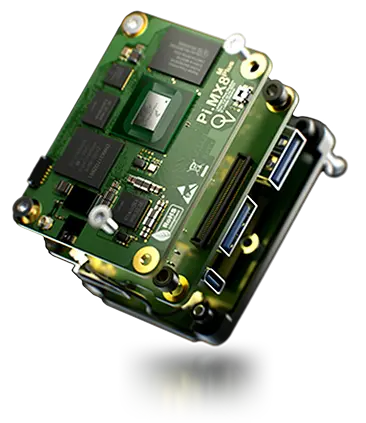
From there, it continues through kitting, assembly, testing, and production feedback.
BOM Review

Procurement checks supplier stock, price breaks, MOQ, compliance, and lead times before ordering. Engineers can also call out alternates, replace outdated parts, and check DNI status on each line item.
Release to Manufacturing

The BOM gets released to the contract manufacturer so components can be ordered. Process engineering uses the BOM and other PCB design outputs to plan assembly steps.
Kitting and Assembly

The CM uses the released BOM to kit the received parts, verify any substitutions, verify component packages, and document deviations as needed.
Production Feedback

Assembly defects, quality control problems, substitutions, rework steps, and defect mitigation steps feed back into engineering so the design can be updated.

BOM Collaboration
BOM software aligns engineering, procurement, suppliers, and manufacturers around the same component data
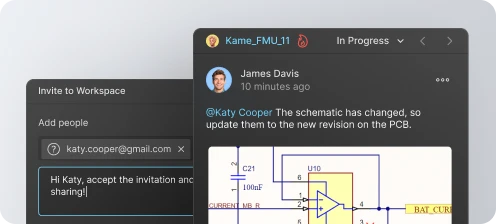
Modern electronics teams cannot treat the BOM as a static spreadsheet. Engineers, procurement, supply chain, compliance, and CMs all need controlled access to the same part records, alternates, release status, and sourcing constraints.
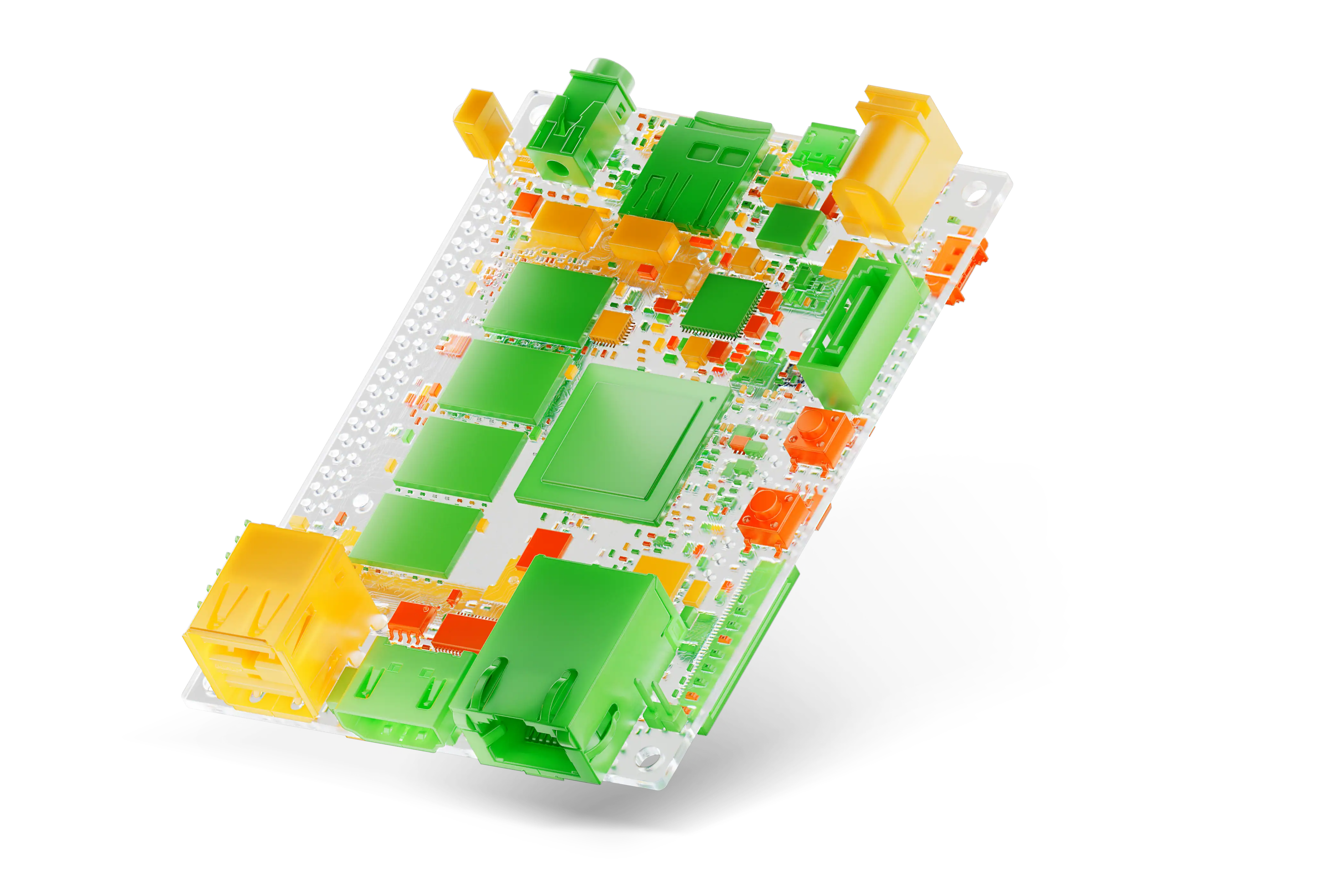
The collaboration goal is simple: every stakeholder should know which parts are approved, available, compliant, and build-ready. Read our practical guide to managing your BOM.


One BOM. Every Team Aligned.
Every role plays a part
in a build-ready BOM.
Find yours:





Electronics BOM Software
in Product Design
BOM software gives cross-functional teams a shared operating record for component decisions. Engineers can preserve design intent, procurement can source approved parts, and manufacturing can build from controlled release data without relying on disconnected spreadsheet versions.

Key Roles
& Responsibilities
in PCB Design

Engineering Manager
Engineering managers coordinate the entire design and review process, culminating in creation of PCB design outputs and a BOM. Engineering managers also ensure conformance to design requirements and release schedules.

Electronics Engineer
Electronics engineers manage the technical validity of component choices, approved alternates, and design-to-BOM consistency. They align design requirements with supply chain availability to ensure every part meets performance standards and project goals.

Procurement Specialists
Procurement managers are responsible for managing the finances, logistics, supplier relationships, and schedule for PCBA builds. Procurement managers are often the last checkpoint for a design before manufacturing.

PCB Design Engineer
PCB designers translate electrical functionality requirements and constraints into a design that can be manufactured at scale. PCB design engineers also translate the design constraints into DFM/DFA requirements.
Trusted by innovators worldwide














BOM Software for Every Team Size
Each solution includes Altium Designer and Altium 365, so your BOM stays connected to your design and live supply chain data.



From Parts to Possibilities
Evaluate components, alternates, and complete product solutions early, so sourcing tradeoffs are settled before they become BOM problems.


Design, Share, Stay in Sync
Altium-grade PCB design with live sourcing data in your BOM. Use it solo, and share it with reviewers or purchasing when it helps.


Control without Complexity
Connect BOMs to your enterprise systems and release process with governed workflows, sourcing intelligence, and an audit-ready record from design intent to release.


Digital Thread at Scale
Enterprise-level electronics development managed through a governed, extensible, intelligent platform connecting teams, systems, data, and workflows

Control without Complexity
Here’s what designers and supply chain managers are saying about Altium’s solutions:

The biggest challenges with procurement is supply chain and availability. Inventory, especially as of late, is just fluctuating pretty heavily. Getting a heads‑up before we send these files off to the fab and assembly shop, we can actually get insight, you know, what is available right now.


Nowadays, because there's so much supply chain disruption, maybe the boards take 6-8 weeks to come back. And so when you have an error there, the real cost is burning those 6-8 weeks. Because you're using these tools, using Altium, you're looking at maybe an 80% reduction in time to market.

On Altium, there’s the BOM tab, all of the components used in the board are there. All the information. All the datasheets. It definitely reduced the amount of time I’ve spent sourcing components, and also reduces the amount of time Lorenzo spends ordering components as well. Just because there’s a feature to go to one supplier, put everything in a basket, and send it away.

 Learn More