
Collaboration Lessons from a Hardware Design CEO
Oct 27, 2026 9:00am PDT

Every Discipline,
One Design Environment
Schematic capture, PCB layout, routing, and native 3D in one tool, on the same design
Trusted by more than 1,000 Innovators Worldwide















Design Tools for Companies
of Any Industry and Any Size
Explore the solutions below based on your needs
Keep Design Intent Clear From Schematic to PCB
Capture anything from a single sheet to a deep hierarchy. Electrical rules and validation catch connectivity and drafting problems early, and changes move between schematic and PCB without separate netlists.
Define the Board Around Real Manufacturing Constraints
Build the PCB's physical structure in the Layer Stack Manager: materials, copper and dielectric layers, impedance profiles, vias, and back drilling. It supports multilayer, HDI, rigid-flex, and panelized designs in one editor.
Route Against the Rules That Define the Board
Interactive routing keeps clearance, width, and impedance rules visible while you place traces. Route nets and differential pairs, tune lengths, escape dense BGAs, and use automated multinet routing to move connections forward.
Inspect the Physical Board Before Building It
Native 3D shows the board's shape, layers, components, and mechanical details as you design. Rotate and section the board, check clearances, and catch enclosure conflicts before assembly, not after.
Keep PCB and Enclosure Changes Connected
MCAD CoDesigner passes PCB and enclosure changes between Altium Designer and SOLIDWORKS, PTC Creo, Autodesk Inventor, or Fusion, through an Altium 365 workspace. Each person keeps working in their own native tool.

Design, Share, and Stay in Sync.
Altium Develop helps individual engineers and small groups get started fast, design without friction, and share work when it matters. No heavy setup required.


Free access to Altium Develop
No credit card required
What Teams Say About
Designing in One Environment

"Altium 365 enables a lot faster communication and a lot faster file transfer. It also allows us access to our client's Workspace so we can commit changes directly to it, we can pass comments back and forth, and really understand the details of what they're trying to relay to us. Way easier than previously through email or other methods of file transfer."


"The GCHawk has a six-layer rigid-flex board, three circuit-layer boards, a 14-layer high-speed board, and a two-layer LED board with an indicator, all packed into a narrow space. And we designed the whole thing with Altium Designer."


"Altium 365 has been very helpful for design review and validation. The online viewer tool makes it easy to see the boards in 3D from all sides... we also really like the comments feature, where you can put a comment on a component or a specific area right inside the schematic and get issues resolved."

Resources
MCAD Collaboration for PCB Designers
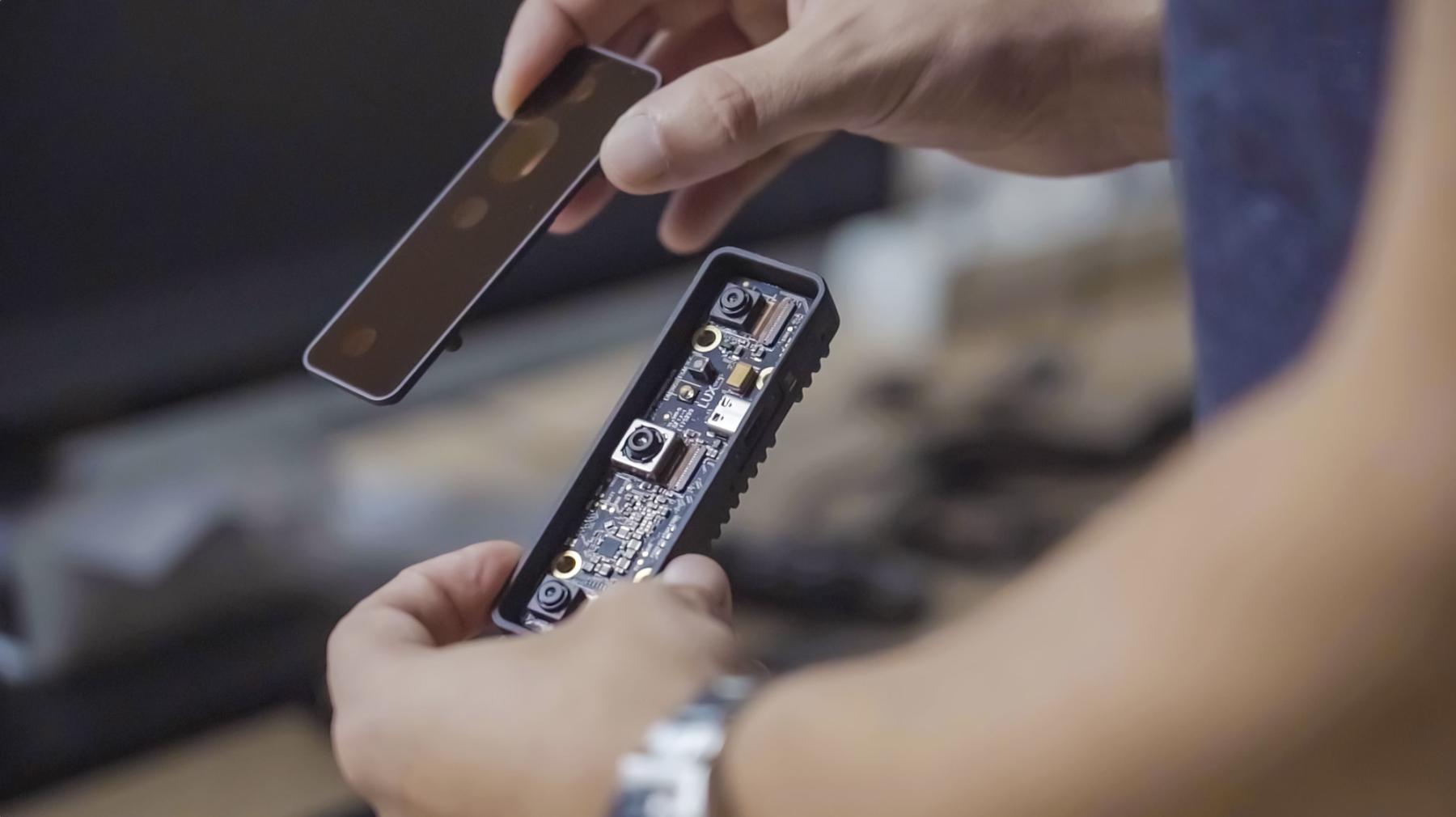
Luxonis: Coordinating PCB and Mechanical Design Across Three Continents
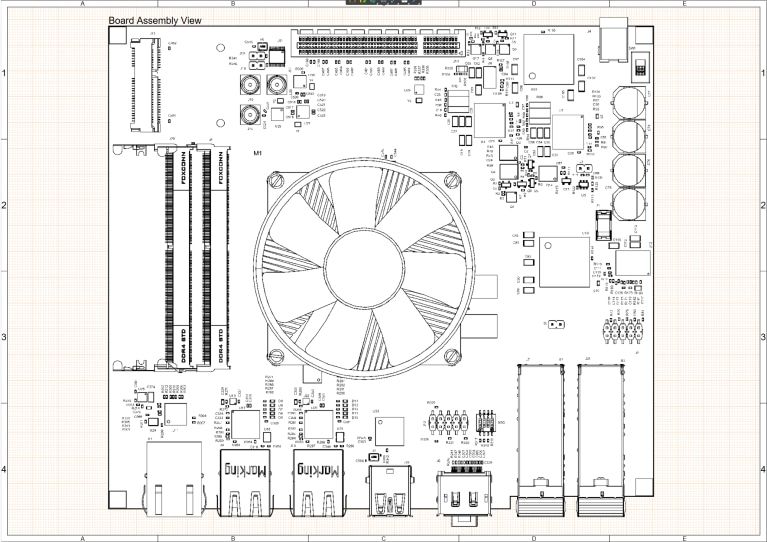
Creating Fabrication and Assembly Drawings In Altium Designer
Ready to get started with Altium Develop?
Free 30-day access. No credit card required.
Review Live Designs, With Feedback Pinned to the Board
Managed design review runs on live schematics and layouts in the browser, with checklists and recorded approvals. Interactive comments and context-aware tasks pin feedback to a component or net, and stay with the design across revisions.
Stop Two Engineers From Overwriting Each Other
Change conflict prevention stops a second designer from overwriting a layout someone else is editing. The team works in parallel on the project without losing changes during the handoff.
Run the Deeper MCAD CoDesign Exchange
Beyond the base exchange, Agile Teams adds rigid-flex synchronization, MCAD-driven component placement, enclosure exchange, and the ability to pull a previous revision. Mechanical and electrical stay aligned on the hard designs.
Design the Full Toolset, Built In
Schematic capture, rules-driven layout, interactive routing, native 3D, rigid-flex, HDI, and multi-board and harness design are all included. The professional environment is the same one your designers already know.
Keep New Parts and Project Management in Sync
New components follow a managed part request before they reach a board, so designers pull from one approved set. Bidirectional Jira integration ties design tasks to the work, so project management sees progress without a status meeting.


Speed at Scale. Structured Repeatability. Secure Flexibility.
Structured collaboration for multidisciplinary electronics teams and development that keeps people and data aligned without sacrificing speed.

Free 30-day access
What Teams Say About
Designing in One Environment
"Altium 365 enables a lot faster communication and a lot faster file transfer. It also allows us access to our client's Workspace so we can commit changes directly to it, we can pass comments back and forth, and really understand the details of what they're trying to relay to us. Way easier than previously through email or other methods of file transfer."
"The GCHawk has a six-layer rigid-flex board, three circuit-layer boards, a 14-layer high-speed board, and a two-layer LED board with an indicator, all packed into a narrow space. And we designed the whole thing with Altium Designer."
"Altium 365 has been very helpful for design review and validation. The online viewer tool makes it easy to see the boards in 3D from all sides... we also really like the comments feature, where you can put a comment on a component or a specific area right inside the schematic and get issues resolved."
Resources
MCAD Collaboration for PCB Designers
Luxonis: Coordinating PCB and Mechanical Design Across Three Continents

Altium Agile Teams
Ready to get started with Altium Agile Teams?
Free 30-day access. No credit card required.
Connect Engineering to Your PLM
Publish released designs to supported PLM systems and initiate new projects from existing product records. Keep engineering data connected to enterprise workflows, reduce manual handoffs, and maintain continuity from design through release.
Organization-Wide Governance. Consistent Releases.
Apply organization-wide policies, approval workflows, and workspace controls to govern engineering releases. Establish repeatable processes and maintain control over how designs move from development to release.
Deploy with Control. Scale with Confidence.
Align your Altium environment with enterprise deployment and security requirements. Support organization-wide operations with controlled access, centralized workspace management, and flexible deployment options designed to meet complex IT and engineering requirements.
Validate Designs with Connected Simulation
Connect Altium Designer with Ansys simulation tools through Ansys CoDesigner. Evaluate signal integrity, thermal behavior, and power performance within connected simulation workflows that stay aligned with the evolving design.
Analyze Power Integrity Within Your Design Workflow
Use Power Analyzer by Keysight within Altium Designer to evaluate power integrity against design data. Identify potential power delivery issues earlier in development and make informed design decisions before changes become more costly.


Digital Thread at Scale
Connected context from intent through release with an intelligent, governed, extensible platform.
Contact Us
See How Altium Agile Enterprise Addresses
Electronics Hardware Development in Your Industry



What Teams Say About
Designing in One Environment
"Altium 365 enables a lot faster communication and a lot faster file transfer. It also allows us access to our client's Workspace so we can commit changes directly to it, we can pass comments back and forth, and really understand the details of what they're trying to relay to us. Way easier than previously through email or other methods of file transfer."
"The GCHawk has a six-layer rigid-flex board, three circuit-layer boards, a 14-layer high-speed board, and a two-layer LED board with an indicator, all packed into a narrow space. And we designed the whole thing with Altium Designer."
"Altium 365 has been very helpful for design review and validation. The online viewer tool makes it easy to see the boards in 3D from all sides... we also really like the comments feature, where you can put a comment on a component or a specific area right inside the schematic and get issues resolved."
Resources
PLM Integration Guide
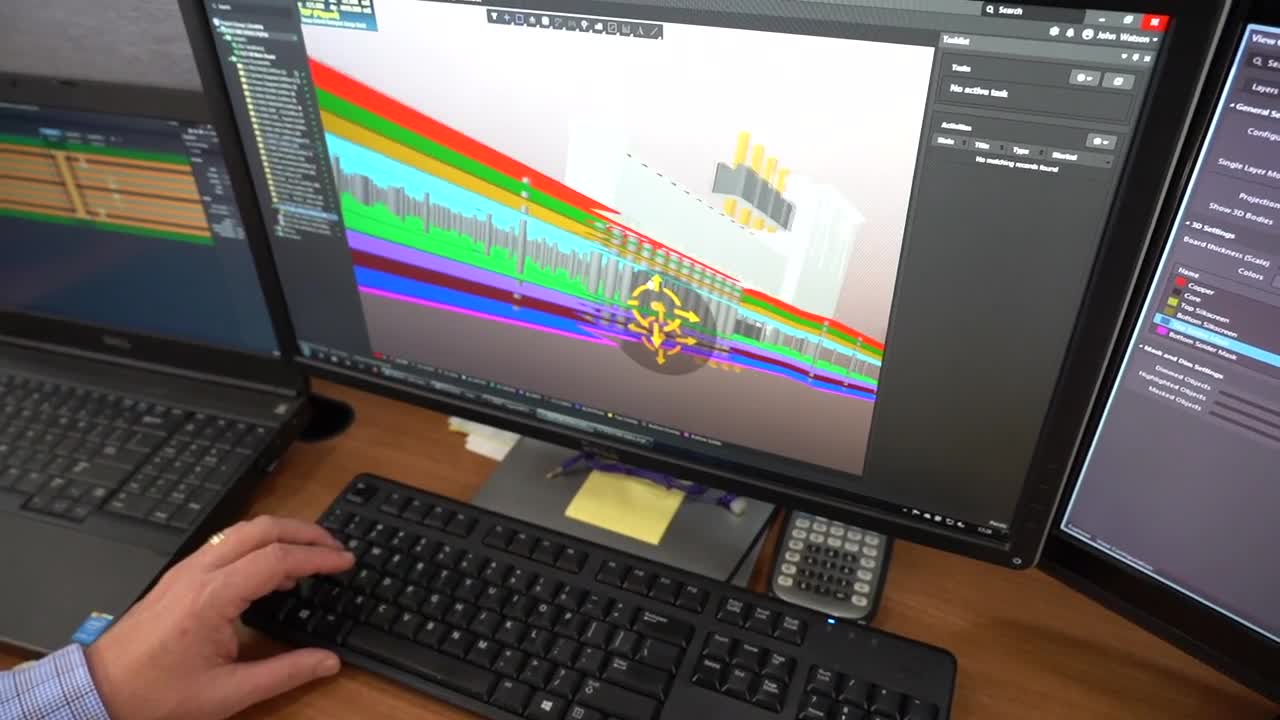
Legrand Thrives with Altium Enterprise Solutions and Workflows
Structuring Your Design Data Management to Avoid Design Missteps
Ready to Talk Through Altium Agile Enterprise?
Tell us how your organization works, and we will map the platform to it.
Find the right solution for where
your team is today
Each solution is a different stage, not just a different feature set

For the designer who is also the IT department.
Cloud-connected version control and a centralized library without a server to manage.
- Git-based version control with visual diffs
- Centralized cloud component library
- Design reuse blocks
- Live DRC and high-speed routing

For teams where the next wrong-version build is one commit away.
Conflict prevention, lifecycle states, and design review inside the platform.
- Change conflict prevention before commit
- Configurable lifecycle states and release
- In-platform design review
- Where-used tracking across all projects

For regulated organizations where data must connect to enterprise systems.
Granular permissions, enterprise PLM, and flexible deployment.
- Role-based access and IP separation
- Windchill, Teamcenter, Aras, Oracle PLM sync
- Customizable data structures
- Cloud, on-premise, or single-tenant