
Altium Develop vs. Cadence OrCAD X®
The Ultimate Comparison Guide
See how Altium Develop and Cadence OrCAD X® compare across the workflows that matter: design, supply chain, requirements, data management, collaboration, and manufacturing.
- One unified environment vs. a modular tool chain of add-ons
- Browser-based reviews and release sharing, no extra licenses needed
- Built-in requirements, BOM, and manufacturing workflows
Which Tool Fits
the Way You Work?
Five everyday situations where the difference shows up.

OrCAD X Capture and Presto cover schematics, layout, PSpice, HDI, rigid-flex (3DX Canvas), and high-speed routing with the Allegro X Constraint Manager, but there is no dedicated multi-board or harness design environment.

Altium Develop covers schematics, PCB layout, mixed-signal SPICE, high-speed routing, rigid-flex, multi-board, and harness design in one editor, with constraint-driven DRC and real-time 3D.
Trial tip: Open a multi-board project in Altium Develop and verify system-level connectivity between boards and harnesses in one place.
Presto Canvas markup and commenting is embedded in the design database with snapshots and tagging, but there is no license-free, browser-based review experience for external stakeholders.
Design reviews are browser-based with comment threads and real-time feedback capture; reviewers do not need an ECAD license. Checklist-driven reviews with audit-ready logs are available with Altium Agile.
Trial tip: Send a browser link to a colleague without any CAD license and collect their comments directly on the design.
MCADX delivers bi-directional sync with SOLIDWORKS via Intelligent Data Exchange; other MCAD tools rely on standard IDX/STEP transfer rather than a native CoDesigner-class link.
MCAD CoDesigner provides bi-directional sync with SOLIDWORKS, PTC Creo, Inventor, Fusion 360, and Siemens NX, including copper geometry and keep-outs. Rigid-flex sync, MCAD-driven placement, and enclosure exchange are available in Altium Agile.
Trial tip: Push your board to your MCAD tool with CoDesigner and pull an enclosure-driven change back into the layout.
There is no native requirements management module; traceability is only achievable through third-party PLM/ALM integrations (e.g., Teamcenter Gateway for EDA).
Requirements Portal provides a versioned, collaborative requirements repository. Requirements link bidirectionally to schematic nets, PCB objects, components, and BOMs, with AI assistance and templated export of traceability matrices and compliance documents.
Trial tip: Link a requirement to a schematic net and watch its status sync as the design evolves.
LiveDoc produces manufacturing packages from the board database and OnCloud workspaces version those releases; external CMs access them via the Windows desktop OrCAD X Free Viewer rather than a browser.
Altium Develop generates version-controlled release packages (Gerber, ODB++, IPC-2581, BOM, drawings); manufacturers view and comment through a browser link, with in-platform quoting and ordering through a vetted CM network.
Trial tip: Generate a release package and share the browser link with your manufacturer - no viewer install needed on their side.
Compare Altium Develop vs. Cadence OrCAD X®
Six workflows engineers rely on every day.
OrCAD X Capture + Presto cover schematics, layout, PSpice, HDI, rigid-flex, and high-speed routing with the Allegro X Constraint Manager. Presto Canvas markup is embedded in the design database. No dedicated multi-board or harness environment.
Takeaway: Both tools handle advanced single-board design well. Altium Develop extends the same environment to multi-board and harness design and lets stakeholders review in the browser without a license.
One unified editor for schematics, PCB layout, mixed-signal SPICE, high-speed routing, rigid-flex, multi-board, and harness design, with constraint-driven DRC, real-time 3D, and browser-based design reviews with comment threads.
Trial tip: Recreate one of your current OrCAD projects in Altium Develop and run a browser-based review with a non-CAD stakeholder.
Live BOM in Capture provides real-time sourcing, pricing, and lifecycle data from Sourcengine on 1.6B+ parts, with team-level BOM collaboration in OnCloud workspaces. Deep risk and lifecycle intelligence requires the separate OrCAD CIP add-on. No documented native ingestion of BOMs from foreign ECAD tools.
Takeaway: Both platforms deliver live part intelligence. Altium Develop adds cross-ECAD BOM ingestion and deeper lifecycle data without a separate add-on.
BOM data is consolidated with real-time pricing, stock, and lifecycle flags inside the design editor and cloud workspace. Verified specifications and lifecycle intelligence come from Octopart and IHS Markit, with SiliconExpert and Z2Data extensions. BOMs from OrCAD, Allegro, PADS, EAGLE, and KiCad can be ingested under a shared parts library.
Trial tip: Import a BOM from an existing OrCAD project and check live pricing, stock, and lifecycle flags on your real parts
No native requirements management module. Requirements traceability is only achievable through third-party PLM/ALM integrations such as Teamcenter Gateway for EDA. No AI requirements assistance or audit-ready documentation export.
Takeaway: This is the widest gap in the comparison: requirements management is built into Altium Develop and absent from OrCAD X without third-party tooling.
Requirements Portal provides a versioned, collaborative repository with full change history and access control. Requirements link bidirectionally to schematic nets, PCB objects, components, and BOMs, with status syncing, AI assistance, and templated export of traceability matrices, verification plans, and compliance documents.
Trial tip: Create a small set of requirements, link them to design objects, and export a traceability matrix from live data.
Design history and version control are supported. Capture, footprint, and Padstack libraries remain separate; unified, parameter-rich component management with where-used reports requires OrCAD CIS plus the optional OrCAD CIP add-on. No visual design comparison or reusable circuit blocks.
Takeaway: Both tools version designs. Altium Develop adds visual diffs, a single component model, and design reuse without extra add-ons.
Version-controlled design history with visual diffs across schematics, PCBs, Gerbers, and BOMs. A unified component model combines symbols, footprints, supplier links, 3D models, and where-used tracking. Reusable circuit design blocks are supported; lifecycle states and templates are available in Altium Agile.
Trial tip: Make a change to a schematic, then use the visual diff to see exactly what changed between revisions.
Symphony enables up to two concurrent PCB designers in the same database, and OnCloud workspaces support schematic and layout co-design. Cross-discipline collaboration with procurement, MCAD, and manufacturing is more limited. No configurable workflow engine.
Takeaway: OrCAD X focuses collaboration on the design team; Altium Develop opens the workspace to every discipline at no per-user cost.
ECAD, MCAD, supply chain, and manufacturing collaborators work in a single workspace, with unlimited workspace users included. Configurable, diagram-based workflows for approvals, ECOs, and lifecycle handoffs are available within Altium Agile.
Trial Tip: Invite cross-functional stakeholders into the same workspace and run a project review together.
LiveDoc produces manufacturing packages from the board database and OnCloud workspaces version those releases; external CM access goes through the Windows desktop OrCAD X Free Viewer. No manual assembly assistant or contract manufacturing network. Cloud PLM connectivity goes through third-party gateway products (XPLM, Arena partner).
Takeaway: Altium Develop covers the full path from release to assembly and ordering in the browser; OrCAD X stops at package generation and a desktop viewer.
Release packages (Gerber, ODB++, IPC-2581, BOM, drawings) are generated and stored with version control; manufacturers view and comment via a browser link with feedback tied back to the project. Assembly Assistant provides a paperless, web-based assembly interface, and in-platform quoting, manufacturability checks, and ordering run through a vetted CM network. PLM Connectors are available within Altium Agile.
Trial tip: Build a release package, share it with a manufacturer via browser link, and try the in-platform quoting flow.
Try Both.
Compare on Your Own Design.
The best comparison is your next project.
Both vendors offer trials - see which environment keeps your work moving.
Cadence OrCAD X®
A capable, modular PCB design platform built around Capture, Presto, and the Allegro X technology stack.
- Schematics, layout, PSpice, HDI, rigid-flex, and high-speed routing
- Allegro X Constraint Manager for constraint-driven design
- Live BOM with Sourcengine data on 1.6B+ parts
- Symphony co-design for up to two concurrent PCB designers
- OnCloud workspaces for team collaboration and release versioning
- MCADX bi-directional sync with SOLIDWORKS
Altium Develop
A unified environment that connects design to requirements, sourcing, review, release, and manufacturing.
- Schematics, PCB, rigid-flex, multi-board, and harness in one editor
- Browser-based design reviews - no license needed for reviewers
- Built-in requirements management with bidirectional design links
- Visual diffs across schematics, PCBs, Gerbers, and BOMs
- Unlimited workspace users across ECAD, MCAD, and supply chain
- Version-controlled releases with in-platform quoting and CM ordering

One Solution For The Many Hats You Wear
Altium Develop
Design is only part of the job.
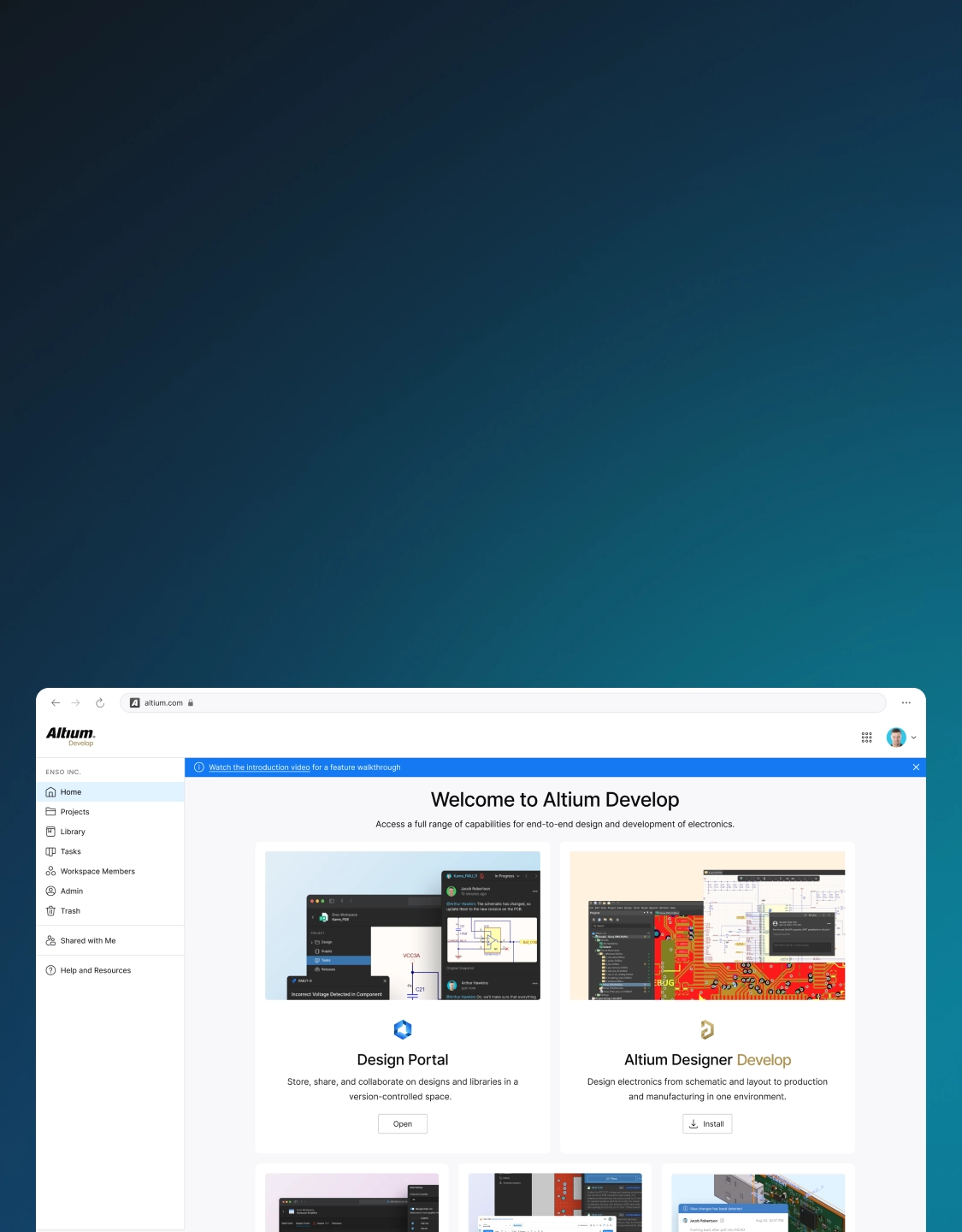
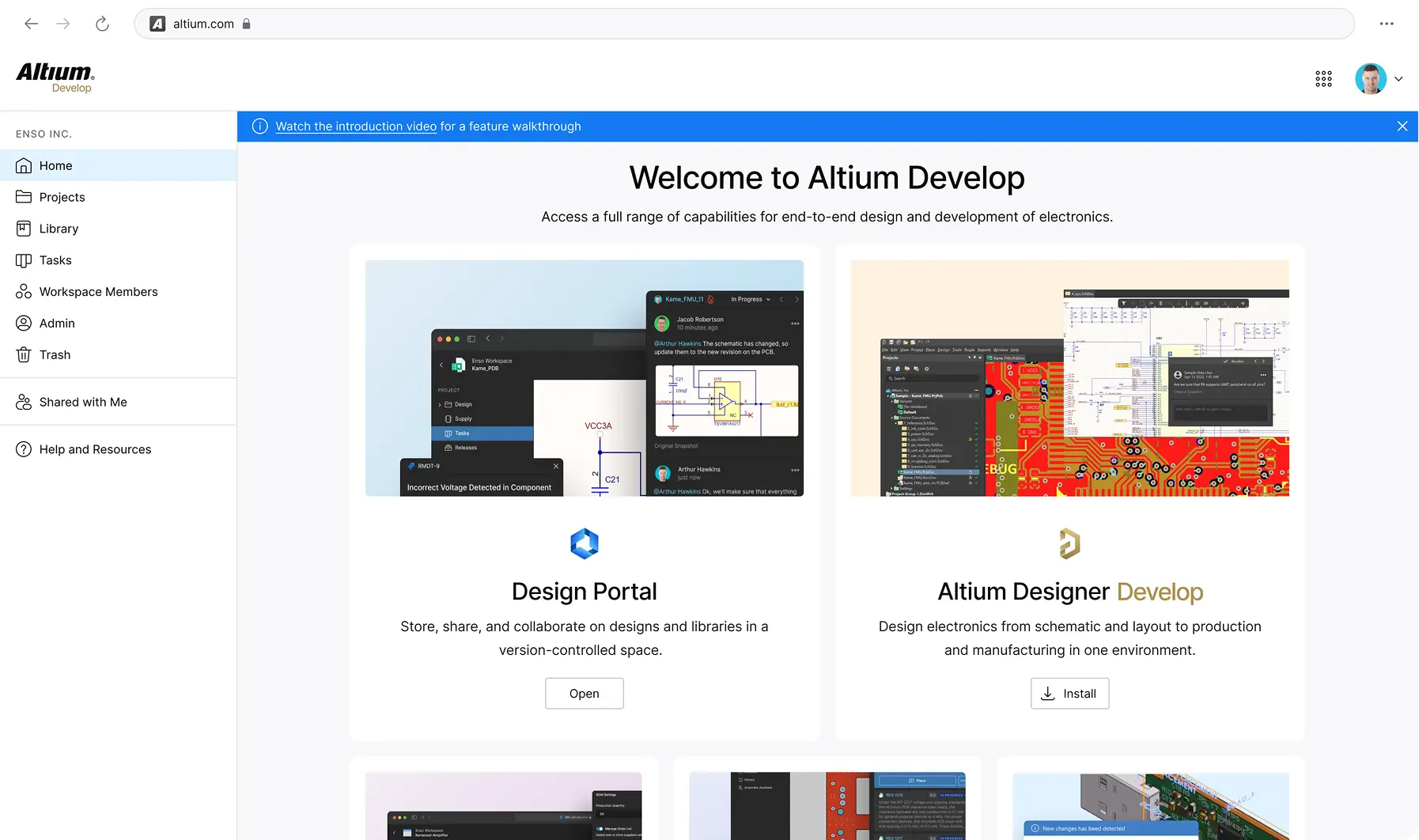
You also define requirements, source parts, share progress, deliver releases, and manage costs; all while keeping projects moving. Altium Develop brings those pieces together so the work between steps takes less effort. It connects your design environment to the broader jobs you already do.
Define
Link requirements directly to design items so nothing gets lost between the spec and the board.
Source
Find, validate, and manage components with supplier data and approved component lists built into your workflow.
Share
Clients and reviewers see designs directly in the browser - no Altium license needed. Comments and markups happen on the actual design, not in a separate thread.
Deliver
Generate and manage release packages (Gerbers, BOMs, assembly docs) with revision tracking so nothing ships without a record.
Track
Version-controlled design history with visual diffs and an audit trail so you always know what changed, when, and why.

Free 30-day trial.
No pressure
attached.
Design whatever you want. Treat it as a workflow
experiment, not a commitment.
- Design any board you want during the trial
- No credit card required to start
- No sales contact unless you request it
- Optional technical support if you get stuck
Start Free
Free 30-day access. No credit card required.
Are You A Student? Enroll in the Student Lab