Importing a Design from LTspice
At a Glance
- Learn how to enable the LTSpice Importer extension and access the Import Wizard.
- Understand where supporting symbol and model files need to be located, and when they are detected automatically.
- See what the import produces and how to import component library files without a design file.
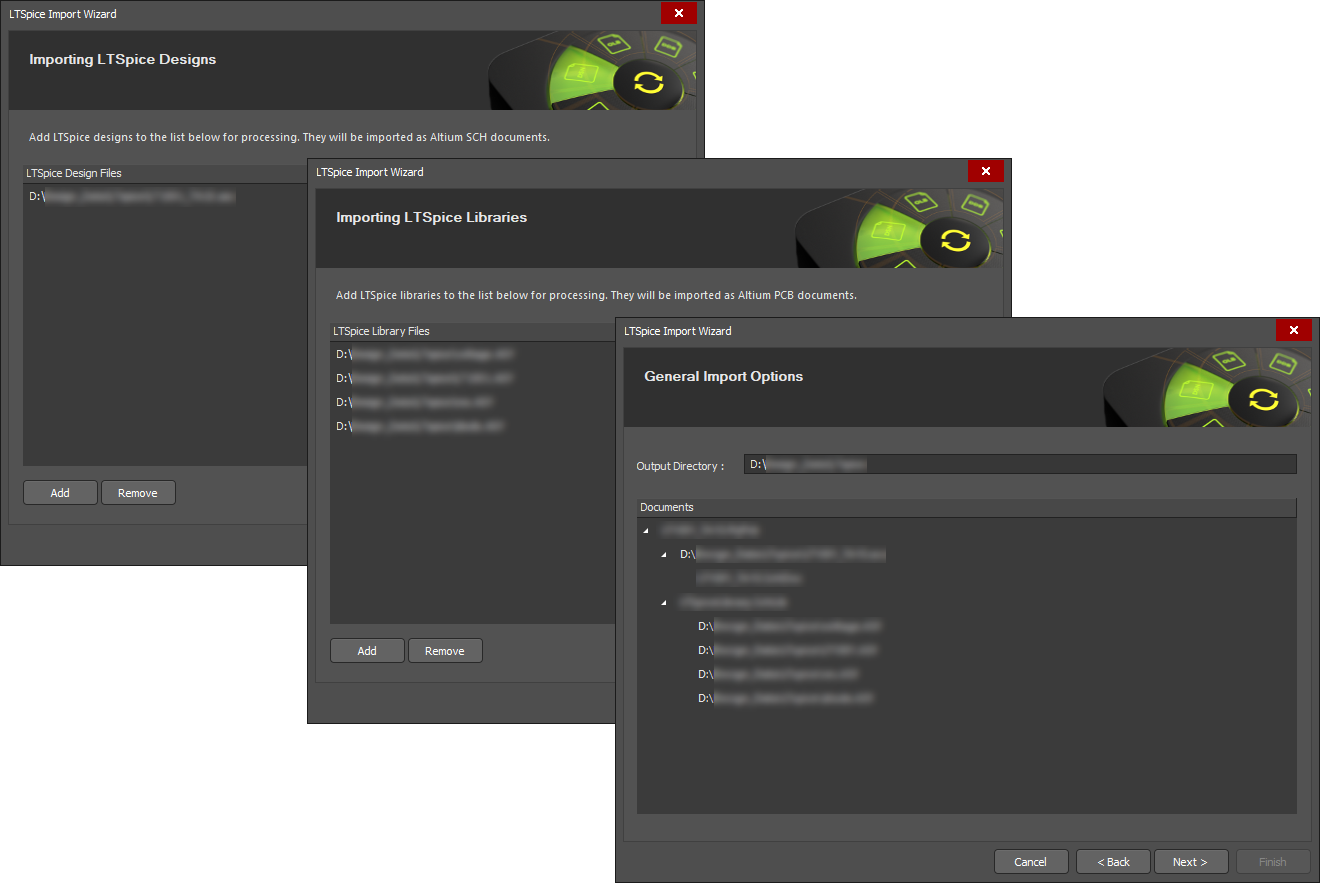
Simulation designs saved from LTspice® are able to be imported into Altium Designer with the LTSpice Import Wizard.
Invoke the wizard with the File » Import Wizard menu command, select LTSpice Design Files as the file type option, and then complete the subsequent wizard steps.

Select LTSpice Design Files in the Import Wizard to import LTspice files.
Component symbol files referenced by the LTspice design file (*.asc) are automatically added as library files, and in turn, the simulation models referenced within the component library files are also added to the import.
The import process results in an Altium Designer PCB project that also includes a Schematic Library containing the design's components and a set of generated simulation models in the general *.mdl format. LTspice Voltage Sources are imported as an equivalent Altium Designer Simulation Stimulus type.