
Signal Integrity Rule Types
At a Glance
- Understand what the Signal Integrity design rule category covers in Altium Designer.
- Learn the purpose of the Signal Stimulus rule in signal integrity analysis and how worst case results are used during rule checking.
- Review the available stimulus constraint options, including the types of signals that can be injected during analysis.
The design rules of the Signal Integrity category are described below.
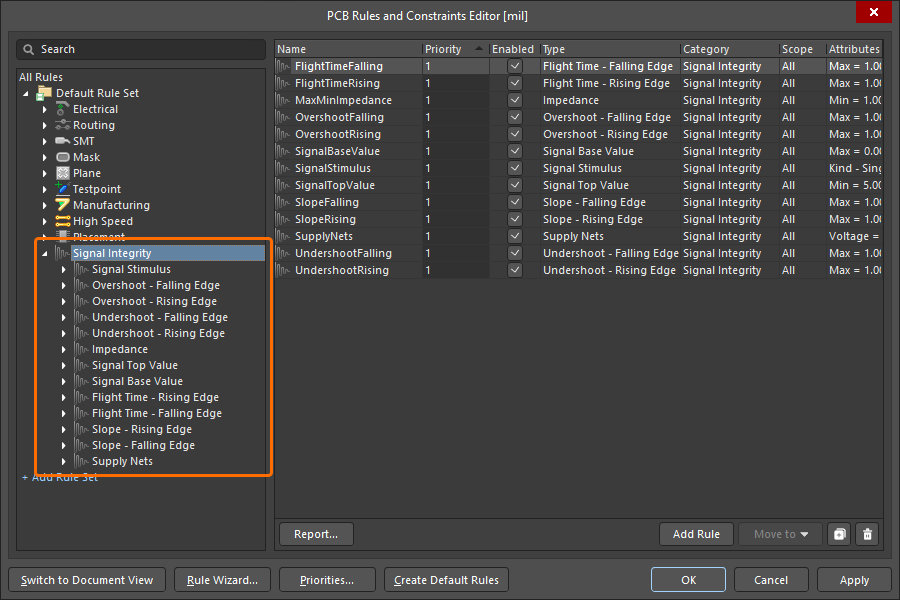
The Signal Integrity category of design rules.
Signal Stimulus
This rule specifies the characteristics of the stimulus signal used when performing a signal integrity analysis on the design. This is the signal that is injected at each output pin on the net under test. The worst-case result is returned during design rule checking.
Constraints
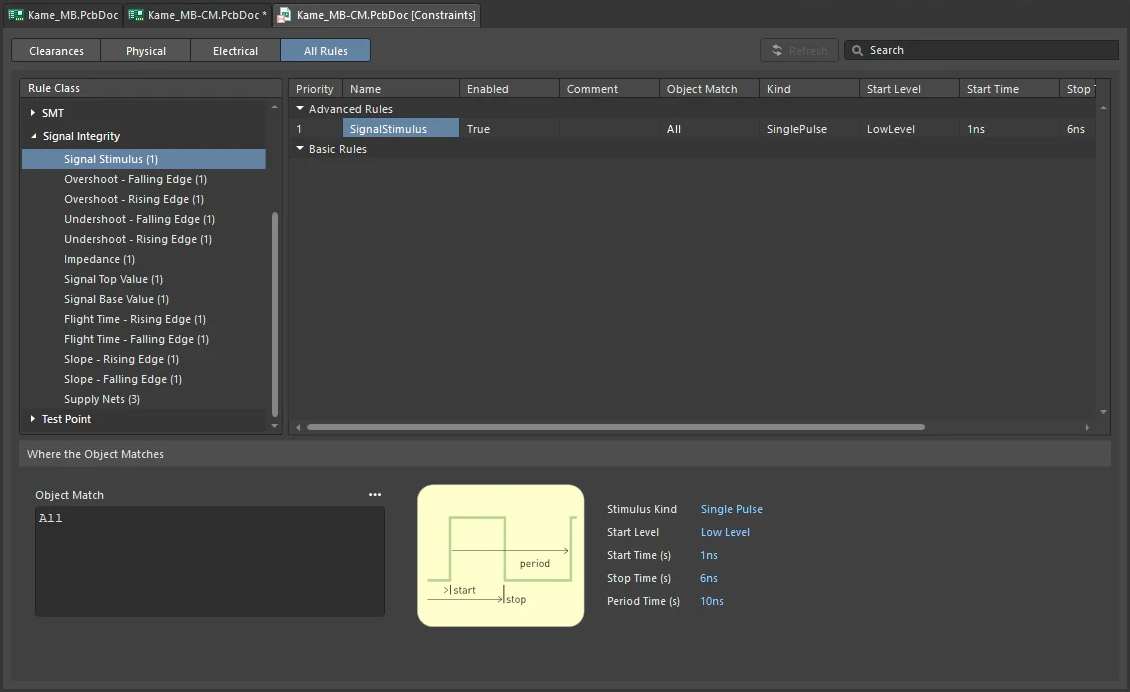
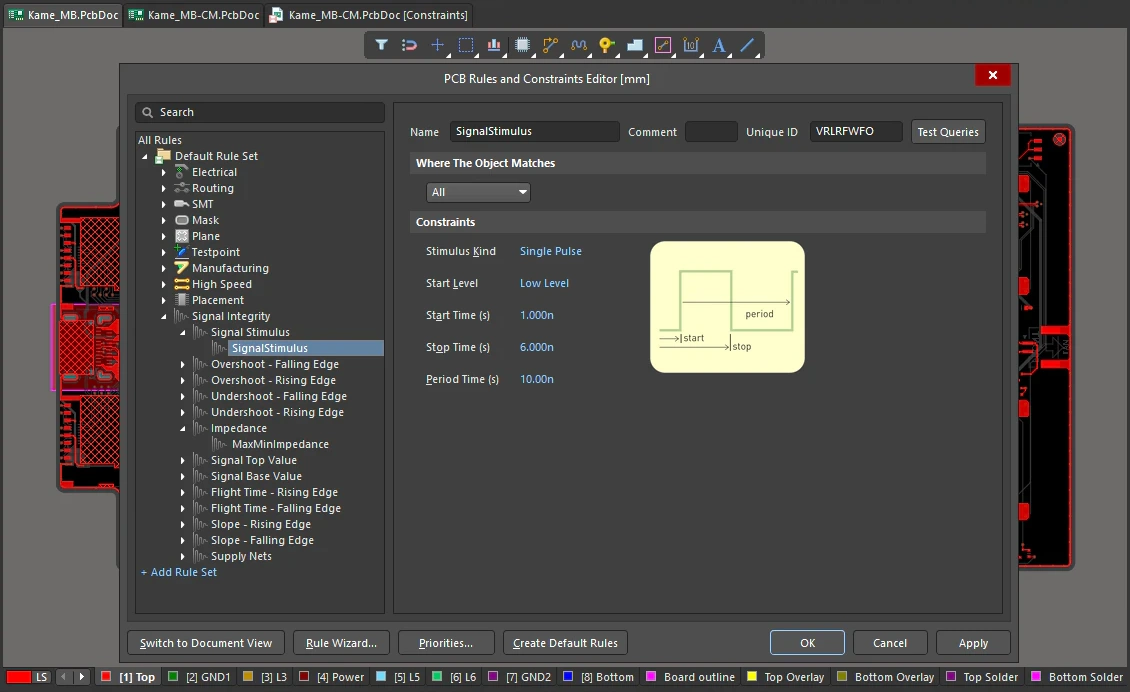
Signal Stimulus Constraints
| Default Rule | Not required. |
| Stimulus Kind | Specifies the type of stimulus signal that is injected during signal integrity analysis. The following stimulus types are available:
|
| Start Level | Specifies the voltage level used for the Constant Level stimulus signal, or the initial voltage level for the pulse-based stimulus signals. The following levels are available:
|
| Start Time (s) | Start time for a pulse-based stimulus signal. Used in calculating the width of the pulse. |
| Stop Time (s) | Stop time for a pulse-based stimulus signal. Used in calculating the width of the pulse. |
| Period Time (s) | Time between pulses in a periodic pulse train stimulus signal. After the period time has elapsed, another identical pulse of width Stop Time - Start Time is injected. |
| Crosstalk analysis | When performing a Crosstalk analysis, an Aggressor net will be injected with the stimulus defined in the Stimulus design rule, the LOW and HIGH levels of which are dependent on the model used for the driving output pin. A Victim net will get a Constant Low level voltage injected into it, with the level again being dependent on the model used for the output pin. |
| Rule Application | Batch DRC and during Signal Integrity analysis. |
Overshoot - Falling Edge
This rule specifies the maximum allowable overshoot (ringing below the base value) on the falling edge of the signal.
Constraints
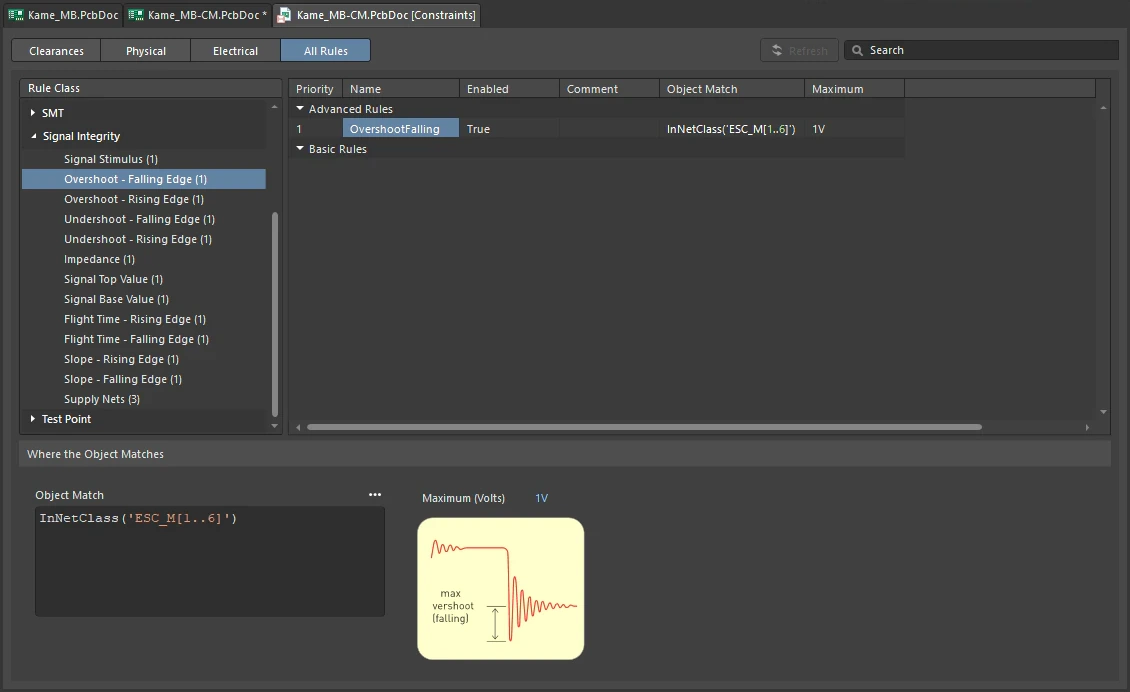
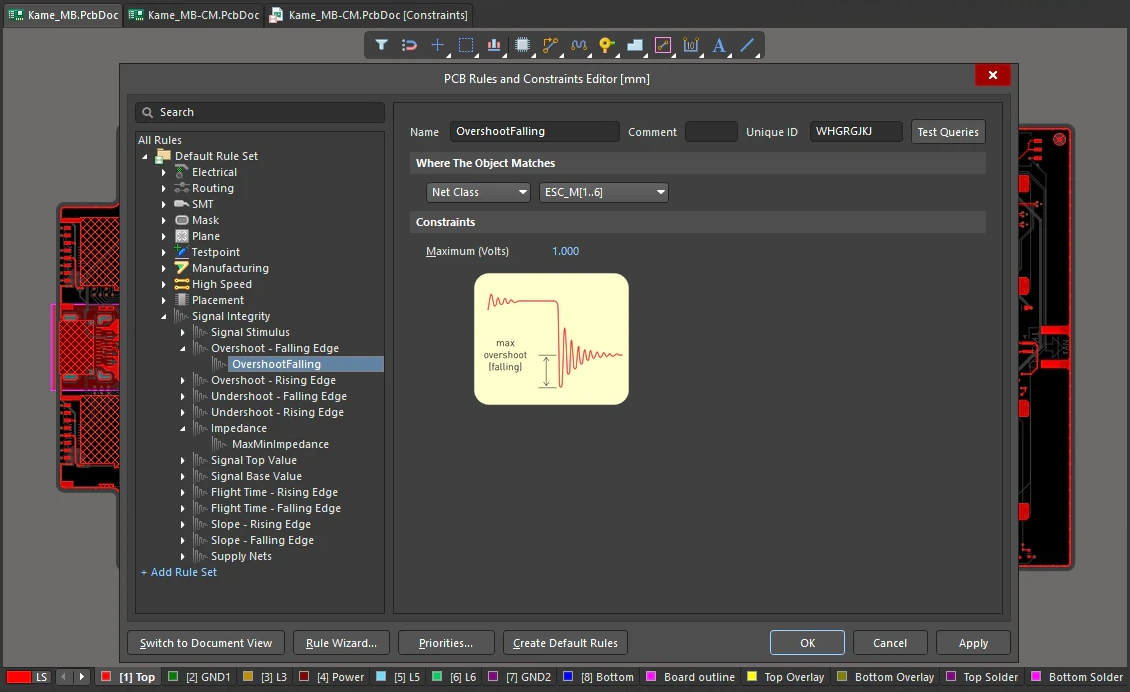
Overshoot - Falling Edge Constraints
| Default Rule | Not required. |
| Maximum (Volts) | The value for the maximum permissible overshoot on the falling edge of the signal. |
| Rule Application | Batch DRC and during Signal Integrity analysis. |
Overshoot - Rising Edge
This rule specifies the maximum allowable overshoot (ringing above the top value) on the rising edge of the signal.
Constraints
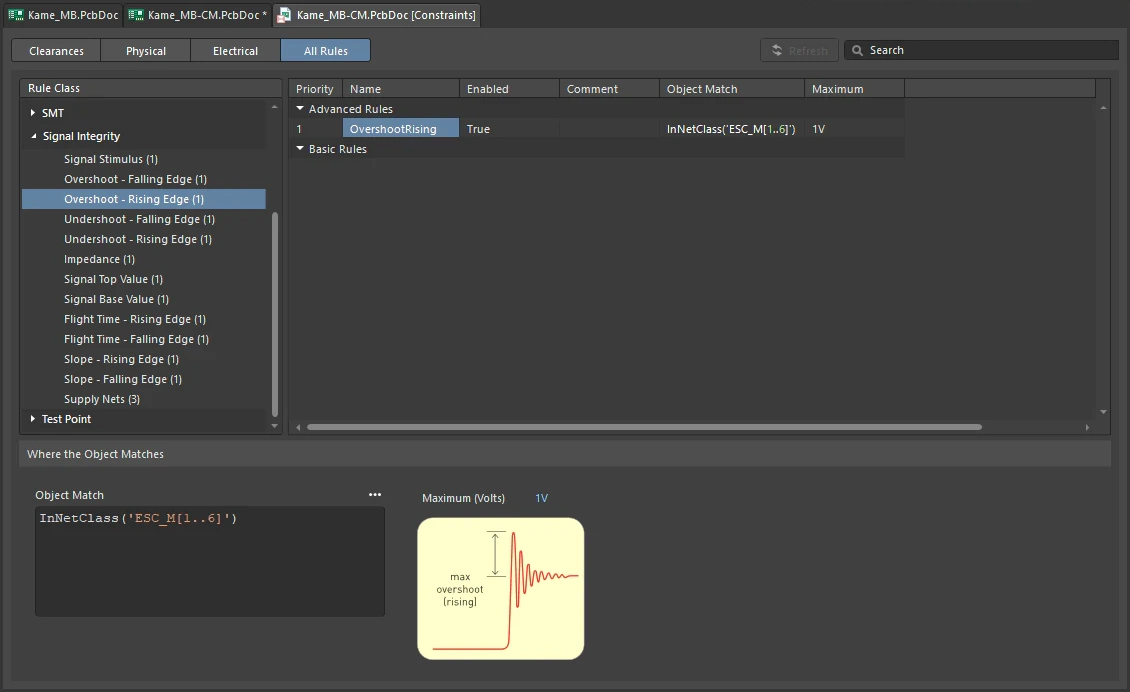
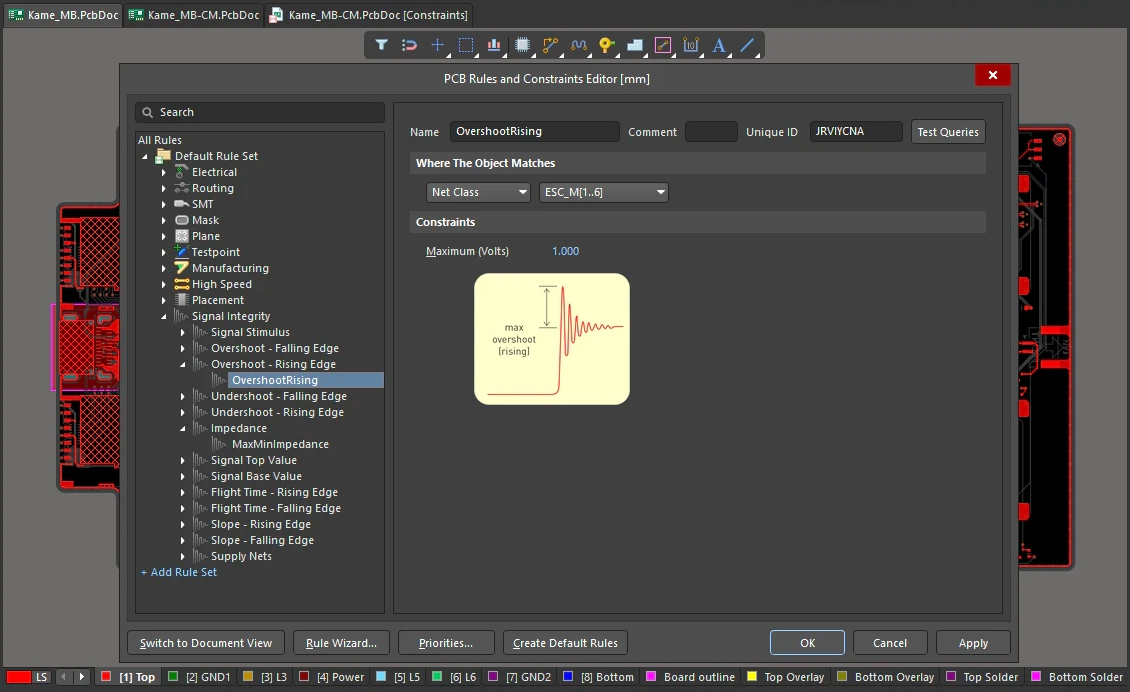
Overshoot - Rising Edge Constraints
| Default Rule | Not required. |
| Maximum (Volts) | The value for the maximum permissible overshoot on the rising edge of the signal. |
| Rule Application | Batch DRC and during Signal Integrity analysis. |
Undershoot - Falling Edge
This rule specifies the maximum allowable undershoot (ringing above the base value) on the falling edge of the signal.
Constraints
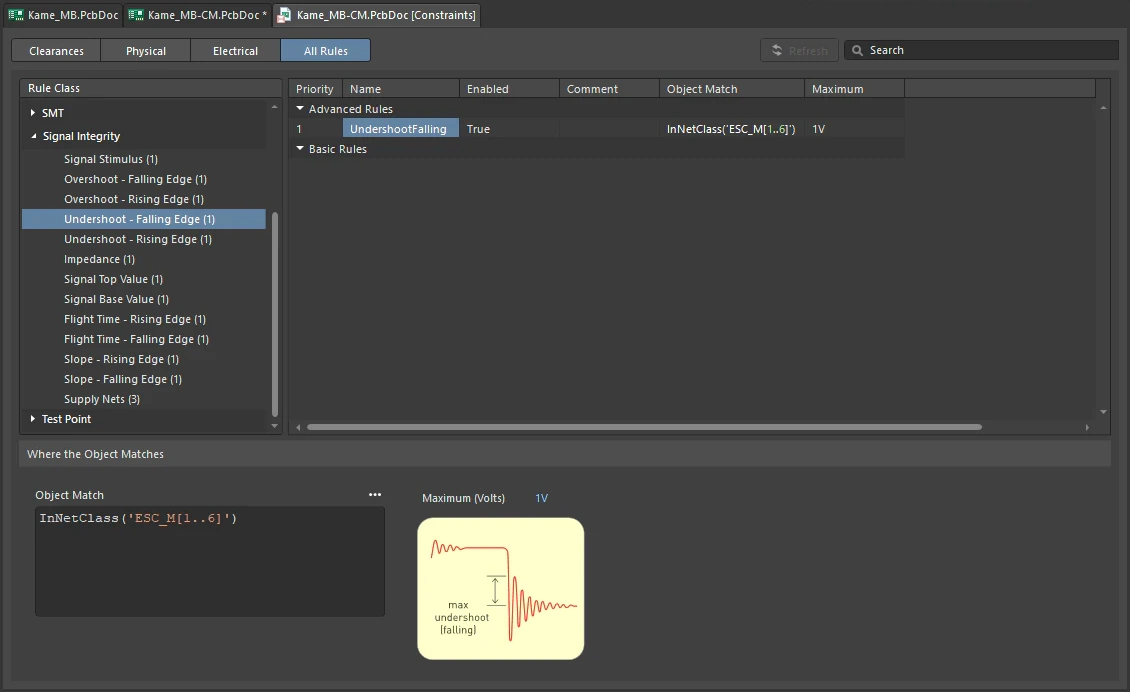
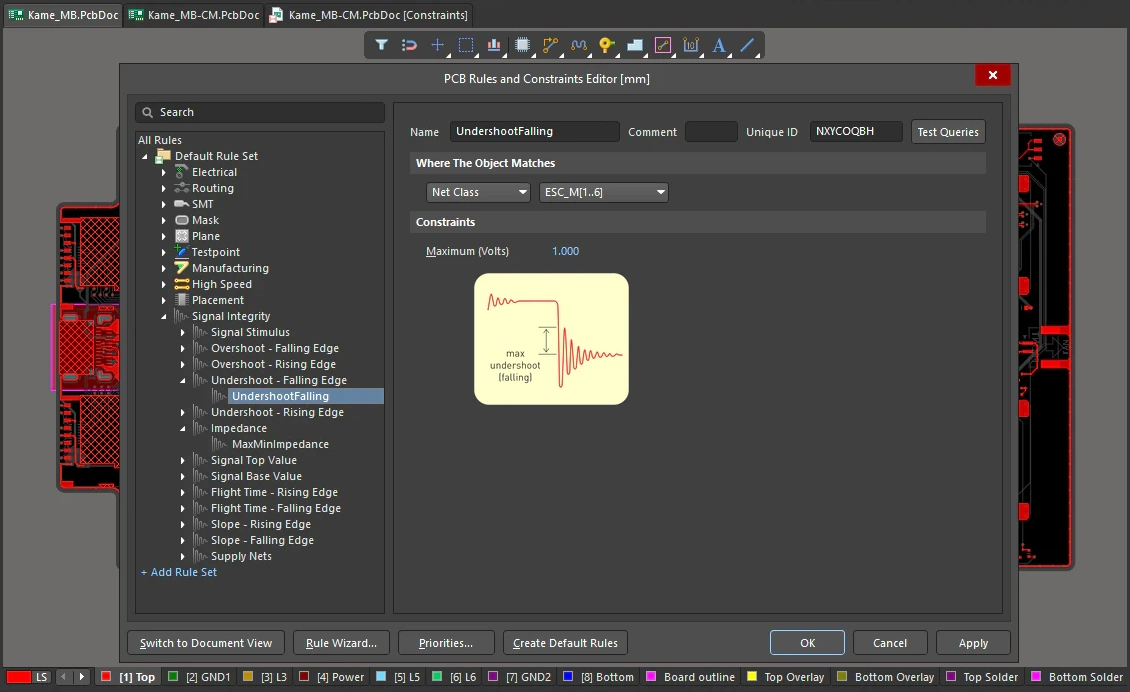
Undershoot - Falling Edge Constraints
| Default Rule | Not required. |
| Maximum (Volts) | The value for the maximum permissible undershoot on the falling edge of the signal. |
| Rule Application | Batch DRC and during Signal Integrity analysis. |
Undershoot - Rising Edge
This rule specifies the maximum allowable undershoot (ringing below the top value) on the rising edge of the signal.
Constraints
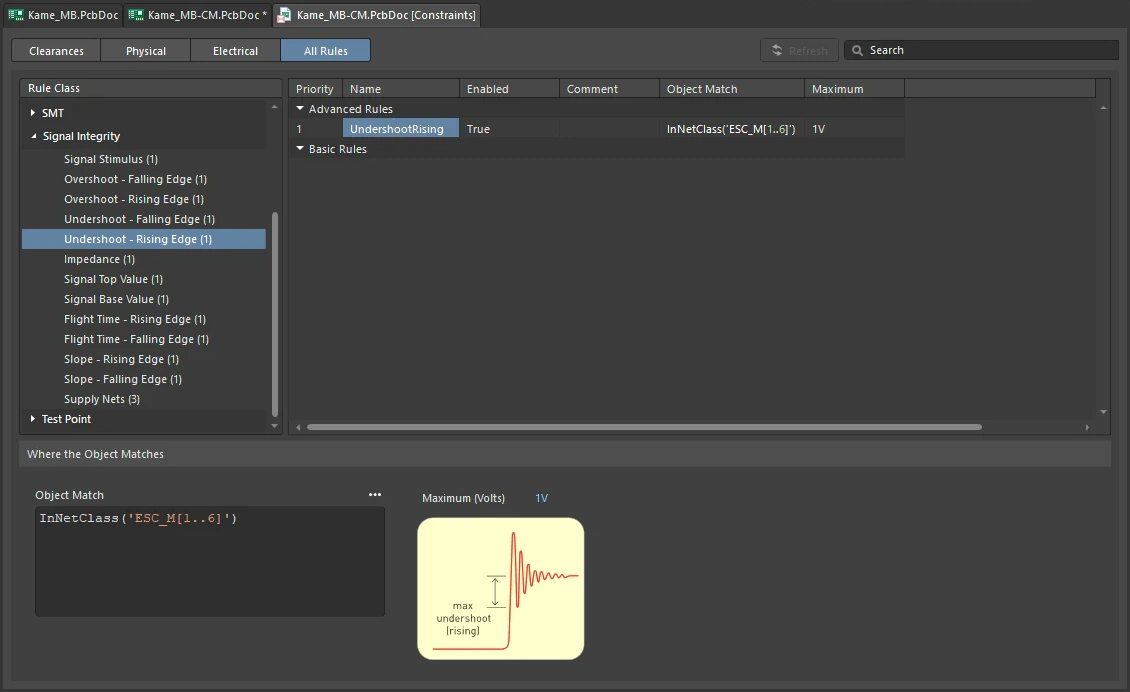
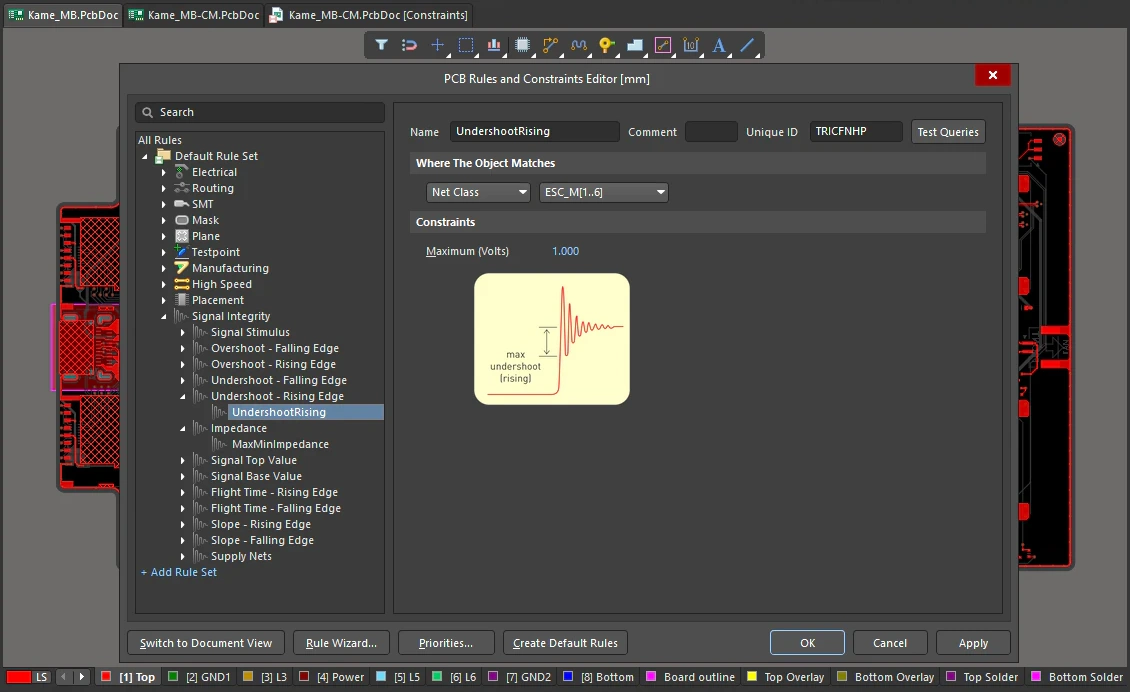
Undershoot - Rising Edge Constraints
| Default Rule | Not required. |
| Maximum (Volts) | The value for the maximum permissible undershoot on the rising edge of the signal. |
| Rule Application | Batch DRC and during Signal Integrity analysis. |
Impedance
This rule specifies the minimum and maximum net impedance allowed. Net impedance is a function of the conductor geometry and conductivity, the surrounding dielectric material (the board base material, multi-layer insulation, solder mask, etc) and the physical geometry of the board (distance to other conductors in the z-plane).
Constraints
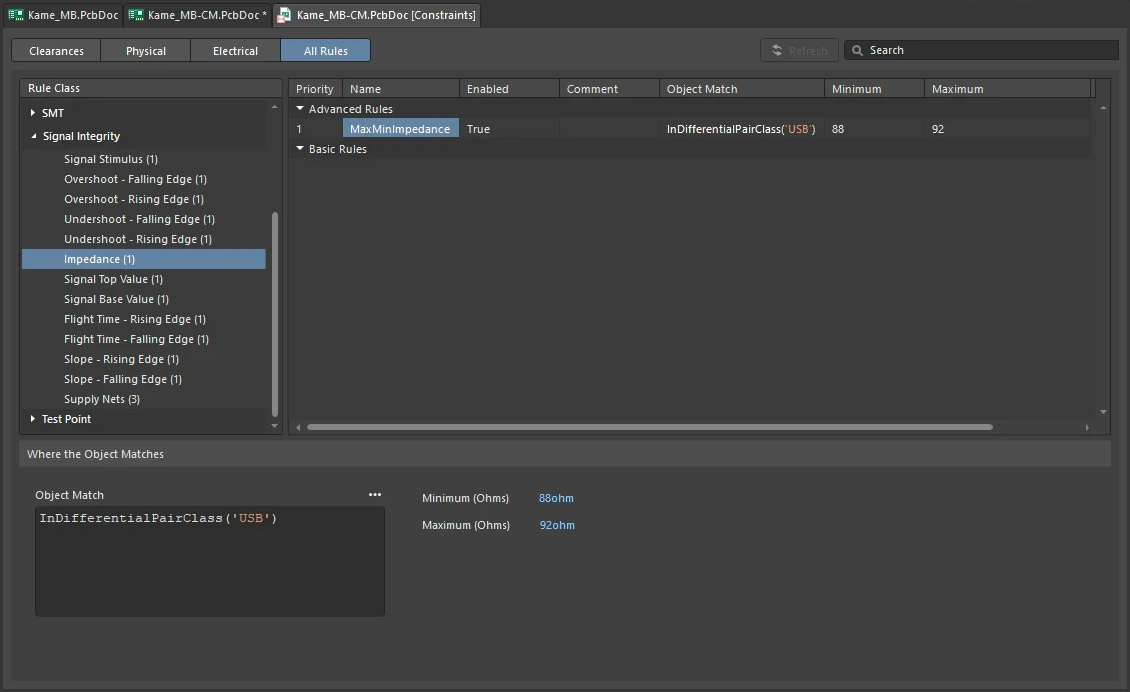
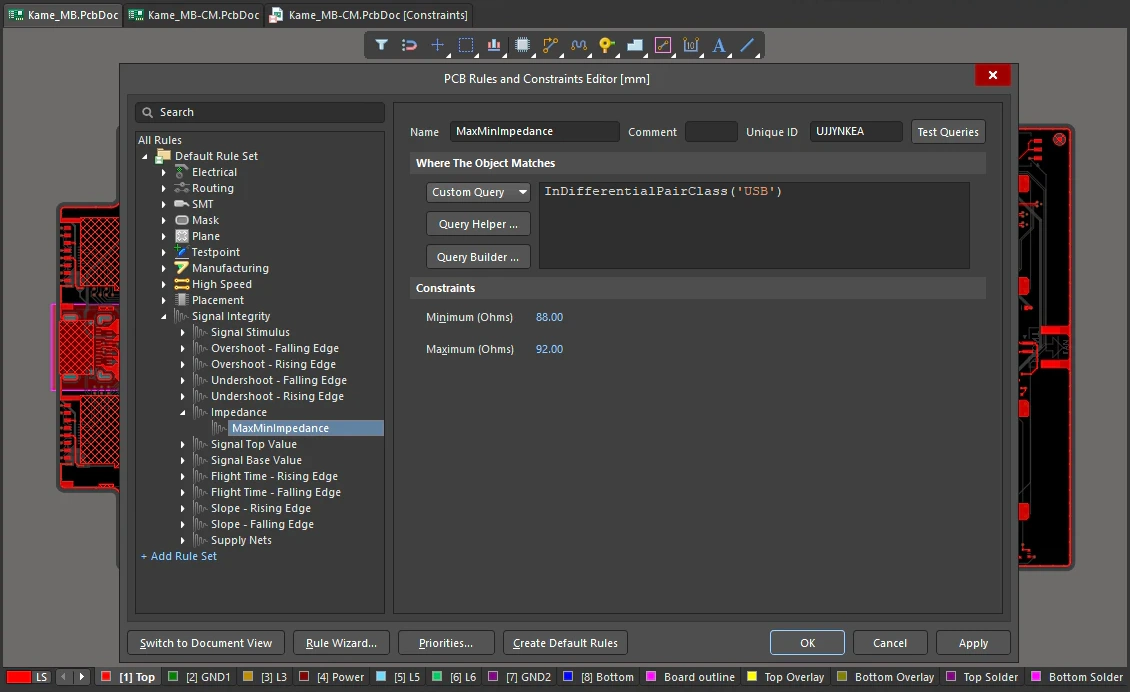
Impedance Constraints
| Default Rule | Not required. |
| Minimum (Ohms) | The value for the minimum permissible net impedance. |
| Maximum (Ohms) | The value for the maximum permissible net impedance. |
| Rule Application | Batch DRC and during Signal Integrity analysis. |
Signal Top Value
This rule specifies the minimum voltage level that a signal can settle to in the high state (the top value).
Constraints
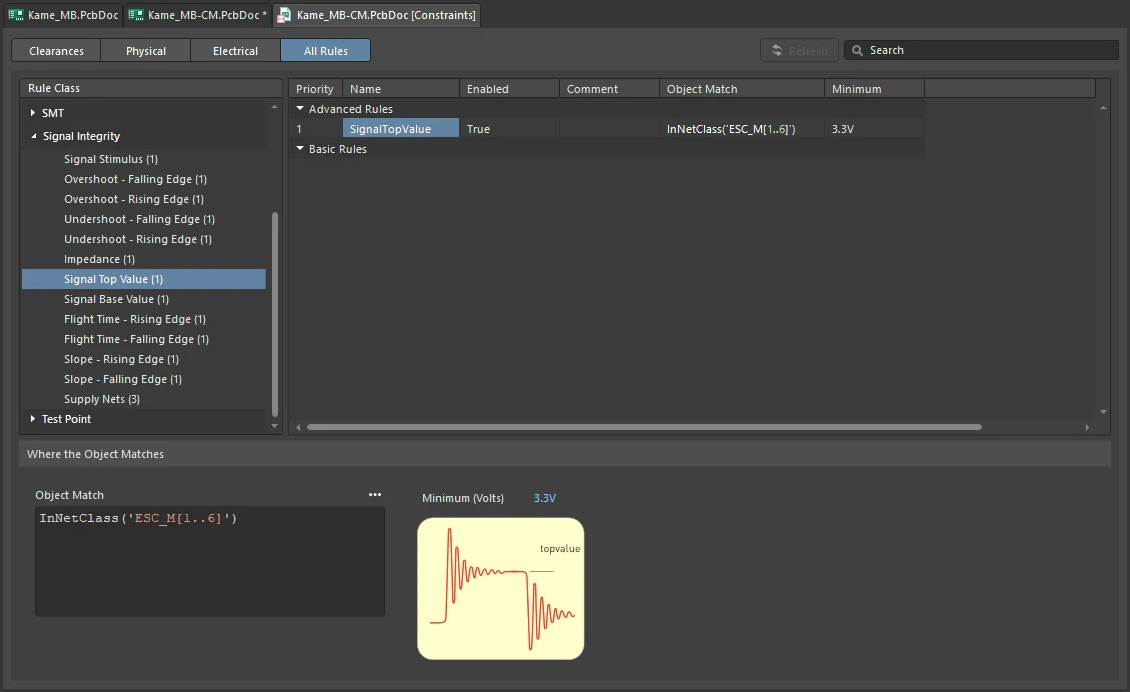
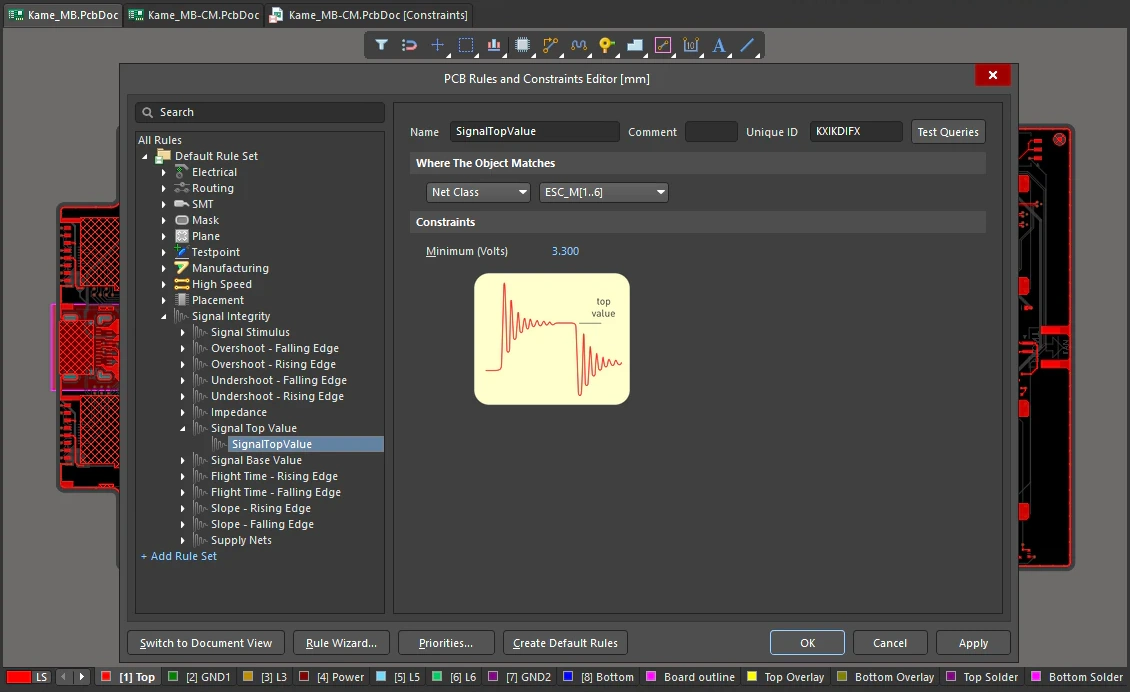
Signal Top Value Constraints
| Default Rule | Not required. |
| Minimum (Volts) | The value for the minimum permissible top value voltage. |
| Rule Application | Batch DRC and during Signal Integrity analysis. |
Signal Base Value
This rule specifies the maximum voltage level that a signal can settle to in the low state (the base value).
Constraints
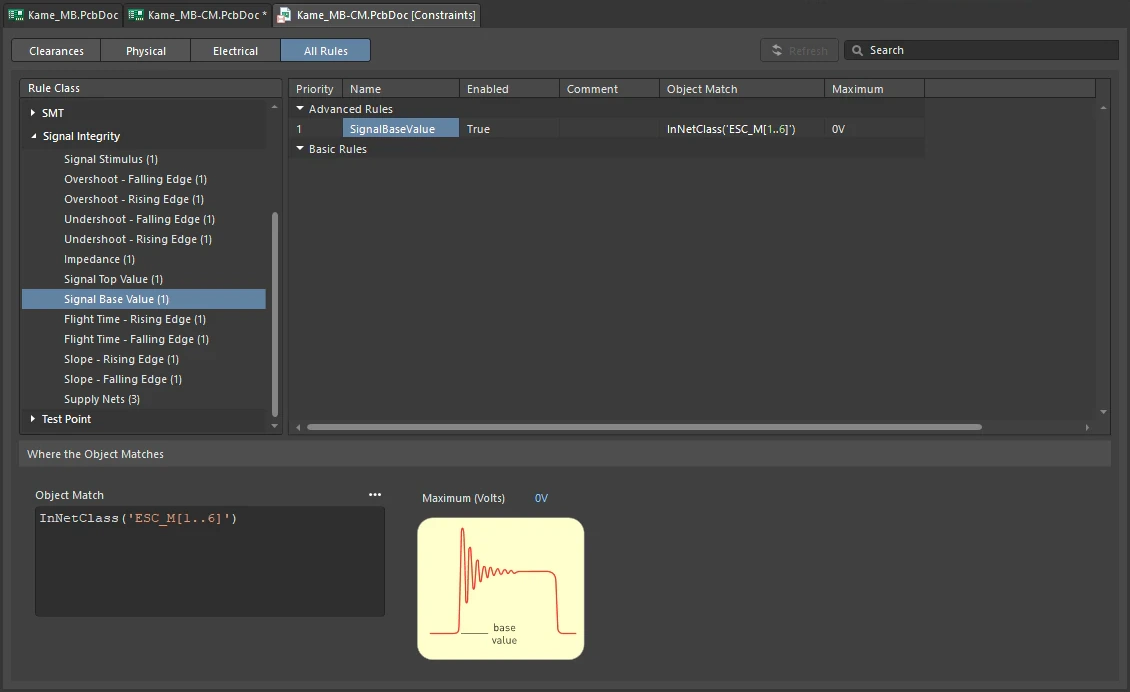
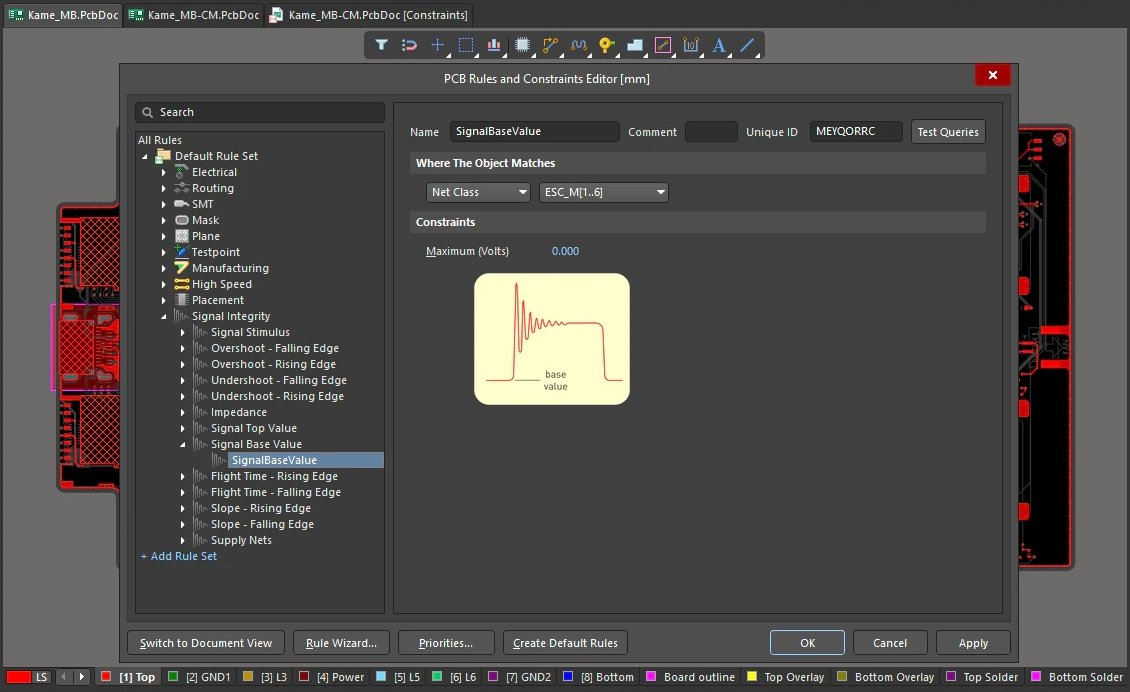
Signal Base Value Constraints
| Default Rule | Not required. |
| Maximum (Volts) | The value for the maximum permissible base value voltage. |
| Rule Application | Batch DRC and during Signal Integrity analysis. |
Flight Time - Rising Edge
This rule specifies the maximum allowable flight time on signal rising edge. Flight time is the signal delay time introduced by the interconnect structure. It is calculated as the time it takes to drive the signal on the net to the threshold voltage (marking the transition from signal LOW to signal HIGH), less the time it would take to drive a reference load (connected directly to the output) to the threshold voltage.
Constraints
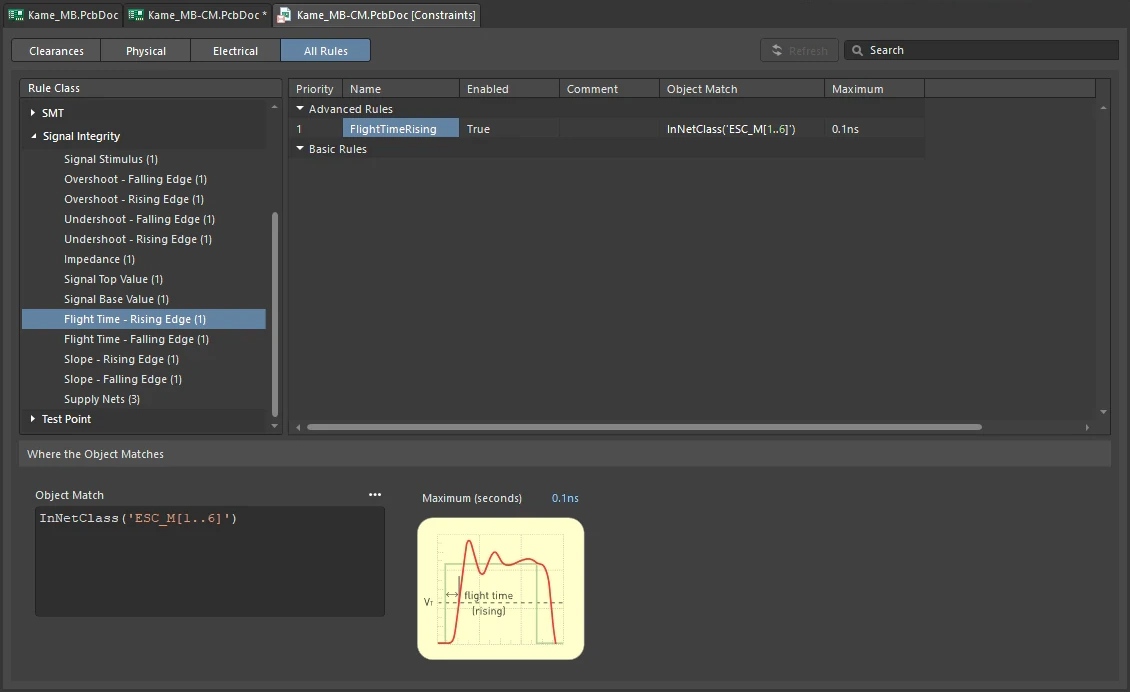
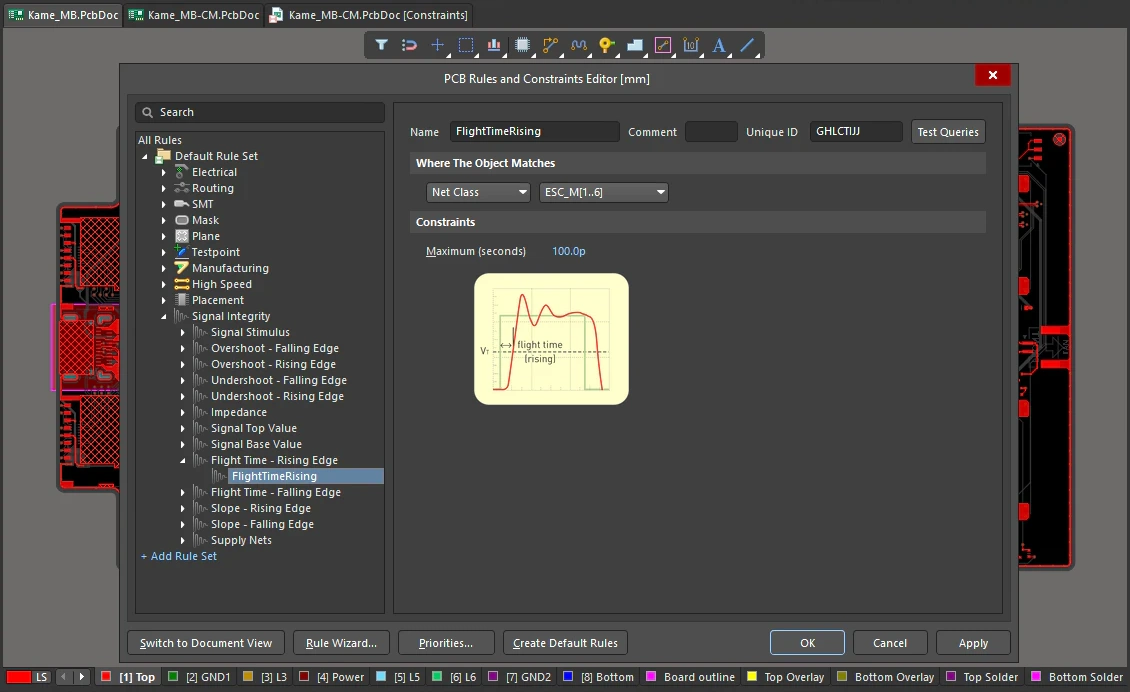
Flight Time - Rising Edge Constraints
| Default Rule | Not required. |
| Maximum (seconds) | The value for the maximum permissible flight time on the rising edge of the signal. |
| Rule Application | Batch DRC and during Signal Integrity analysis. |
Flight Time - Falling Edge
This rule specifies the maximum allowable flight time on signal falling edge. Flight time is the signal delay time introduced by the interconnect structure. It is calculated as the time it takes for the signal on the net to fall to the threshold voltage (marking the transition from signal HIGH to signal LOW), less the time it would take for a reference load (connected directly to the output) to fall to the threshold voltage.
Constraints
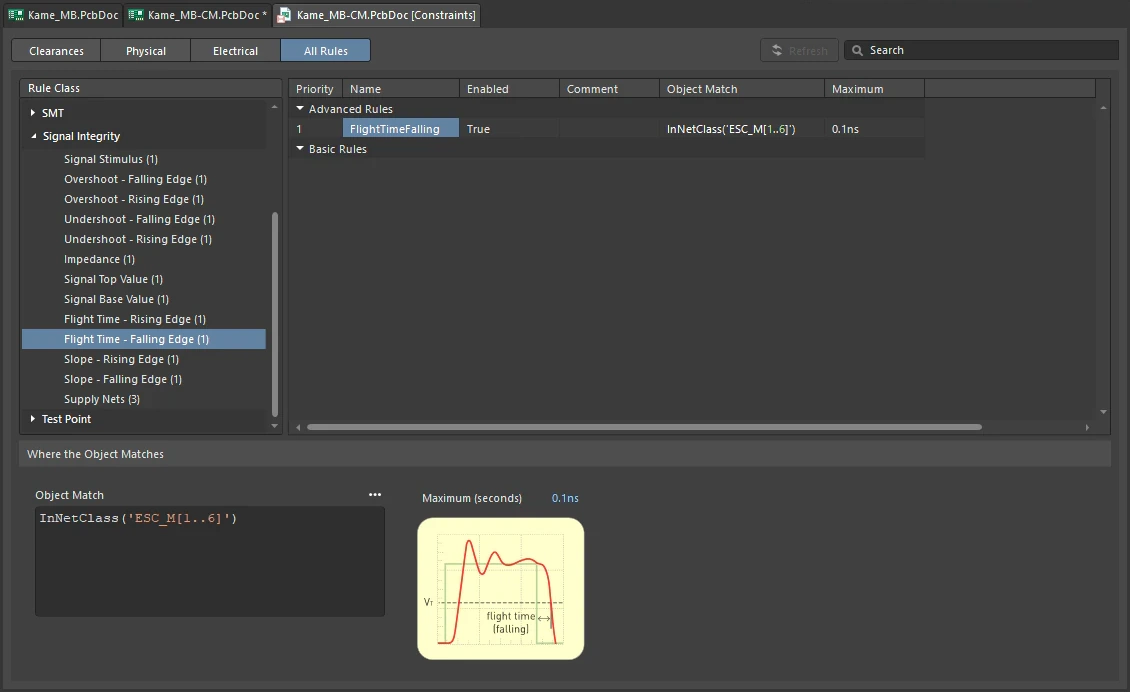
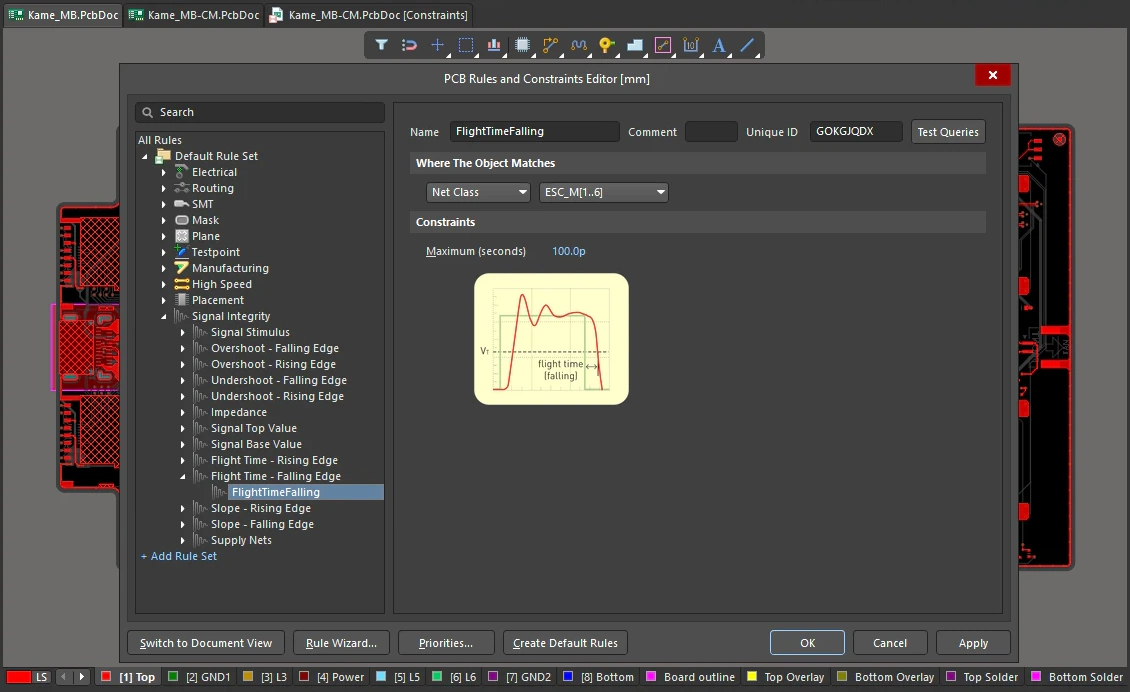
Flight Time - Falling Edge Constraints
| Default Rule | Not required. |
| Maximum (seconds) | The value for the maximum permissible flight time on the falling edge of the signal. |
| Rule Application | Batch DRC and during Signal Integrity analysis. |
Slope - Rising Edge
This rule specifies the maximum allowable slope time on the rising edge of the signal. Rising edge slope is the time it takes for a signal to rise from the threshold voltage (VT), to a valid high (VIH).
Constraints
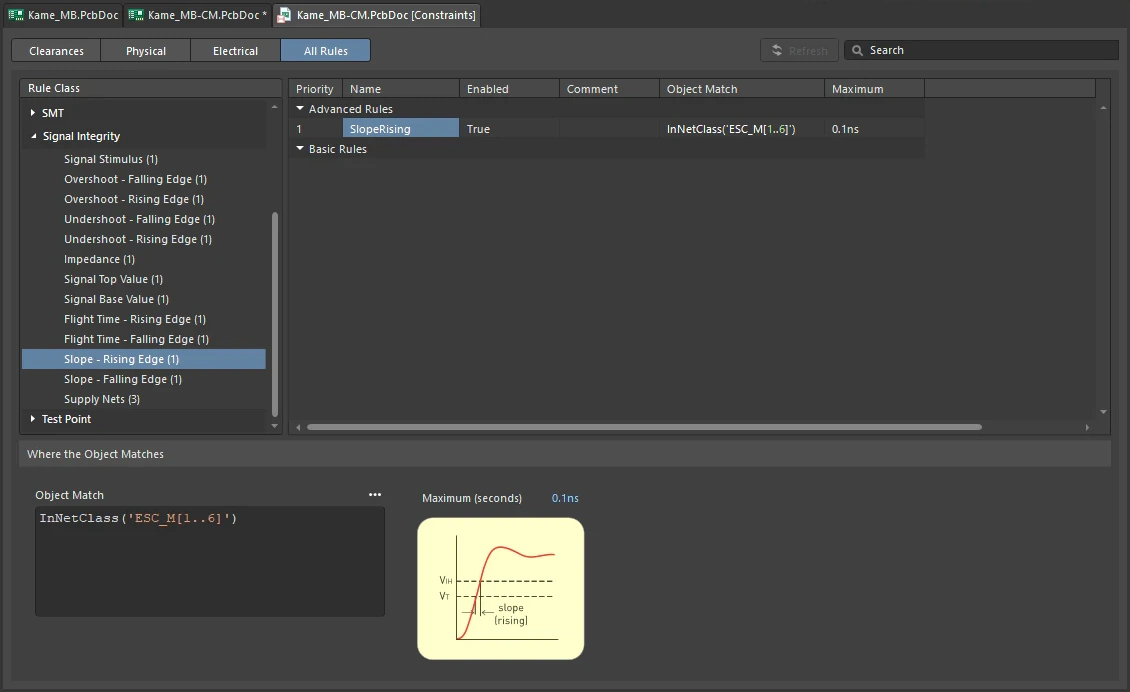
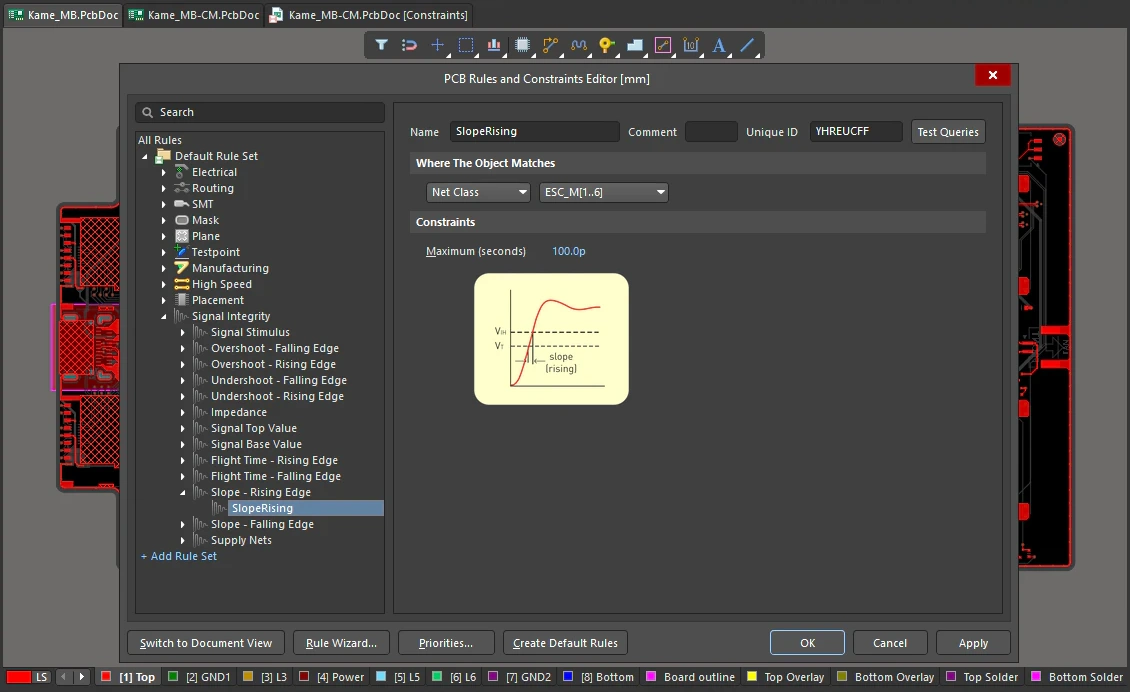
Slope - Rising Edge Constraints
| Default Rule | Not required. |
| Maximum (seconds) | The value for the maximum permissible rising edge slope time. |
| Rule Application | Batch DRC and during Signal Integrity analysis. |
Slope - Falling Edge
This rule specifies the maximum allowable slope time on the falling edge of the signal. Falling edge slope is the time it takes for a signal to fall from the threshold voltage (VT), to a valid low (VIL). Constraints.
Constraints
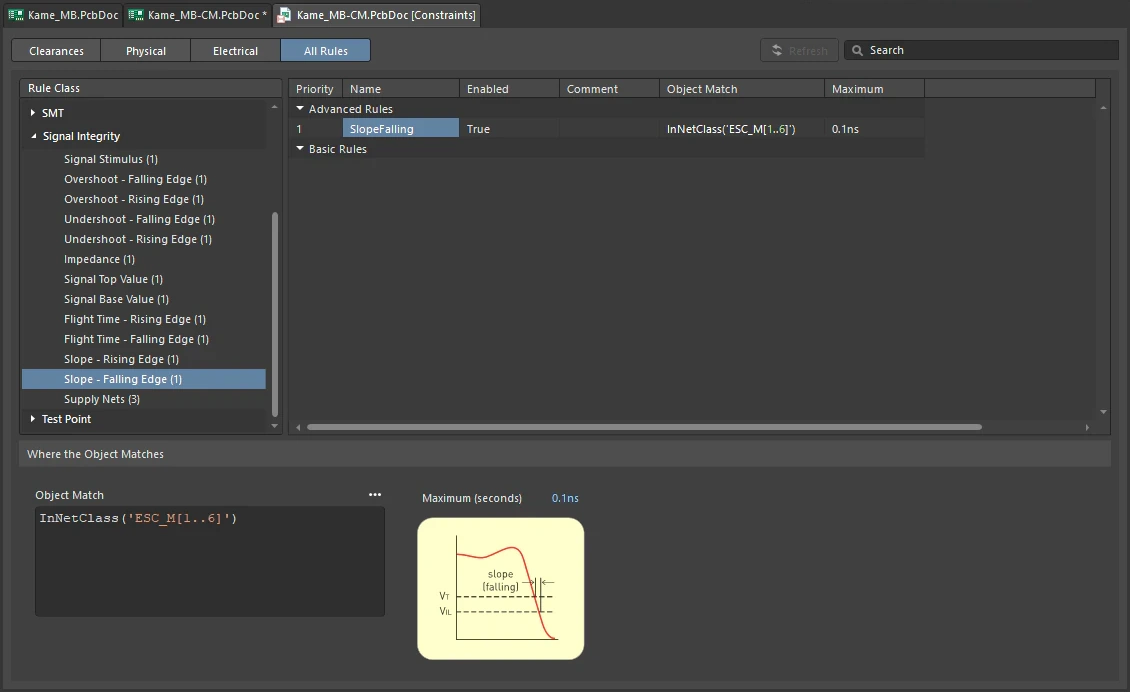
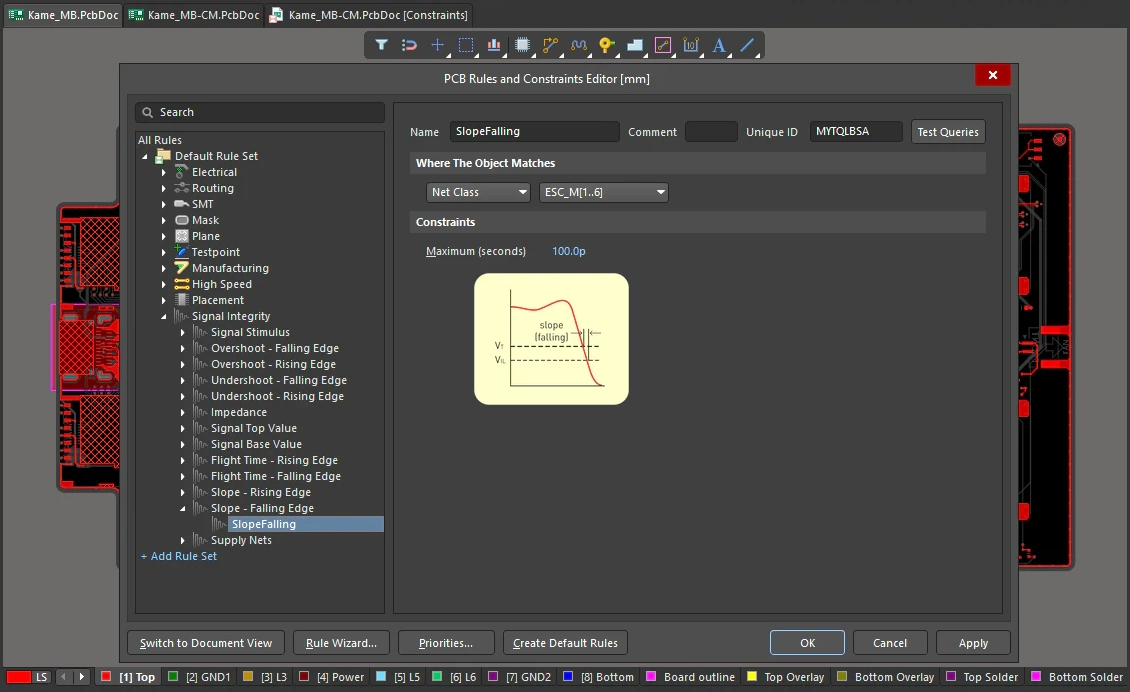
Slope - Falling Edge Constraints
| Default Rule | Not required. |
| Maximum (seconds) | The value for the maximum permissible falling edge slope time. |
| Rule Application | Batch DRC and during Signal Integrity analysis. |
Supply Nets
This rule identifies a supply net and specifies its voltage (or set of nets using the net class scope).
Constraints
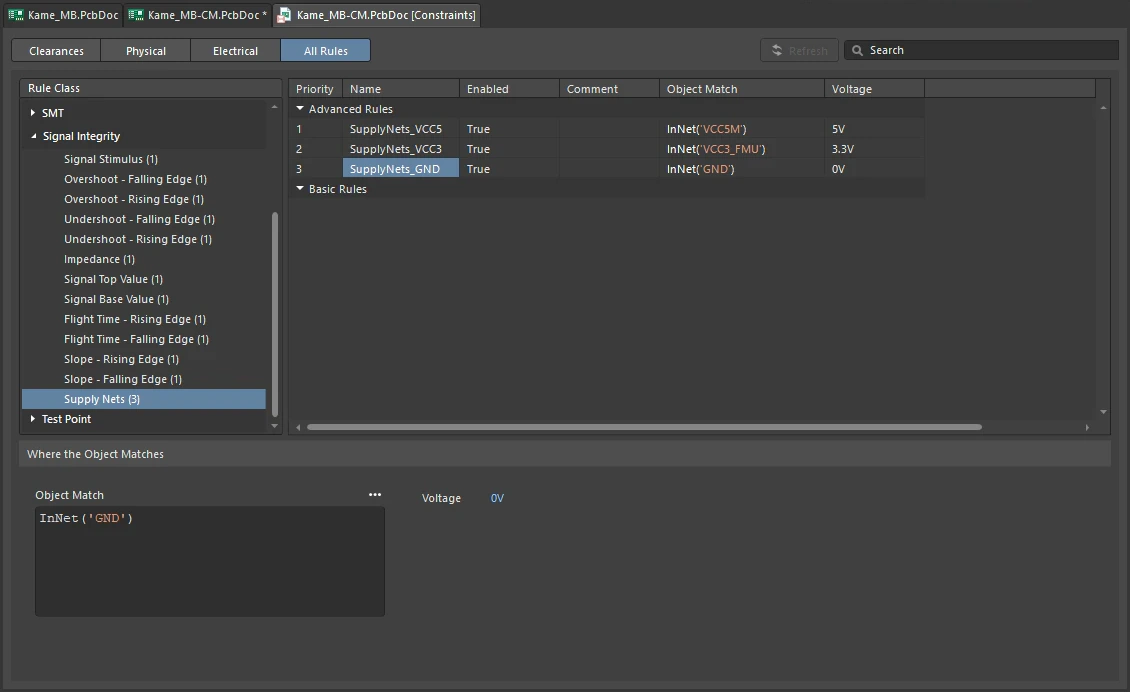
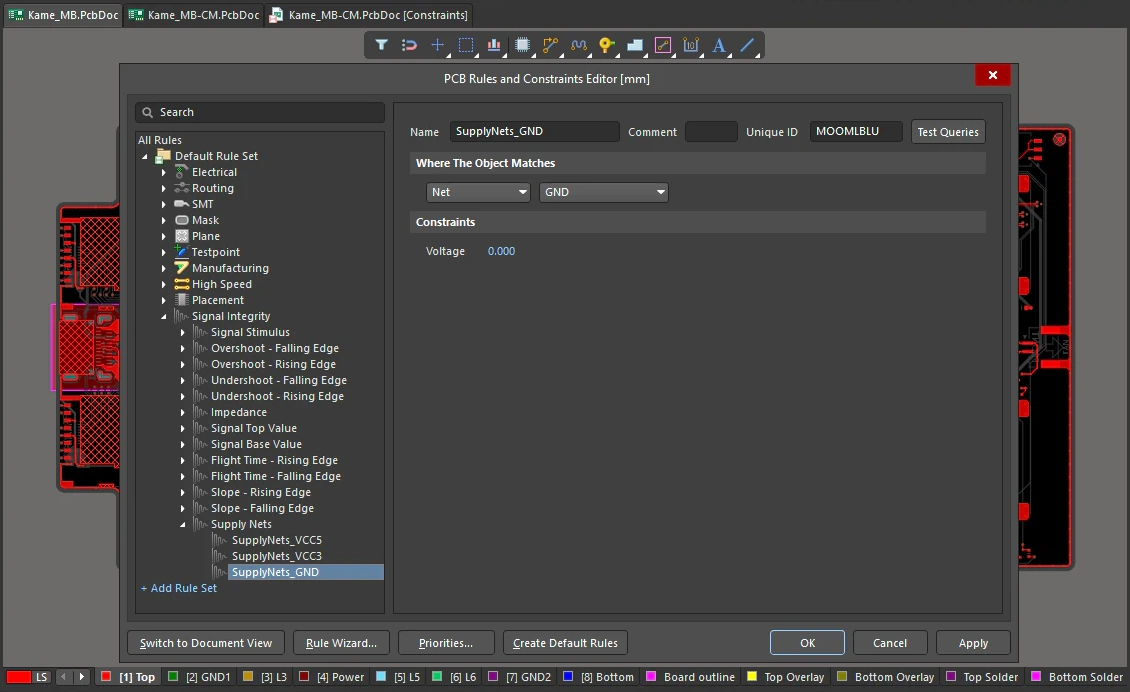
Supply Nets Constraints
| Default Rule | Not required. |
| Voltage | The voltage value for the net(s) falling under the scope (full query) of the rule. |
| Specifying the nets | The supply net(s) can be specified by choosing the Net or Net Class from the drop-down field in the Where The Object Matches region of the PCB Rules and Constraints Editor dialog and then choosing the required net or net class from the corresponding secondary drop-down list. The corresponding Full Query for the rules' scope will be as follows: InNet('NetName') - for a single net; InNetClass('NetClassName') - for a net class. |
| Specifying the nets on the schematic | When updating the PCB document from schematics, the Supply Nets design rule is suggested to be added to each power net (i.e. a net containing a power port or that has been assigned a Power Net parameter through a parameter set). |
| Length and delay | The length and delay for a net that is part of a defined Supply Nets design rule (or part of a net class used with such a rule) is not calculated. Refer to the PCB Placement & Editing Techniques page to learn more about the information provided for nets. |
| Rule Application | Batch DRC and during Signal Integrity analysis. |