
SMT Rule Types
At a Glance
- A clear summary of the SMT design rule types available in Altium Designer for PCB layout.
- Insight into how rule constraints are defined and enforced during routing and design rule checking.
- A practical understanding of how the SMD To Corner rule influences trace routing near surface mount pads.
The design rules of the SMT category are described below.
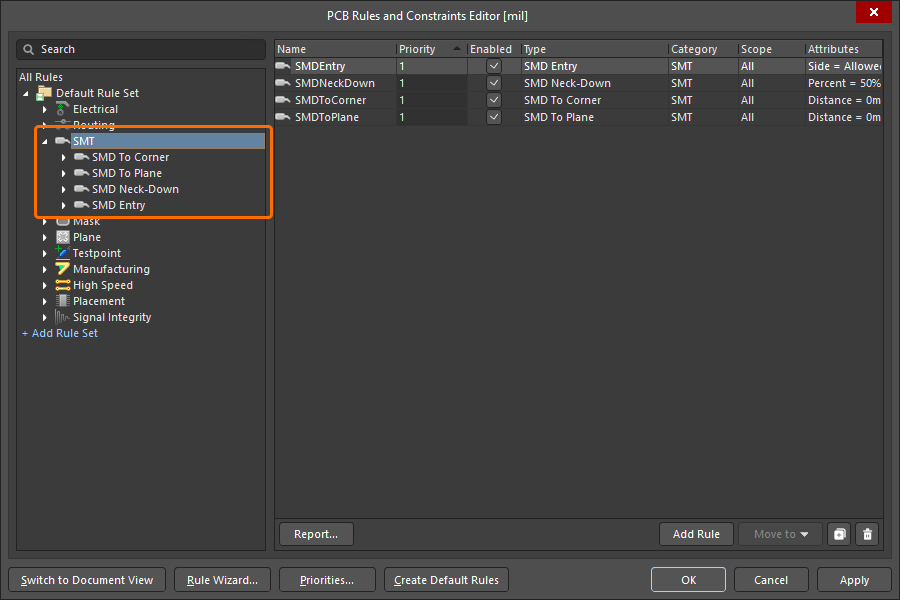
The SMT category of design rules.
SMD To Corner
This rule specifies the minimum distance from the edge of a surface mount pad to the first routing corner.
Constraints
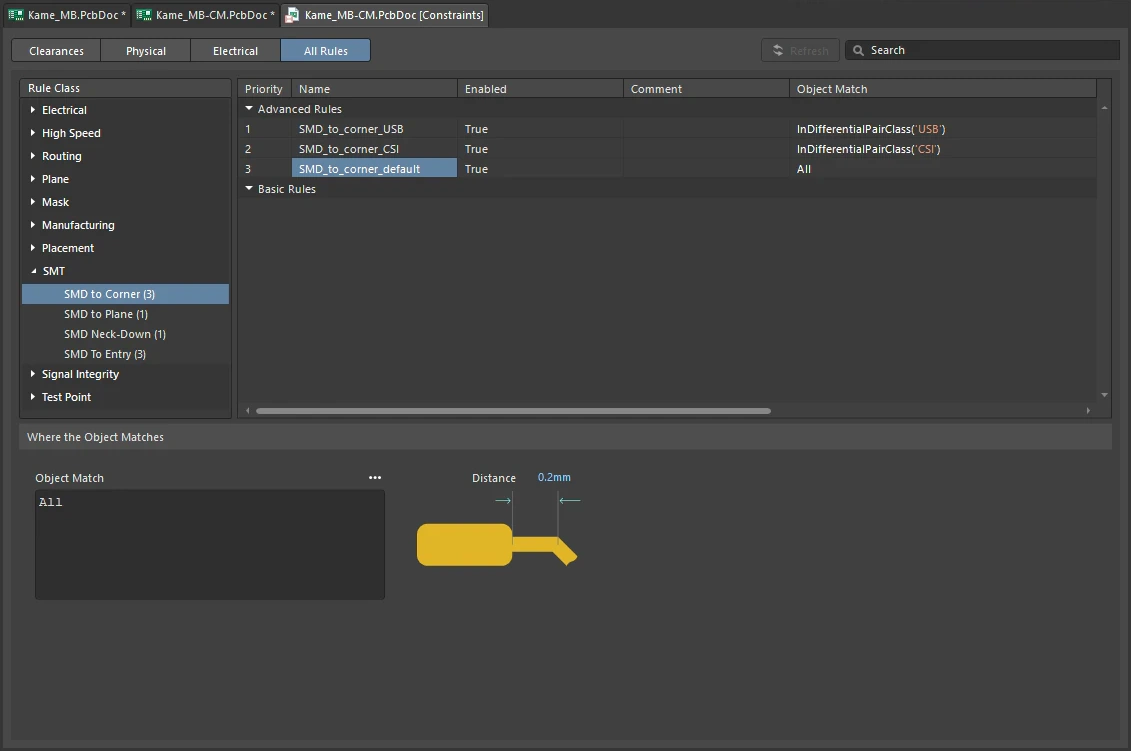
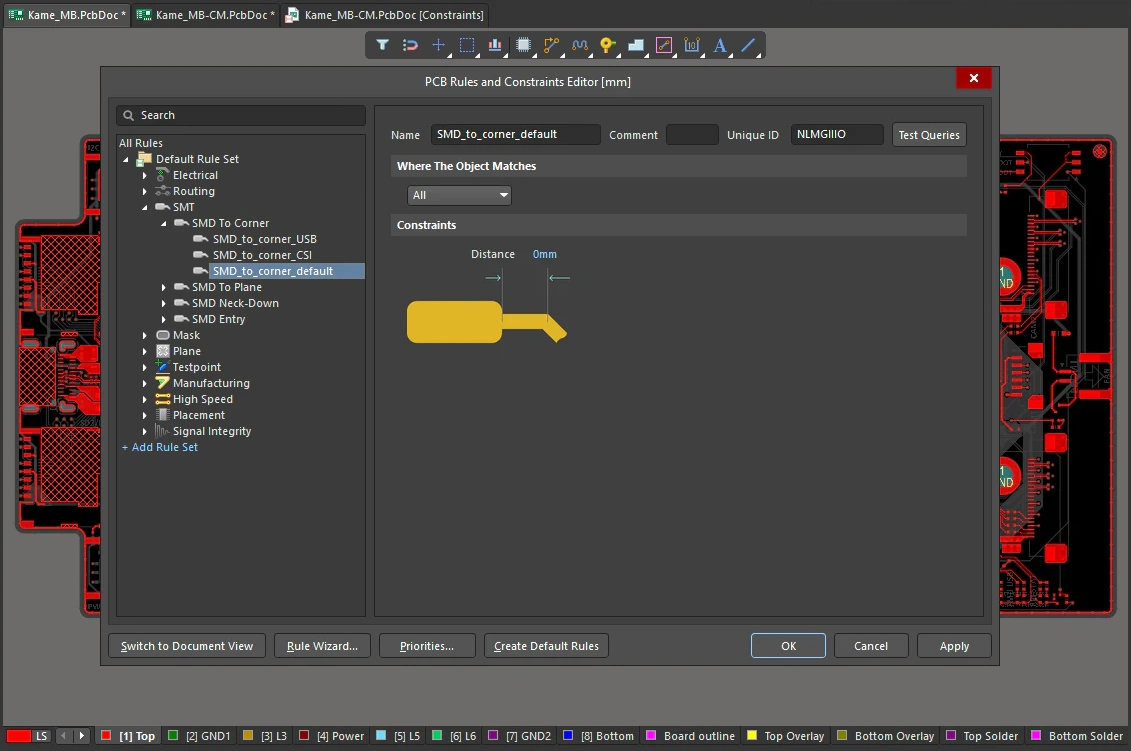
SMD To Corner Constraints
| Default Rule | Not required. |
| Distance | The value for the minimum permissible distance from the SMD pad edge to the start of the first routing corner. The distance is measured from the edge of the pad to the centerpoint of the track end (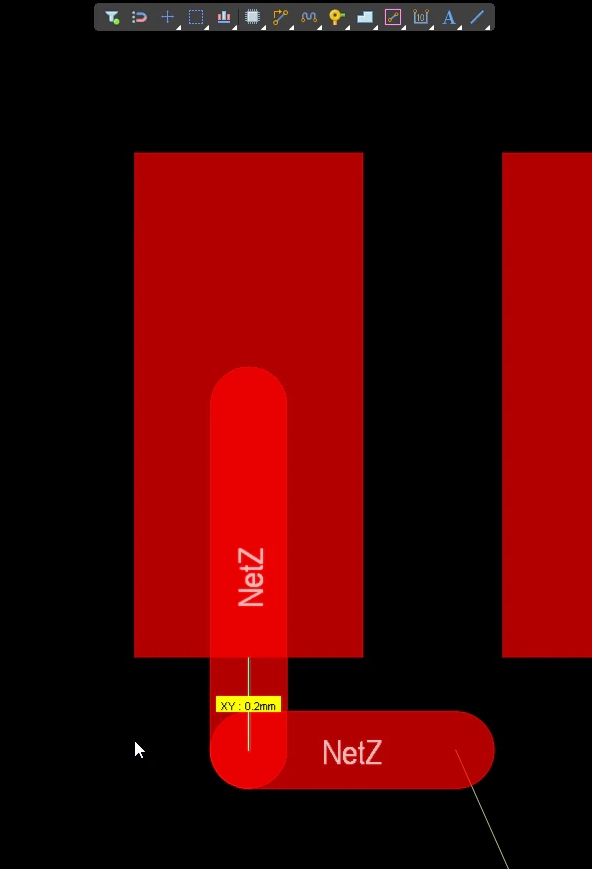 ). ). |
| Behavior | The interactive router will obey this rule by:
|
| Rule Application | Online DRC and Batch DRC, and Interactive Routing. |
 ).
).SMD To Plane
This rule specifies the maximum routing length from the center of a surface mount pad to the center of the pad/via connecting to a power plane.
Constraints
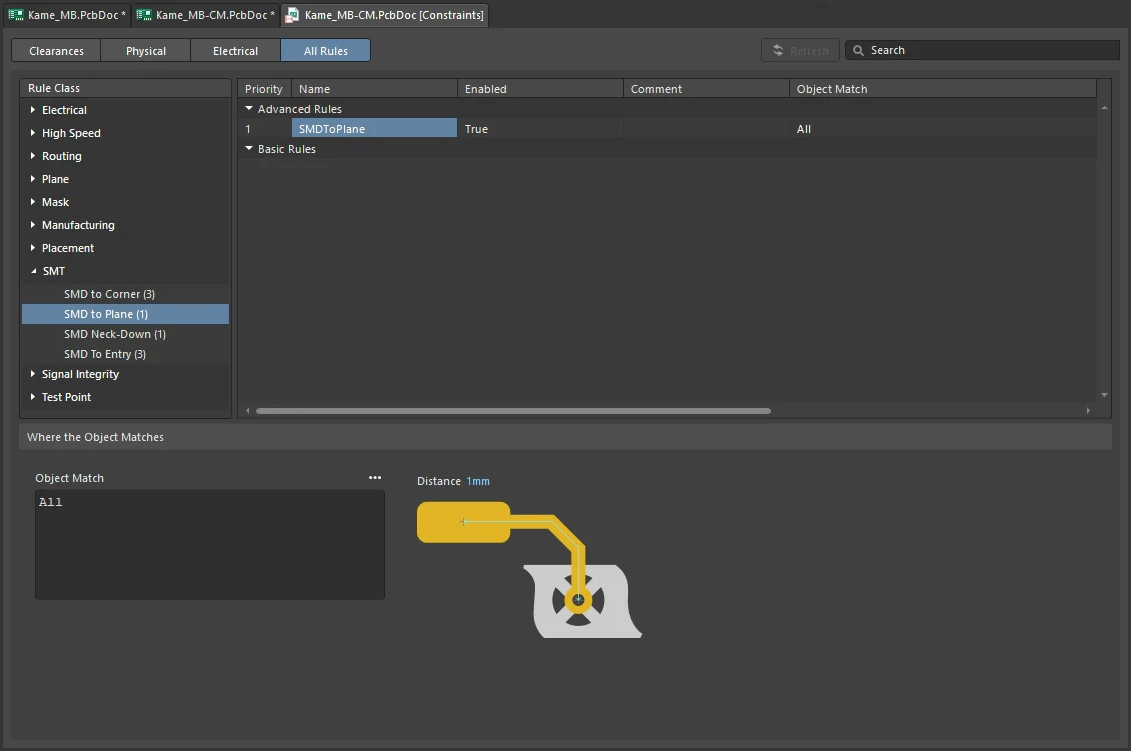
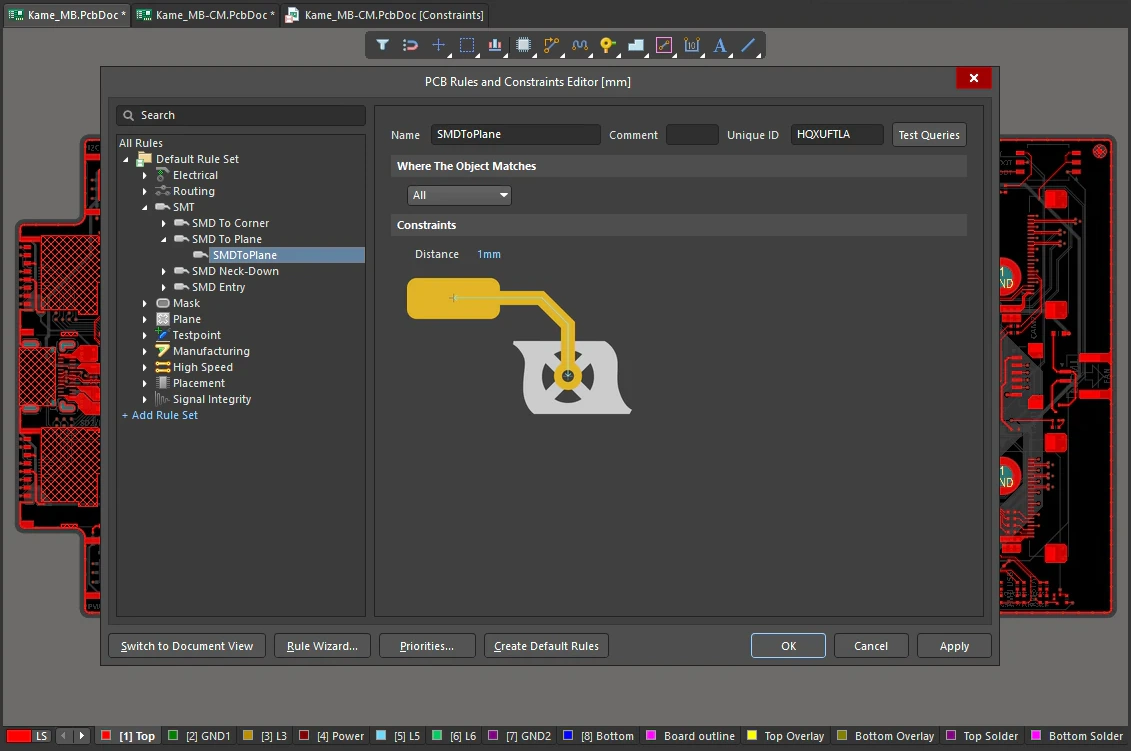
SMD To Plane Constraints
| Default Rule | Not required. |
| Distance | The value for the maximum permissible distance from SMD pad to pad/via connecting to the power plane. |
| Rule Application | Online DRC and Batch DRC. |
SMD Neck-Down
This rule specifies the maximum ratio of the track width to the SMD pad width, expressed as a percentage.
Constraints
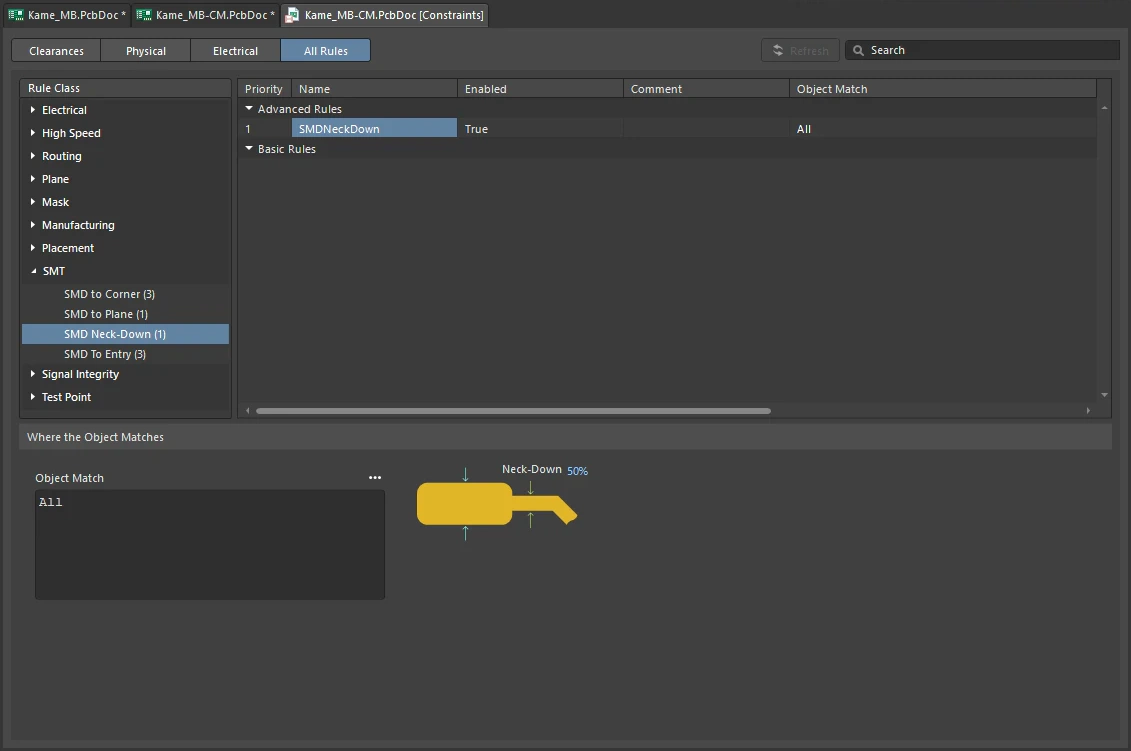
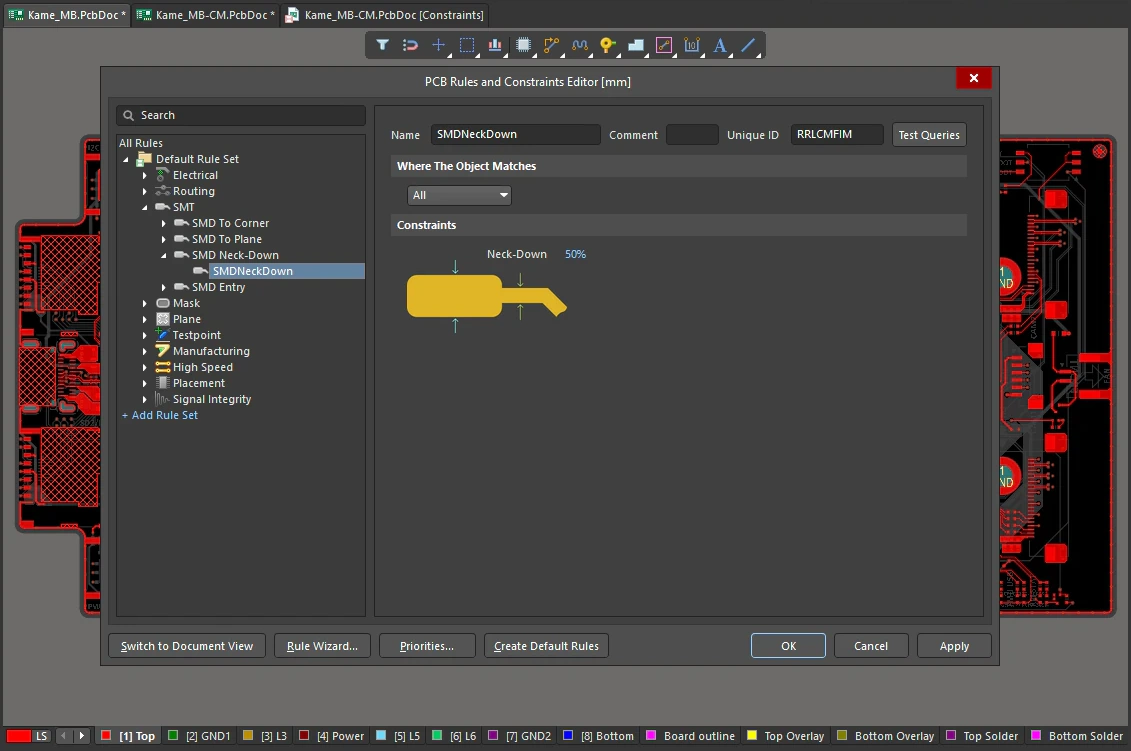
SMD Neck-Down Constraints
| Default Rule | Not required. |
| Neck-Down | The percentage value for the maximum permissible ratio of track width to SMD pad width. Entering a larger value will allow for the use of greater width track. |
| Rule Application | Online DRC and Batch DRC. |
SMD Entry
This rule specifies the direction(s) a track can enter, or exit, an SMD pad.
Constraints
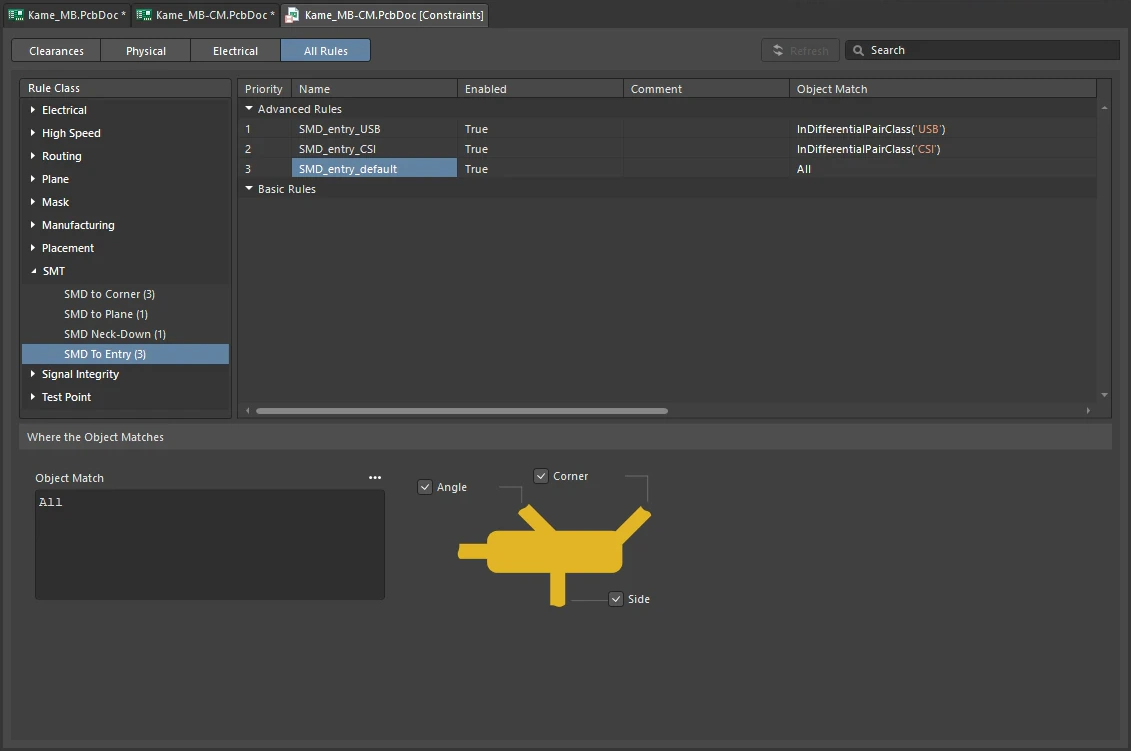
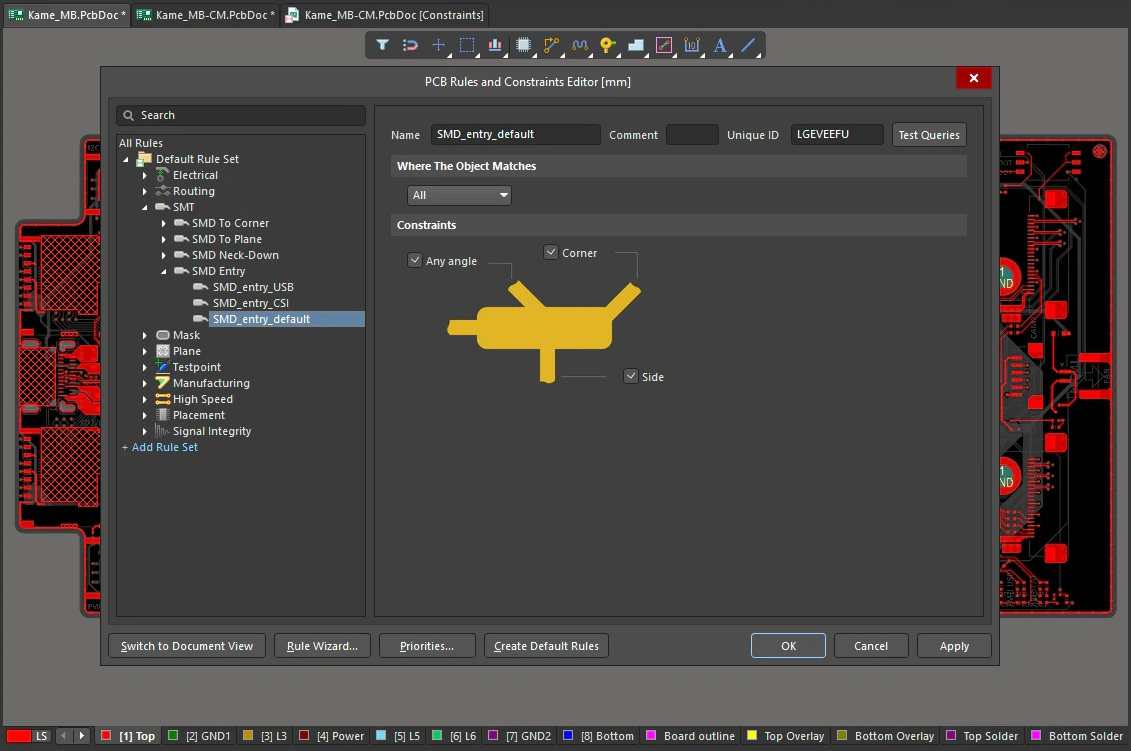
SMD Entry Constraints
| Default Rule | Not required. |
| Any Angle | If enabled, the track can enter/exit the pad at any angle, and at any point along its edge. |
| Corner | If enabled, the track can enter/exit through a pad corner. |
| Side | If enabled, the track can enter/exit at 90 degrees on either side of the pad. The longer edge of the pad is considered the side. Note that the side option is only applied if the Side length > 2x End length. For example, if the pad is 2mm x 1mm then the side option is ignored (all sides are treated as ends). If the pad is 2.1mm x 1mm then the side option is applied. |
| Behavior | The algorithm views the pad:
|
| Interaction with other rules |
|
| Rule Application | Online DRC, Batch DRC, and Interactive Routing. |