無償評価版ダウンロード
30日間無料アクセス
クレジットカードは不要
学生ですか? Student Labに登録
世界中のイノベーターに採用されています













散在するファイルが、一元化された設計データへ
常に最新で信頼できるデータが整理され
チーム全体の連携と生産性を向上させます
従来の方法
デザインファイルがメール、デスクトップ、共有フォルダーに散在していることで、共同作業が遅れ、バージョンや更新に関する混乱が絶えません。


新しい方法
設計データはAltium 365に保存され、チームは一つの共有環境で作業、レビュー、変更を明確に追跡できます。


Altium Designerで設計
Altium 365で共有・共同作業
統合されたワークフローで、設計から共有、共同作業まで、シームレスに実現します
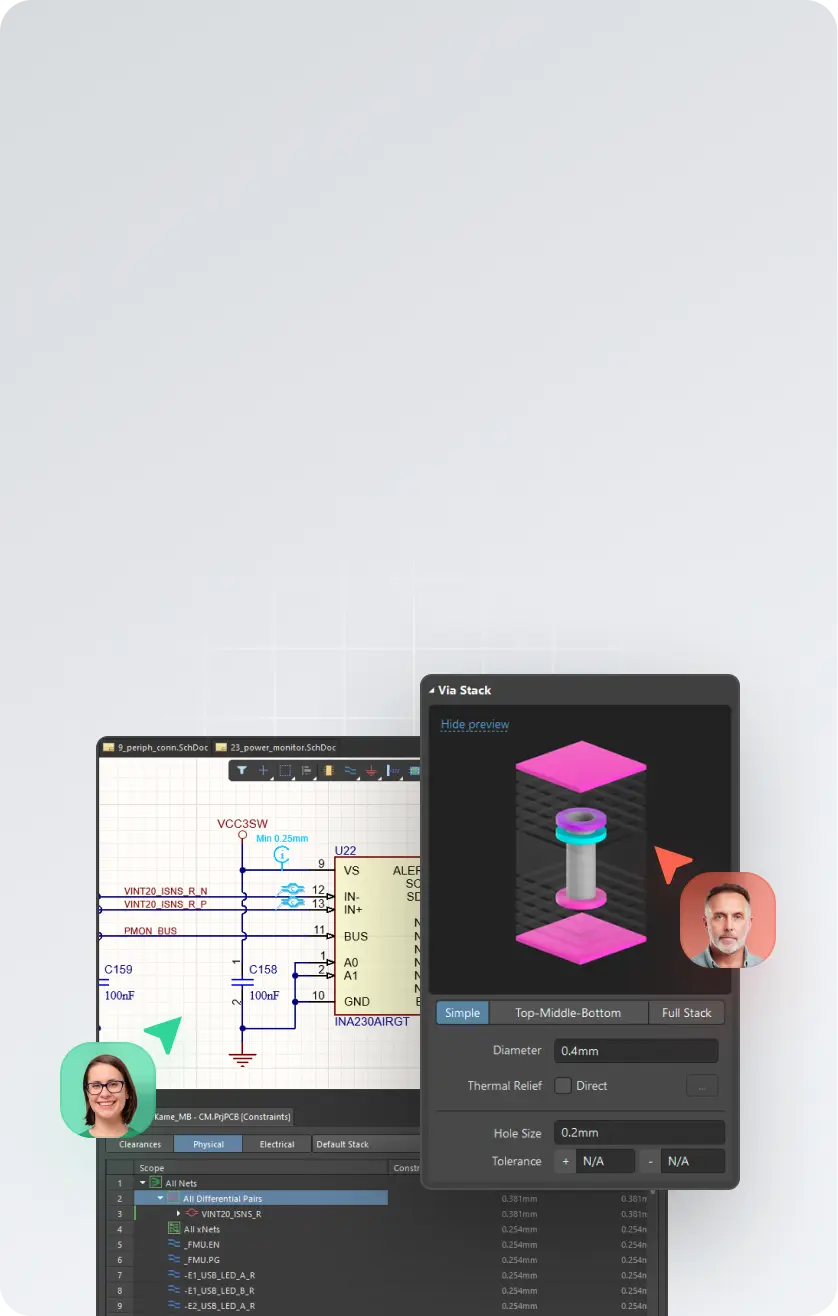

Altium Designerで設計
回路図、PCB、マルチボード、およびハーネスデザインの作成
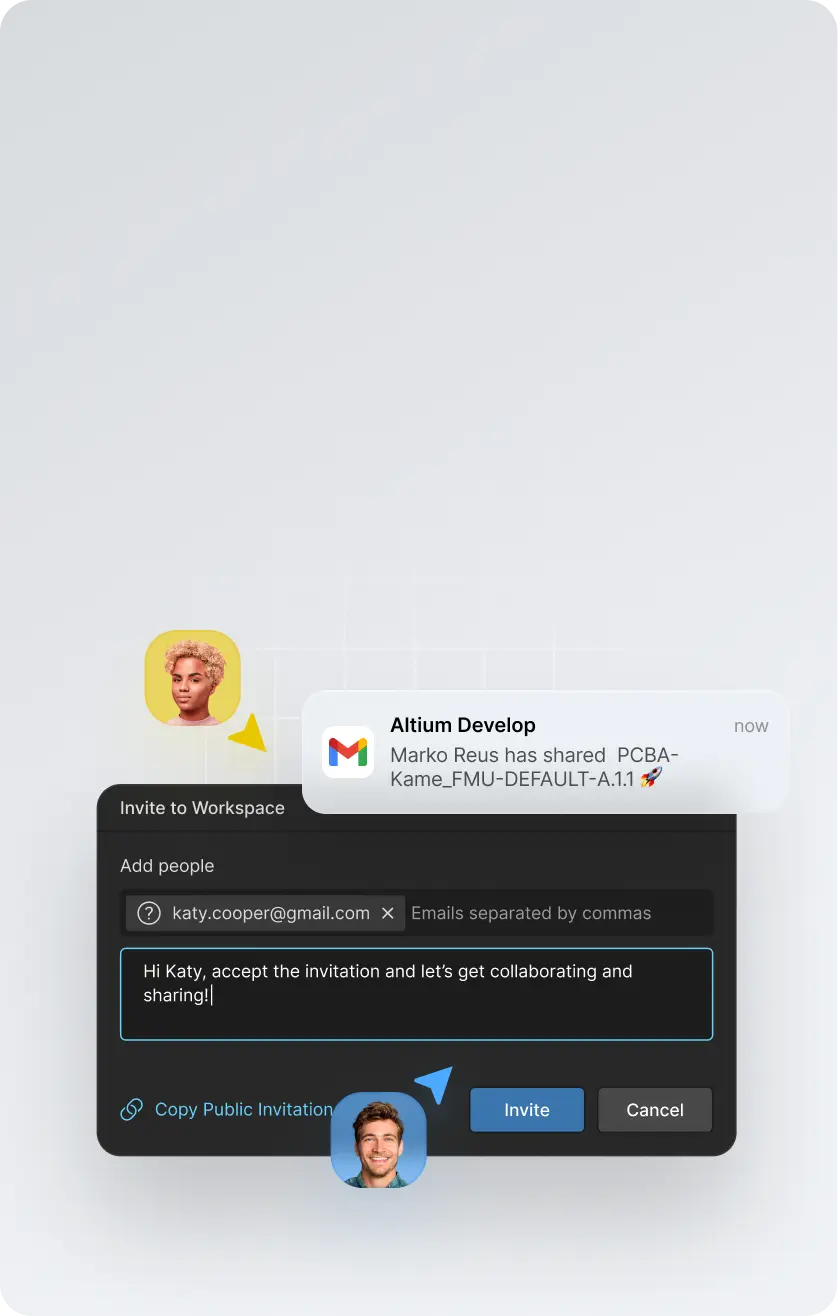

Altium 365で
共有
設計データを安全なworkspaceに集約
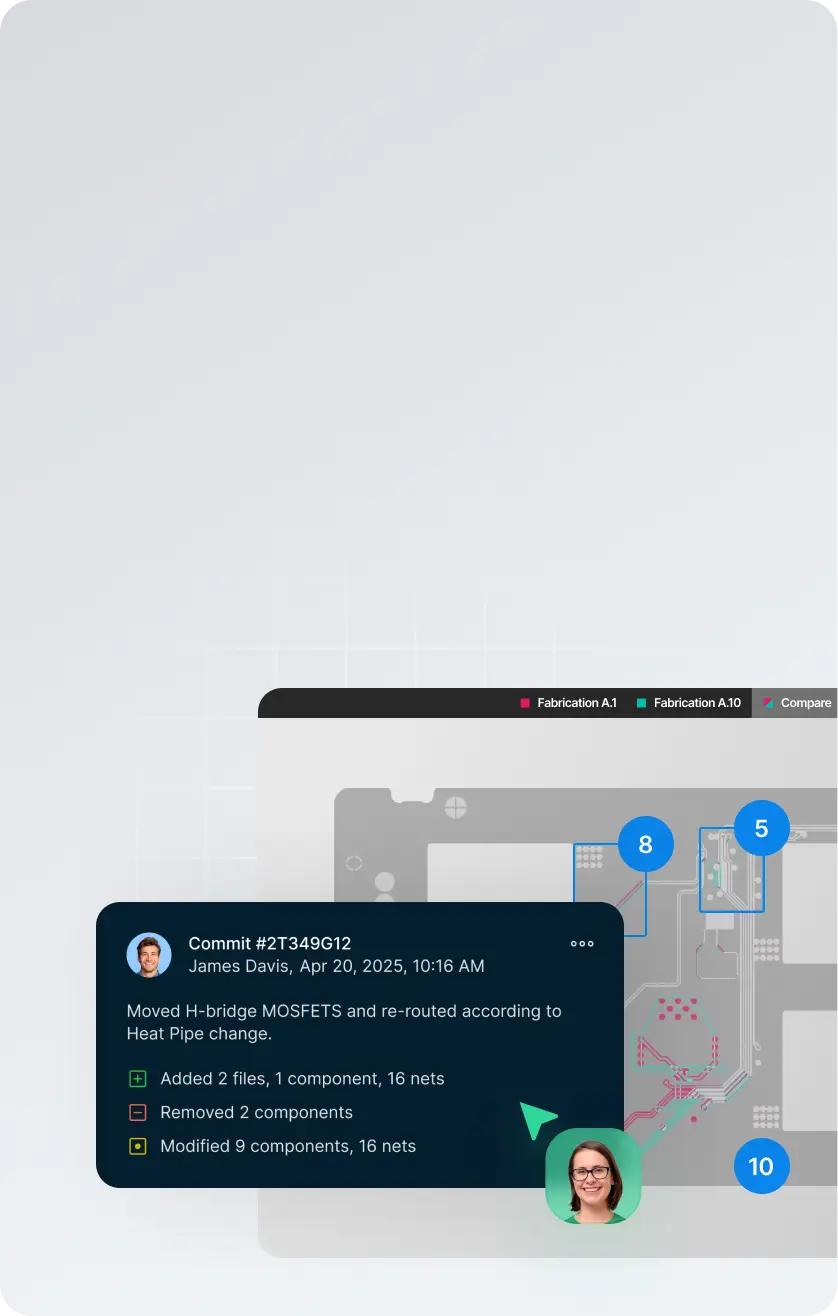

どこからでも
共同作業
変更の追跡、レビジョンの比較、リリースの管理
/年


Altium Developを実際に試すための評価版を開始
それ以上必要な場合は、
最大4名のAltium Designer ECAD設計者を追加可能$995/年 (1ユーザーあたり)。

世界中の最先端設計者がAltiumを選ぶ理由
統合されたワークフローで、設計から共有、共同作業まで、シームレスに実現します


世界中のイノベーターに信頼されています





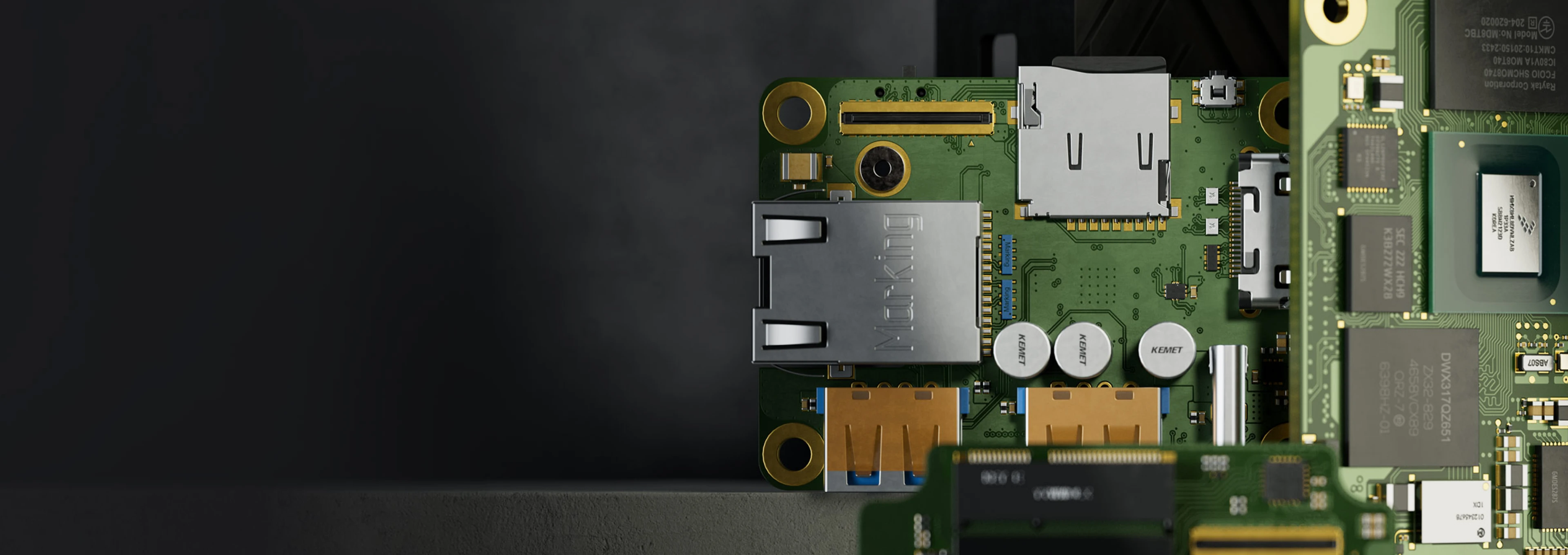
30日間無料でお試しください。
契約を急かすことはありません。
お望みのものを何でも設計できます。契約としてではなく、ワークフローの
実験としてお試しください。
- 無償評価期間中は、お望みの基板を設計できます
- クレジットカードの登録なく開始できます
- ご要望がない限り、営業からの連絡はありません
- お困りの際はオプションで技術サポートを利用できます
無償評価版ダウンロード
30日間無料アクセス
クレジットカードは不要
学生ですか? Student Labに登録
Frequently asked questions
Altium Develop brings professional PCB design and the tools around it into one connected environment, built for individual engineers and lean product teams.
It includes Altium Designer for schematic and PCB design, with connected capabilities for design review, version history, component and sourcing intelligence, MCAD collaboration, requirements, and manufacturing handoff.
The idea is simple: stay focused on designing the board, while the information and people you need can connect to the work when needed — without adding enterprise process or changing the way you prefer to work.
Altium Develop is built for the people doing the engineering work, including:
- Individual PCB and hardware designers
- Independent engineers and consultants
- Startups and small product teams
- Lean engineering organizations that value speed and autonomy
It is a good fit when you need professional PCB design capability but don't need enterprise-level process and governance around it.
Work independently when that's fastest. Bring others into the design when you need review, sourcing input, mechanical coordination, or manufacturing feedback.
Because designing the board is only part of getting a board built.
Reviews happen. Components change. Mechanical constraints move. Someone needs the latest design. Manufacturing needs a clean release. Those handoffs can create unnecessary work when the information around the design is scattered across files, exports, email, and separate tools.
Altium Develop keeps more of that work connected to the design, so you can:
- Design PCBs in the full Altium Designer environment
- Keep design reviews and feedback connected to the right design and version
- See component and sourcing information while decisions can still be changed
- Bring mechanical, requirements, and manufacturing context into the work when needed
- Maintain a clearer path from design through release
You don't have to adopt a new process to use it. Work solo when you want to. Connect other people and capabilities when they help.
Altium Develop uses a subscription model with clear packaging for individual engineers and lean product teams.
Current pricing and what's included are available on the Altium Develop pricing page. You can also evaluate Altium Develop before purchasing to see how it fits your own design work.
Getting started is straightforward:
- Create your Altium Develop workspace.
- Install Altium Designer.
- Open or create a PCB project and start designing.
- Add connected capabilities or invite other people when you need them.
You can begin with PCB design and expand from there. Share a design for review, check version history, work with sourcing information, coordinate with mechanical engineering, or prepare work for manufacturing as those needs arise.
Start with the work you're already doing. Altium Develop connects more of what happens around it without forcing you into a new way of working.