







This is the hero version with a dark video and a form
For a dark video you also need to set the darkBg parameter
The logos should accordingly be switched to the light ones. On the right side there is a form, while the HTML itself does not change - the form HTML is simply added. A dark video, like a light one, has an overlay by default. But there should be a parameter that disables the overlay when needed
- Example of a button that opens a form in a popup modal
- data-toggle="modal" - turns the button into a modal trigger
- data-target="#modal-form" - the id of the modal to open
- Nested item: describes the modal target id
- Nested item: must match the modal element id
- The modal with the form is included on the page separately (e.g. modal--form--pb)
Starting at
/year
Note: font size 15px, font-weight 400, line height 1.6 Simple Link


Start Free
Free 30-day access. No credit card required.

Start Free
Free 30-day access. No credit card required.
You should get an email from us in less than 5 minutes.
Are You A Student? Enroll in the Student Lab




Multidisciplinary product creation of electronic hardware
Connect People, Tools, and Systems with Confidence
- Track Changes in Real Time
- Maintain Compliance
- Control Roles and Access
- Streamline Workflows
- Gain Complete Visibility





Free 30-day trial.
No pressure attached.
Design whatever you want. Treat it as a workflow
experiment, not a commitment.
- Design any board you want during the trial
- Schematic capture
- PCB layout and routing
- 3D visualization
- No credit card required to start
- No sales contact unless you request it
- Optional technical support if you get stuck
Free 30-day trial. No pressure attached.
Are You A Student? Enroll in the Student Lab
Altium Develop Capability Chart
Altium Develop keeps Altium Designer's professional PCB workflow intact and adds Multi-board
and Harness Design capabilities. The designer-first experience stays streamlined by leaving out enterprise
governance overhead, while including platform capabilities you can adopt on your timeline.
Core PCB Design
INCLUDED
Enhanced in Develop
INCLUDED
Enterprise Exclusions
NOT INCLUDED IN DEVELOP
Unified Schematic + PCB Layout Workflow
Rules-Driven Design / Constraints
Hierarchical & Multi-Channel Design
Native 3D PCB Design
Manufacturing Outputs & Release Confidence
Assembly Assistant
Multi-Board Assembly
Harness Design
Real-Time BOM Management
Cloud Part Libraries (optional use)
Push to Manufacturing / Handoff
Design Review in Context
Version clarity and platform-based coordination (optional use)
Single Sign-On (SSO / SCIM)
Group & Organization Management
Advanced Workspace Policy Controls
Data Lifecycle Governance / Release Controls
Event Logs / Audit Logs
Configurable Workflows
Advanced Requirements Verification Management
Turnkey PLM / ERP / MES integrations
Develop keeps the professional PCB design workflow intact, adds Multi-board and Harness, and excludes enterprise governance features that add cost and process overhead, while offering optional platform capabilities you can adopt on your timeline.
Choose Based On Your
Typical Week - Not A Feature List
Both tools are used by real engineers in production. The right one depends on
what you design, how often you design it, and what your clients expect.

When the tool works, spending more doesn't
Pay only for value that actually matches your needs
$0 /Free
- Your boards are under 6 layers and rarely require signal or power analysis
- You catch errors through your own review discipline, and respins are rare
- Your library system is tight, and you rarely hit sourcing surprises at handoff
- Your clients accept standard Gerber/ODB++ packages and don't ask for polished documentation
- You're comfortable setting up and managing version history in Git
- You enjoy building custom tooling, and the time investment pays off across projects

When your work demands it - or your clients do
Pay only for value that actually matches your needs
$1,990 /year
- You're taking on denser, higher-layer, multi-board, or rigid-flex work - or want to
- A single respin would cost you more than the tool does in a year
- You'd rather have the tool manage library consistency and flag part risk for you
- Clients expect professional release packages with minimal back-and-forth
- You need to see what changed visually without leaving the editor
- You'd rather use built-in automation than build and maintain your own
CTA custom text
Random Header Option for This Block
Unlock Expertise, Productivity, and Career Growth


Altium Designer
Personal License

Altium Designer
Business License
Unrestricted access to Altium Designer
 Yes
Yes
Yes
License can be used by
Only you
Anyone in your organization
Account can have more than 1 user
 No
No
Yes
Subscription availability
Standard Subscription only
Standard, Pro, or Enterprise
Annual company revenue limit
Less than $250k/year
No limit
Payment terms
Pay per year
Pay per month or year
Payment options
Online only with a credit card
Various payment options
License type
Term-based on-demand only
Term-based or perpetual with multiple delivery options
Altium Designer
Personal License
Yes
Only you
No
Standard Subscription only
Less than $250k/year
Pay per year
Online only with a credit card
Term-based on-demand only
Altium Designer
Business License
Yes
Anyone in your organization
Yes
Standard, Pro, or Enterprise
No limit
Pay per month or year
Various payment options
Term-based or perpetual with multiple delivery options

Let’s Chat or
Give Us a Call 1-800-544-4186
CTA custom text
From file chaos to a single source of truth
Altium Develop is built for modern engineering teams that need
speed, clarity, and control.
Old Way
Design files are scattered across emails, desktops, and shared folders, slowing collaboration and creating constant confusion around versions and updates.


New Way
Design data lives in Altium 365, giving teams one shared place to work, review, and track changes with clarity.


h2 title 48px
p WYSIWYG description 20px
Below is an example of a default section with the colors defined in the styles. Further down the page there is an example with custom colors.
h3 Title field
<p> body_l 18px It comes from WYSIWYG
Any data can come from the WYSIWYG — tags like h2-h6, p, ul, a.
Buttons can contain a lot of text, in which case they will wrap to a new line.
- This is how a top-level list item looks
- Another top-level item with a bit more text to see how it wraps across multiple lines
- And this is how a nested list will look
- Second nested item with some extra random text for preview
- Third nested item just to fill the space
- Back to a top-level item after the nested list
- Final top-level item with some random words: design, layout, components, migration
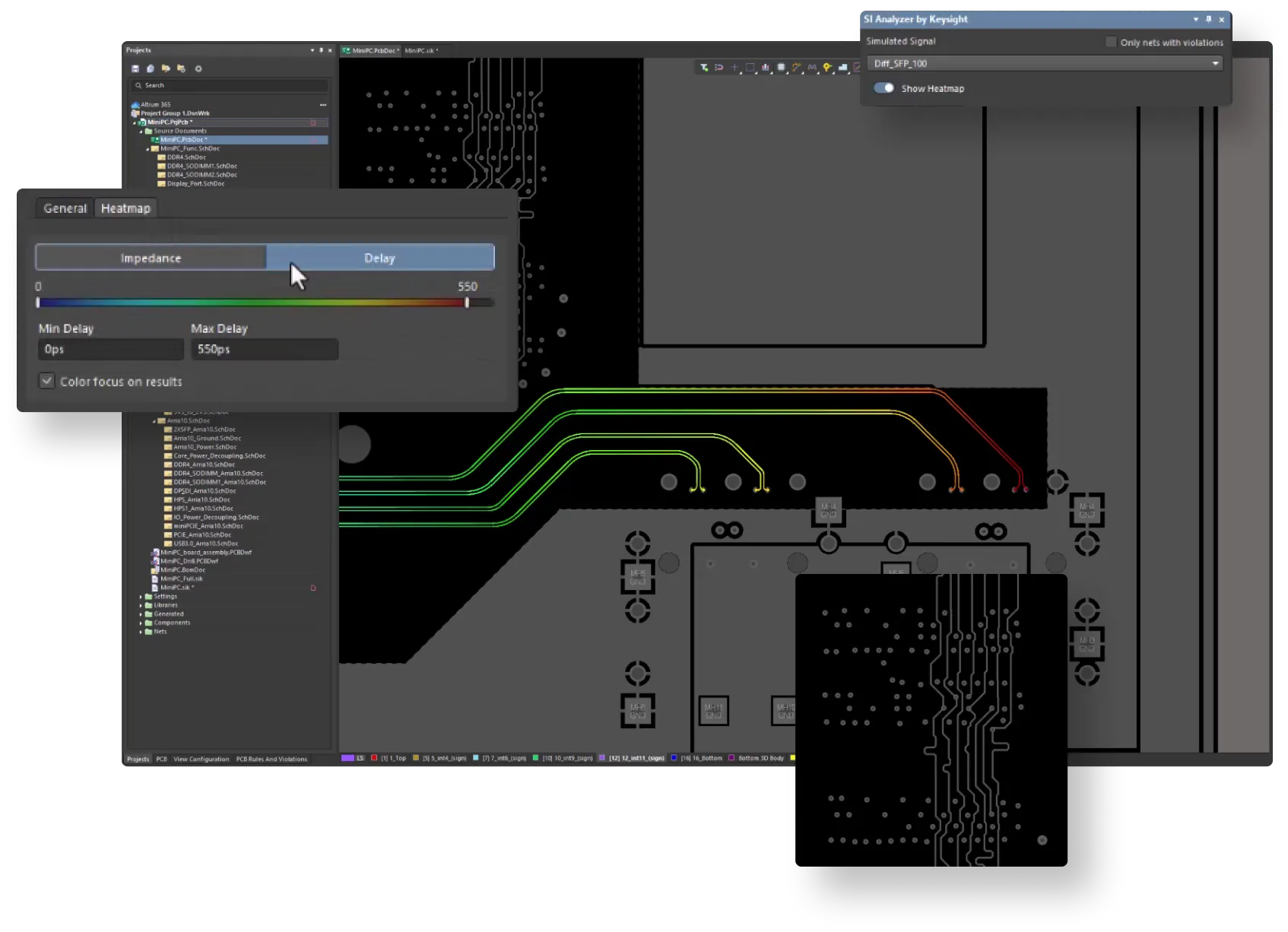
Zoomable image
This image can be opened in a fullscreen zoom modal. To enable this behavior, add the "zoom": true parameter to the item in the data.
When zoom is enabled, the image is wrapped in a button that triggers the #modal-zoom-media modal. The modal is self-injected by JS — no manual include is required on the page.
- Set
"zoom": trueon the item to make its media zoomable. - Both
<img>and<video>inside the trigger are supported — the clicked media is cloned into the modal. - If
zoomis omitted or false, the image is rendered as a plain, non-clickable image.
Interactive demo
Instead of a static image, a feature row can render the pb-storylane component in its media box. To enable this, add a "storylane" object to the item with the same data the pb-storylane component expects.
- Use the
"preview"variant to show a poster + CTA that opens the demo in a popup only on click. - The media box keeps the same layout and row alternation as image rows.
- The Storylane loader script (
js.storylane.io) must be present once on the page for the preview/popup variant.
For Storylane usage examples, see the link: pb-storylane demo page.
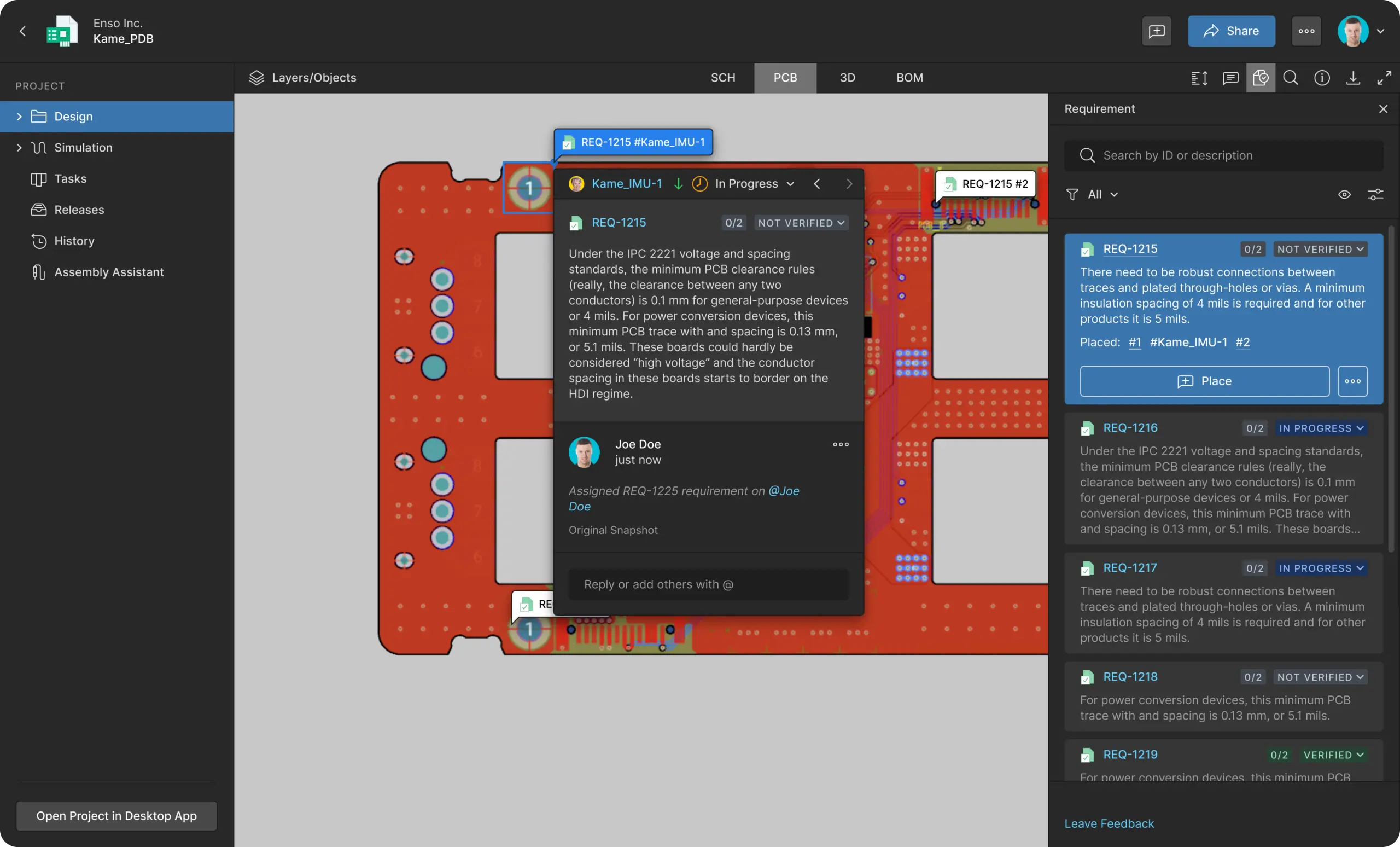
YouTube video
Instead of a static image, a feature row can render the b-video component in its media box. To embed a YouTube video, add a "video" object with "service": "youtube" and the YouTube videoId.
- The YouTube IFrame API is injected automatically once per page.
- On click the poster opens the video in a lightbox modal.
- The media box keeps the same layout and row alternation as image rows.
For the full pb-video block description, see the link: pb-video demo page.
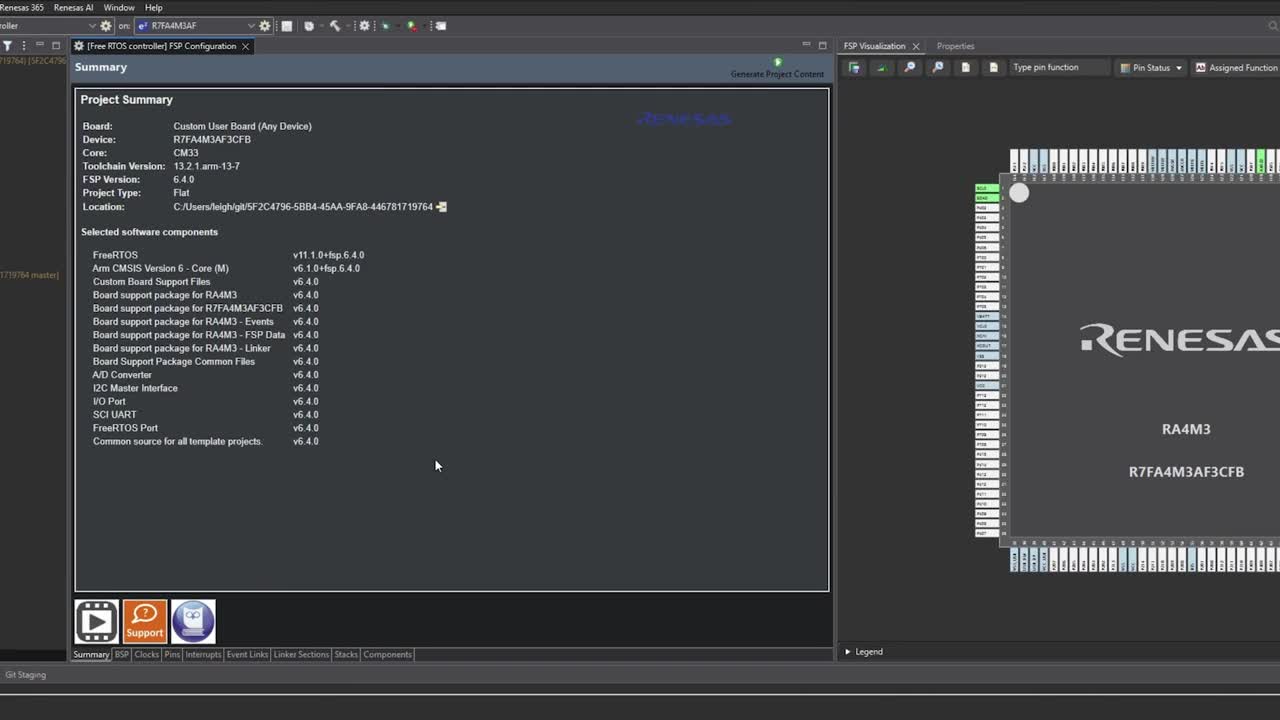
Vidyard video
A feature row can also embed a Vidyard video through the b-video component. Add a "video" object with "service": "vidyard" and the Vidyard videoId (its UUID).
- The Vidyard embed script is injected automatically once per page.
- On click the poster opens the video in a lightbox modal.
- The media box keeps the same layout and row alternation as image rows.
For the full pb-video block description, see the link: pb-video demo page.
HTML5 video
For self-hosted videos, the b-video component plays a native <video> tag — no external player or script is loaded. Add a "video" object with "service": "html5", an html5Url (the MP4 source) and a unique videoId.
html5Urlis required — it is used as the<source>of the<video>.html5Postersets the poster shown on the<video>element.- On click the poster opens the video in a lightbox modal.
For the full pb-video block description, see the link: pb-video demo page.
Capabilities for Co-Creation
Altium Develop delivers cross-team capabilities to deliver better
electronics faster, without the strain of scattered tools, data, and processes
Mechanical Engineer
Experience seamless bi-directional design data sharing between ECAD and MCAD, all without leaving your design environment, reducing misalignment and errors.
Learn more

Work From Your Native Design Environment

Track Bi-Directional Design Updates Instantly
Procurement/Supply Chain
Experience seamless bi-directional design data sharing between ECAD and MCAD, all without leaving your design environment, reducing misalignment and errors.
Learn moreWork From Your Native Design Environment
Track Bi-Directional Design Updates Instantly
Electrical Engineer
Experience seamless bi-directional design data sharing between ECAD and MCAD, all without leaving your design environment, reducing misalignment and errors.
Learn moreWork From Your Native Design Environment
Track Bi-Directional Design Updates Instantly
Software Engineer
Experience seamless bi-directional design data sharing between ECAD and MCAD, all without leaving your design environment, reducing misalignment and errors.
Learn moreWork From Your Native Design Environment
Track Bi-Directional Design Updates Instantly
System Architect
Experience seamless bi-directional design data sharing between ECAD and MCAD, all without leaving your design environment, reducing misalignment and errors.
Learn moreWork From Your Native Design Environment
Track Bi-Directional Design Updates Instantly
IT Security
Experience seamless bi-directional design data sharing between ECAD and MCAD, all without leaving your design environment, reducing misalignment and errors.
Learn moreWork From Your Native Design Environment
Track Bi-Directional Design Updates Instantly


Altium Solutions for Modern
Electrical Engineer
Altium solutions deliver cross-team capabilities to deliver better electronics faster, without the strain of scattered tools, data, and processes
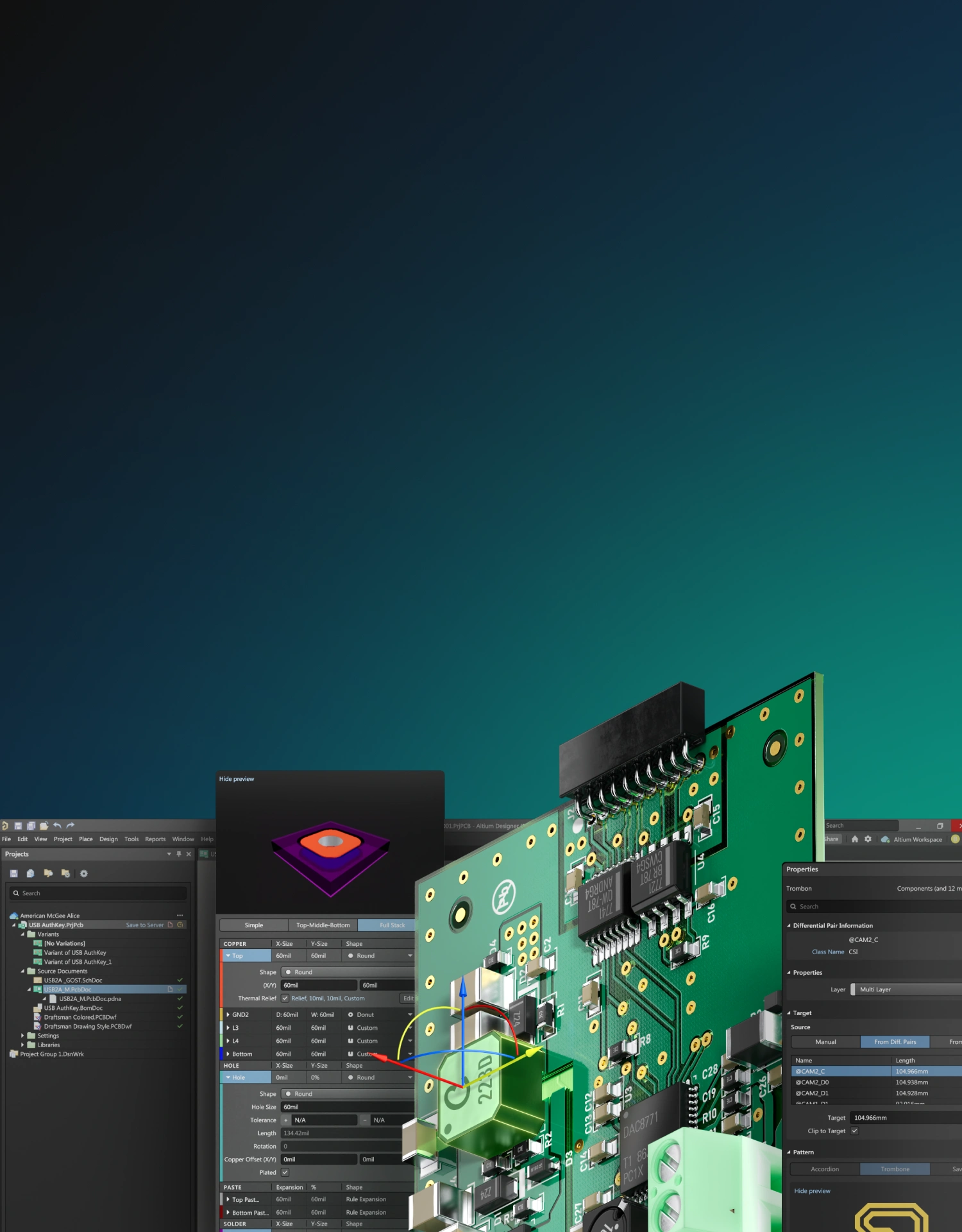
Support Your Complete Product Design Workflow
New technologies for multi-board and harness design help you to efficiently create products with synchronized precision, reducing the likelihood of errors.
Design Faster by Reusing Your Best Solutions
Simplify designs and save valuable engineering time by eliminating repetitive design tasks that occur in almost every project.
Improve Your Design Cycle with Built-In Simulation
Altium provides SPICE simulation, power, and signal integrity analysis in one place, empowering you to fine-tune designs and ensure robust performance.
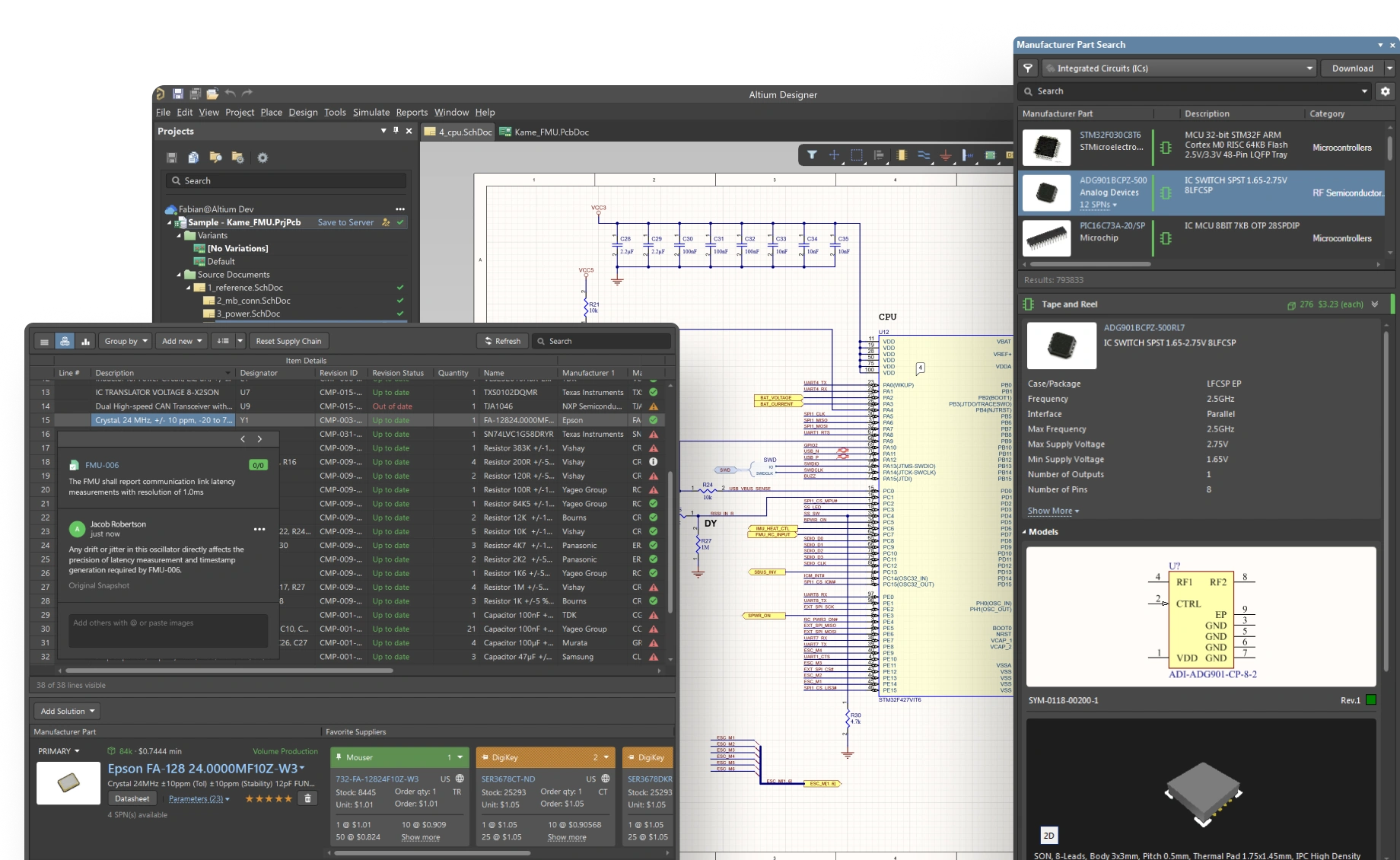
Instantly Access CAD Models
Speed up your design process and eliminate footprint errors with access to CAD data for electronic components in Altium's Manufacturer Part Search.
Centralize Component Management
Organize all components in a secure, unified library. Ensure your team accesses validated parts with standardized templates, reducing errors and inconsistencies.
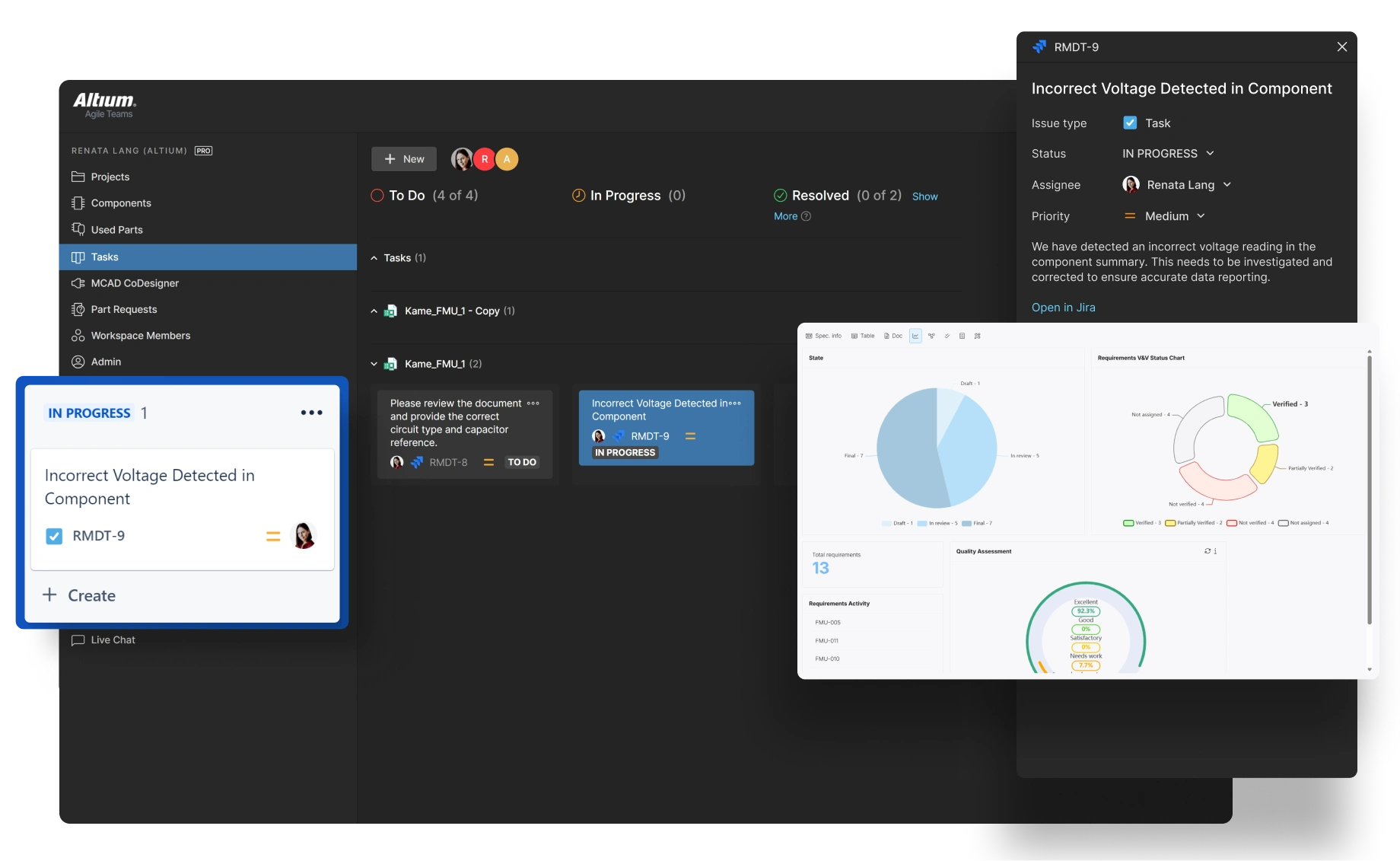
Facilitate Real-Time Collaboration
Instantly share updates. Allow team members and manufacturers to review and annotate in context of designs directly within your workspace, eliminating communication silos.
Integrate Supply
Chain Insights
Access up-to-date supply chain data within your ECAD environment. Monitor part availability, compliance, risks, and costs in real-time without leaving your design platform.
Centralize Component Management
Organize all components in a secure, unified library. Ensure your team accesses validated parts with standardized templates, reducing errors and inconsistencies.
Facilitate Real-Time Collaboration
Instantly share updates. Allow team members and manufacturers to review and annotate in context of designs directly within your workspace, eliminating communication silos.
Integrate Supply
Chain Insights
Access up-to-date supply chain data within your ECAD environment. Monitor part availability, compliance, risks, and costs in real-time without leaving your design platform.
Unmatched Component Intelligence
Access up-to-date pricing and availability data across thousands of suppliers with automated inventory alerts, enabling informed decisions during schematic capture and PCB layout to prevent costly redesigns.
Seamless Design-to-Procurement Integration
Manage BOMs using parametric search and select alternatives, ensuring design continuity despite supply chain fluctuations.
Compliance Verification Tools
Validate components against RoHS, REACH, and lifecycle requirements during the design phase, preventing specification violations that could compromise product reliability or certification.
Unmatched Component Intelligence
Access up-to-date pricing and availability data across thousands of suppliers with automated inventory alerts, enabling informed decisions during schematic capture and PCB layout to prevent costly redesigns.
Seamless Design-to-Procurement Integration
Manage BOMs using parametric search and select alternatives, ensuring design continuity despite supply chain fluctuations.
Compliance Verification Tools
Validate components against RoHS, REACH, and lifecycle requirements during the design phase, preventing specification violations that could compromise product reliability or certification.
Altium Solutions for Modern
Electrical Engineer
Altium solutions deliver cross-team capabilities to deliver better electronics faster, without the strain of scattered tools, data, and processes
Altium Designer
Create the most advanced PCBs
with the most intuitive tools
small text
Support Your Complete Product Design Workflow
New technologies for multi-board and harness design help you to efficiently create products with synchronized precision, reducing the likelihood of errors.
Design Faster by Reusing Your Best Solutions
Simplify designs and save valuable engineering time by eliminating repetitive design tasks that occur in almost every project.
Improve Your Design Cycle with Built-In Simulation
Altium provides SPICE simulation, power, and signal integrity analysis in one place, empowering you to fine-tune designs and ensure robust performance.
Instantly Access CAD Models
Speed up your design process and eliminate footprint errors with access to CAD data for electronic components in Altium's Manufacturer Part Search.
Explore the Platform Solutions
Each solution includes Altium Designer and Altium 365

From Parts to Possibilities
Context-rich engagement for finding complete product solutions — not just components


Unlimited Power to Create
Multidisciplinary product creation powered by the strength of an unconstrained, connected network


Speed, Structure, Security
A unified platform for advanced multidisciplinary collaboration


Control without Complexity
A platform-based solution delivering connection, compliance, and control for electronics system development

Real-Time Project Oversight

Monitor every milestone
Ensure confidence in system progress and track milestones and owners in one view. Resolve blockers before release risk grows.
Connected Engineering Data

Unified data platform
Unify design data across tools, keep versions aligned across teams, and eliminate manual synchronization steps entirely.
Cross-Domain Collaboration

Bridge ECAD and MCAD
Share context between ECAD and MCAD, collect feedback directly on designs, and reduce communication loops.
CTA custom text


Intro Title rows-media
Intro Text rows-media

<H3> Title 36px It comes from the Title field
<h5> Subtitle 24px It comes from the Subtitle field
<p> body_l 18px It comes from WYSIWYG Spacing between head, description and cta is 40px. Spacing between icon, title and subtitle is 24px.
<H3> from WYSIWYG
<H5> from WYSIWYG
Any data can come from the WYSIWYG — tags like h2-h6, p, ul, a. In this case the spacing will be slightly different — 24px. Below is a link to a live example from the prod on the system-engineers page.
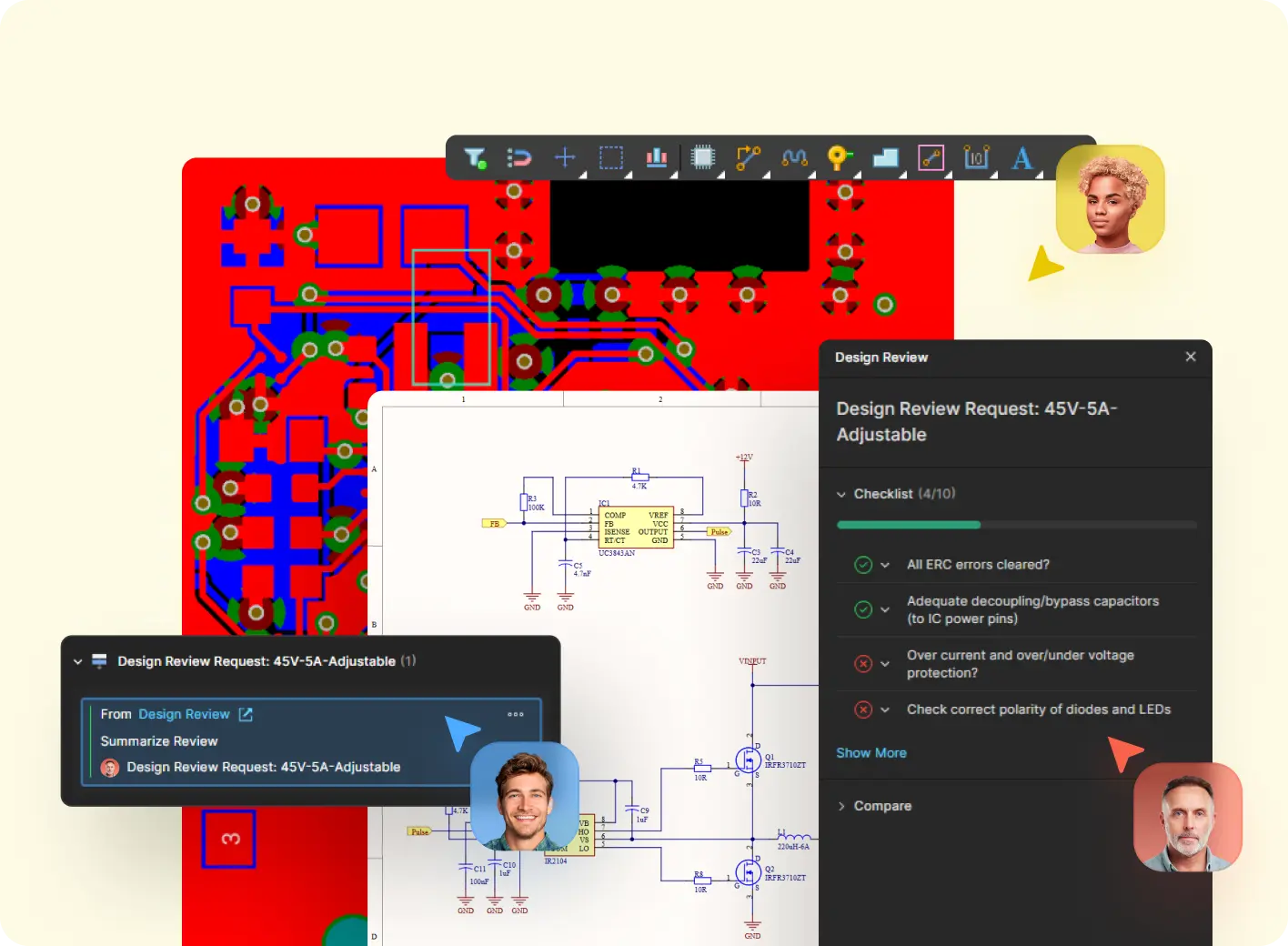
H2 from WYSIWYG
<H4> from WYSIWYG
Description width is 460px.
There is currently no height limit for the image
Buttons can contain a lot of text, in which case they will wrap to a new line.

H4 from WYSIWYG
<H6> from WYSIWYG
The text and image are aligned to the center. So even if the image is cropped, it will still be centered and look like in this example.
- This is how a top-level list item looks
- Another top-level item with a bit more text to see how it wraps across multiple lines
- And this is how a nested list will look
- Second nested item with some extra random text for preview
- Third nested item just to fill the space
- Back to a top-level item after the nested list
- Final top-level item with some random words: design, layout, components, migration
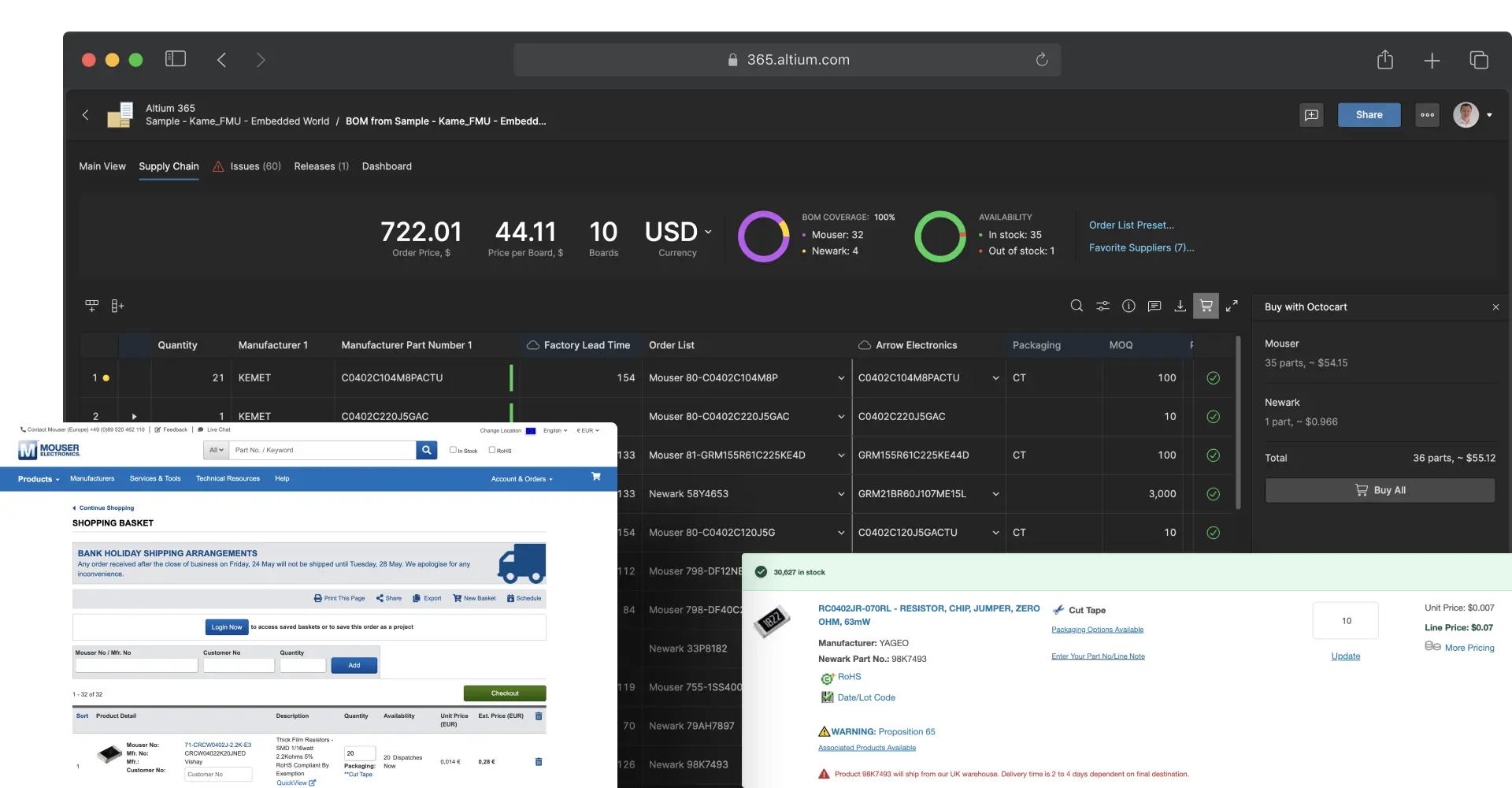
Zoomable image example
Click the image to open it in a fullscreen modal
This image can be opened in a fullscreen zoom modal. To enable this behavior, add the "zoom": true parameter to the item in the data.
When zoom is enabled, the image is wrapped in a button that triggers the #modal-zoom-media modal. The modal is self-injected by JS — no manual include is required on the page.
- Set
"zoom": trueon the item to make its media zoomable. - Both
<img>and<video>inside the trigger are supported — the clicked media is cloned into the modal. - If
zoomis omitted or false, the image is rendered as a plain, non-clickable image.
Interactive demo example
A Storylane tour rendered inside a feature row
Instead of a static image, a feature row can render the pb-storylane component in its media box. To enable this, add a "storylane" object to the item with the same data the pb-storylane component expects.
- Use the
"preview"variant to show a poster + CTA that opens the demo in a popup only on click. - The media box keeps the same layout and row alternation as image rows.
- The Storylane loader script (
js.storylane.io) must be present once on the page for the preview/popup variant.
For Storylane usage examples, see the link: pb-storylane demo page.
YouTube video example
A YouTube video rendered inside a feature row
Instead of a static image, a feature row can render the b-video component in its media box. To embed a YouTube video, add a "video" object with "service": "youtube" and the YouTube videoId.
- The YouTube IFrame API is injected automatically once per page.
- On click the poster opens the video in a lightbox modal.
- The media box keeps the same layout and row alternation as image rows.
For the full pb-video block description, see the link: pb-video demo page.
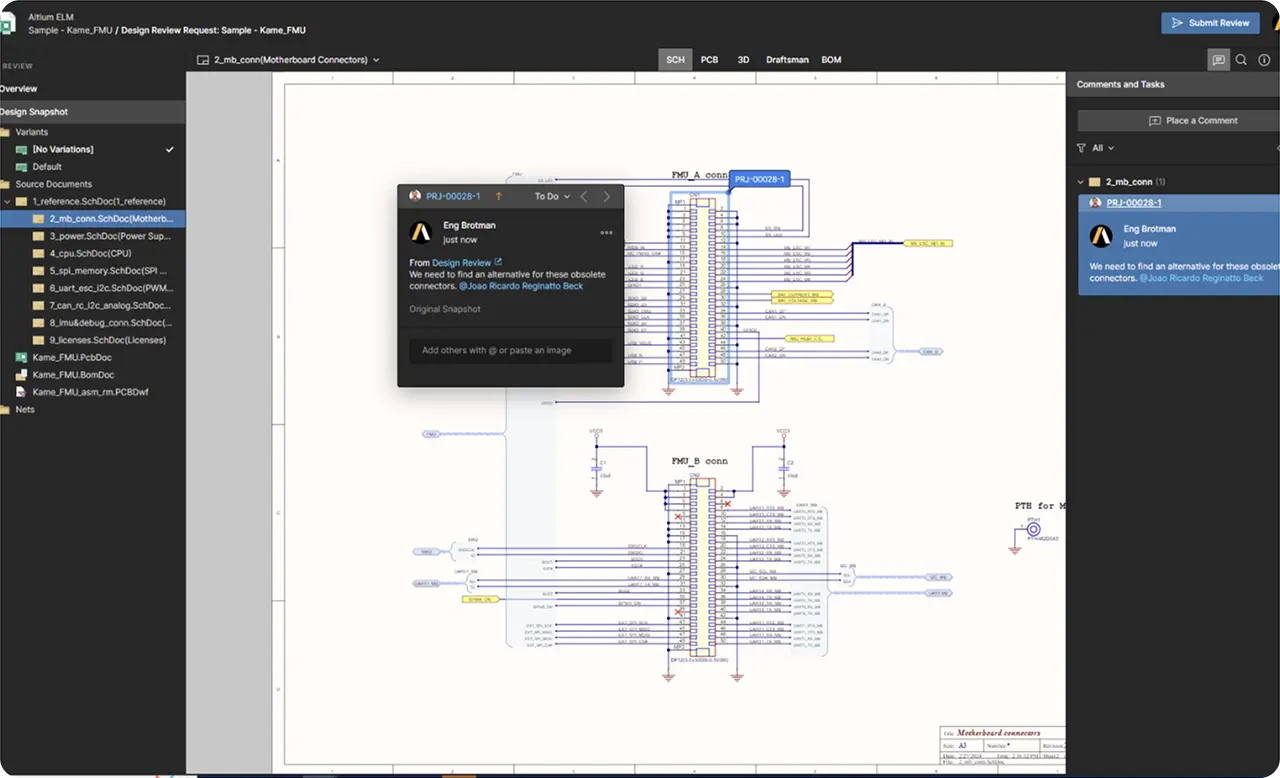
Vidyard video example
A Vidyard video rendered inside a feature row
A feature row can also embed a Vidyard video through the b-video component. Add a "video" object with "service": "vidyard" and the Vidyard videoId (its UUID).
- The Vidyard embed script is injected automatically once per page.
- On click the poster opens the video in a lightbox modal.
- The media box keeps the same layout and row alternation as image rows.
For the full pb-video block description, see the link: pb-video demo page.

HTML5 video example
A self-hosted HTML5 video rendered inside a feature row
For self-hosted videos, the b-video component plays a native <video> tag — no external player or script is loaded. Add a "video" object with "service": "html5", an html5Url (the MP4 source) and a unique videoId.
html5Urlis required — it is used as the<source>of the<video>.html5Postersets the poster shown on the<video>element.- On click the poster opens the video in a lightbox modal.
For the full pb-video block description, see the link: pb-video demo page.

Intro Title rows-media--bleed
Full-width tiles variant — activated with variant: 'bleed'
Stop naming files "v2_final_FINAL"
Every save to the cloud creates a version you can compare, roll back, or share. Visual diffs show exactly what changed between any two revisions.
Interactive demo example
A Storylane tour rendered inside a gray tile
Storylane and video media are vertically centered in the tile — unlike static images, which are pinned to the tile bottom. Everything else (data contract, row alternation, popup behavior) matches the default variant.
One library. Always current. Always trusted
A centralized cloud library with lifecycle-managed components means every designer picks from the same approved set.
Zoomable image example
Click the image to open it in a fullscreen modal
Zoomable images behave like plain images in this variant — pinned to the tile bottom. Add "zoom": true to the item to enable the fullscreen modal.
Control without Complexity
A platform-based solution for electronics product and systems development.

Why Altium Designer will give you better results over OrCAD
Place your text for Subheader here
Lorem ipsum dolor sit amet consectetur adipiscing elit consequat, eget risus suscipit cursus nulla accumsan vestibulum.
The complete guide to modern PCB design workflows
Explore comprehensive digital electronic design solutions that will bring your digital transformation to life.
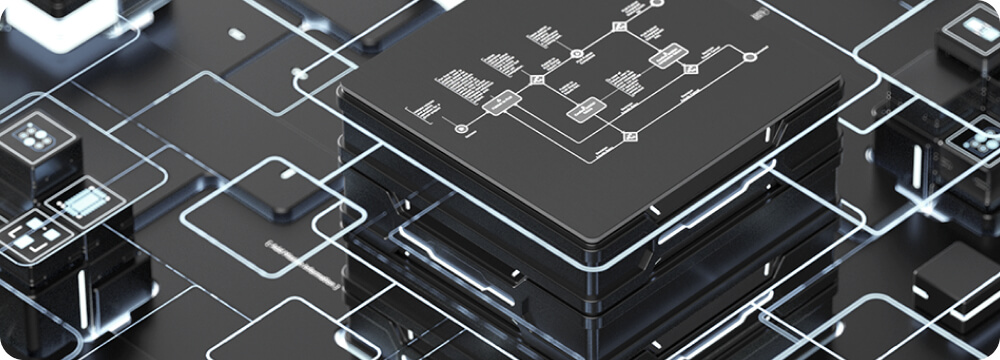
Connect with the community and grow your expertise
Place your text for Subheader here
Join the conversation and tap into a wealth of collective knowledge that can empower your individual growth.
Control without Complexity
A platform-based solution for electronics product and systems development.

“Altium 365 stands out above competitors with a complete sharing solution for others without having to install anything. For design review or customer demonstrations during the meetings.”


“Altium 365 was a real necessity for us because I'm one of several engineers using the tool. Cloud functionality has been very helpful for us working together as a team. We collaborate on projects and conduct all of our design reviews using the platform.”


“Because we can include screenshots in the comments in Altium 365, all the information is collected during the product development and attached to the final official design review document. So the work is not done twice.”

“Our electrical engineers and myself have been using Altium 365 every day from our homes to do everything from sharing designs to preserving tight revision and process controls that our bigger aerospace and aviation clients now expect.”
Trusted by innovators worldwide











Frequently Asked Questions
Everything you need to know about working with Altium Designer.
Yes — Altium Develop is built for concurrent, multidisciplinary electronics hardware design and development. Multiple authors can co-edit projects within the same workspace.
Collaborators (free) can review, comment, manage tasks, and interact with BOMs and requirements — everything except editing schematics or layouts in Altium Designer.
Frequently Asked Questions
Everything you need to know about working with Altium Designer.

You can have as many Altium Designer authors as you need — the 5 limit applies only to concurrent authors. If your team shares access, then one seat can serve multiple authors. The only limitation is that simultaneous access is restricted to your region.

Yes — Altium Develop is built for concurrent, multidisciplinary electronics hardware design and development. Multiple authors can co-edit projects within the same workspace.

Collaborators (free) can review, comment, manage tasks, and interact with BOMs and requirements — everything except editing schematics or layouts in Altium Designer.
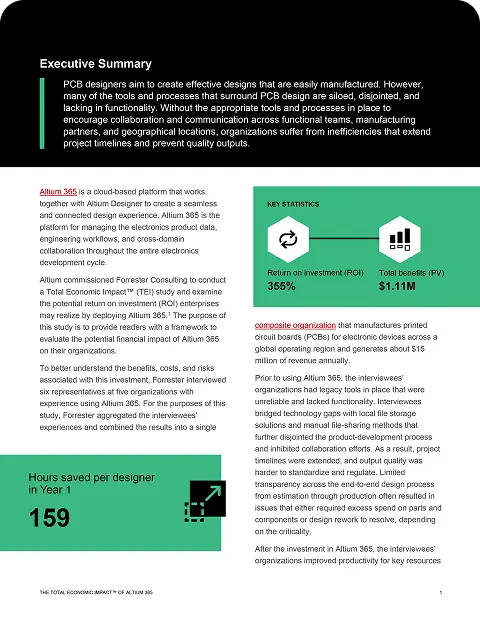
The Total Economic Impact™ Of Altium 365
Cost Savings And Business Benefits Enabled By Altium 365


The Total Economic Impact™ Of Altium 365
Cost Savings And Business Benefits Enabled By Altium 365

The Total Economic Impact™ Of Altium 365
Cost Savings And Business Benefits Enabled By Altium 365






Random Teg for Title
Skilled PCB Designers Refine Their Craft Through Altium Training
G2 users consistently rate Altium as their top choice for easy-to-use PCB design.
Ready to take the next step in your career?