

Accelerate Your Career
in Electronics Design
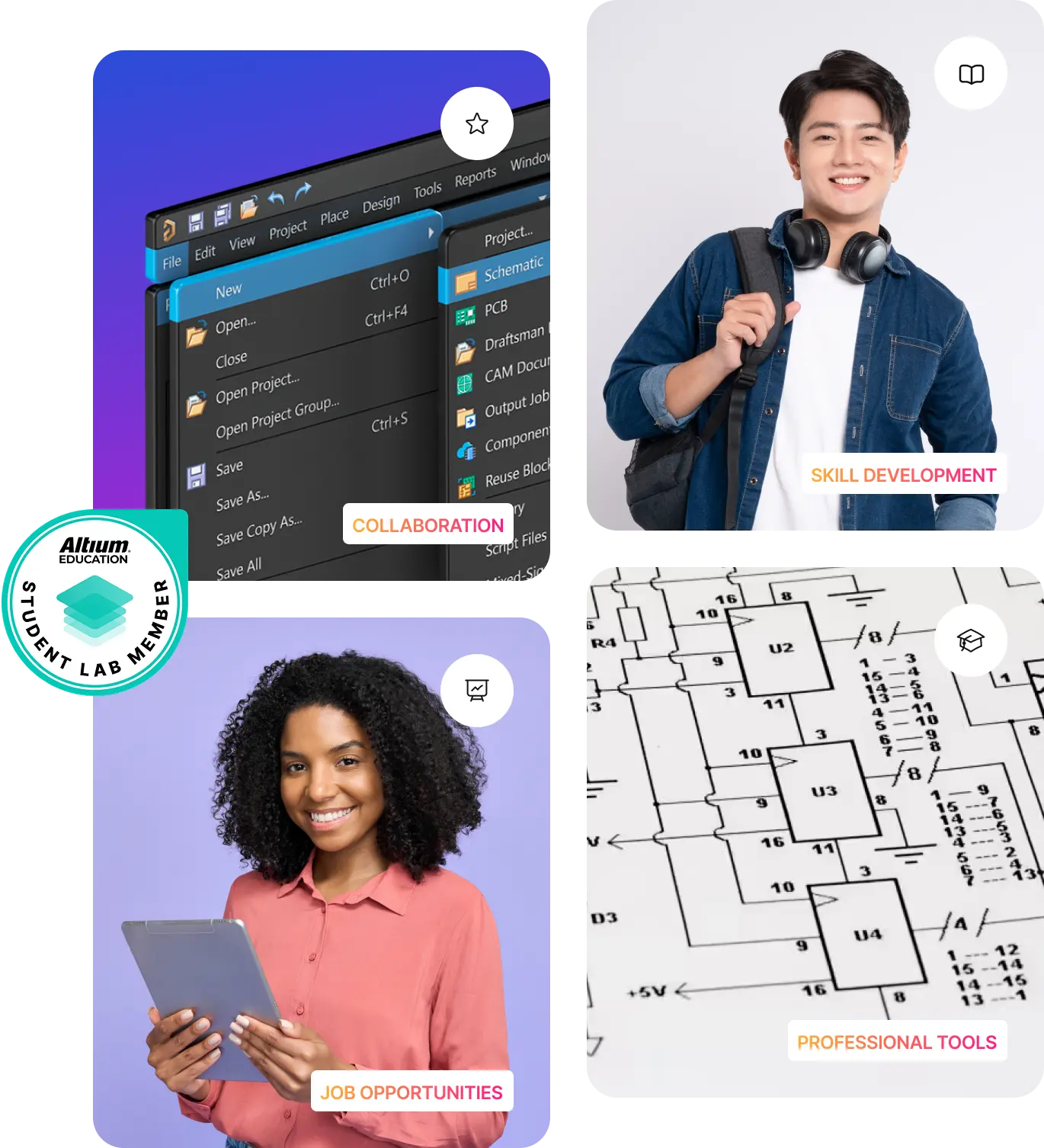
- Free access to Altium Designer, the industry’s #1 professional PCB design tool.
- A secure cloud workspace to collaborate with classmates, track changes, and access projects from anywhere.
- 200,000+ components, templates, and ready-to-use assets that support real engineering projects.
- Hands-on, university-level courses with guided projects to help you master practical PCB design skills.
- Real-world experience & verified credentials that make your resume stand out for internships and jobs.
Key Benefits

Embedded Systems Curriculum
Get real with hardware. Learn how to design, simulate, and prototype embedded systems using Renesas QuickConnect and Altium solutions.


Team
Sponsorships
Get your engineering team geared up with free Altium software and tools built for real-world design.


Global
Scholarship
Level up your PCB design skills with free professional training, hands-on projects, and credentials that get you noticed.


Women’s
Scholarship
Empowering women in electronics with practical skills, mentorship, and recognition that help turn potential into impact.

Student Ambassador Program
Build practical design expertise, grow as a campus leader, and gain recognition that turns your engineering potential into career-ready success.



Grad to Career
Program
Go from student to industry-ready with guided training, skills assessments, and a path to your first job.

Learn Altium Designer PCB design for free.
Meet Jacob, an EE Engineer at the UMass Lowell, learning and knowing Altium Designer was very helpful in getting my internship. Employers were impressed I knew such a powerful tool.


Hear how Melissa P., EE at UC Davis, learned PCB design through Altium Education and uses it to design what she wants to build.


Lucas is an EE and part of the Penn Electric Racing Team. Hear how building PCB design skills opens doors for him across the EV industry.

Showcase Your Skills with
Altium Course Certificates
Top Electronics Companies Worldwide Prefer Working
with Altium-Experienced Designers
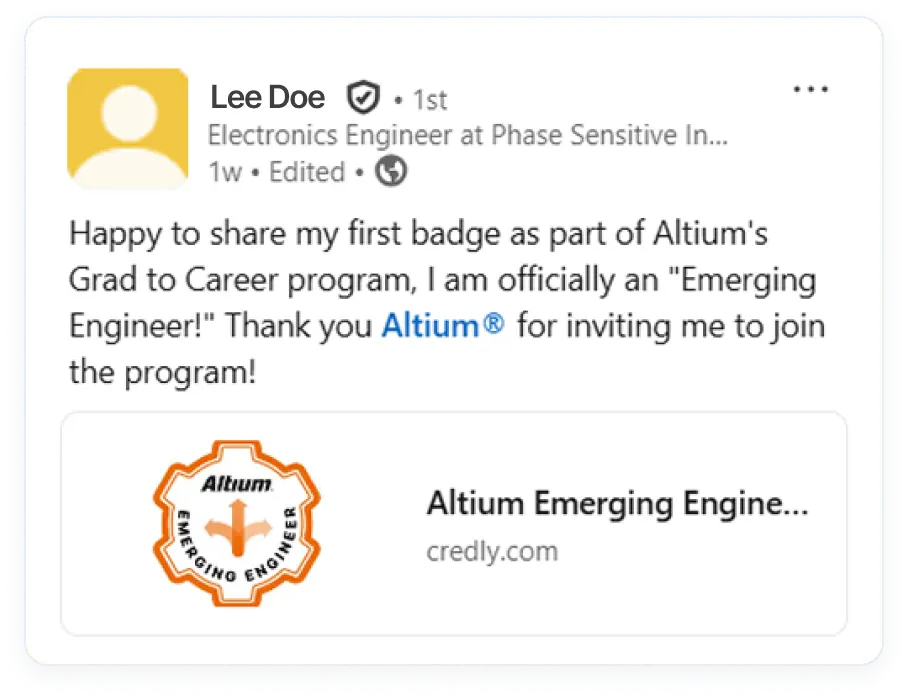
Show Your Skills With Verified Digital Badges
Digital badges are designed to be shared, making your verified skills visible to peers, employers, and recruiters worldwide. For students entering the job market, they offer a straightforward way to showcase the training you’ve completed—each badge includes clear details about the skills earned, giving hiring teams helpful context when reviewing your profile.

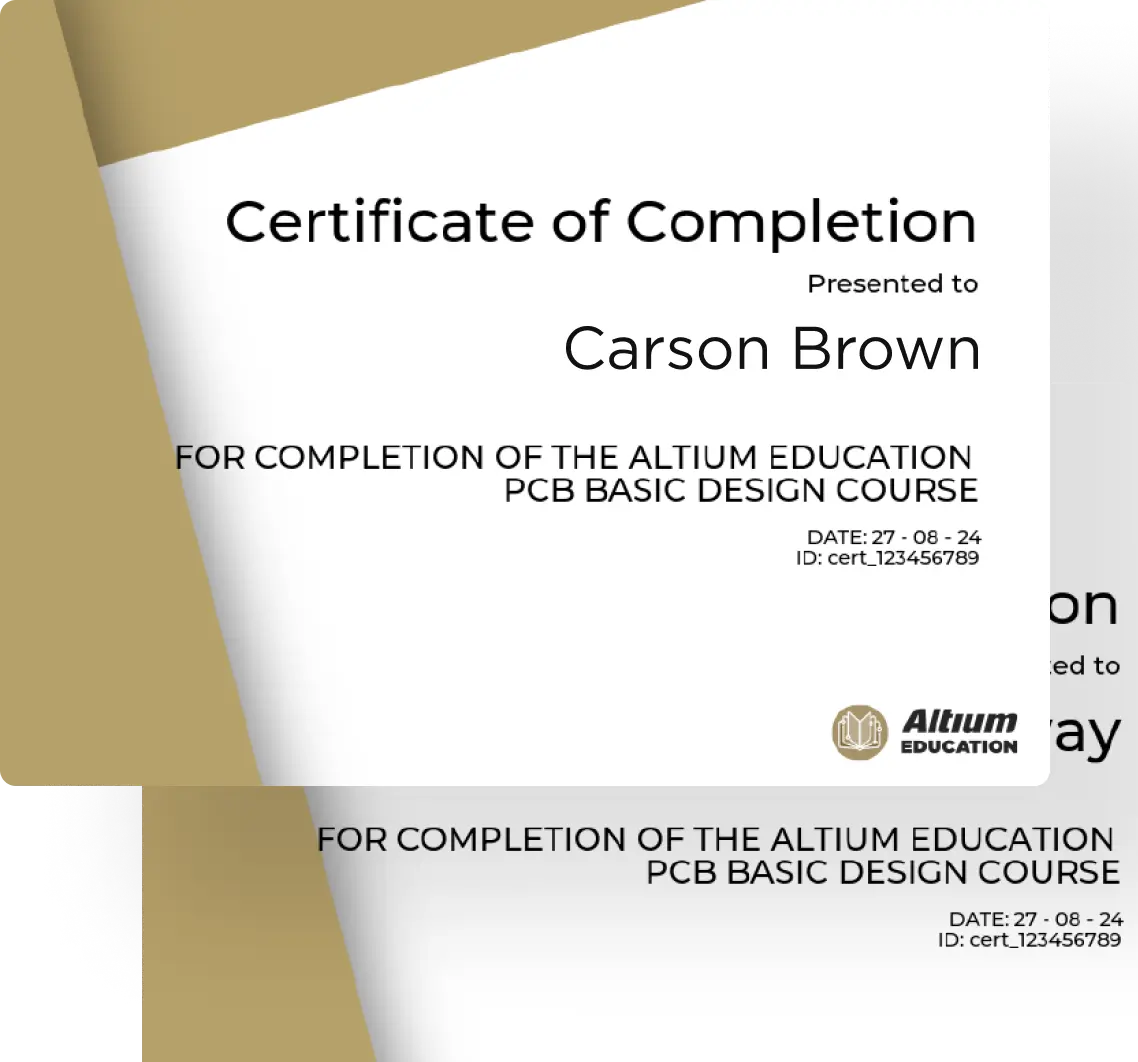
Complete Our PCB Curriculum & Earn Your Course Certificate
Master PCB design essentials through hands-on projects that bring ECAD fundamentals to life. From schematic capture to PCB layout and manufacturing, you'll gain practical skills that you can immediately apply. Complete the course and earn a course certificate that showcases your expertise and commitment to excellence.

Scholarship & Sponsorship
Global Scholarship
Turn Your Ambitions into Achievements
Our Global Scholarship supports aspiring electronics design professionals with financial aid, promoting diversity and inclusivity in the industry.
Team Sponsorship
Elevate Your Team's Potential
Altium invests in the new generation of engineers by providing design software for teams to gain hands-on experience and excel in competitions and projects.
Job Opportunities
Working at Altium is an opportunity to grow in an industry that impacts nearly everything around us.


You can have as many Altium Designer authors as you need — the 5 limit applies only to concurrent authors. If your team shares access, then one seat can serve multiple authors. The only limitation is that simultaneous access is restricted to your region.
Yes - Altium Develop is built for concurrent, multidisciplinary electronics hardware design and development. Multiple authors can co-edit projects within the same workspace.
Collaborators (free) can review, comment, manage tasks, and interact with BOMs and requirements - everything except editing schematics or layouts in Altium Designer.
If you haven’t received your license within a few days of applying, please email studentsupport@altium.com for assistance.
If you’re trying to use your license on another device, you must first release it from the computer currently logged into Altium Designer. You can’t be logged in on two computers at once.
Learn how to release a license remotely here: Releasing a License Remotely
If you’re not using another device:
- Shut down Altium Designer.
- Go to your Dashboard → Reports → Release License.
- Restart Altium Designer and log in again.
For more help, visit: Cannot Use On-Demand License (Seat Occupied)
Open the course link in an incognito window, sign up for an account, and then click on the course to enroll.
You can explore the following resources for help and documentation:
- Knowledge Base
- Altium Academy on YouTube
- Altium Designer User Forum.
- General Documentation
- Installation Guide
- License Enablement
- Licensing System Overview
System Requirements
(Please note that only Windows OS is supported.)
Trusted by Internationally Recognized Universities


