
Beyond Length Matching: Signal Integrity Webinar - 12th November

Manufacturing Engineers
Build From the Released Design
Access manufacturing packages, PCB design reviews,
and live BOMs directly from the design
Release to Build
Without Surprises

Work with Released Design Data
- Open released manufacturing packages in your browser
- Inspect fabrication and assembly data in 2D and 3D
- Attach feedback to the design, not to email threads

Catch Build Issues at Review
- Complete manufacturability checklists before release
- Flag shortages, price changes, and end-of-life parts early
- See design changes before they reach the floor

Keep Production and Engineering Aligned
- Guide manual assembly from live design data
- Sync parts and released files with your PLM
- Retain an audit-ready report for every review




Altium Capabilities
for Manufacturing Engineers
View the Package Without CAD
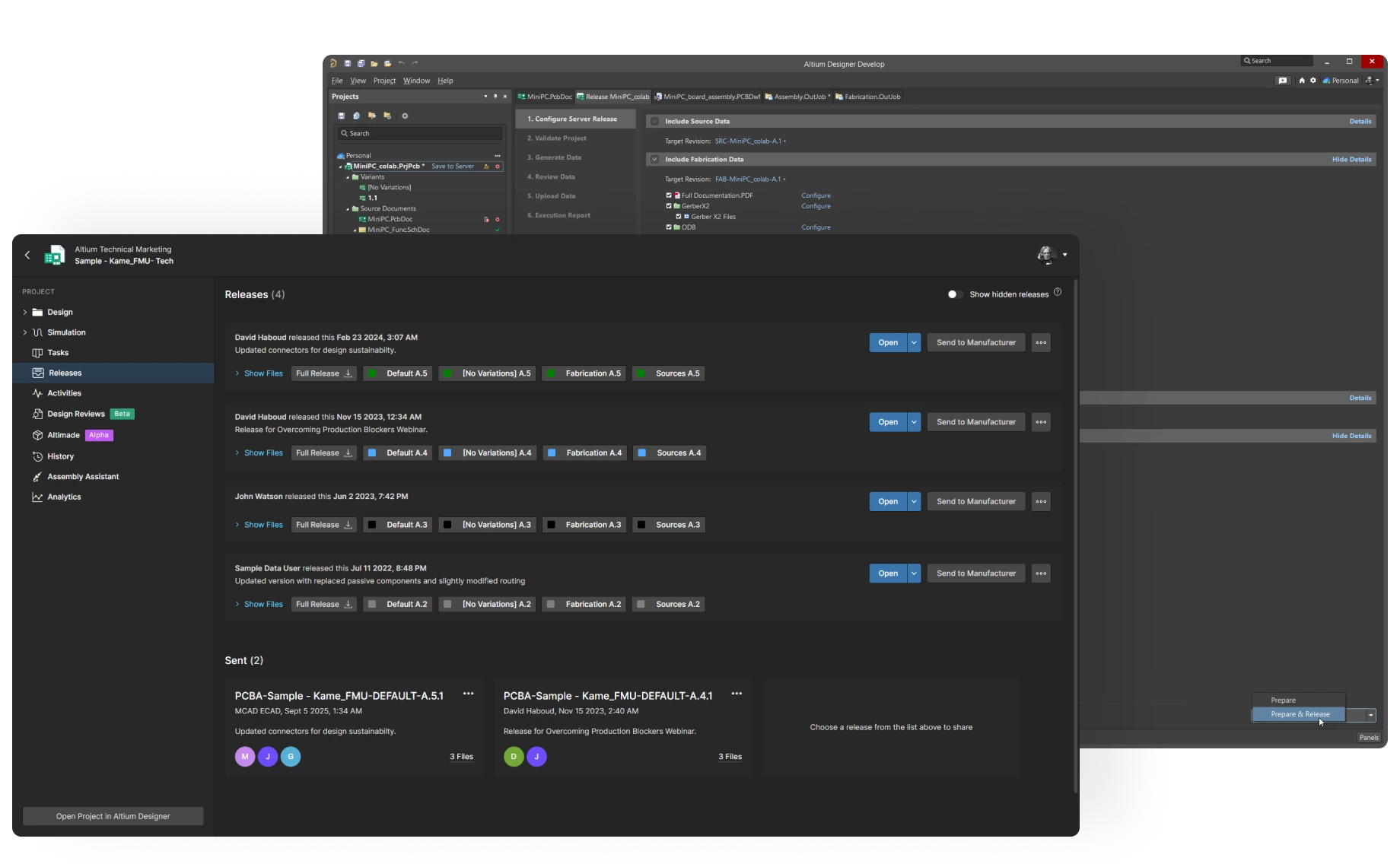
Invite production teams and contract manufacturers by email to open release packages in any browser, with nothing to install and your source design kept protected inside the workspace.
Share Floor Feedback With Engineering
Post comments and tasks on the design itself, so questions from the floor reach engineering with full context, rather than getting lost across emails, PDFs, and screenshots.
Check Manufacturability Before Release
Raise build-readiness questions in cross-team design reviews while changes are still easy, so issues get fixed before they reach the production line.
Run Assembly Straight From the Screen
Replace paper printouts with Assembly Assistant’s interactive board views for prototypes and short runs. Follow guided placement with zoom and highlighting, and track progress part by part.
Add a Manufacturing Review Gate
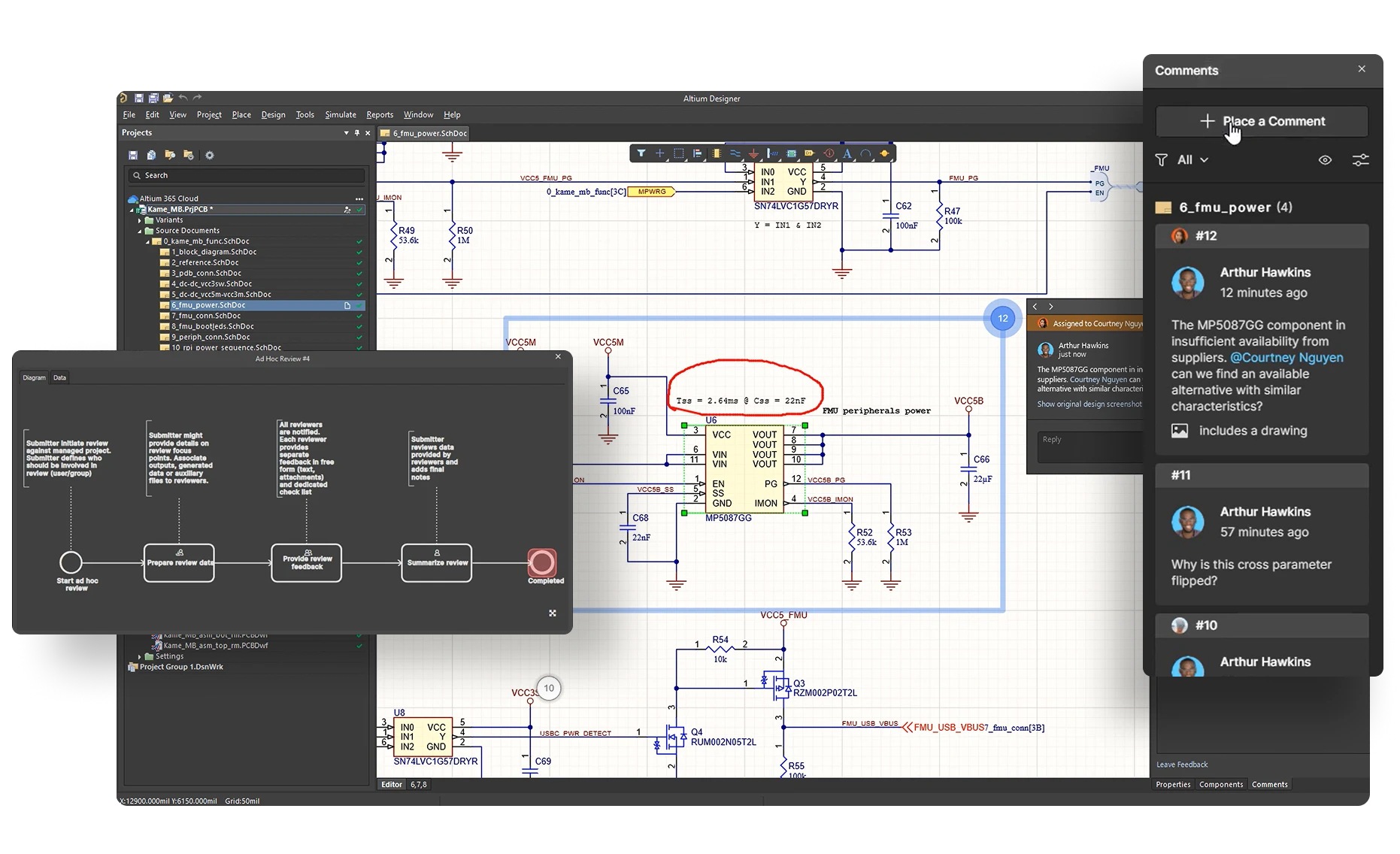
Build design review checklists for DFM, DFA, DFT, test points, and assembly constraints, then run each design through a review that must clear before release. The status tracker shows who signed off.
Approve with Any Browser
Bring manufacturers, external partners, and non-ECAD stakeholders into reviews from any browser, where unlimited free collaborators can review, comment, and approve.
Track Feedback by Review
Log each comment and task to its review, then anchor it to the schematic, layout, or BOM it concerns, so feedback can be traced back to its source.
Archive Auditable Review Reports
Preserve each approved or rejected review in a design review report with locked fields, ready for audits and lessons for the next build.
Retire the Stale Spreadsheet
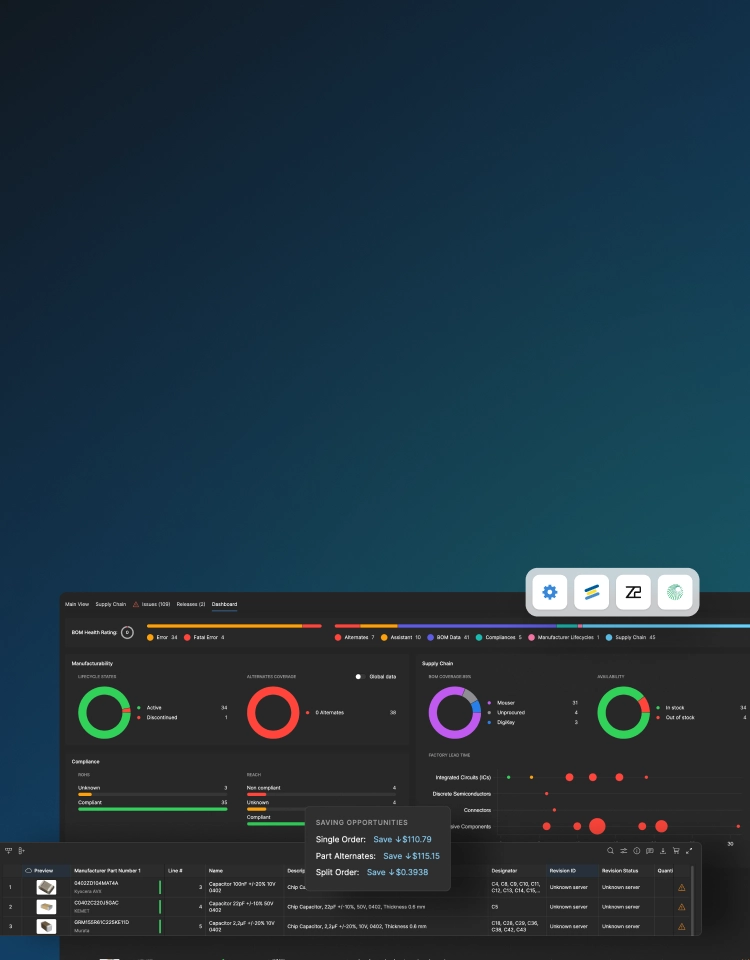
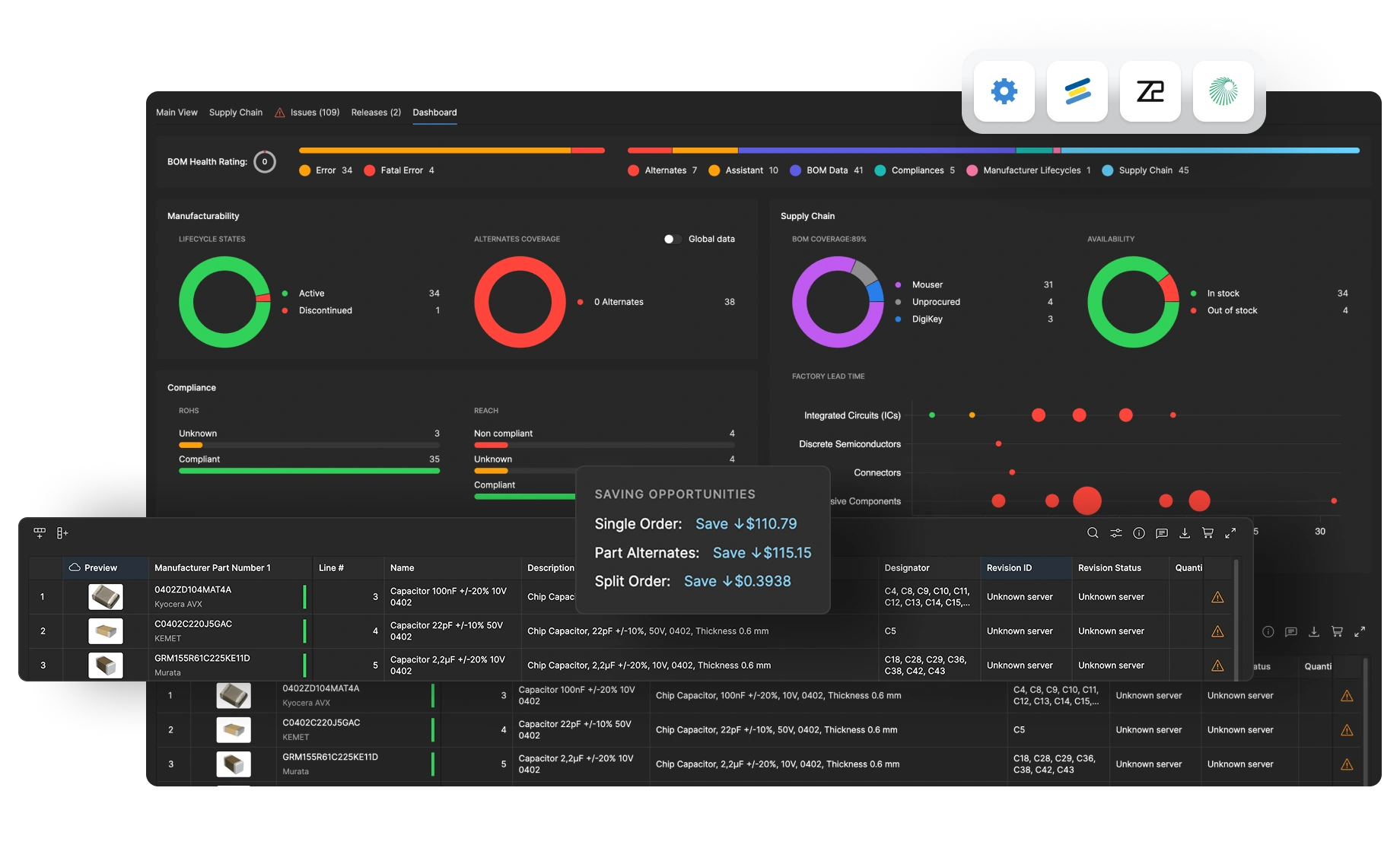
Plan every build from live data. BOM Portal gives production teams current specs, compliance, lifecycle status, availability, and pricing on every line.
Get Warned Before a Shortage
Monitor components across your workspace with Parts in Use and filter by lifecycle, compliance, or manufacturer. Catch shortages, price changes, and end-of-life while alternates can still be qualified.
Control BOM Revisions
and Part Choices
Make each BOM revision traceable with structured version control, customizable lifecycle states, and release tracking. Consolidate parts across projects to reduce variability and keep builds repeatable.
Resolve Sourcing Questions in the BOM
Evaluate part changes and coordinate on next steps in one workspace with what-if analysis, in-context comments, engineering change orders, and where-used tracking shared across engineering, procurement, and manufacturing.
Connect ECAD
and PLM Both Ways
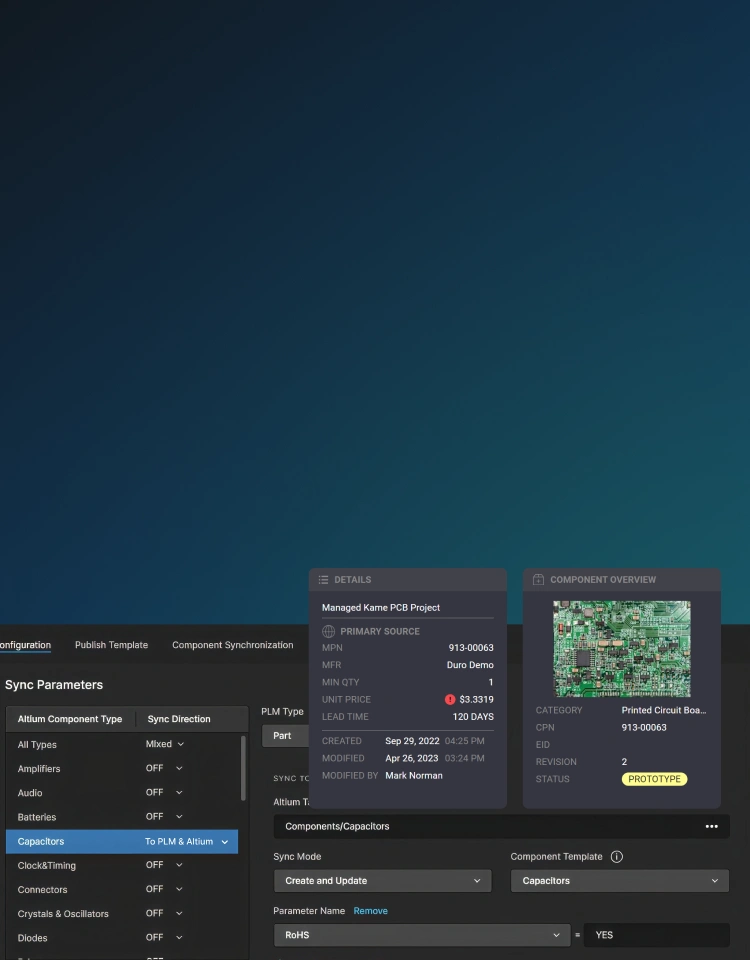
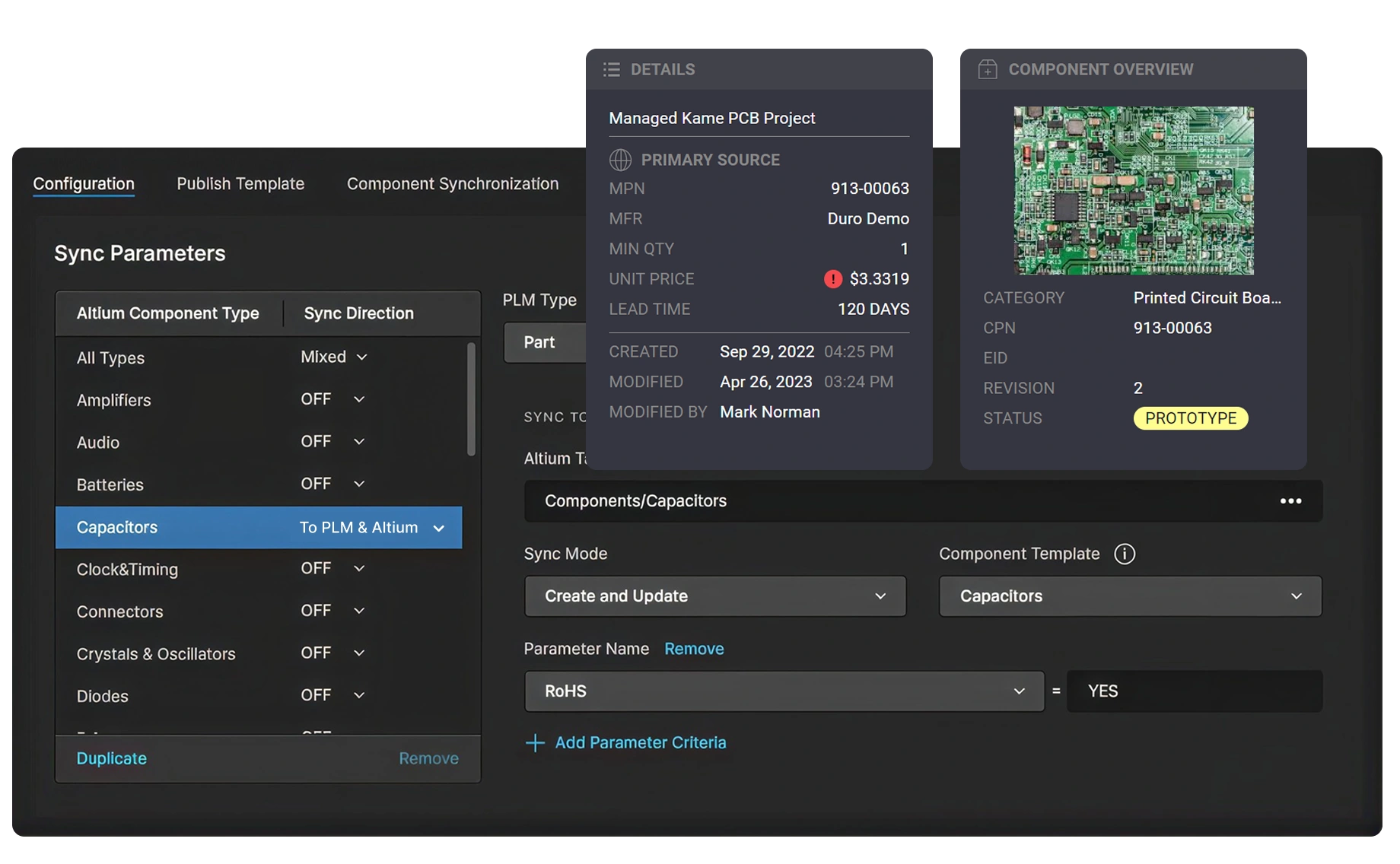
Synchronize parts, metadata, and released files bidirectionally between Altium and Arena or Duro with the Cloud PLM Connector, keeping engineering and business systems from drifting apart.
Publish to PLM in One Click
Send project data to your PLM with a single publish action, and a structured ECAD BOM appears there automatically, with no manual re-entry between systems.
Release a Complete
Manufacturing Package
Produce the full set of deliverables on release with version control, automated workflows, and preconfigured output templates. What reaches the factory matches what engineering approved.
Bridge ECAD and PLM with Duro
Connect ECAD design data with Duro PLM’s lifecycle management. Enable automatic, bi-directional synchronization of components and BOMs to maintain data accuracy and consistency in real time.
See What Altium Users
Have to Say










Explore the Platform Solutions
Each solution includes Altium Designer and Altium 365


Parts to Possibilities
Context-rich discovery for finding complete product solutions not just components


Design, Share, Stay in Sync
Advanced PCB design with cloud-enabled coordination to keep work, reviews, feedback, and releases aligned when needed


Control without Complexity
Structured collaboration for multidisciplinary electronics teams and development keeping people and data aligned without sacrificing speed


Digital Thread at Scale
A governed, extensible, intelligent platform for managing enterprise-wide electronics development across people, systems, and workflows



The Best Teams Around the
World Use Altium
Resources for Manufacturing Engineers
Overcoming Production Blockers
Has a component shortage or unexpected part EOL caused a design change at the last minute? Learn how to solve this problem and overcome production blockers.

Getting Started Guide for Manufacturing Engineers
Access, validate, and act on production-ready data using a unified, browser-based environment that simplifies the transition from design to fabrication and assembly.

How to Run an Effective Design Review
Conduct effective design reviews to detect issues early, foster collaboration, and improve outcomes. Simplify collaboration and feedback.
Explore Solutions for Other Roles
PCB Designer
Accelerate high-speed, multi-layer designs in a unified environment with advanced routing, version control, and supply chain insight. Reduce rework and get to production faster.
Learn More

Unified Design Environment

Real-Time Collaboration
Mechanical Engineer
Experience seamless bi-directional design data sharing between ECAD and MCAD, all without leaving your design environment. Reduce misalignment and errors.
Learn More

Seamless Synchronization

Effective Enclosure Design
Procurement Manager
Gain critical visibility into component lifecycle, availability, and compliance. Proactively manage sourcing risk, reduce rework, and control costs before delays and overruns occur.
Learn More

Enriched Supply Chain Data

Proactive Risks and Costs Management
Electrical Engineer
Accelerate electronics product development with unified design, real-time collaboration, and supply chain insight, all in one environment. Cut delays, errors, and disconnected workflows effortlessly.
Learn More
Superior Design Experience

Improved Design Accuracy
Software Engineer
Instantly access the latest schematics and component data in your browser. Ensure you’re always coding against the correct hardware. No ECAD installs required.
Learn More

Hardware-Aware Development

Centralized Component Data
IT Security Manager
Protect intellectual property and sensitive design data throughout the development lifecycle. Leverage enterprise security protocols with granular permission controls, end-to-end encryption, and secure cloud storage for safe collaboration across distributed teams.
Learn More

Secure Collaboration

Granular Access Control
Engineering Manager
Gain full visibility into team workflows, project health, and supply risks. Align design, compliance, and delivery with cloud-based collaboration, version control, and BOM intelligence.
Learn More

Efficient Cross-Functional Team Collaboration

Centralized Compliance Management
ECAD Librarian
Standardize, validate, and manage every component in a centralized cloud library. Ensure accuracy, lifecycle visibility, and consistency across all designs without redundant workflows.
Learn More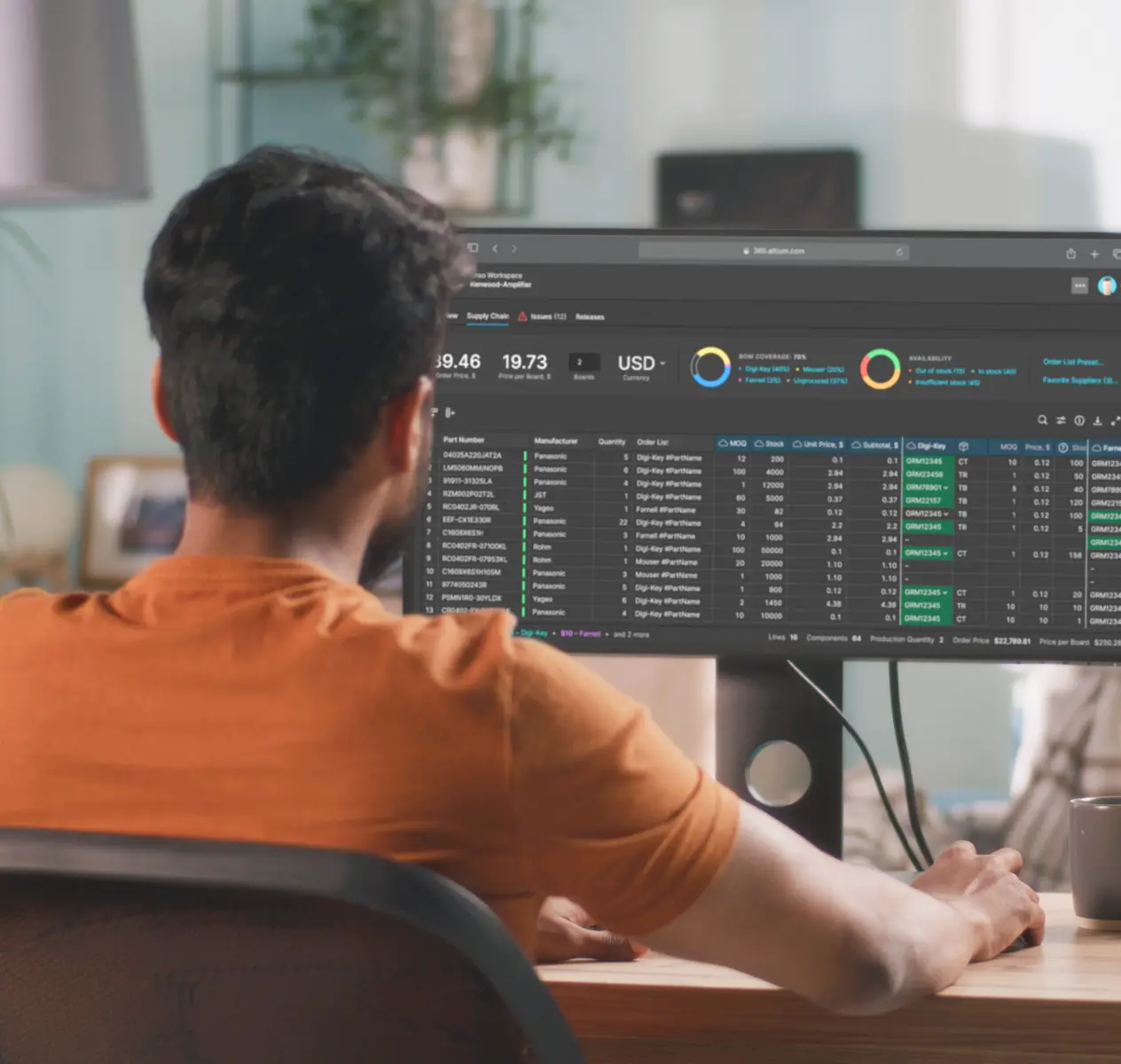

Centralized Library Management

Component Data Accuracy