
Beyond Length Matching: Signal Integrity Webinar - 3rd and 5th November


Better
Requirements
Less Busywork
AI for Requirements Engineering
- Capture Intent as Structured Requirements
- Import & Review Specifications in Minutes
- Assess the Impact of Tradeoffs & Changes


Start for Free
Free 30-day access. No credit card required.
Are you a student? Enroll in the Student Lab

Built for Engineers Developing Hardware
Create a shared view of requirements your whole team uses — not just requirements experts.
Requirements Owners
Capture and structure requirements to keep your team aligned on a shared spec. Hand off admin and busywork to AI, and spend your time on engineering decisions.


Delegate Busywork to AI

Keep Your Team Always Aligned
Implementation Engineers
See what's relevant to your role without reading the full spec. Chat with your requirements and get answers grounded in your project data. Spend less time chasing context and more time building.
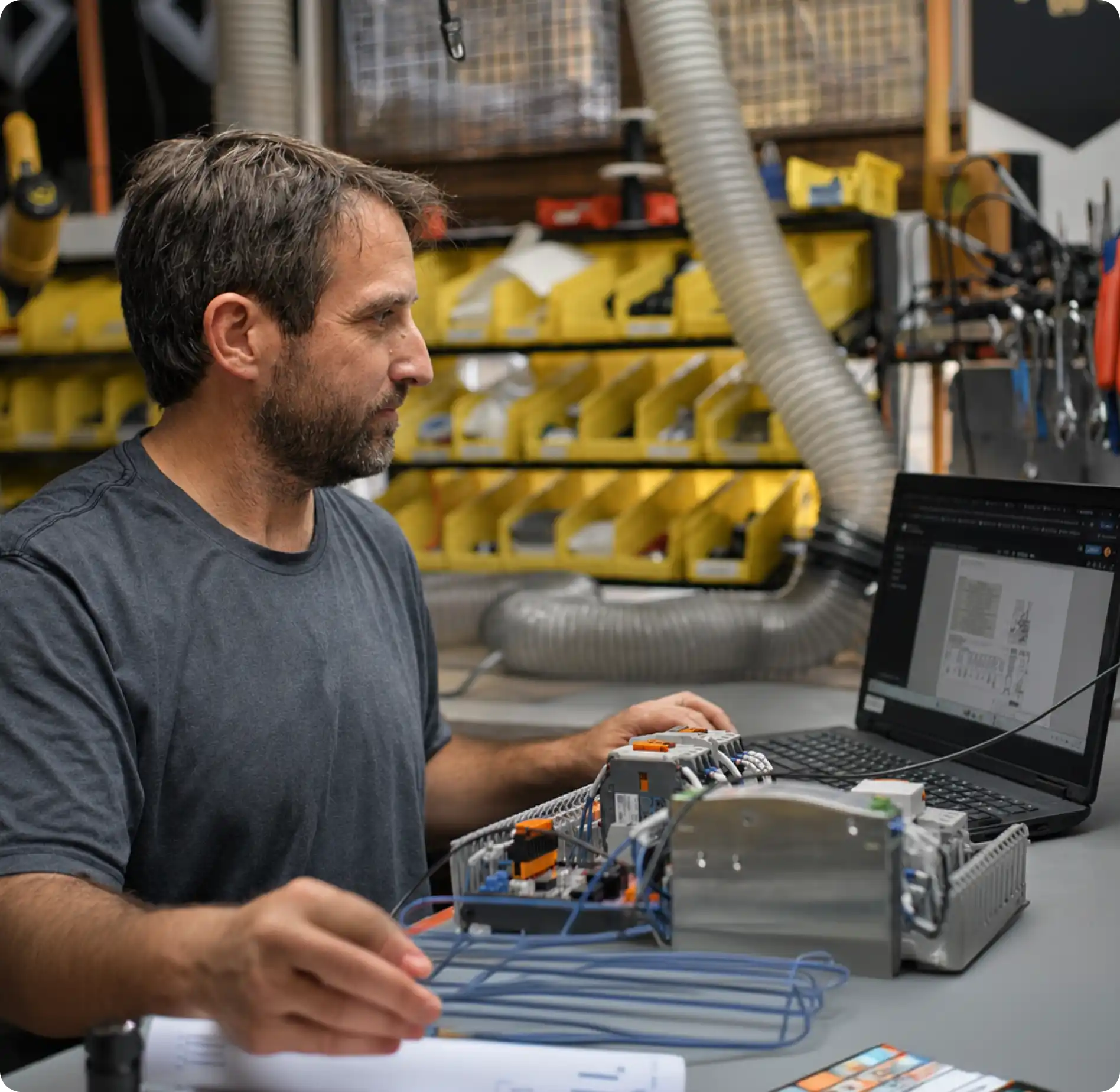

Onboard to New Projects Fast

Understand What Affects Your Work
Technical Leadership
See live progress without chasing status. Automated AI checks monitor your project and surface coverage gaps, compliance risks, and quality issues early.
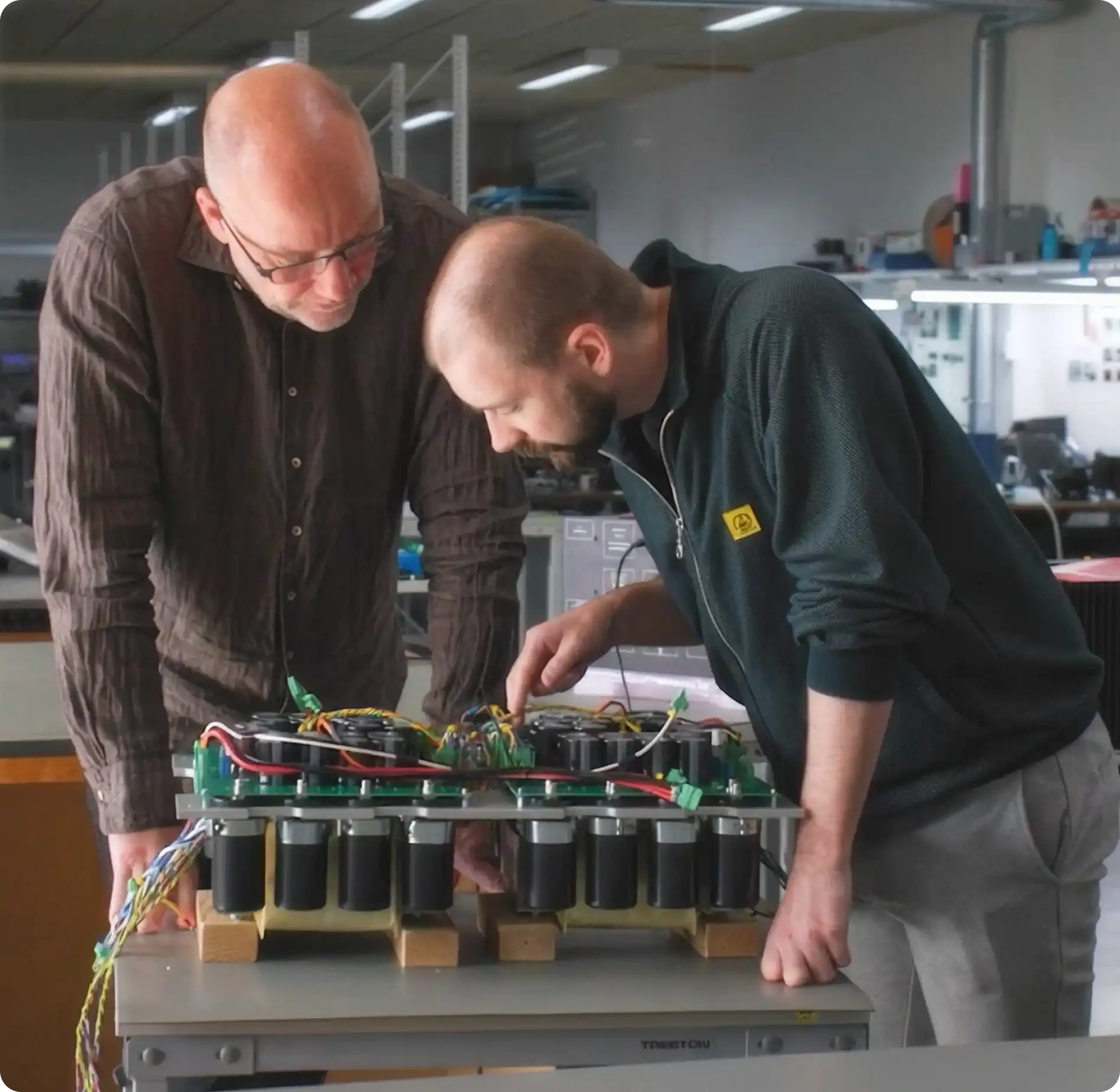

Deliver Products With Confidence

Surface Development Risks Early
Get Started with AI for Requirements
Free 30-day access. No credit card required.
Leverage AI to Manage Requirements
Requirements Portal gives you AI tools that work directly on your project data, so your team spends less time maintaining documents and more time building.
Engineering Assistant

Work with AI that has full context of your project. Ask questions, describe a change, preview it in the UI, and apply it. Nothing’s committed without approval.
AI-Assisted Importer

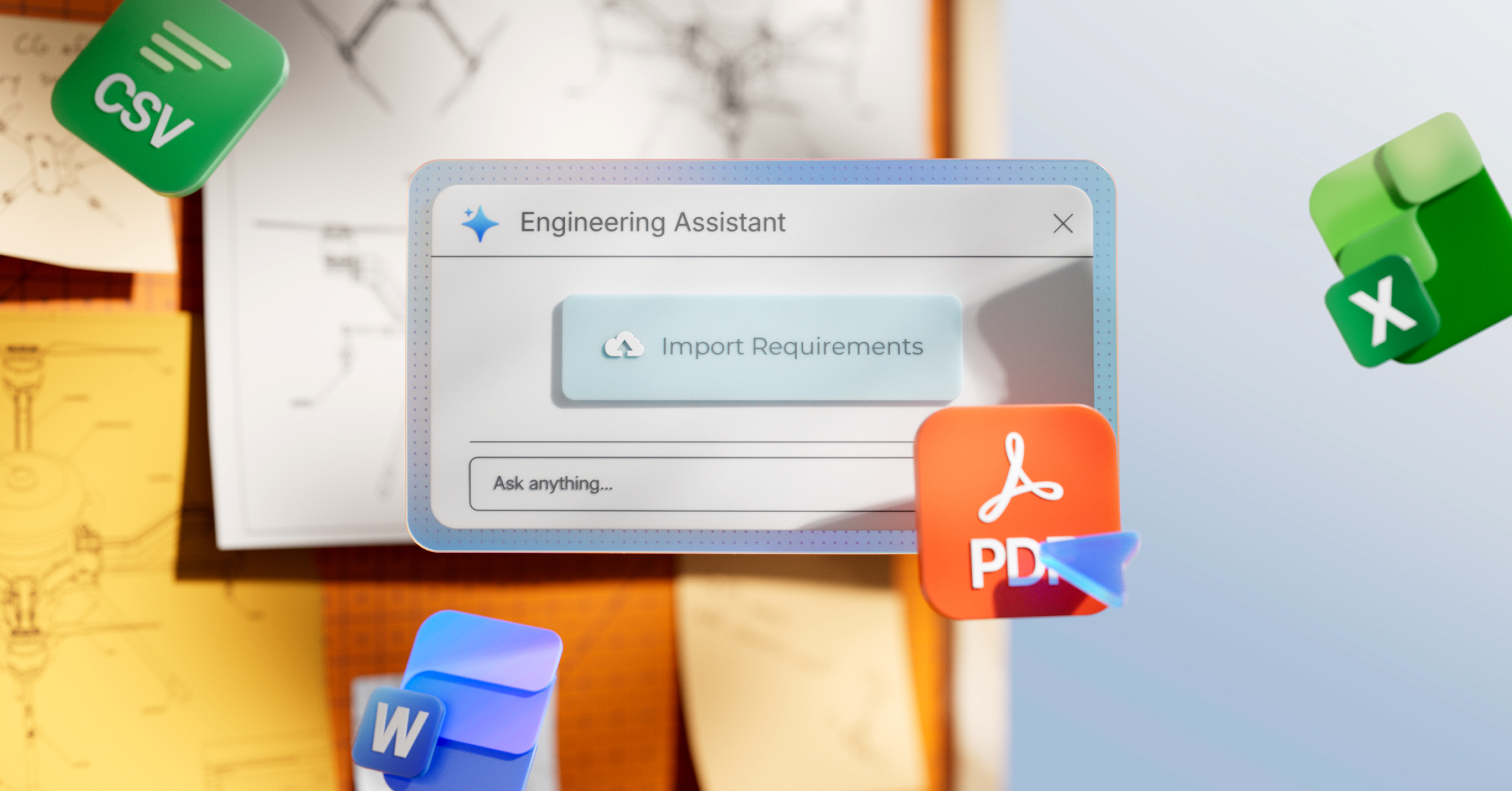
Turn spreadsheets, PDFs, or specification documents into structured requirements. Review everything before importing into your project.
AI Skills

Encode your processes and reuse them across projects. Share them with your team to standardize how requirements are written and checked.
COMING SOONBackground Agents

Let AI scan your requirements automatically in the background, surfacing conflicts, traceability issues, and coverage gaps for you to review.
From Manual Processes to
AI-Assisted Workflows
See how your team can use AI in your engineering workflows.
Turn Scattered Inputs into Structured Requirements
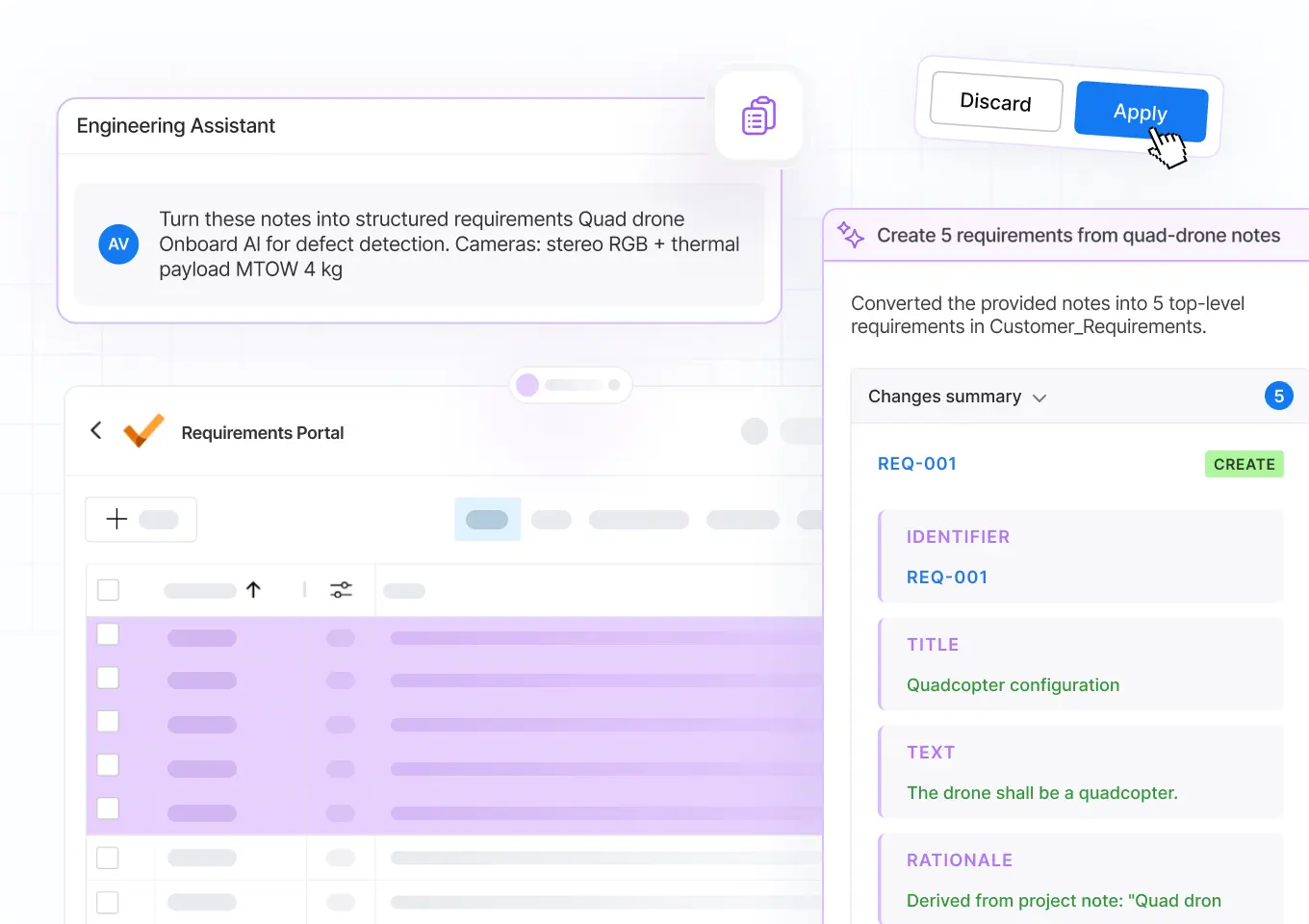
While kicking off a new project, drag a PDF into the AI-Assisted Importer or paste notes from a customer meeting into the Engineering Assistant. The result is a properly formatted, ready-to-review set of requirements.
Example Prompt
Turn these notes into structured requirements: [insert notes here]
Fix Gaps & Contradictions Before Releasing a Spec
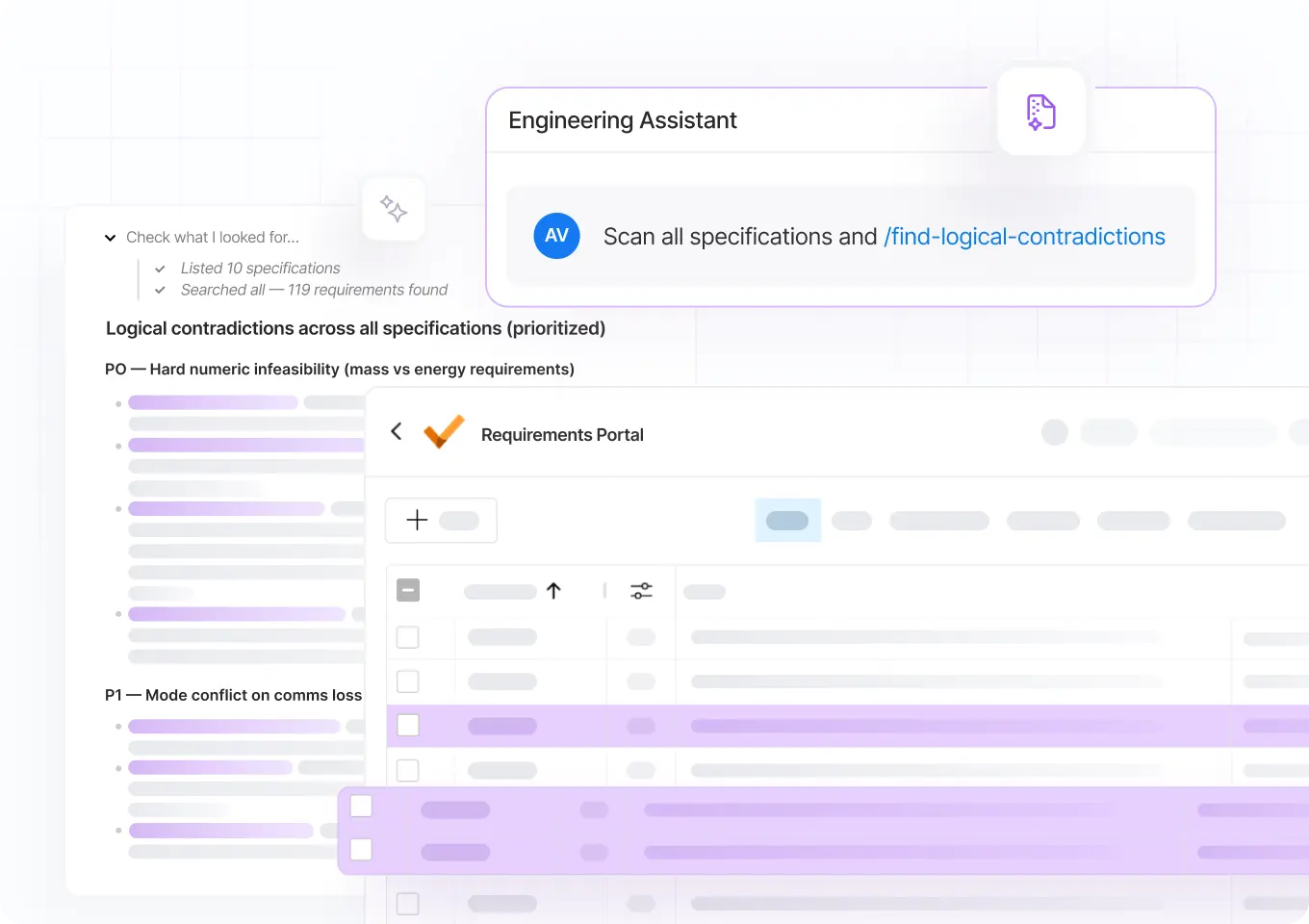
Before releasing a spec for design, ask the Engineering Assistant to scan the full database for contradictions, inconsistencies, and potentially missing requirements, and recommend how to resolve the identified issues.
Example Prompt
Review my specification for logical contradictions and inconsistencies. Return a prioritized list.
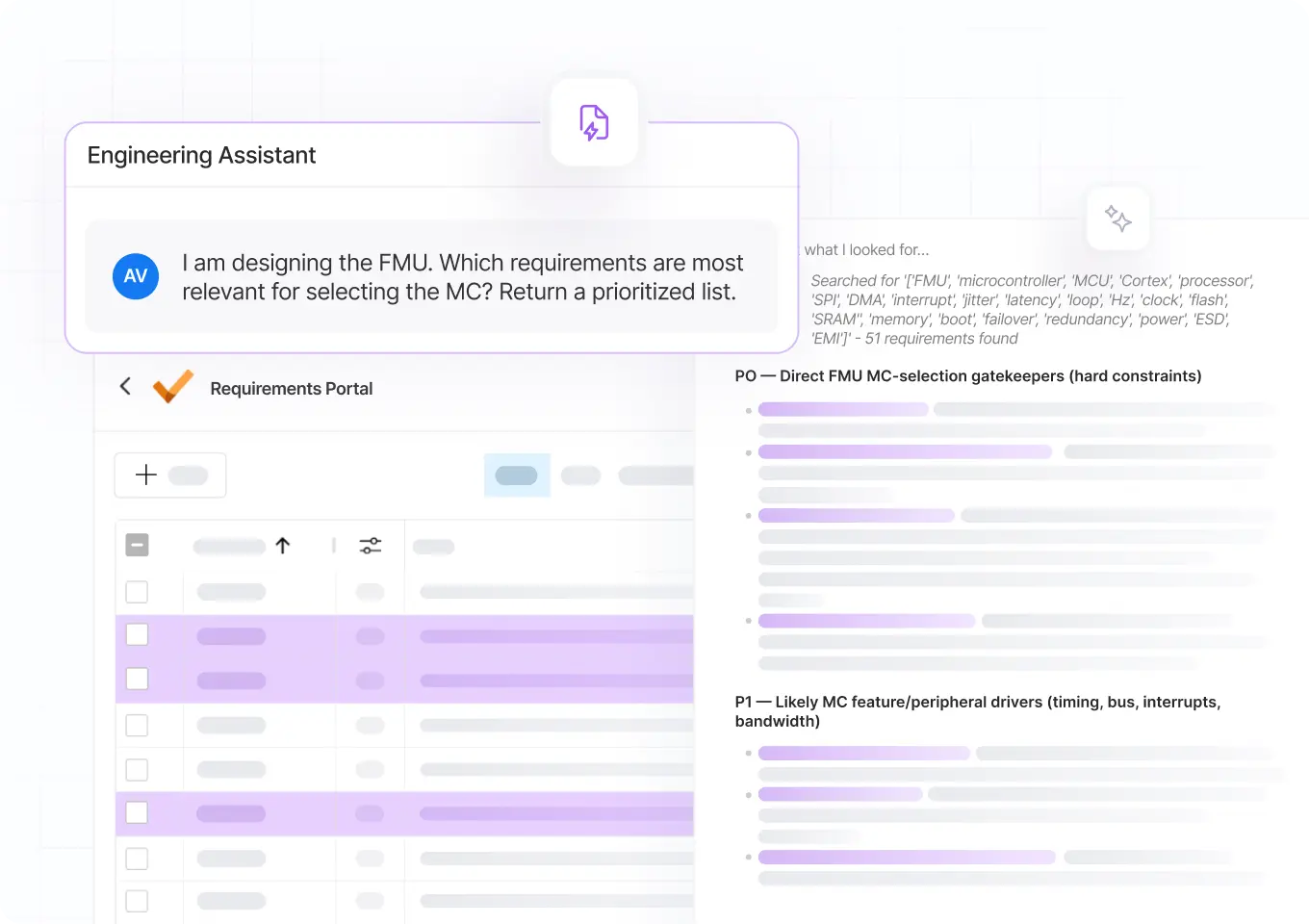
Understand a New Spec When Design Begins
While getting started with a new project, ask the Engineering Assistant to surface requirements that affect your designs. Review every relevant requirement to make well-informed decisions.
Example Prompt
Which requirements affect my BOM? Include any EMC or ESD requirements for this board.
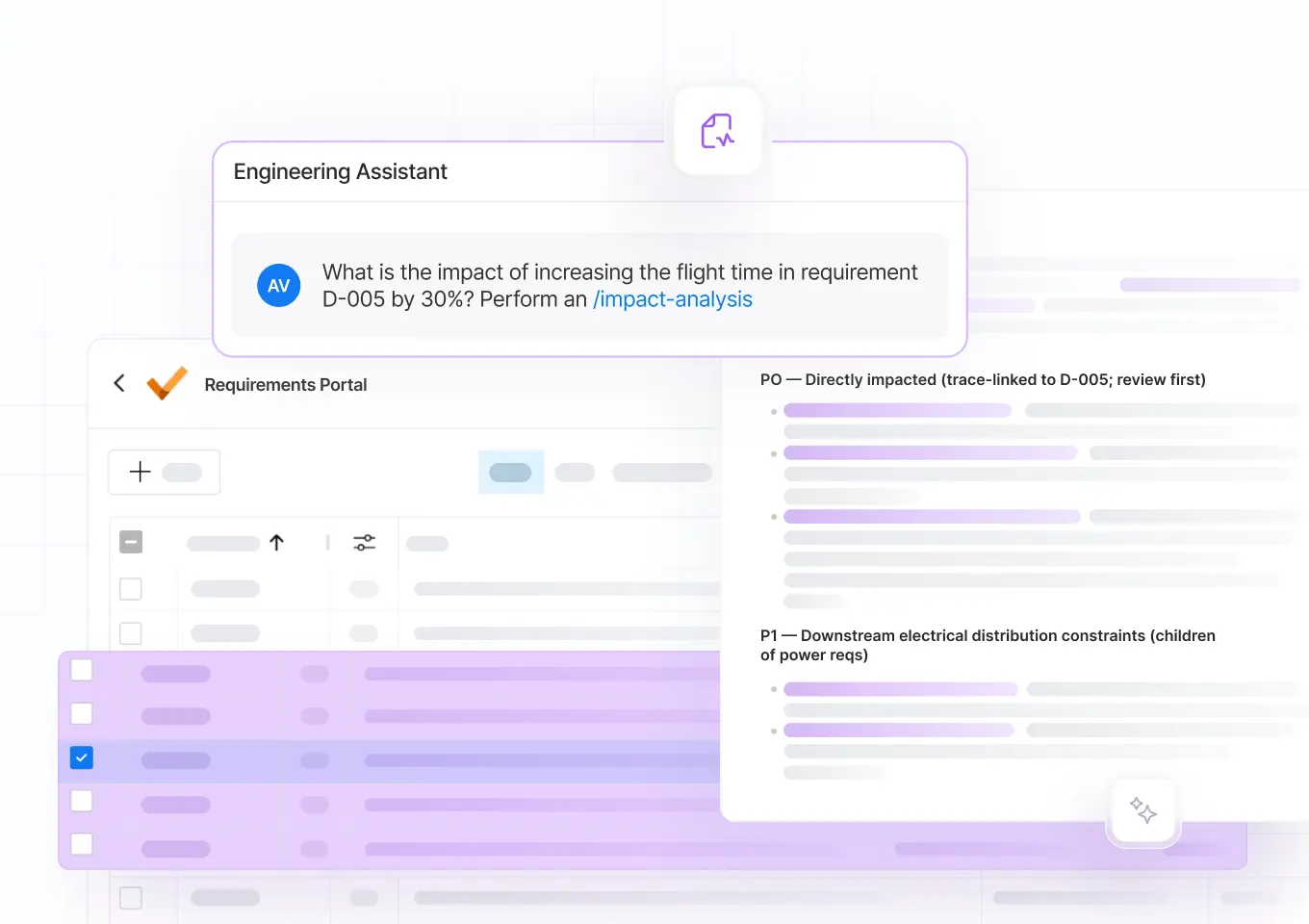
Run Tradeoffs & Analyze the Impact of Changes
When a requirement changes mid-cycle, ask the Engineering Assistant which linked requirements, design items, and test cases are affected. Review the list, then update what needs updating and notify their owners.
Example Prompt
What is the impact of changing requirement [ID] to [new value]? Return a list of all affected items.
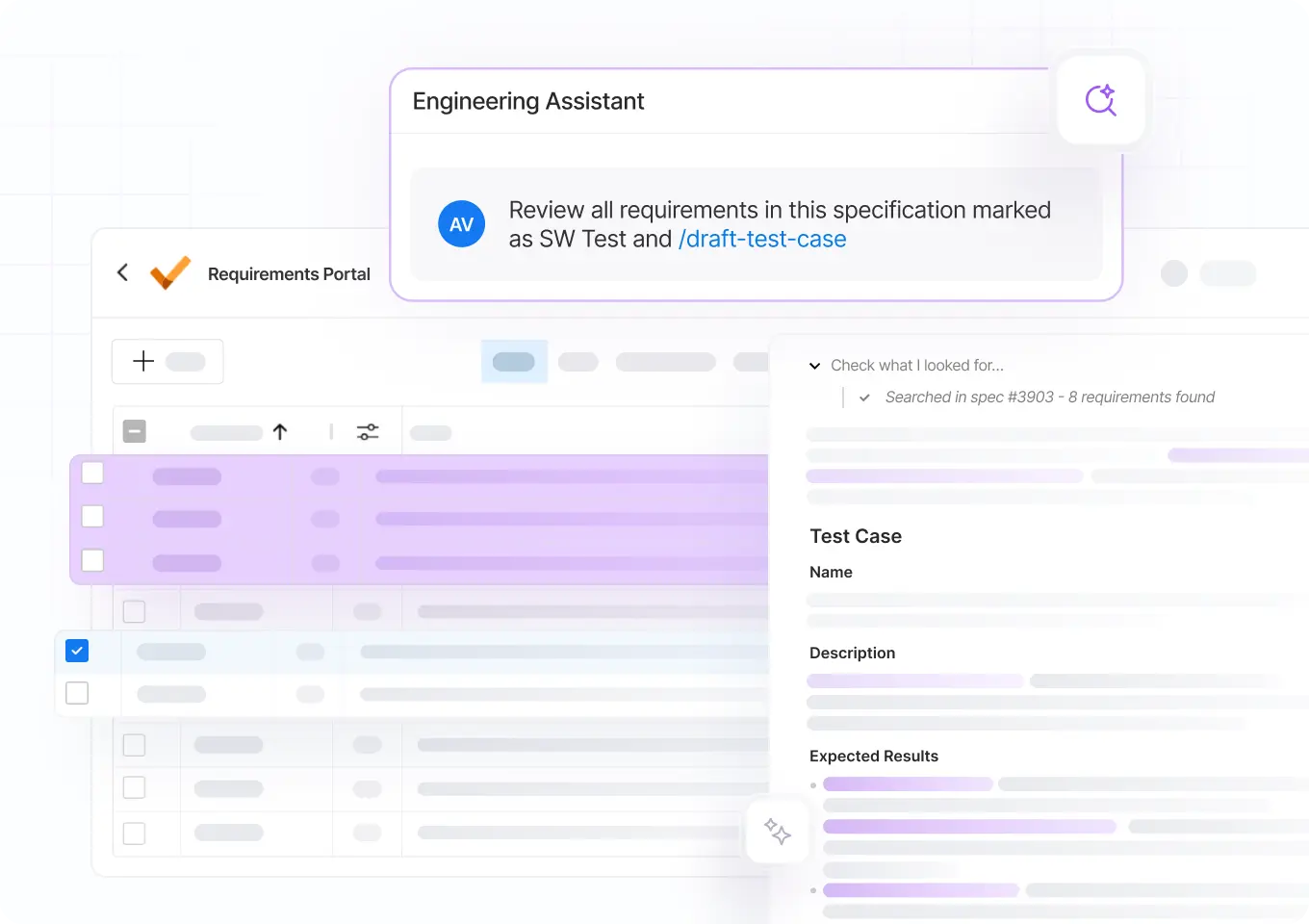
Create a Verification Plan & Draft Test Cases
Before testing begins, ask the Engineering Assistant to find every requirement without a link to a verification activity, propose a verification method, and draft a test case from your company’s template.
Example Prompt
Propose a verification method for all requirements in this spec without one and draft test cases.
The Engineer Makes the Final Call — Always
AI is only useful if engineers trust it, and trust requires control. AI tools in Requirements Portal are built on these principles.
Purpose-Built for Technical Requirements
Our AI tools are purpose-built for requirements engineering. Every answer is grounded in your project data. Every change is tracked and reversible.
No Change Without Explicit Approval
All AI suggestions are previewed in the UI and applied only after your explicit approval. The AI surfaces issues and proposes solutions, the engineer decides.
Configurable to Your Process
The AI adapts to your team. You define what it checks, how it behaves, and when it runs, encoding your requirements processes and terminology.

Requirements
That Scale With Your Team
Requirements Portal keeps every discipline aligned as your team and projects' complexity grow.
✓ Get traceability to connect the dots across designs and verification
✓ Use AI to reduce the busywork of managing a growing specification
✓ Trace test cases back to requirements to catch coverage gaps early
Contact us to talk about your use case.
Good Requirements Matter. What’s Holding You Back?
Requirements Portal closes the gap between the mental model in your head and the shared model your whole team works from.

From Scattered Inputs to Aligned Teams
Requirements often live in notes, documents, or people’s heads. AI helps you write, format, link, trace, and check them, turning scattered inputs into a structured spec your whole team can work from.

Less Admin, More Engineering
Engineers want to spend their time building products, not documentation. Your team already knows what good requirements look like and needs a tool that gets them there without the busywork.

Always-On, Proactive Checks
Teams that catch issues early spend less time managing requirements. AI scans your requirements in the background for quality, traceability, and coverage gaps, and flags issues for your team to review before they spread.

Available in Requirements Portal
Requirements Portal is Altium’s intelligent requirements management
tool for teams developing hardware products. Other capabilities include:
- Traceability Engine
- Verification & Validation Module
- ECAD Integration with Altium Designer
Requirements Portal is included in all Altium subscription.
Common Questions
Yes, with oversight. AI in Requirements Portal never commits a change without your explicit approval. AI proposes, and you review each suggestion side by side with the original, edit it if needed, and apply it. The engineer always makes the final call. All changes are tracked and reversible.
General-purpose AI tools can answer questions or write requirements, but they lack the full context of your project data, such as traceability links and change history. The AI in Requirements Portal is built specifically for technical requirements and works on that data. Every answer or proposal is grounded in your project's context.
Most tools add a chat window to an existing interface. Requirements Portal's AI works directly on your project data and proposes structured changes in the UI for you to review. It is built specifically for technical requirements, so the output is structured and tied to your project.
Yes, and no prior experience with formal requirements engineering is needed to get started. Most engineering teams know requirements matter but avoid formal workflows, because traditional tools assume specialist knowledge and rigid processes. Requirements Portal works the way engineers already think, so you can capture intent without becoming a requirements expert.
That's where most teams start, and it works up to a point. Requirements in spreadsheets quickly become static artifacts nobody updates or uses. Requirements Portal keeps the simplicity while adding the structure, traceability, automation, and collaboration spreadsheets lack. Your requirements become a shared, living model of what you're building.
Enterprise requirements management systems are built for large compliance-driven organizations with dedicated requirements engineering teams. Requirements Portal is built for agile hardware product teams of engineers who need lightweight, easy-to-adopt requirements management. It adds AI capabilities that reduce the work instead of adding to it. And unlike Jama, Polarion, or DOORS, Requirements Portal is available to teams already using Altium products, without a separate procurement cycle.
If your company already uses Altium products, Requirements Portal is part of the subscription. It's included with every Altium Develop, Agile Teams, and Agile Enterprise workspace. No new vendor, no procurement cycle, no separate budget line. Contact us to learn more and request a demo.


Try AI for Requirements Management
Start your evaluation, test the tool on a sample project, or bring your own requirements.
✓ Unlimited AI usage during your trial
✓ No credit card required to start
✓ No sales contact unless you request it
✓ Optional technical support if you get stuck
Contact us to request a demo.


Start for Free
Free 30-day access. No credit card required.

Introducing Agentic Requirements Engineering
Webinar: AI Agents for Engineering Requirements
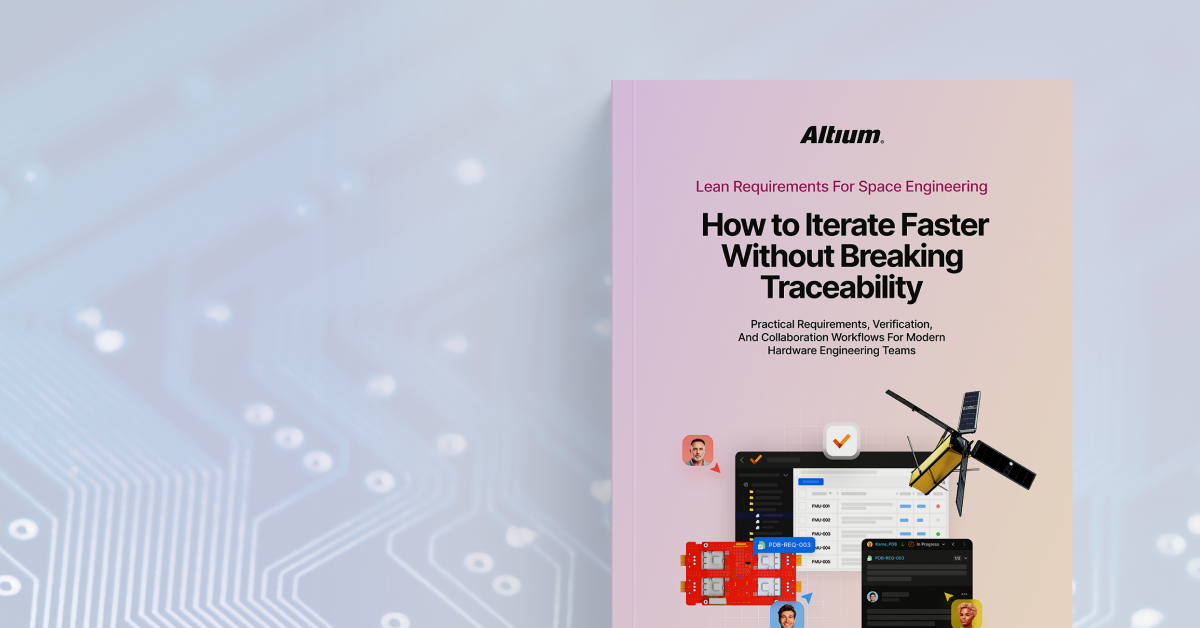
Guide to Lean Requirements for Space Engineering