
Beyond Length Matching: Signal Integrity Webinar - 3rd and 5th November

Verify With Confidence
Test Management Software
That Closes Verification
Coverage Gaps
Plan verification, build requirements traceability across designs and test results, and prove full coverage on demand.
Run Verification and Validation
Without the Scramble

Plan Tests
before Design Freezes
- Build verification plans from engineering requirements.
- Define test methods, procedures, and acceptance criteria.
- Bring testability feedback into design reviews.

Capture
Proof as You Work
- Link test cases to requirements and PCB designs.
- Attach results, reports, and evidence to test runs.
- Build a live traceability matrix as test runs accumulate.

Generate Compliance
Reports on Demand
- Produce V&V documents and reports from live project data.
- Link test evidence back to requirements for traceability.
- Keep validation work aligned after ECOs and design updates.




Altium Capabilities
for Test Engineers
Connect Tests
to Requirements
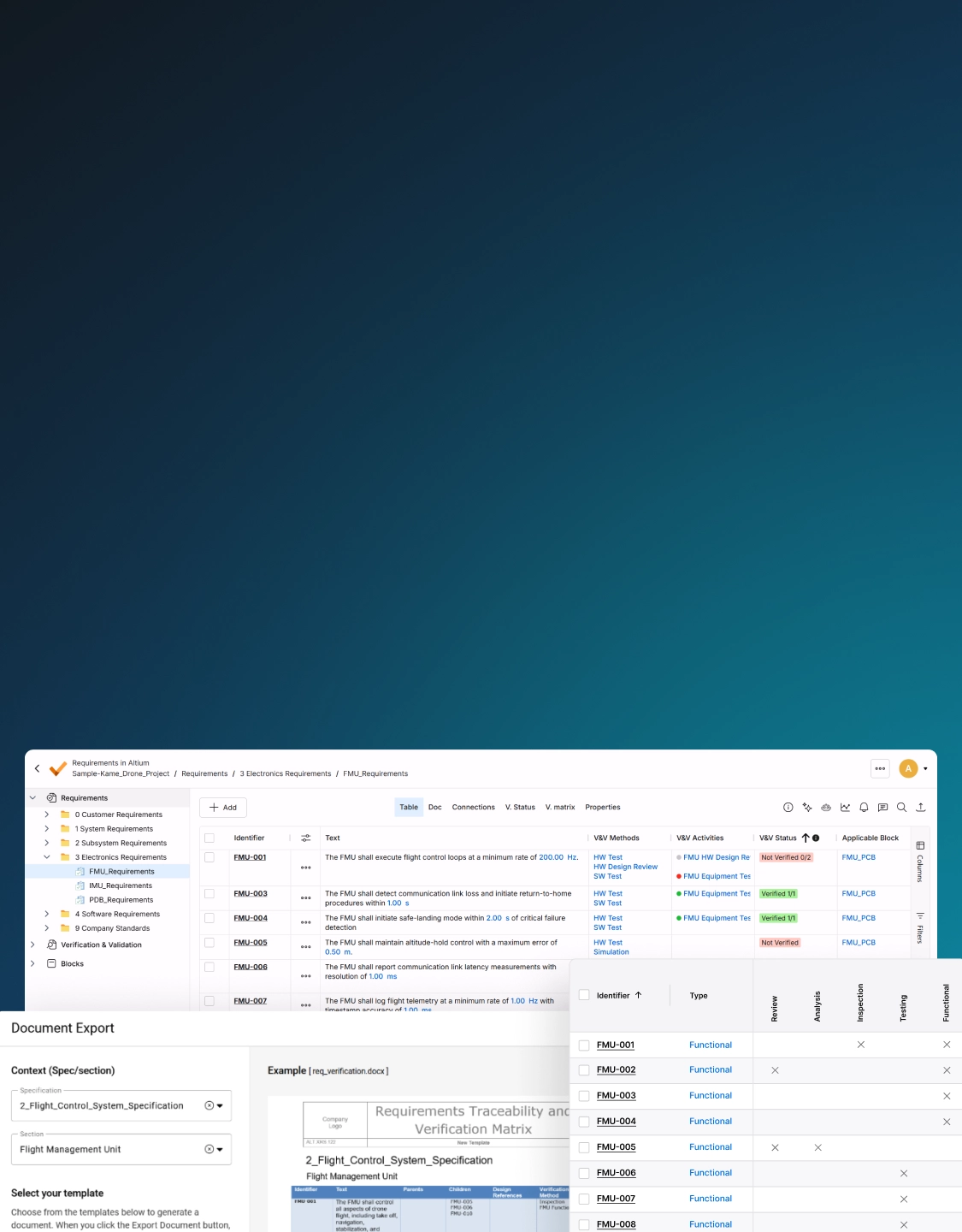
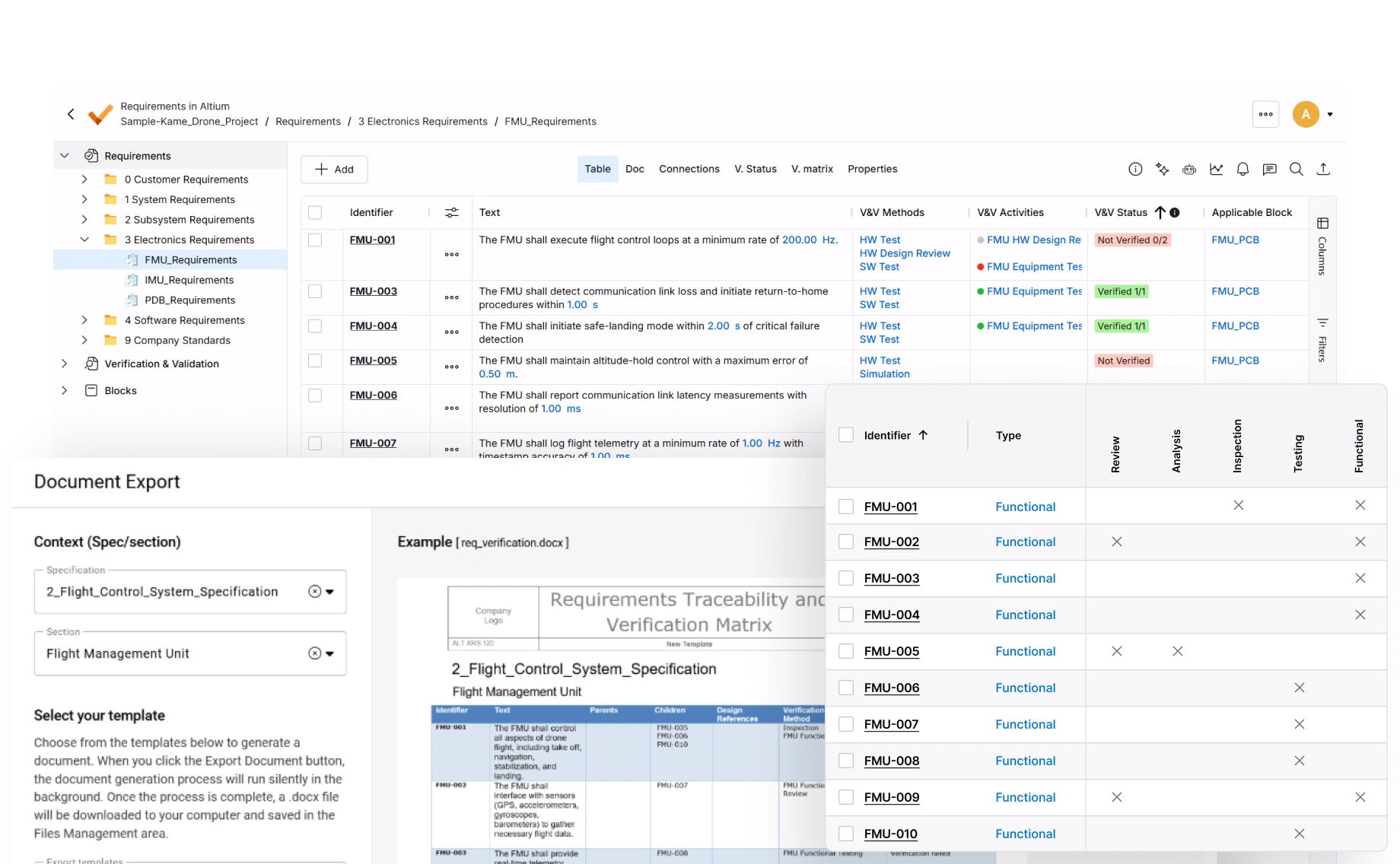
Link requirements to electronic designs, test cases, and test runs so your team can see what each test proves.
Keep Tests
and Evidence Together
Centralize plans, test runs, reports, and supporting files in a shared workspace instead of scattered spreadsheets and lab notes.
Track Status
in Real Time
See which requirements are verified, which tests are incomplete, and where coverage gaps could create late-stage rework.
Generate Audit-ready
Traceability Matrices
Create traceability matrices and compliance documents from live requirements and verification data.
Catch SI Risks Earlier
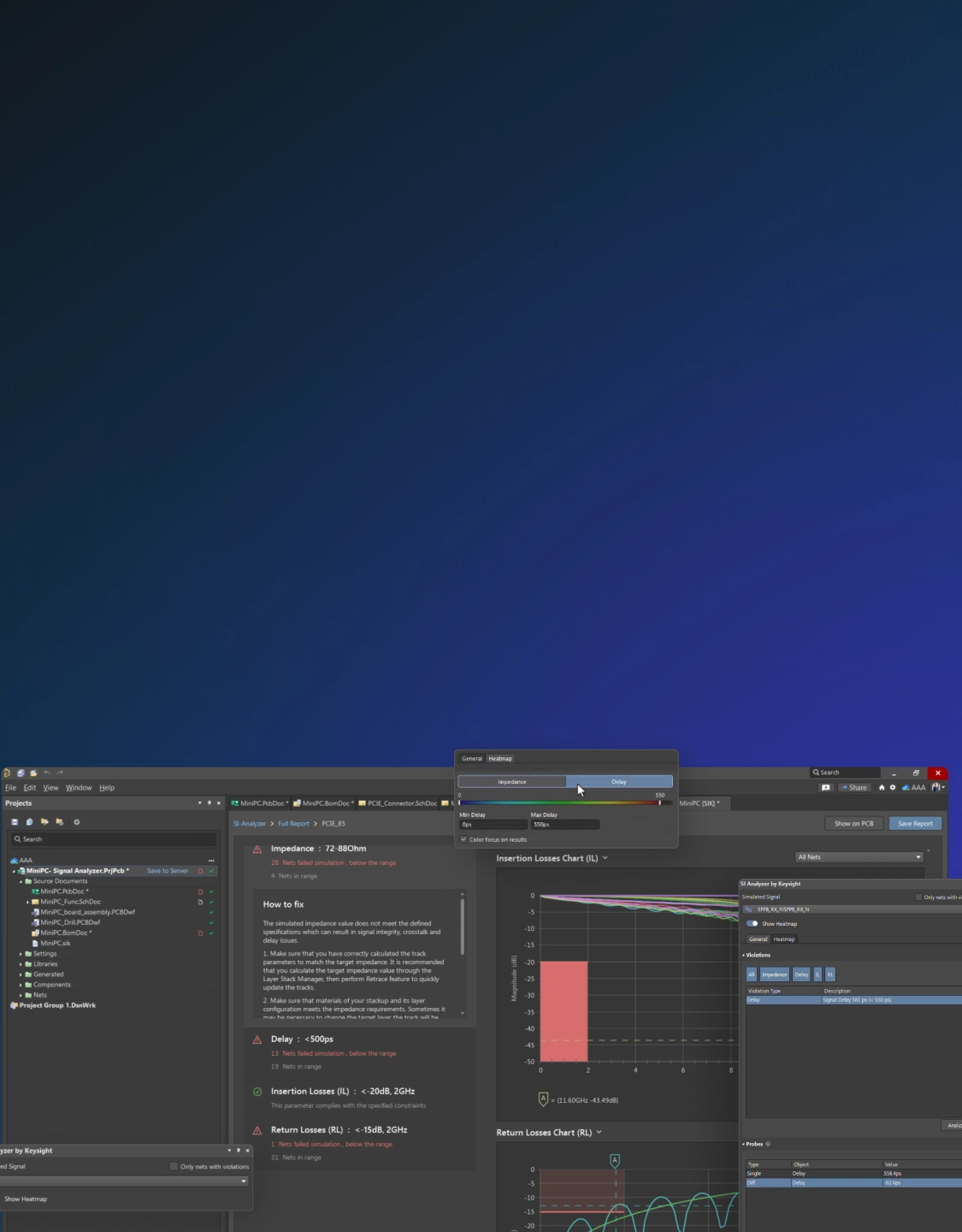
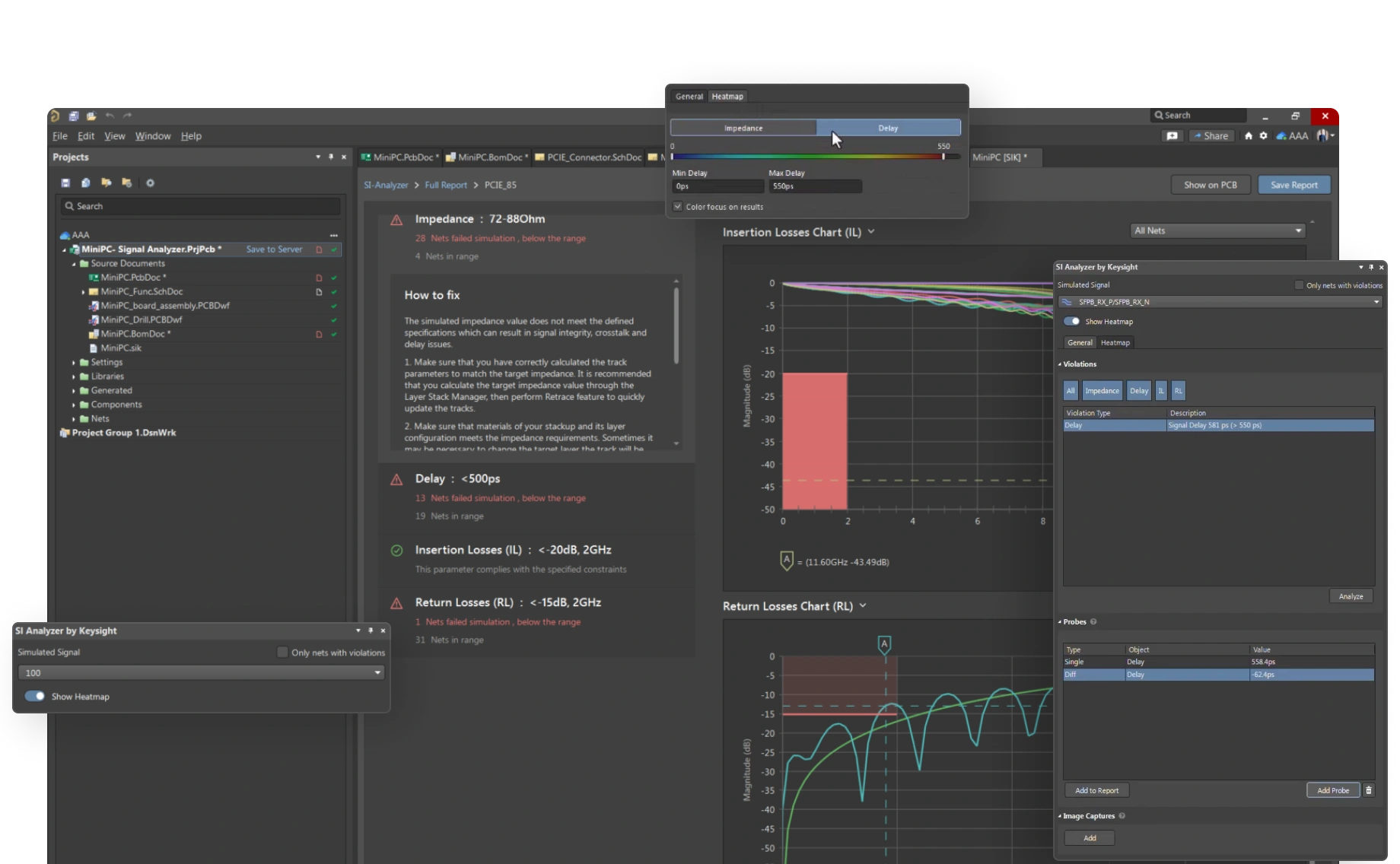
Review impedance, reflections, losses, and signal degradation before prototype testing turns layout risk into lab rework.
Run analysis
in the Design Workflow
With signal analysis inside the design environment, inspect high-speed nets without exporting files or rebuilding context.
Diagnose Findings
with Simulation
Use simulation results and reports to explain signal failures, challenge routing decisions, and drive layout fixes.
Prioritize
the Highest-stakes Nets
Standardize pre-prototype checks for high-speed interfaces, differential pairs, and sensitive nets where late failures hurt the schedule.
Bring Design for Testability (DFT)
into Design Reviews
Vet testpoint access, fixture needs, programming access, and functional test requirements before the layout is locked.
Open Reviews
to Every Stakeholder
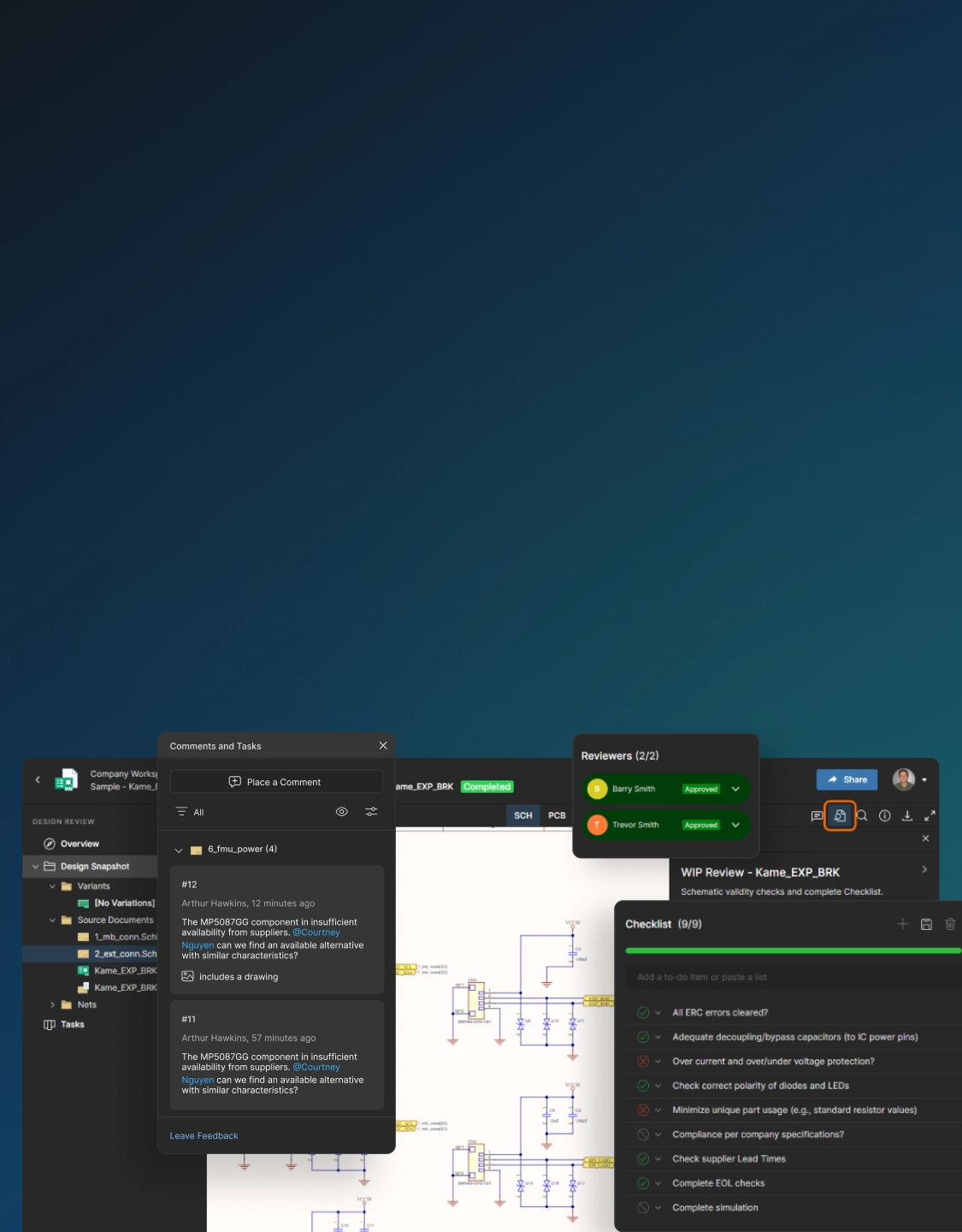
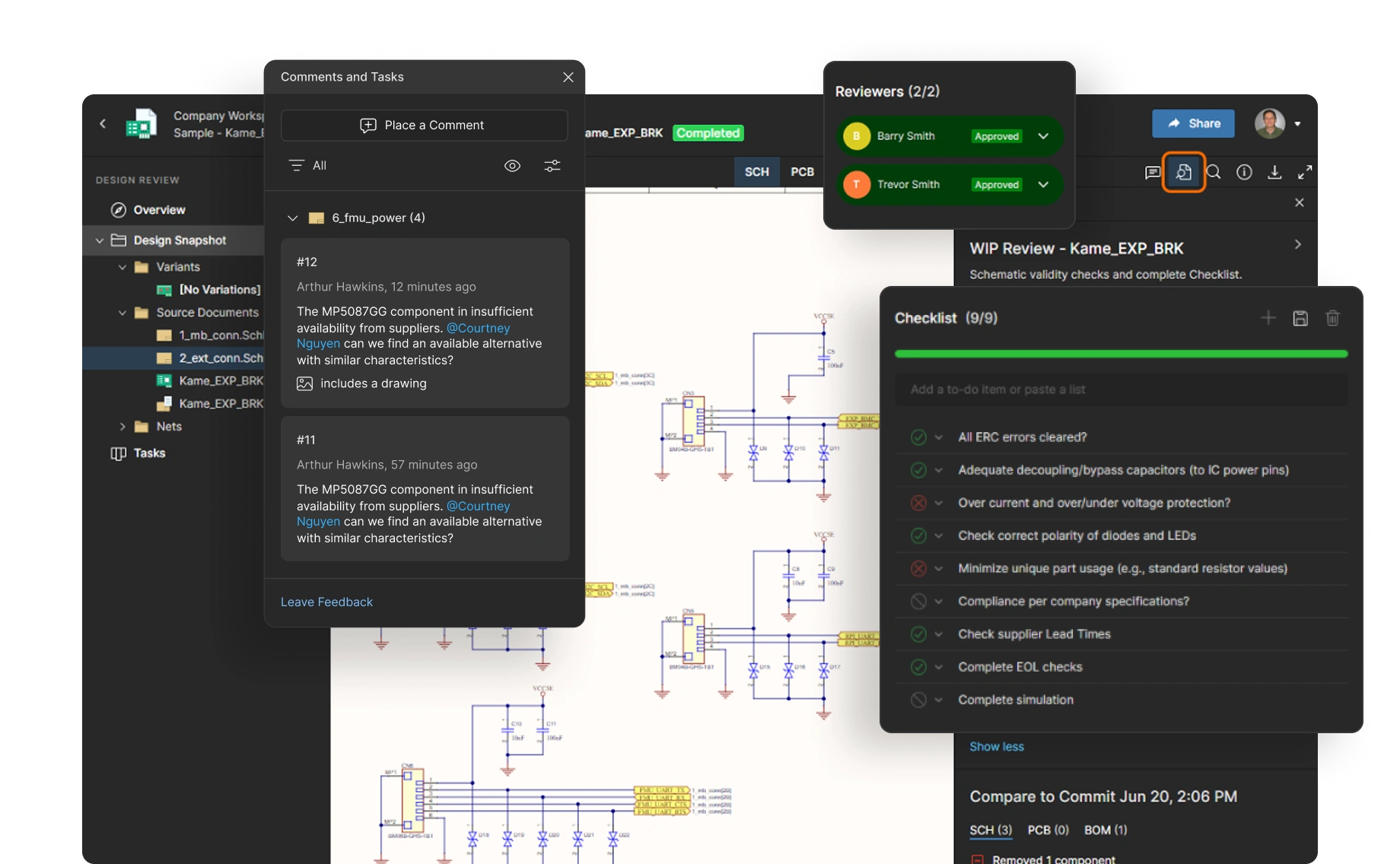
Let test, manufacturing, and external collaborators review designs in a browser without installing ECAD software.
Anchor Feedback
to the Design
Attach comments, tasks, and markups to the schematic or layout so feedback stays connected to the design.
Keep a Searchable
Review History
Track review status and preserve feedback history for audits, retrospectives, and future validation planning.
Know What Was Tested
Tie test results to the correct schematic, layout, BOM, manufacturing outputs, and release package.
See What Needs Retesting
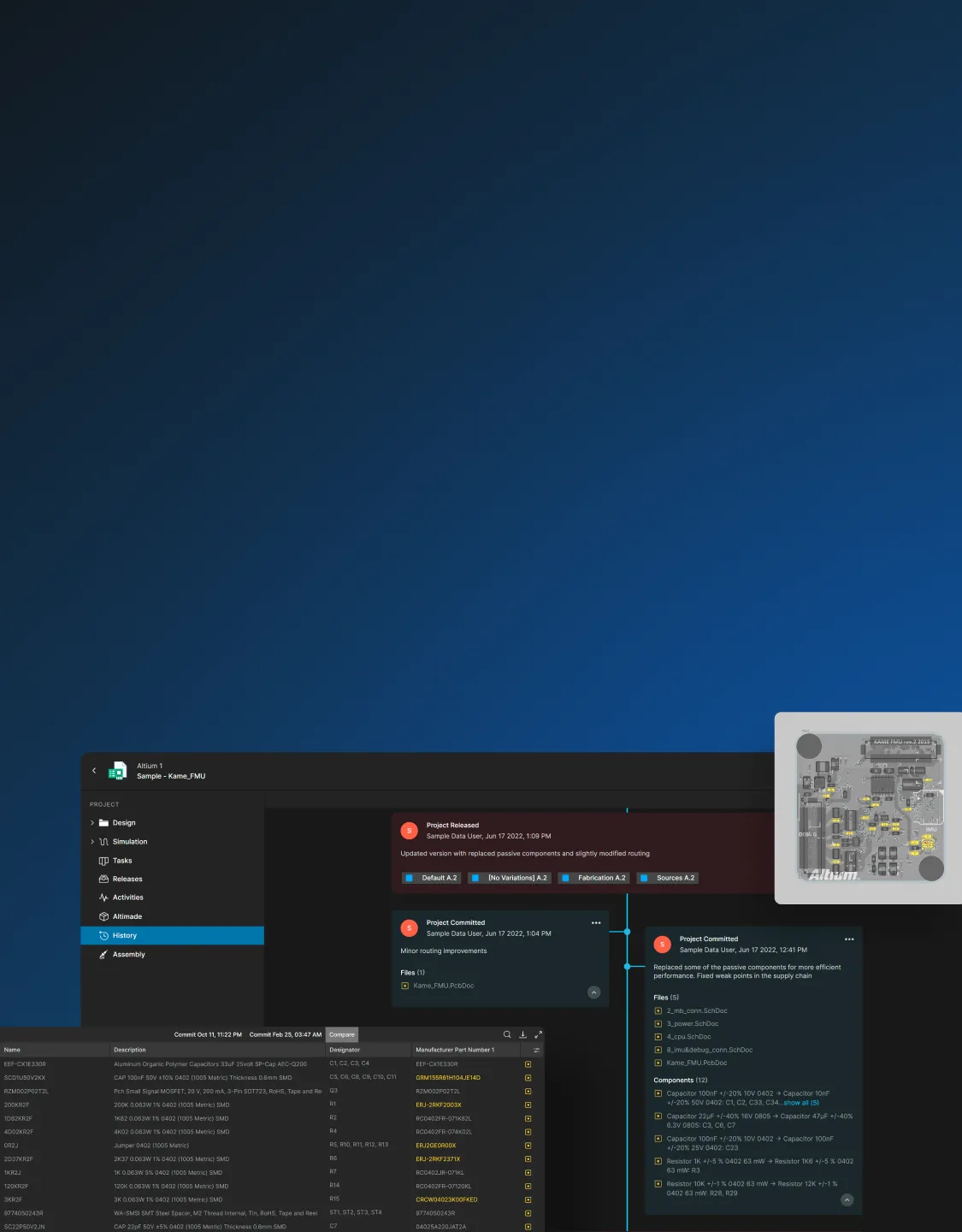
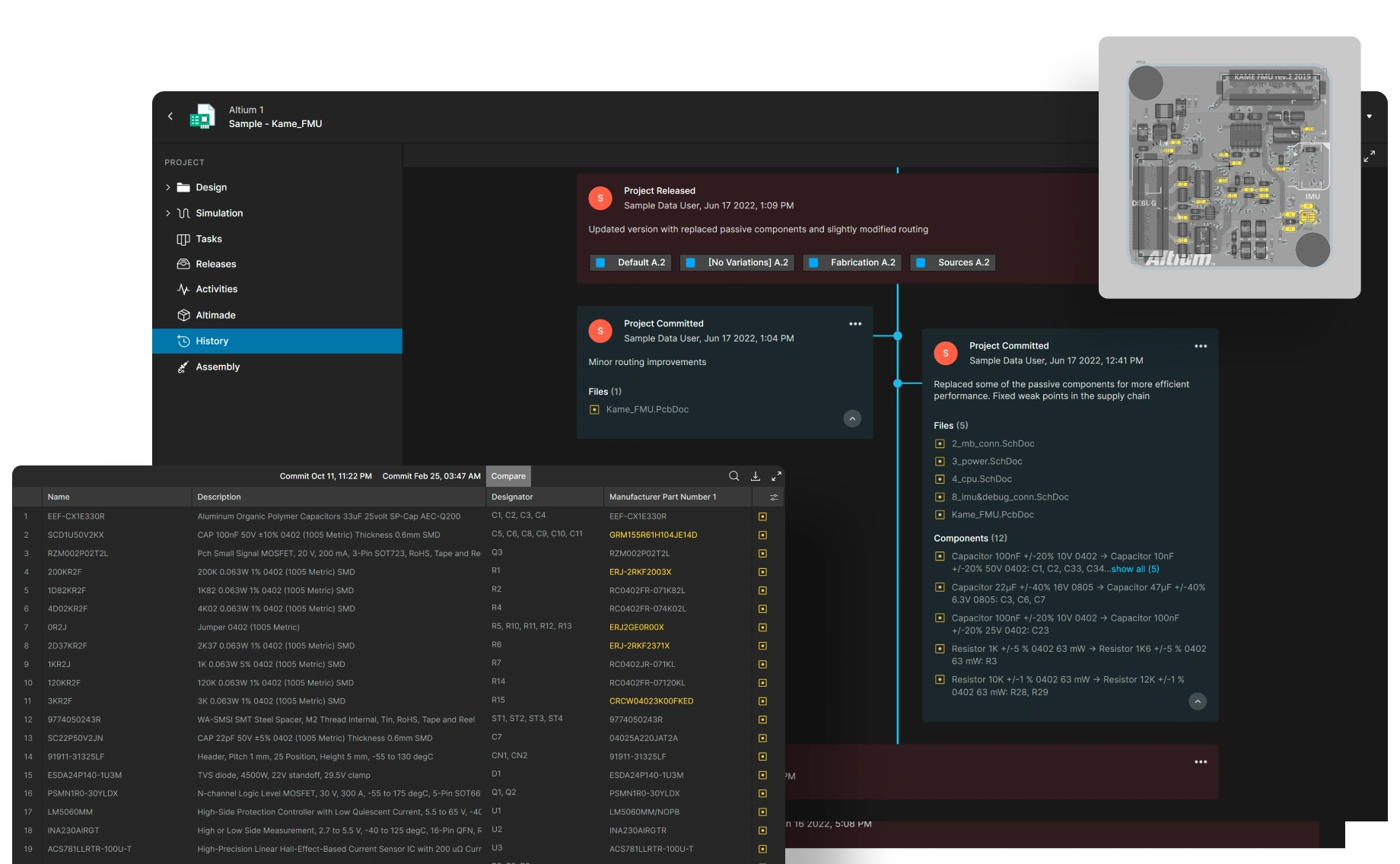
Compare hardware revisions using visual diffs to identify which scripts, fixtures, and procedures need updates or retesting.
Trace Failures
to Design Changes
When a test fails after an ECO, layout change, or new part, examine schematics, PCBs, Gerbers, and BOMs across revisions to identify the change responsible.
Preserve Release History
Maintain a full history of who changed what, when, and why to support quality reviews and compliance processes.
See What Altium Users
Have to Say








The Best Teams Around the
World Use Altium
Resources for Test Engineers

How to Test For a Short Circuit on a PCB
Wondering how to find ground on a circuit board? Looking for a circuit board tester? Clear and simple steps on how to test for a short circuit on a Printed Circuit Board.

Building an MCP Server for Your Lab Equipment
Automate bench workflows with MCP. Wrap device libraries into tools. Add hard limits for voltage and current.
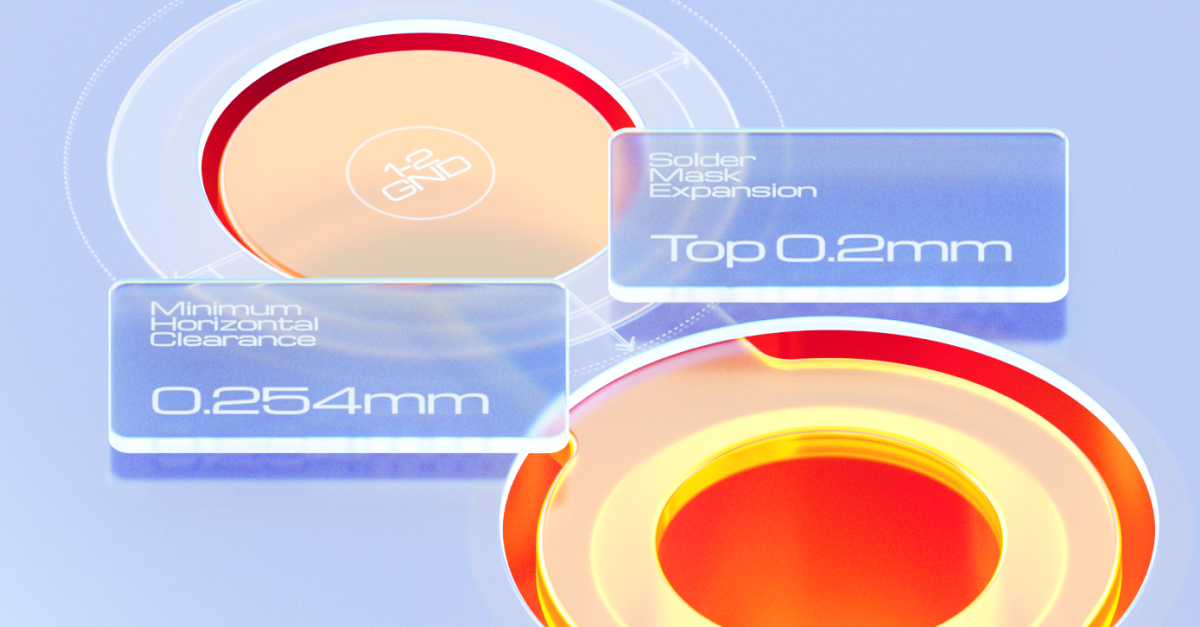
Testpoint Manager
This whitepaper explores the theoretical importance of testpoints, covering optimization strategies, fault detection in automated testing, and best practices for reliable measurements. Additionally, it provides a step-by-step tutorial on using Testpoint Manager in Altium Designer.
Explore the Platform Solutions
Each solution includes Altium Designer and Altium 365



Parts to Possibilities
Context-rich discovery for finding complete product solutions not just components


Design, Share, Stay in Sync
Advanced PCB design with cloud-enabled coordination to keep work, reviews, feedback, and releases aligned when needed


Control without Complexity
Structured collaboration for multidisciplinary electronics teams and development keeping people and data aligned without sacrificing speed


Digital Thread at Scale
A governed, extensible, intelligent platform for managing enterprise-wide electronics development across people, systems, and workflows

Explore Solutions for Other Roles
PCB Designer
Accelerate high-speed, multi-layer designs in a unified environment with advanced routing, version control, and supply chain insight. Reduce rework and get to production faster.
Learn More

Unified Design Environment

Real-Time Collaboration
Mechanical Engineer
Experience seamless bi-directional design data sharing between ECAD and MCAD, all without leaving your design environment. Reduce misalignment and errors.
Learn More

Seamless Synchronization

Effective Enclosure Design
Procurement Manager
Gain critical visibility into component lifecycle, availability, and compliance. Proactively manage sourcing risk, reduce rework, and control costs before delays and overruns occur.
Learn More

Enriched Supply Chain Data

Proactive Risks and Costs Management
Electrical Engineer
Accelerate electronics product development with unified design, real-time collaboration, and supply chain insight, all in one environment. Cut delays, errors, and disconnected workflows effortlessly.
Learn More
Superior Design Experience

Improved Design Accuracy
Software Engineer
Instantly access the latest schematics and component data in your browser. Ensure you’re always coding against the correct hardware. No ECAD installs required.
Learn More

Hardware-Aware Development

Centralized Component Data
IT Security Manager
Protect intellectual property and sensitive design data throughout the development lifecycle. Leverage enterprise security protocols with granular permission controls, end-to-end encryption, and secure cloud storage for safe collaboration across distributed teams.
Learn More

Secure Collaboration

Granular Access Control
System Engineer
Link design requirements directly to electronic designs. Track all changes through secure version control, synchronize ECAD and MCAD data, and verify performance with built-in simulation tools.
Learn More

Enhanced Traceability & Collaboration

Simplified Compliance
Engineering Manager
Gain full visibility into team workflows, project health, and supply risks. Align design, compliance, and delivery with cloud-based collaboration, version control, and BOM intelligence.
Learn More
Efficient Cross-Functional Team Collaboration

Centralized Compliance Management
ECAD Librarian
Standardize, validate, and manage every component in a centralized cloud library. Ensure accuracy, lifecycle visibility, and consistency across all designs without redundant workflows.
Learn More

Centralized Library Management

Component Data Accuracy