Your workspace is growing. Keep your skills up to date with the latest workflows, best practices & admin tips
Altium Designer
Component & Library Management
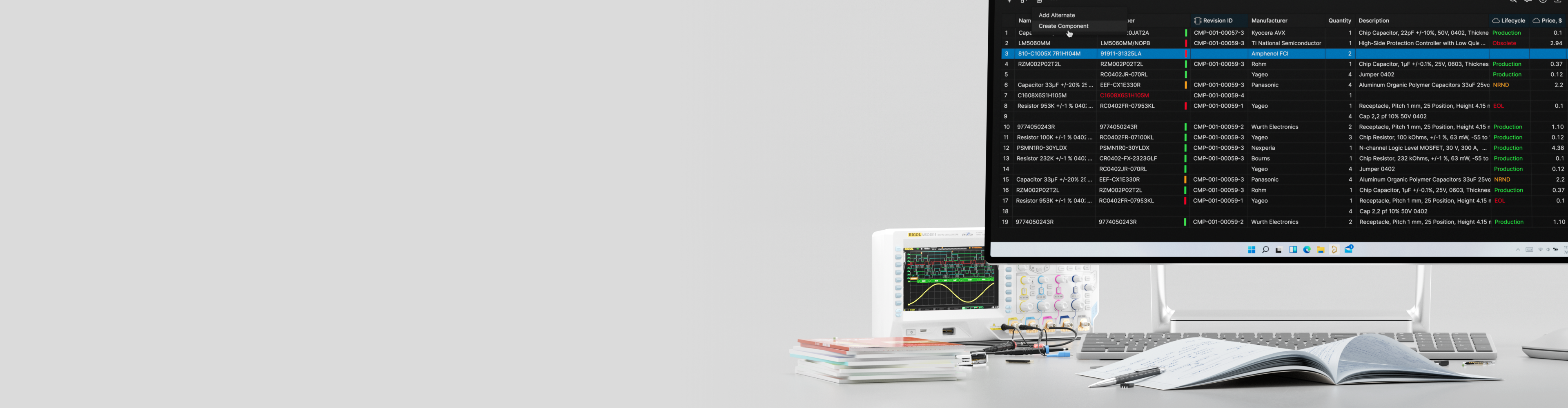
Build and govern managed components
in the Altium Workspace
Trusted PCB Design Training Courses Backed by Leading Tech and Electronics Companies





Make Your Component Library a Competitive Advantage
Implement lifecycle-driven workflows that reduce design delays, eliminate manufacturing risk, and enable global collaboration.
Altium Designer Component & Library Management—offered as public instructor-led or private team training—teaches you how to transform fragmented libraries into a governed, scalable component ecosystem. In a dedicated Altium Workspace, you’ll create high-quality managed components, apply lifecycle and revision strategies, and use analytics to proactively maintain library health and reduce manufacturing risk.
- Build complete managed components with symbols, footprints, 3D models, parameters, and supplier data
- Implement lifecycle states and revision control to ensure traceability and manufacturing readiness
- Standardize libraries with templates, naming conventions, and role-based permissions
- Use Where Used analysis and health dashboards to proactively manage obsolescence and data quality
- Accelerate onboarding and team collaboration with cloud-based component workflows
- Earn an Altium certificate and digital badge to validate your component management expertise

Build the Foundation Your Entire Design Team Depends On
Training Starts at
Is the Component & Library Management
Course Right for You?
This training course is perfect for:
- PCB librarians and component engineers building managed libraries
- CAD administrators and design leads standardizing team workflows
- Engineers moving into component governance roles
- Teams adopting the Altium Workspace for centralized library management
- Organizations scaling design with reusable, validated component data
Looking for More Options?
See All Available Training Courses

Get Industry-Recognized Credentials
Earn a certificate and digital badge that validates your skills and supports career advancement.

Tackle Complex Design Challenges
Work directly with instructors to explore advanced concepts and apply solutions to your team’s real-world projects.

Learn Industry-Standard Techniques
Master proven methods in a live, guided format to sharpen professional competence and design precision.

Train with Industry Experts
Gain hands-on guidance from Altium experts who bring deep industry knowledge and practical design experience to every session.
Choose Training to Match
Your Learning Style
Hours of Training: 2 days, including breaks
Downloadable Activities: 2
Public instructor-led training delivers expert guidance from Altium instructors, online.
Requirements:
A stable internet connection
Access to an Altium Account
- Latest Altium Designer installation
This training course is based on advanced features and requires a Professional, Enterprise, or Altium Designer Agile license. If required, an appropriate license can be provided for the duration of the training course.

Course Agenda
Accessing the Altium Platform
0.5 HoursKey Topics Covered:
- Accessing Altium Platform - Learn how to access the designated training workspace and connect to the Altium Platform environment
- Workspace Connection - Connect Altium Designer to the workspace and verify proper setup for library access
The Workspace Folder Structure
0.5 HoursKey Topics Covered:
- Web Interface Navigation - Navigate the Altium workspace web interface and understand its key features and capabilities
- Folder Structure Overview - Understand the workspace folder hierarchy and organization principles
- Explorer Panel Usage - Utilize the Explorer panel to navigate and manage workspace folders effectively
Library Management Concepts
1 HourKey Topics Covered:
- Component Organization - Learn strategies for organizing components by category, function, or supplier
- Best Practices - Establish folder naming conventions and organizational standards for scalable library management
- Unified Component Model - Understand the structure of unified components and their advantages
- Component Anatomy - Learn about component elements including symbols, footprints, models, and parameters
- Library Types - Distinguish between workspace libraries, local libraries, and database libraries
- Component Relationships - Understand how components reference symbols, footprints, and 3D models
- Part Choice Philosophy - Learn the concept of part choices and alternative components
The Role of the Librarian and Parts Request
0.5 HoursKey Topics Covered:
- Librarian Responsibilities - Define the role and duties of library managers in maintaining component quality
- Parts Request System - Learn how to create, submit, and process component requests
Dictionary
0.5 HoursKey Topics Covered:
- Dictionary Overview - Understand the purpose and structure of the component dictionary
- Parameter Standards - Learn about standard parameter definitions and naming conventions
- Custom Parameters - Create and manage custom parameters for specific organizational needs
- Parameter Types - Explore different parameter types
Additional Modules
12 Hours- Lifecycle & revision governance – define lifecycle states, control releases, and ensure full component traceability
- Templates & scalable data structures – standardize parameters, models, and naming for fast, consistent library growth
- Workspace permissions & controlled access – manage roles, folder strategies, and secure component data at scale
- IPC-aligned symbol & footprint creation – build validated models from datasheets with manufacturing-ready accuracy
- Managed component assembly & batch creation – link models, apply parameters, and release complete components efficiently
- Where Used impact analysis & library health analytics – track dependencies, monitor data quality, and proactively manage obsolescence
Choose an Upcoming Course Date
for Live Training Delivered by Altium Instructors
Language: English
Region: India
Seats Available: 15
Price:
Language: English
Region: EMEA
Seats Available: 10
Price:
Language: English
Region: Americas
Seats Available: 8
Price:
Language: English
Region: EMEA
Seats Available: 12
Price:
USD 7,200*
Hours of Training: 2 days, including breaks
Downloadable Activities: 2
Private training delivers confidential learning exclusively for your team, onsite or online.
Requirements:
A stable internet connection
Access to an Altium Account
- Latest Altium Designer installation
This training course is based on advanced features and requires a Professional, Enterprise, or Altium Designer Agile license. If required, an appropriate license can be provided for the duration of the training course.
*for 6 seats—additional seats are available for purchase up to 15.
Course Agenda
Accessing the Altium Platform
0.5 HoursKey Topics Covered:
- Accessing Altium Platform - Learn how to access the designated training workspace and connect to the Altium Platform environment
- Workspace Connection - Connect Altium Designer to the workspace and verify proper setup for library access
The Workspace Folder Structure
0.5 HoursKey Topics Covered:
- Web Interface Navigation - Navigate the Altium workspace web interface and understand its key features and capabilities
- Folder Structure Overview - Understand the workspace folder hierarchy and organization principles
- Explorer Panel Usage - Utilize the Explorer panel to navigate and manage workspace folders effectively
Library Management Concepts
1 HourKey Topics Covered:
- Component Organization - Learn strategies for organizing components by category, function, or supplier
- Best Practices - Establish folder naming conventions and organizational standards for scalable library management
- Unified Component Model - Understand the structure of unified components and their advantages
- Component Anatomy - Learn about component elements including symbols, footprints, models, and parameters
- Library Types - Distinguish between workspace libraries, local libraries, and database libraries
- Component Relationships - Understand how components reference symbols, footprints, and 3D models
- Part Choice Philosophy - Learn the concept of part choices and alternative components
The Role of the Librarian and Parts Request
0.5 HoursKey Topics Covered:
- Librarian Responsibilities - Define the role and duties of library managers in maintaining component quality
- Parts Request System - Learn how to create, submit, and process component requests
Dictionary
0.5 HoursKey Topics Covered:
- Dictionary Overview - Understand the purpose and structure of the component dictionary
- Parameter Standards - Learn about standard parameter definitions and naming conventions
- Custom Parameters - Create and manage custom parameters for specific organizational needs
- Parameter Types - Explore different parameter types
Additional Modules
12 Hours- Lifecycle & revision governance – define lifecycle states, control releases, and ensure full component traceability
- Templates & scalable data structures – standardize parameters, models, and naming for fast, consistent library growth
- Workspace permissions & controlled access – manage roles, folder strategies, and secure component data at scale
- IPC-aligned symbol & footprint creation – build validated models from datasheets with manufacturing-ready accuracy
- Managed component assembly & batch creation – link models, apply parameters, and release complete components efficiently
- Where Used impact analysis & library health analytics – track dependencies, monitor data quality, and proactively manage obsolescence

Sign up for Private Training
Private training gives design teams a secure, confidential space to work through real projects and challenges. Get expert, instructor-led guidance delivered onsite or online.
Meet Your Instructors
Learn from industry-leading experts. Altium instructors are seasoned engineers with deep PCB experience and the latest Altium Designer knowledge. Their insights and real-time feedback during the course are invaluable.
Michael Heil
Instructor

Michael Heil is an expert PCB designer and Altium Certified Trainer with over a decade of experience in electronics design. His deep understanding of Altium Designer's advanced features and practical design techniques makes him a valuable resource for engineers looking to elevate their skills.
Barry Berends
Instructor

Barry Berends is a seasoned PCB designer and Altium Designer trainer with over 20 years of experience in electronics design and more than 14 years working with Altium Designer. Based in the Netherlands and operating across EMEA, Barry is known for his practical, structured training approach and deep expertise in Altium Designer—from Essentials to Advanced topics—helping engineers worldwide optimize their design workflows and deliver robust, production-ready solutions.
Tally Kainth
Instructor

Tally Kainth is an accomplished electronics engineer and Altium Certified Trainer with a strong background in PCB design and development. With a focus on real-world applications, Tally's training sessions offer practical insights into using Altium Designer's latest tools to create high-performance designs efficiently.
Tomas Chester
Instructor

Tomas Chester is an expert in PCB design with over 15 years of experience, specializing in high-speed and high-density designs. As an Altium Certified Trainer, Tomas brings a wealth of knowledge and industry experience to his sessions, providing engineers with actionable insights and advanced techniques in Altium Designer.
Showcase Your Skills with
Altium Course Certificates & Badges
Top Electronics Companies Worldwide Prefer
Working with Altium-Experienced Designers
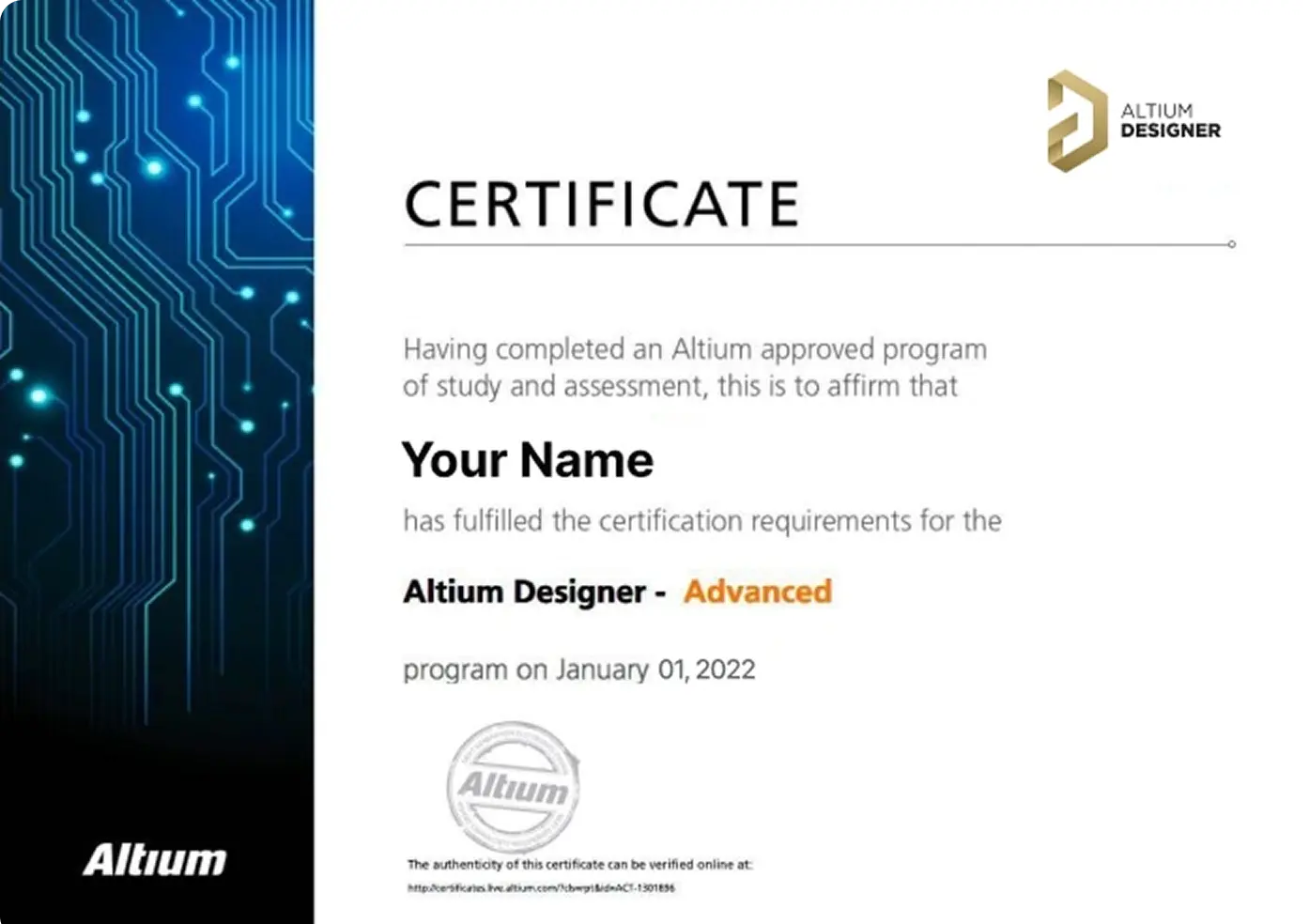
Earn Your Course Certificate
Stand out in the industry with an official Altium Designer certificate that validates your PCB design knowledge.
Looking to upskill?
Book a private, instructor-led, or on-demand course today.


Skilled PCB Designers Refine Their Craft Through Altium Training
G2 users consistently rate Altium as their top choice for easy-to-use PCB design.
Ready to take the next step in your career? Book your training today!
Altium Training
Loved by Learners, Trusted by Pros
Join a growing community of successful PCB design students.

94% of customers report they are likely or extremely likely to recommend Altium’s Instructor-led training to a friend.

Careers in PCB Design are Growing! Nearly 78% of the electronic design workforce is projected to retire in the next 15 years.
Printed Circuit Design & Fab (PCD&F) magazine
Are you ready to take your career to the next level?
Ready for More?