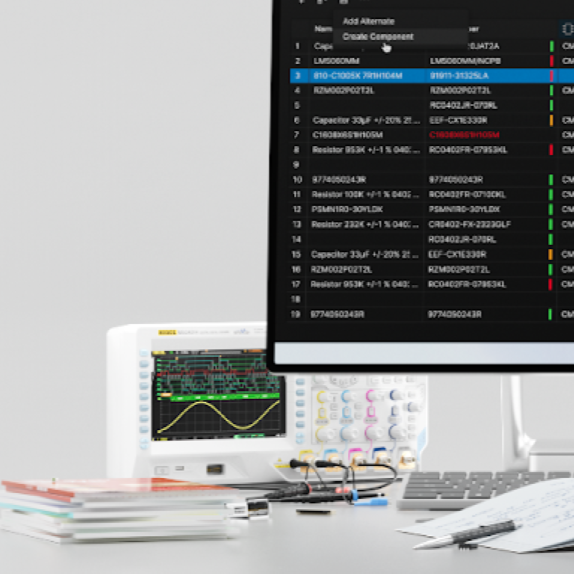
Your workspace is growing. Keep your skills up to date with the latest workflows, best practices & admin tips
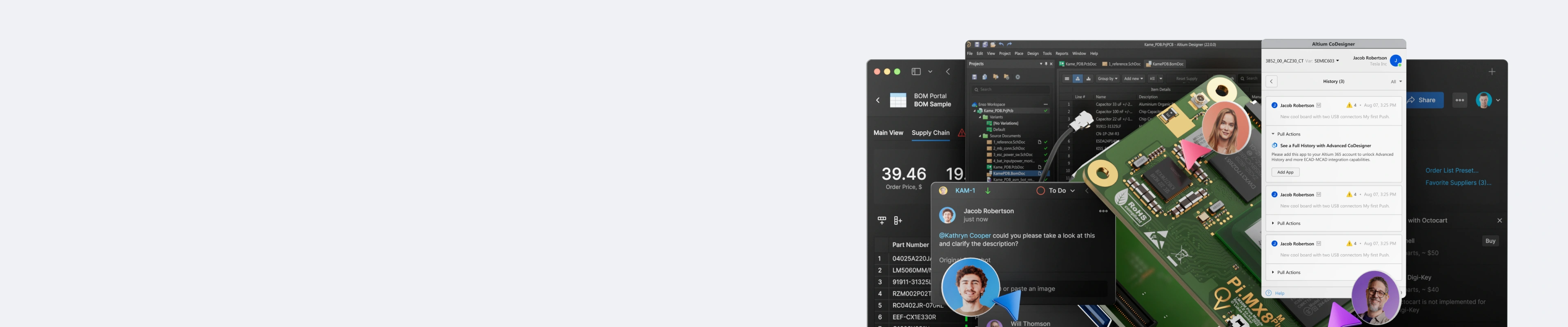
Altium Workspace
Training Series
Get your team on the same page
and your designs out the door
Trusted Each Year by Leading Tech & Electronics Companies To Develop Their Teams


Get the Training That's Right for Your Team
Save By Bundling or Choose an Individual Course

The Altium Workspace Training Series
From Setup to Design &
Library Management
3 In-Depth Courses for One Great Price!
Includes All 3 Courses:
- Altium Workspace Admin Management
- Altium Workspace Library Management
- Altium Workspace User Management

Altium Workspace
Admin Management
Learn how to organize and manage your component and project data in the workspace
- Learn how to manage users, roles, and permission sets and explore how non-licensed users can access and collaborate on designs.
- Learn how to use the workspace to collaborate with stakeholders- librarians, mechanical designers, parts providers, fabricators, and assembly houses - to ensure that every aspect of your design stays on track.
- Explore the latest design management features, including online design reviews, now to run automated design comparisons, and how to manage your task list.

Altium Workspace
Library Management
This course teaches you how to create parts and maintain your component library.
- Explore component templates and types as you learn how to create them individually or in batches.
- Organize library data into folders and transfer libraries into the cloud using the Library Importer.
- Ensure the quality of your components within your workspace and track where they are used in your managed projects and schematics.

Altium Workspace
User Management
Streamline day-to-day project management and collaboration using the workspace environment.
- Access and manage your work securely from both within Altium Designer as well as through any web browser.
- Explore how to add folders, collaborate with librarians and mechanical designers, procure parts, and release your design for manufacturing.
- Learn how the workspace can be used to coordinate with stakeholders throughout the design process, ensuring that your project stays on track.
Transform Your Design Process
With Altium Workspace Training
Now Includes Comprehensive Training on the Latest Workspace Applications!
Our Altium Workspace on-demand training series includes three comprehensive courses—Admin Management, Library Management, and User Management. Get the best experience with the full training series, which gives you access to all three courses for a complete understanding of our best-selling software, along with training on the latest workspace applications. Or, select individual courses that best meet your needs.
Build Skills That Drive Real Results:
- Accelerate design timelines with seamless collaboration tools
- Keep projects organized and on track with unified management solutions
- Maintain consistency and accuracy across libraries and components
- Leverage real-time updates to ensure everyone is working from the same data
- Enhance communication between designers, engineers, and production teams
- Gain a competitive edge with expert guidance on the latest workspace applications

Master workspace collaboration and reimagine your design workflow!
Training Starts at USD 100
Is Workspace Training Right for You?
Whether you’re an engineer looking to streamline your design workflow, a team lead aiming to improve collaboration, or a professional seeking to enhance project efficiency, this course is designed with you in mind.
Gain valuable skills in managing projects, collaborating in real-time, and making the most of the workspace's powerful features. If you want to elevate your skills and make a tangible impact on your team's productivity, the workspace series could be your next step forward.
Need More Training Options?
See All Available Training Courses

Certified Training
Increase your value with a globally recognized certificate from Altium

Job-Ready Skills
Build practical and relevant job skills that companies are looking for

Certified Industry Mentors
Learn from leading industry experts with years of experience to share

Flexible Scheduling
Plan your studies around your work and personal commitments
Requirements:
A stable internet connection
Access to an Altium Account
- Latest Altium Designer installation
This interactive, project-based course ensures attendees gain both the knowledge and practical skills needed to efficiently use Altium Designer and leverage Altium Platform capabilities in their electronic design workflows.
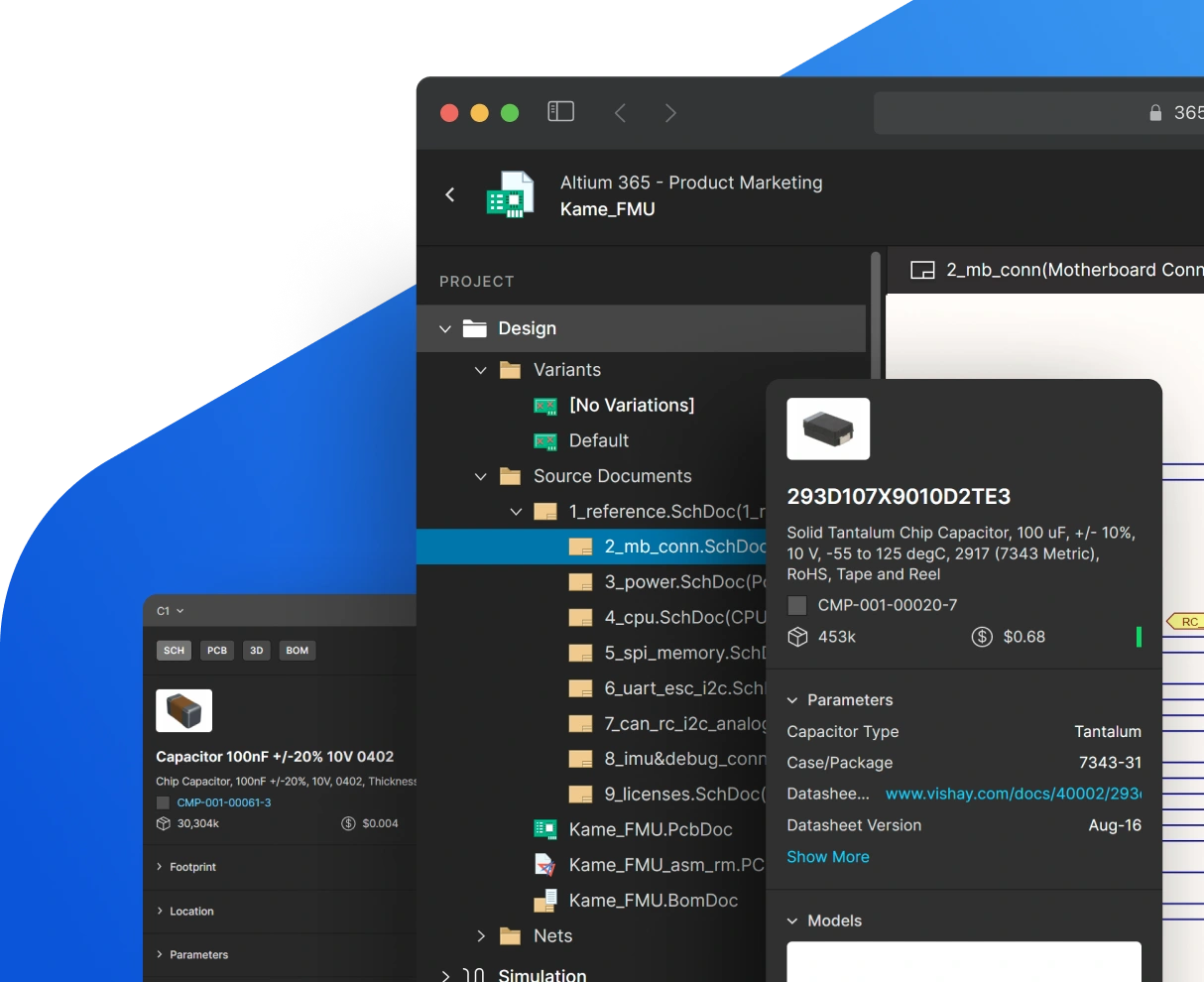
Course Agenda
Altium Workspace Admin Management
1 HoursThis series provides administrators with the knowledge needed to set up and configure an Altium Workspace from the ground up. Covering activation, user management, folder structures, library settings, and governance policies, these modules ensure your workspace is properly configured for team-based design work.
Key Topics Covered:
- Altium Workspace Activation: Set up and activate your Altium Workspace, configure initial settings, and prepare the environment for team use
- Setting Up Users and Roles: Create user accounts, assign roles and permissions, and manage team access to workspace resources
- Setting Up the Folder Structures: Design and implement an organized folder hierarchy for projects, components, design documents including permissions to Folders within the workspace
- Library Admin Settings: Configure library-level administrative settings including server paths, component types, and default library behaviors
- Defining the Item Naming Scheme: Understand and establish content types used for components, footprints and symbols. This includes managed content types like templates, preferences, assembly and fabrication data. Item Naming Schemes helps establish traceability in such content with generated unique identifiers within the defined Item Naming Scheme.
- Defining the Revision Naming Scheme: Configure revision naming scheme to track changes and maintain a clear version history across all workspace items from a generated unique revision ID born from the defined scheme.
- Defining Life Cycles: Create and customize life cycle definitions and state transitions to manage the maturity and approval status of components and designs
These modules provide the essential administrative skills to properly activate, configure, and govern an Altium Workspace, establishing the foundation for organized and efficient team collaboration.
Altium Workspace Library Management
2 HoursThis series covers the complete library management workflow within the Altium Platform. From understanding unified components and folder structures to creating, importing, and maintaining high-quality component libraries, these modules equip librarians and designers with the skills to build and manage a reliable, well-organized component library.
Key Topics Covered:
- Library Management: Explore the fundamentals of managing component libraries within the Altium Platform, including library structure, organization, and best practices.
- Unified Components: Understand the unified component model and how schematic symbols, PCB footprints, simulation models, and parametric data are linked within a single component definition.
- Component Folder Structure: Organize component libraries using a logical folder hierarchy that supports efficient browsing, searching, and maintenance.
- Component Templates: Create and use component templates to enforce consistency in parameters, naming, and structure when building new components.
- Component Search: Use the platform's search capabilities to quickly locate components by parameters, keywords, and attributes across your workspace libraries.
- Library Importer: Migrate existing component libraries from legacy formats and external sources into the Altium Platform using the Library Importer tool.
- Component Creation: Build new components, including defining schematic symbols, assigning footprints, adding parametric data, and linking supply chain information.
- Batch Component Creation: Efficiently create multiple components at once using batch processing workflows, reducing manual effort for common like parts being processed where limited corrections to component value are only required and/or that share the same symbols and footprints.
- Component and Model Editing: Edit existing components and their associated models, including updating parameters, swapping footprints, and revising schematic symbols.
- Component QC and Library Health: Perform quality control checks on component data, monitor library health metrics, and resolve issues to maintain a reliable component library.
- Component Where-Used Features: Track where components are used across projects and designs, enabling impact analysis before making changes to library items.
- Design Reuse: Save and reuse proven design blocks, schematic sheets, and PCB layout snippets to accelerate new designs and maintain consistency.
- Part Request: Submit and manage part requests through the workspace to streamline the process of adding new components to the library.
These modules provide comprehensive library management skills, from initial setup and component creation through to quality control, design reuse, and part request workflows, ensuring your component library remains accurate, consistent, and easy to maintain.
Altium Workspace User Management
1 HoursThis series focuses on the day-to-day project workflows that designers and engineers use within the Altium Platform. From project creation and migration to collaboration, design review, and release, these modules cover the complete project lifecycle and the tools that enable effective team-based design work.
Key Topics Covered:
- Accessing Workspace and Overview: Navigate the Altium Platform web interface, understand the workspace dashboard, and access key features and project resources.
- Project Migration: Migrate existing design projects from local storage or other platforms into the Altium Workspace while preserving project history and data integrity.
- Project Creation and Storage: Create new projects within the workspace, configure storage settings, and establish proper project organization from the start.
- Using Workspace Templates: Leverage pre-configured project and document templates to ensure consistency and accelerate new project setup across your team.
- Working with Projects: Manage project files, navigate the project structure, and perform common project operations within the Altium Platform environment.
- Sharing and Permissions: Configure project sharing settings, manage access permissions, and control visibility to ensure secure and organized team collaboration.
- Using Components from Workspace: Access and place components from the workspace library directly into your designs, ensuring you always use approved and up-to-date parts.
- Collaboration with Comments and Tasks: Use comments and task assignments within the design environment to communicate with team members, track issues, and manage design reviews.
- History and Running Design Comparisons: View project history, compare design revisions, and track changes over time to understand how a design has evolved.
- Online Design Review: Conduct collaborative design reviews using the Altium Platform's web-based review tools, enabling stakeholders to provide feedback without requiring Altium Designer.
- Project Releaser: Prepare and release design projects through the workspace release process, generating managed outputs and maintaining version-controlled release history.
These modules complete the Workspace Course offerings by equipping designers with the practical skills needed for efficient project management, team collaboration, design review, and project release within the Altium Platform.
This interactive, self-paced training course equips participants with the knowledge to confidently administer, manage, and collaborate within the Altium Platform, providing a comprehensive understanding of workspace capabilities that can be applied to real-world electronic design projects.
Showcase Your Skills with
Altium Course Certificates
Top Electronics Companies Worldwide Prefer
Working with Altium-Experienced Designers
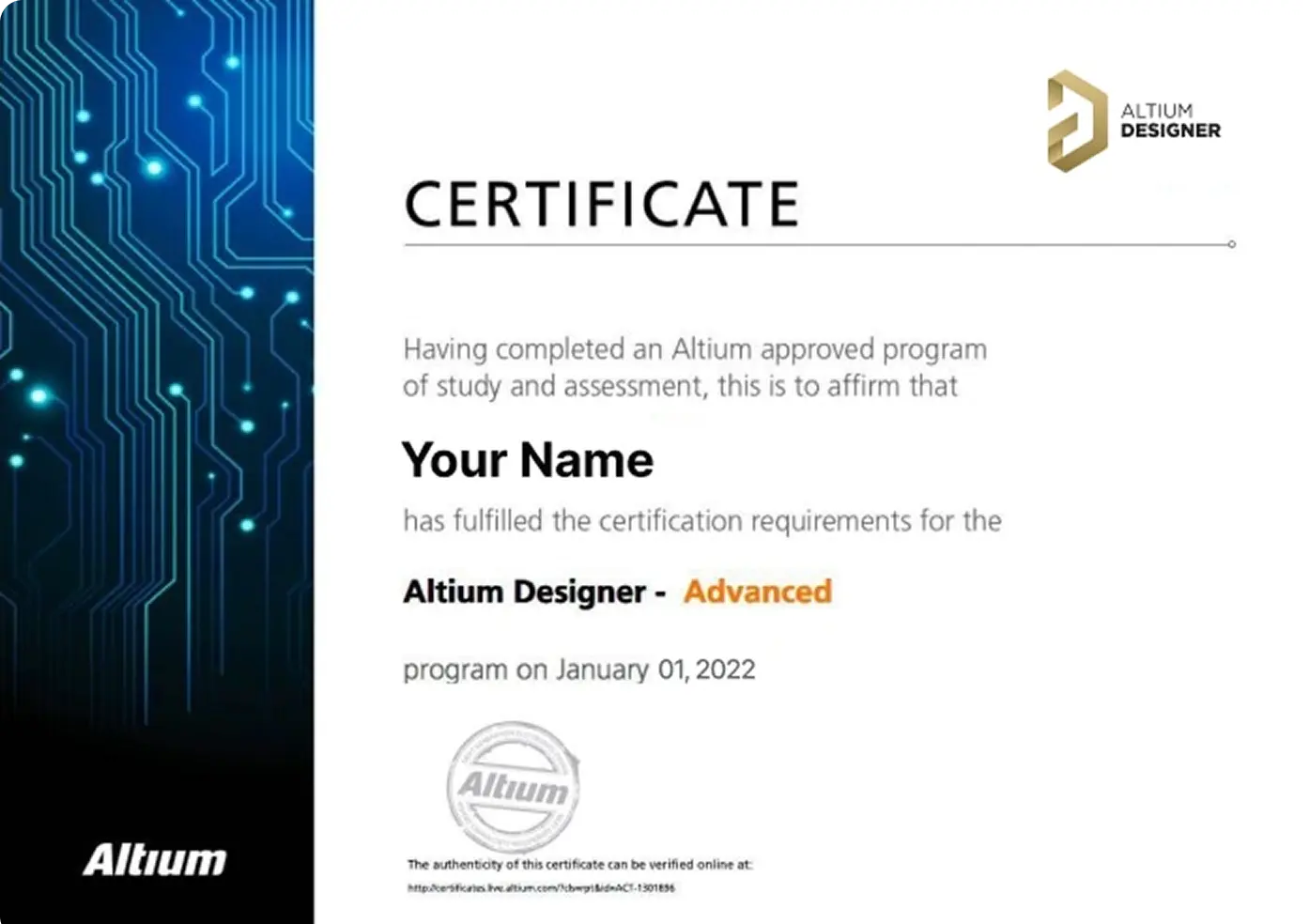
Earn Your Course Certificate
Validate your skills with an official Altium Designer certificate, recognized as a mark of expertise in PCB design.
Ready to level up your career? Book your course today and take your skills to new heights.

Skilled PCB Designers Refine Their Craft Through Altium Training
G2 users consistently rate Altium as their top choice for easy-to-use PCB design.
Ready to take the next step in your career? Book your training today!
Altium Training
Loved by Learners, Trusted by Pros
Join a growing community of successful PCB design students.

94% of clients report they are likely or extremely likely to recommend Altium’s Instructor-led training to a friend.

Careers in PCB Design are Growing! According to 2021 survey results published in Printed Circuit Design & Fab (PCD&F) magazine, nearly 78% of the electronic design workforce is projected to retire in the next 15 years
Are you ready to take your career to the next level?
Ready for More?