Your workspace is growing. Keep your skills up to date with the latest workflows, best practices & admin tips
Altium Designer
Harness Design
Advance Your Skills in Harness Design with
Our Comprehensive One-Day Training Course
Trusted PCB Design Training Courses Backed by Leading Tech and Electronics Companies





Make the Right Connections
with Harness Design Training
Equip yourself with advanced harness design skills in just one day
Join our intensive training program designed for electrical systems and harness design professionals. Gain advanced insights, practical skills, and the confidence to tackle complex design challenges. Learn from industry experts and elevate your professional competence through this comprehensive course.
- Hands-on instruction helps you master harness components and understand practical applications.
- Gain proficiency in advanced wiring design principles to optimize your projects.
- Learn best practices for creating and managing efficient layout designs.
- Develop skills to generate accurate and reliable manufacturing outputs.

Learn through hands-on exercises with real-world applications!
Training Starts at
Is the Harness Design Course
Right for You?
This training course is perfect for:
- Electrical engineers and designers
- Professional involved in electrical systems and harness design
- Those at any skill level seeking advanced insights
Looking for More Options?
See All Available Training Courses

Hands-on Training
Receive comprehensive training on harness design that bridges theoretical concepts with practical applications.

Tackle Complex Design Challenges
Gain advanced insights to confidently handle even the most intricate projects.

Learn Industry-Standard Techniques
Explore proven methods to enhance your professional competence and design precision.

Train with Industry Experts
Benefit from the expertise of seasoned instructors with real-world design experience.
Choose Training to Match
Your Learning Style
Equip yourself with advanced harness design skills in just one day
Hours of Training: 6.5 / 1 day
Downloadable Activities: 20
Public instructor-led training delivers expert guidance from Altium instructors, online.
Requirements:
A stable internet connection
Access to an Altium Account
- Latest Altium Designer installation
This training course is based on advanced features and requires a Professional, Enterprise, or Altium Designer Agile license. If required, an appropriate license can be provided for the duration of the training course.

Course Agenda
Getting Started with the Workspace Environment
1 HourKey Topics Covered:
- Utilizing Panels, Toolbars, and Menus: Familiarize yourself with the essential tools and navigation elements within the workspace.
- Accessing and Creating Design Projects: Learn to access the workspace and create new design projects, setting the foundation for a successful design workflow.
Harness Design
3.5 HoursKey Topics Covered:
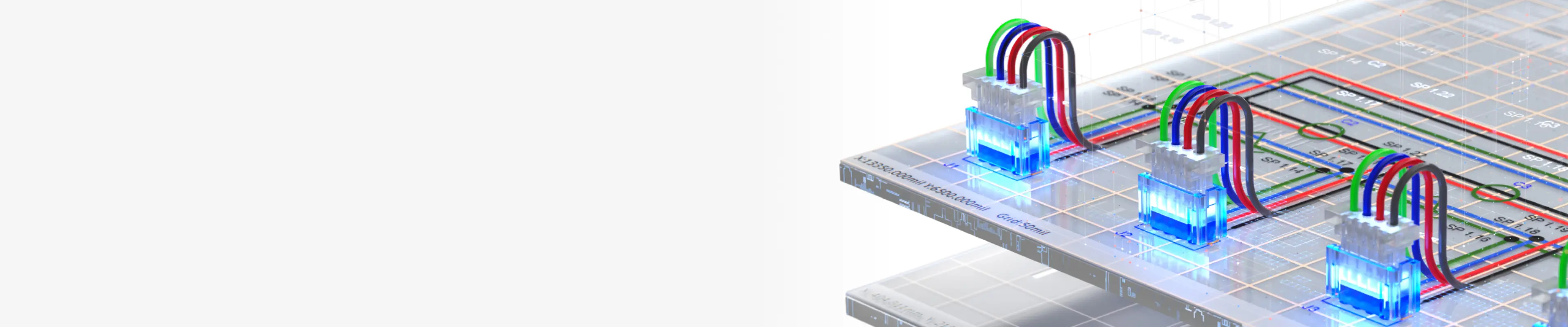
- The Wiring Diagram: Develop an accurate wiring diagram to define connections and design intent.
- The Layout Drawing: Create layout drawings that detail the physical arrangement of components.
- Design Verification: Conduct design checks to ensure accuracy and compliance with project requirements.
- Managed BOMs: Generate and manage Bills of Materials for efficient production planning.
- Manufacturing Drawings: Prepare complete manufacturing drawings for seamless handoff to production.
Harness Design for Multi-Board Systems
1 HourKey Topics Covered:
Multi-Board Projects: Explore setup and management techniques for multi-board systems, using harness design to simplify connections and enhance project organization.
Harness Component Creation
1 HourKey Topics Covered:
- Component Creation: Discover how to create and organize components essential for harness projects within the workspace environment.
- Crimps and Wires: Learn to set up crimps and wires effectively to ensure solid and reliable connections.
- Working with Symbols and Footprints: Gain expertise in creating and using symbols and footprints critical to harness components.
Download the full agenda for a complete list of modules and topics.
Choose an Upcoming Course Date
for Live Training Delivered by Altium Instructors
Language: English
Region: Americas
Seats Available: 11
Price:
Language: English
Region: India
Seats Available: 14
Price:
Language: English
Region: APAC
Seats Available: 12
Price:
Language: English
Region: Americas
Seats Available: 12
Price:
Language: English
Region: EMEA
Seats Available: 12
Price:
Hours of Training: 8 (with lunch and breaks)
Downloadable Activities: 20
Private training delivers confidential learning exclusively for your team, online.
Requirements:
A stable internet connection
Access to an Altium Account
- Latest Altium Designer installation
This training course is based on advanced features and requires a Professional, Enterprise, or Altium Designer Agile license. If required, an appropriate license can be provided for the duration of the training course.
*for 6 seats—additional seats are available for purchase up to 15.
**Onsite delivery is available only when bundled with select training programs.
Course Agenda
Getting Started with the Workspace Environment
1 HourKey Topics Covered:
- Utilizing Panels, Toolbars, and Menus: Familiarize yourself with the essential tools and navigation elements within the workspace.
- Accessing and Creating Design Projects: Learn to access the workspace and create new design projects, setting the foundation for a successful design workflow.
Harness Design
3.5 HoursKey Topics Covered:
- The Wiring Diagram: Develop an accurate wiring diagram to define connections and design intent.
- The Layout Drawing: Create layout drawings that detail the physical arrangement of components.
- Design Verification: Conduct design checks to ensure accuracy and compliance with project requirements.
- Managed BOMs: Generate and manage Bills of Materials for efficient production planning.
- Manufacturing Drawings: Prepare complete manufacturing drawings for seamless handoff to production.
Harness Design for Multi-Board Systems
1 HourKey Topics Covered:
Multi-Board Projects: Explore setup and management techniques for multi-board systems, using harness design to simplify connections and enhance project organization.
Harness Component Creation
1 HourKey Topics Covered:
- Component Creation: Discover how to create and organize components essential for harness projects within the workspace environment.
- Crimps and Wires: Learn to set up crimps and wires effectively to ensure solid and reliable connections.
- Working with Symbols and Footprints: Gain expertise in creating and using symbols and footprints critical to harness components.
Download the full agenda for a complete list of modules and topics.

Sign up for Private Training
Private training gives design teams a secure, confidential space to work through real projects and challenges. Get expert, instructor-led guidance delivered onsite or online.
Meet Your Instructors
Learn from industry-leading experts. Altium instructors are seasoned engineers with deep PCB experience and the latest Altium Designer knowledge. Their insights and real-time feedback during the course are invaluable.
Michael Heil
Instructor

Michael Heil is an expert PCB designer and Altium Certified Trainer with over a decade of experience in electronics design. His deep understanding of Altium Designer's advanced features and practical design techniques makes him a valuable resource for engineers looking to elevate their skills.
Barry Berends
Instructor

Barry Berends is a seasoned PCB designer and Altium Designer trainer with over 20 years of experience in electronics design and more than 14 years working with Altium Designer. Based in the Netherlands and operating across EMEA, Barry is known for his practical, structured training approach and deep expertise in Altium Designer—from Essentials to Advanced topics—helping engineers worldwide optimize their design workflows and deliver robust, production-ready solutions.
Tally Kainth
Instructor

Tally Kainth is an accomplished electronics engineer and Altium Certified Trainer with a strong background in PCB design and development. With a focus on real-world applications, Tally's training sessions offer practical insights into using Altium Designer's latest tools to create high-performance designs efficiently.
Tomas Chester
Instructor

Tomas Chester is an expert in PCB design with over 15 years of experience, specializing in high-speed and high-density designs. As an Altium Certified Trainer, Tomas brings a wealth of knowledge and industry experience to his sessions, providing engineers with actionable insights and advanced techniques in Altium Designer.
Showcase Your Skills with
Altium Course Certificates
Top Electronics Companies Worldwide Prefer
Working with Altium-Experienced Designers
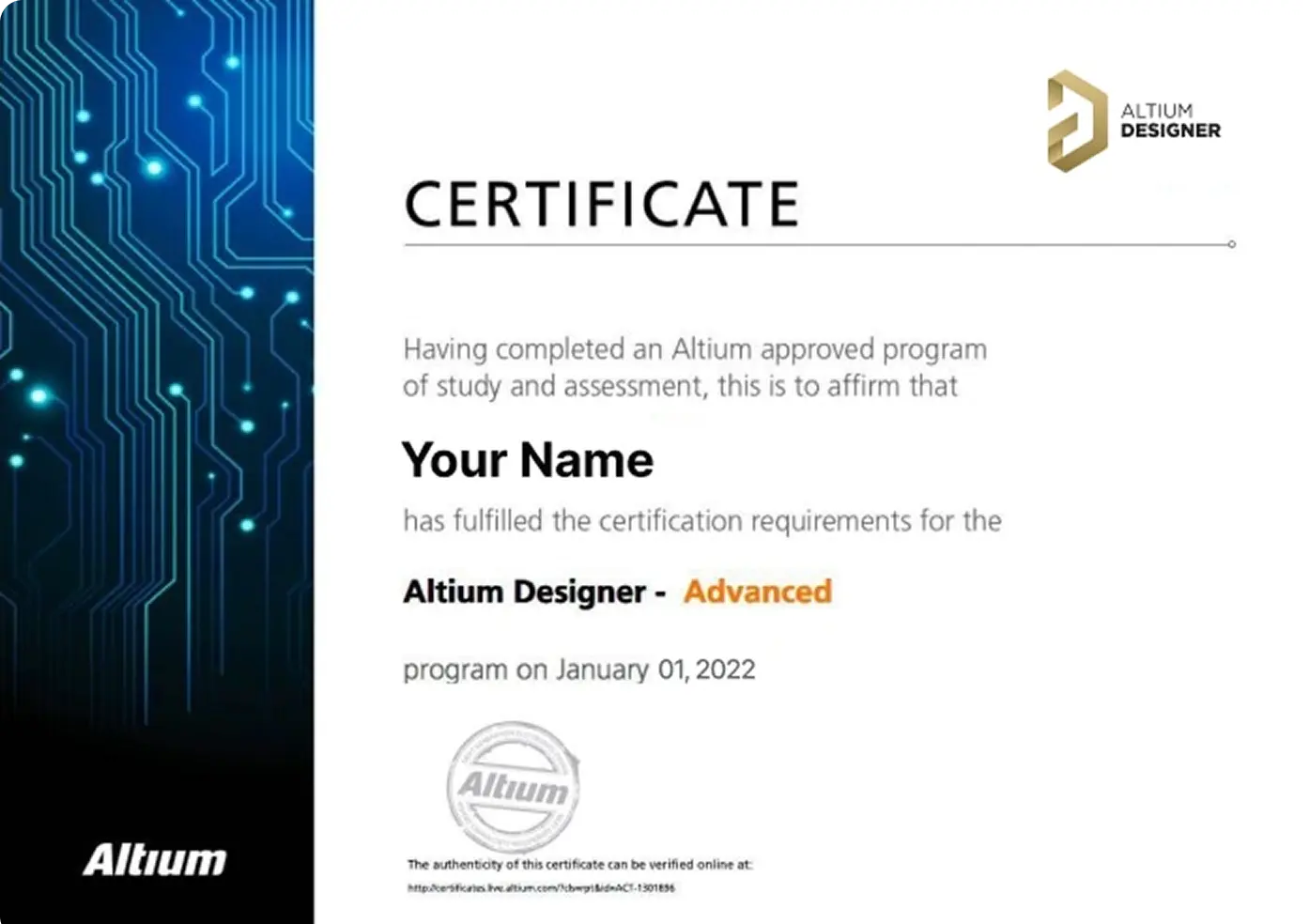
Earn Your Course Certificate
Validate your skills with an official Altium Designer certificate, recognized as a markof expertise in PCB design.
Ready to level up your career? Book your course <br> today and take your skills to new heights.


Skilled PCB Designers Refine Their Craft Through Altium Training
G2 users consistently rate Altium as their top choice for easy-to-use PCB design.
Ready to take the next step in your career? Book your Advanced Course today!
Altium Training
Loved by Learners, Trusted by Pros
Join a growing community of successful PCB design students.

94% of customers report they are likely or extremely likely to recommend Altium’s Instructor-led training to a friend.

Careers in PCB Design are Growing! Nearly 78% of the electronic design workforce is projected to retire in the next 15 years.
Printed Circuit Design & Fab (PCD&F) magazine
Are you ready to take your career to the next level?
Ready for More?