Your workspace is growing. Keep your skills up to date with the latest workflows, best practices & admin tips
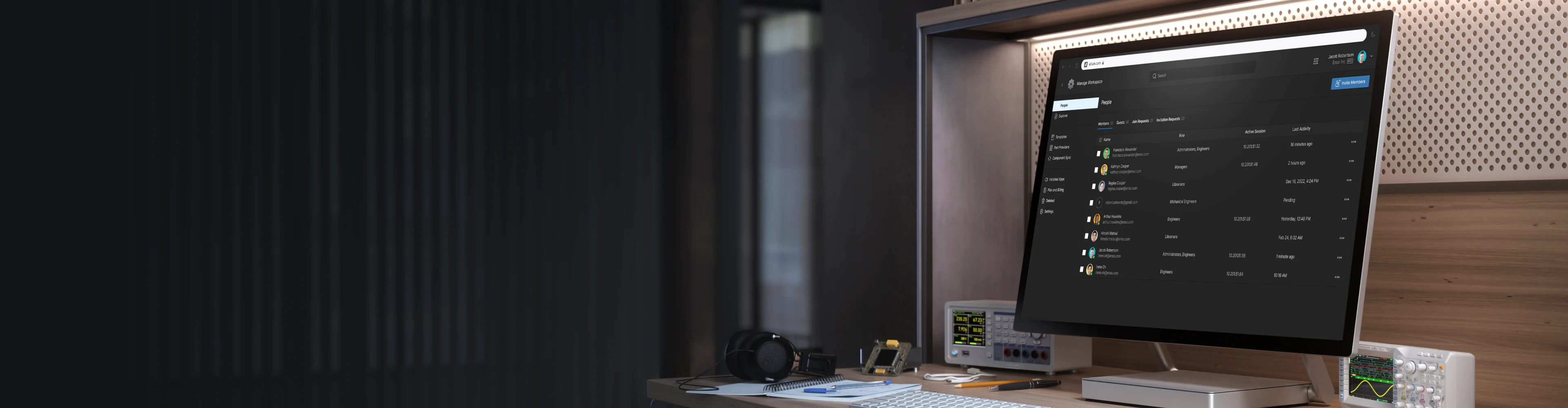
Altium Workspace
Admin Training
Build, Configure, and Manage Your Altium Workspace in One Comprehensive Day
Trusted PCB Design Training Courses Backed by Leading Tech and Electronics Companies





Set Up Your Workspace Right
From Day One
Get the structured, hands-on training that Altium administrators have been missing
This is a purpose-built training program for IT administrators, engineering managers, and technical leads responsible for deploying and maintaining an Altium Workspace. In a single intensive day, you'll move from workspace creation to full operational readiness — guided by expert instructors through every core admin function.
- Configure a production-ready Altium Workspace with the right folder structures, naming schemes, and lifecycle definitions from the start.
- Master user and group management with role-based access controls tailored to your organization's structure.
- Build governance into your workspace through lifecycle management, revision naming, and data cleanup processes.
- Set up project review workflows and checklists that enforce design quality without slowing your team down.

Learn through hands-on exercises with real-world applications!
Training Starts at
Is the Workspace Admin Training
Right for You?
This training course is designed for:
- IT administrators and platform owners responsible for Altium Workspace setup
- Engineering managers and team leads overseeing PCB design infrastructure
- CAD/EDA administrators migrating from legacy PDM systems to the Altium Platform
- Technical leads deploying the Altium Platform within a new or growing organization
Looking for More Options?
See All Available Training Courses

Hands-on Training
Work through real workspace exercises in a dedicated Altium Training Workspace — every module includes live demonstrations and guided practice.

Tackle Complex Configuration
Get expert guidance on permission structures, lifecycle governance, and naming schemes through a structured framework designed to make even the most complex configurations clear and manageable.

Learn Industry-Standard Admin Practices
Build an Altium Workspace that scales — with consistent naming conventions, library governance, and data management that reduce long-term technical debt.

Train with Altium Experts
Learn directly from Altium-certified instructors with hands-on experience in platform administration and PCB design infrastructure.
Choose Training to Match
Your Learning Style
Get up to speed on Altium Workspace administration in a single day
USD 800
Hours of Training: 8 (with lunch and breaks)
Downloadable Activities: 11 module exercise files + 1 optional (Module A)
Public instructor-led training delivers expert guidance from Altium instructors, online.
Requirements:
A stable internet connection
- An invitation to the Altium Training Workspace
- An active Altium account (see optional Module A for account creation)
License: This training requires an Altium Designer Agile, Professional, or Enterprise license with Altium Platform access. A license can be provided for the duration of the training.

Course Agenda
Module 01 — Altium Training Workspace Access
0.5 HoursKey Topics Covered:
- Locating and Accepting Workspace Invitations: Ensure all participants have access before training begins.
- Verifying Account Credentials: Confirm login, account status, and platform connectivity.
- Navigating the Training Workspace: Familiarize yourself with the Altium Platform environment ahead of the core modules.
Module 02 — Introduction: Altium Workspace Admin Management
0.5 HoursKey Topics Covered:
- Admin Portal Overview: Understand the structure and scope of the Altium Platform admin interface.
- Administrator Roles and Responsibilities: Define what it means to manage a workspace at the organizational level.
- Key Administrative Areas: Users, libraries, lifecycles, naming schemes, and platform hierarchy.
Module 03 — Workspace Creation and Activation
0.5 HoursKey Topics Covered:
- License Prerequisites and Workspace Creation: Understand what's needed before activating a workspace.
- Step-by-Step Activation Process: Walk through the full workspace setup from scratch.
- Initial Configuration and Verification: Confirm your workspace is live and ready for team use.
Module 04 — Setting Up Folder Structures
0.5 HourKey Topics Covered:
- Folder Hierarchy in Altium Platform: Understand how to organize projects, libraries, and design assets.
- Naming Conventions and Best Practices: Apply consistent naming strategies that scale with your team.
- Organizing for Discoverability and Collaboration: Structure your workspace so team members can find and access what they need.
Module 05 — Setting Up Users, Groups & Workspace Members
1 HourKey Topics Covered:
- User and Group Management: Add individual users, create groups, and assign workspace membership.
- Role-Based Access Control: Configure permissions so every team member has the right level of visibility and editing rights.
- Permission Structure Best Practices: Build an access framework that's secure, scalable, and easy to maintain.
Module 06 — Library Admin Settings
1 HourKey Topics Covered:
- Parts Provider Configuration: Set up supplier sources, currencies, and Octopart-powered component search.
- Component Settings: Define default paths for symbols, footprints, simulation models, and harness components.
- Dictionaries and Part Request Settings: Create custom parameter dictionaries and enable librarian-to-engineer part request workflows.
Module 07 — Defining the Item Naming Scheme
0.5 HoursKey Topics Covered:
- Item Naming Scheme Fundamentals: Understand how naming schemes bring consistency to design asset identification.
- Configuring Templates and Variable Tokens: Set up naming patterns for PCBs, schematics, BOMs, and more.
- Enforcing Naming Standards Across the Organization: Apply schemes that keep your workspace structured as it grows.
Module 08 — Defining the Revision Naming Scheme
0.5 HoursKey Topics Covered:
- Revisions and Design Traceability: Understand how revision naming tracks design iterations from concept to release.
- Alphanumeric and Numeric Naming Patterns: Configure revision schemes that align with your organization's standards.
- Linking Revisions to Lifecycle States: Integrate revision naming with lifecycle management for full audit readiness.
Module 09 — Defining Lifecycles
0.5 HoursKey Topics Covered:
- Lifecycle Management Fundamentals: Learn how lifecycle definitions govern design data progression.
- Creating Lifecycle States and Transition Rules: Define stages such as Design, Review, Released, and Obsolete — with controlled transitions.
- Assigning Lifecycles to Item Types: Apply the right lifecycle definitions to the right design assets across your workspace.
Module 10 — Data Cleanup
0.5 HoursKey Topics Covered:
- Understanding Soft Deletion: Learn how deleted files move to the Trash folder and how administrators manage them.
- Administrator vs. User Trash Permissions: Understand the difference between what administrators and regular users can see and restore.
- Hands-On Restoration Exercise: Practice copying, deleting, and restoring components using the Workspace Browser Interface.
Module 11 — Project Processes and Checklists
1 HourKey Topics Covered:
- Project Process Overview: Understand how Altium Platform supports structured review and approval workflows.
- Configuring Review Workflows and Checklists: Build processes that enforce quality standards and assign accountability.
- Monitoring Process Status and Audit Trails: Track workflow progress and maintain records of design reviews.
Module A (Optional) — Altium Account Creation
0.5 HoursKey Topics Covered:
- Account Registration and Verification: Walk through creating a new Altium account from scratch.
- License Association: Connect your account to the appropriate Altium license.
- Preparing for Platform Access: Ensure your account is fully configured and ready for training.
Choose an Upcoming Course Date
for Live Training Delivered by Altium Instructors
Language: English
Region: EMEA
Seats Available: 12
Price:
Language: English
Region: Americas
Seats Available: 6
Price:
Language: English
Region: EMEA
Seats Available: 12
Price:
Language: English
Region: EMEA
Seats Available: 12
Price:
USD 4,800*
Hours of Training: 8 (with lunch and breaks)
Downloadable Activities: 11 module exercise files + 1 optional (Module A)
Private training delivers confidential learning exclusively for your team, online.
Requirements:
A stable internet connection
- An invitation to the Altium Training Workspace
- An active Altium account (see optional Module A for account creation)
License: This training requires an Altium Designer Agile, Professional, or Enterprise license with Altium Platform access. A license can be provided for the duration of the training.
*for 6 seats—additional seats are available for purchase up to 15.
**Onsite delivery is available only when bundled with select training programs.
Course Agenda
Module 01 — Altium Training Workspace Access
0.5 HoursKey Topics Covered:
- Locating and Accepting Workspace Invitations: Ensure all participants have access before training begins.
- Verifying Account Credentials: Confirm login, account status, and platform connectivity.
- Navigating the Training Workspace: Familiarize yourself with the Altium Platform environment ahead of the core modules.
Module 02 — Introduction: Altium Workspace Admin Management
0.5 HoursKey Topics Covered:
- Admin Portal Overview: Understand the structure and scope of the Altium Platform admin interface.
- Administrator Roles and Responsibilities: Define what it means to manage a workspace at the organizational level.
- Key Administrative Areas: Users, libraries, lifecycles, naming schemes, and platform hierarchy.
Module 03 — Workspace Creation and Activation
0.5 HoursKey Topics Covered:
- License Prerequisites and Workspace Creation: Understand what's needed before activating a workspace.
- Step-by-Step Activation Process: Walk through the full workspace setup from scratch.
- Initial Configuration and Verification: Confirm your workspace is live and ready for team use.
Module 04 — Setting Up Folder Structures
0.5 HoursKey Topics Covered:
- Folder Hierarchy in Altium Platform: Understand how to organize projects, libraries, and design assets.
- Naming Conventions and Best Practices: Apply consistent naming strategies that scale with your team.
- Organizing for Discoverability and Collaboration: Structure your workspace so team members can find and access what they need.
Module 05 — Setting Up Users, Groups & Workspace Members
1 HourKey Topics Covered:
- User and Group Management: Add individual users, create groups, and assign workspace membership.
- Role-Based Access Control: Configure permissions so every team member has the right level of visibility and editing rights.
- Permission Structure Best Practices: Build an access framework that's secure, scalable, and easy to maintain.
Module 06 — Library Admin Settings
1 HourKey Topics Covered:
- Parts Provider Configuration: Set up supplier sources, currencies, and Octopart-powered component search.
- Component Settings: Define default paths for symbols, footprints, simulation models, and harness components.
- Dictionaries and Part Request Settings: Create custom parameter dictionaries and enable librarian-to-engineer part request workflows.
Module 07 — Defining the Item Naming Scheme
0.5 HoursKey Topics Covered:
- Item Naming Scheme Fundamentals: Understand how naming schemes bring consistency to design asset identification.
- Configuring Templates and Variable Tokens: Set up naming patterns for PCBs, schematics, BOMs, and more.
- Enforcing Naming Standards Across the Organization: Apply schemes that keep your workspace structured as it grows.
Module 08 — Defining the Revision Naming Scheme
0.5 HoursKey Topics Covered:
- Revisions and Design Traceability: Understand how revision naming tracks design iterations from concept to release.
- Alphanumeric and Numeric Naming Patterns: Configure revision schemes that align with your organization's standards.
- Linking Revisions to Lifecycle States: Integrate revision naming with lifecycle management for full audit readiness.
Module 09 — Defining Lifecycles
0.5 HoursKey Topics Covered:
- Lifecycle Management Fundamentals: Learn how lifecycle definitions govern design data progression.
- Creating Lifecycle States and Transition Rules: Define stages such as Design, Review, Released, and Obsolete — with controlled transitions.
- Assigning Lifecycles to Item Types: Apply the right lifecycle definitions to the right design assets across your workspace.
Module 10 — Data Cleanup
0.5 HoursKey Topics Covered:
- Understanding Soft Deletion: Learn how deleted files move to the Trash folder and how administrators manage them.
- Administrator vs. User Trash Permissions: Understand the difference between what administrators and regular users can see and restore.
- Hands-On Restoration Exercise: Practice copying, deleting, and restoring components using the Workspace Browser Interface.
Module 11 — Project Processes and Checklists
1 HourKey Topics Covered:
- Project Process Overview: Understand how Altium Platform supports structured review and approval workflows.
- Configuring Review Workflows and Checklists: Build processes that enforce quality standards and assign accountability.
- Monitoring Process Status and Audit Trails: Track workflow progress and maintain records of design reviews.
Module A (Optional) — Altium Account Creation
0.5 HoursKey Topics Covered:
- Account Registration and Verification: Walk through creating a new Altium account from scratch.
- License Association: Connect your account to the appropriate Altium license.
- Preparing for Platform Access: Ensure your account is fully configured and ready for training.

Sign up for Private Training
Private training gives design teams a secure, confidential space to work through real projects and challenges. Get expert, instructor-led guidance delivered onsite or online.
Meet Your Instructors
Learn from industry-leading experts. Altium instructors are seasoned engineers with deep PCB experience and the latest Altium Designer knowledge. Their insights and real-time feedback during the course are invaluable.
Michael Heil
Instructor

Michael Heil is an expert PCB designer and Altium Certified Trainer with over a decade of experience in electronics design. His deep understanding of Altium Designer's advanced features and practical design techniques makes him a valuable resource for engineers looking to elevate their skills.
Barry Berends
Instructor

Barry Berends is a seasoned PCB designer and Altium Designer trainer with over 20 years of experience in electronics design and more than 14 years working with Altium Designer. Based in the Netherlands and operating across EMEA, Barry is known for his practical, structured training approach and deep expertise in Altium Designer—from Essentials to Advanced topics—helping engineers worldwide optimize their design workflows and deliver robust, production-ready solutions.
Tally Kainth
Instructor

Tally Kainth is an accomplished electronics engineer and Altium Certified Trainer with a strong background in PCB design and development. With a focus on real-world applications, Tally's training sessions offer practical insights into using Altium Designer's latest tools to create high-performance designs efficiently.
Tomas Chester
Instructor

Tomas Chester is an expert in PCB design with over 15 years of experience, specializing in high-speed and high-density designs. As an Altium Certified Trainer, Tomas brings a wealth of knowledge and industry experience to his sessions, providing engineers with actionable insights and advanced techniques in Altium Designer.
Showcase Your Skills with
an Altium Course Certificate
Top Electronics Companies Worldwide Prefer
Working with Altium-Experienced Designers
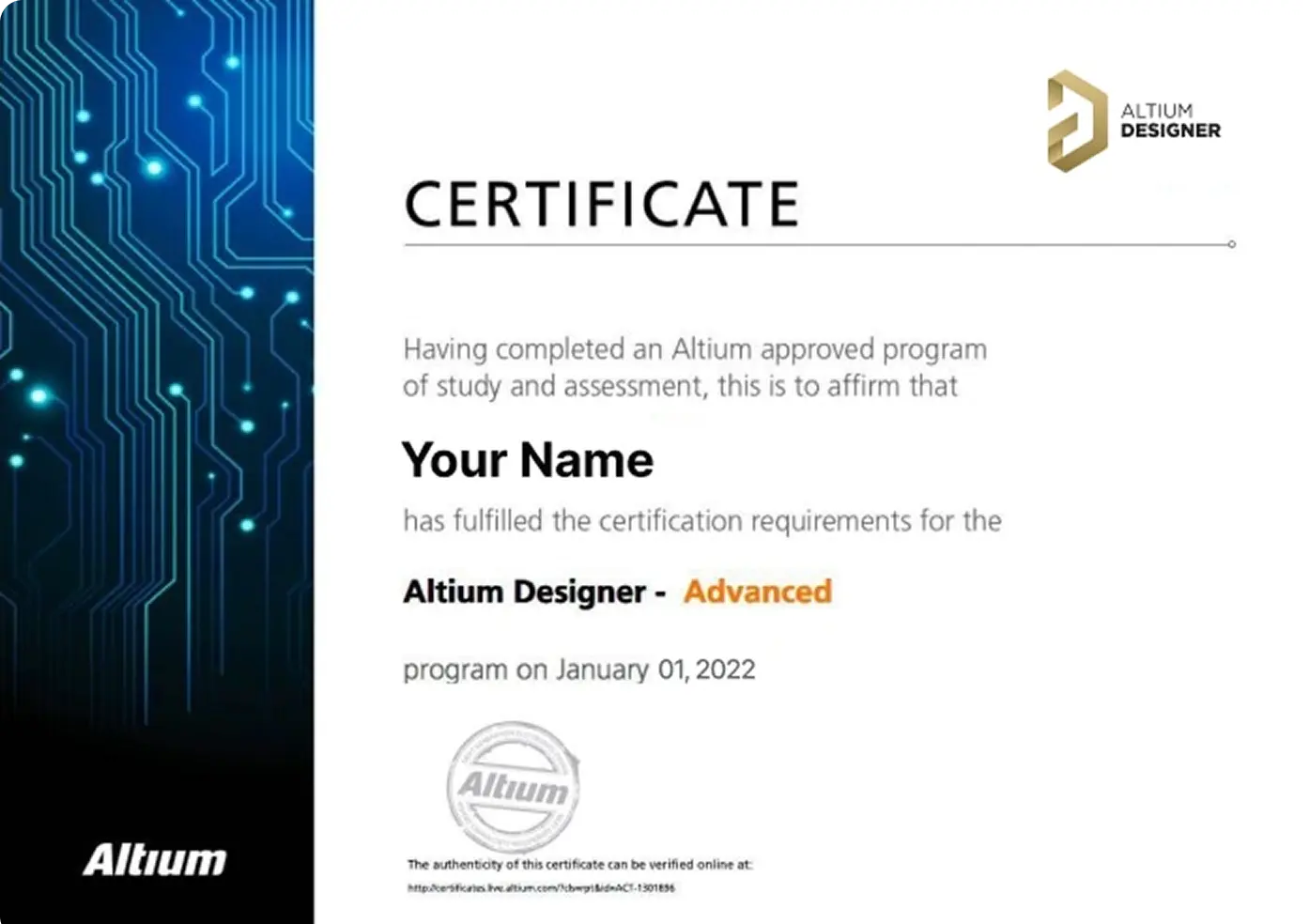
Earn Your Course Certificate
Validate your skills with an official Altium Designer certificate, recognized as a mark of expertise in PCB design.
Ready to level up your career? Book your course today and take your skills to new heights.


Skilled PCB Designers Refine Their Craft Through Altium Training
G2 users consistently rate Altium as their top choice for easy-to-use PCB design.
Ready to take the next step in your career? Book your Advanced Course today!
Altium Training
Loved by Learners, Trusted by Pros
Join a growing community of successful PCB design students.

94% of customers report they are likely or extremely likely to recommend Altium’s Instructor-led training to a friend.

Careers in PCB Design are Growing! Nearly 78% of the electronic design workforce is projected to retire in the next 15 years.
Printed Circuit Design & Fab (PCD&F) magazine
Are you ready to take your career to the next level?
Ready for More?