Compare How
You Work
Altium-grade PCB design with fewer workarounds
from design through review, sourcing, and release.
- Design, review, and release without file chaos.
- See sourcing risk while you’re still designing.
- Work solo. Share when you need to.
- No enterprise features to avoid or pay for.
Trusted by over 20,000 companies worldwide






Don’t Compare
Features Alone
Still not sure? See how Altium Develop compares with the tools you already know.


Free 30-day access. No credit card required.
What Users Say
All user reviews were gathered from G2, an independent third-party review website. Last updated in March 2026.

Competitor Average
Free 30-day access. No credit card required.

Less Friction From Design to Release
Altium Develop
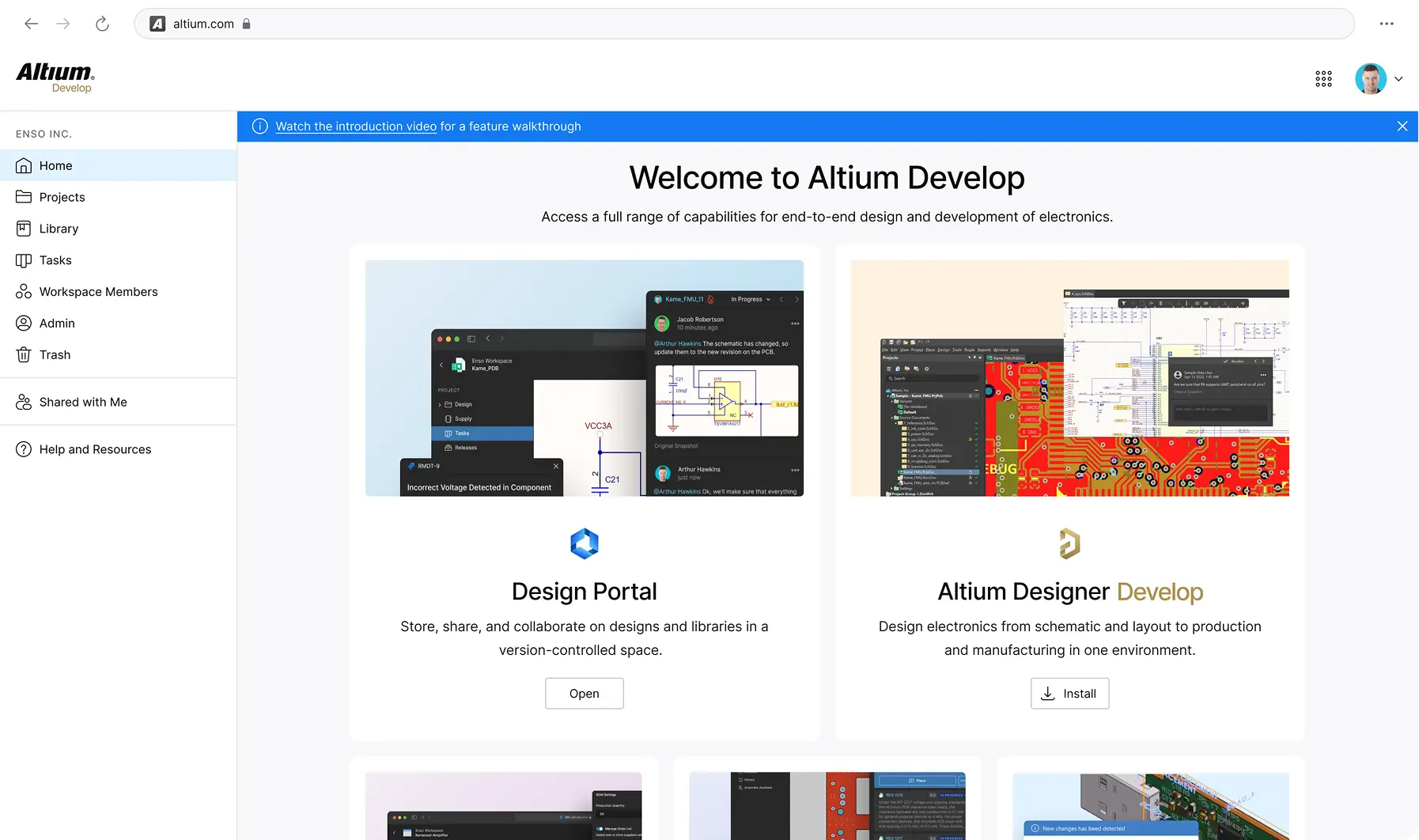
Stay in the design flow. Connect when you need to.
Keep design intent, component decisions, feedback, versions, and release outputs connected without forcing a new process on the way you design.
PCB Design
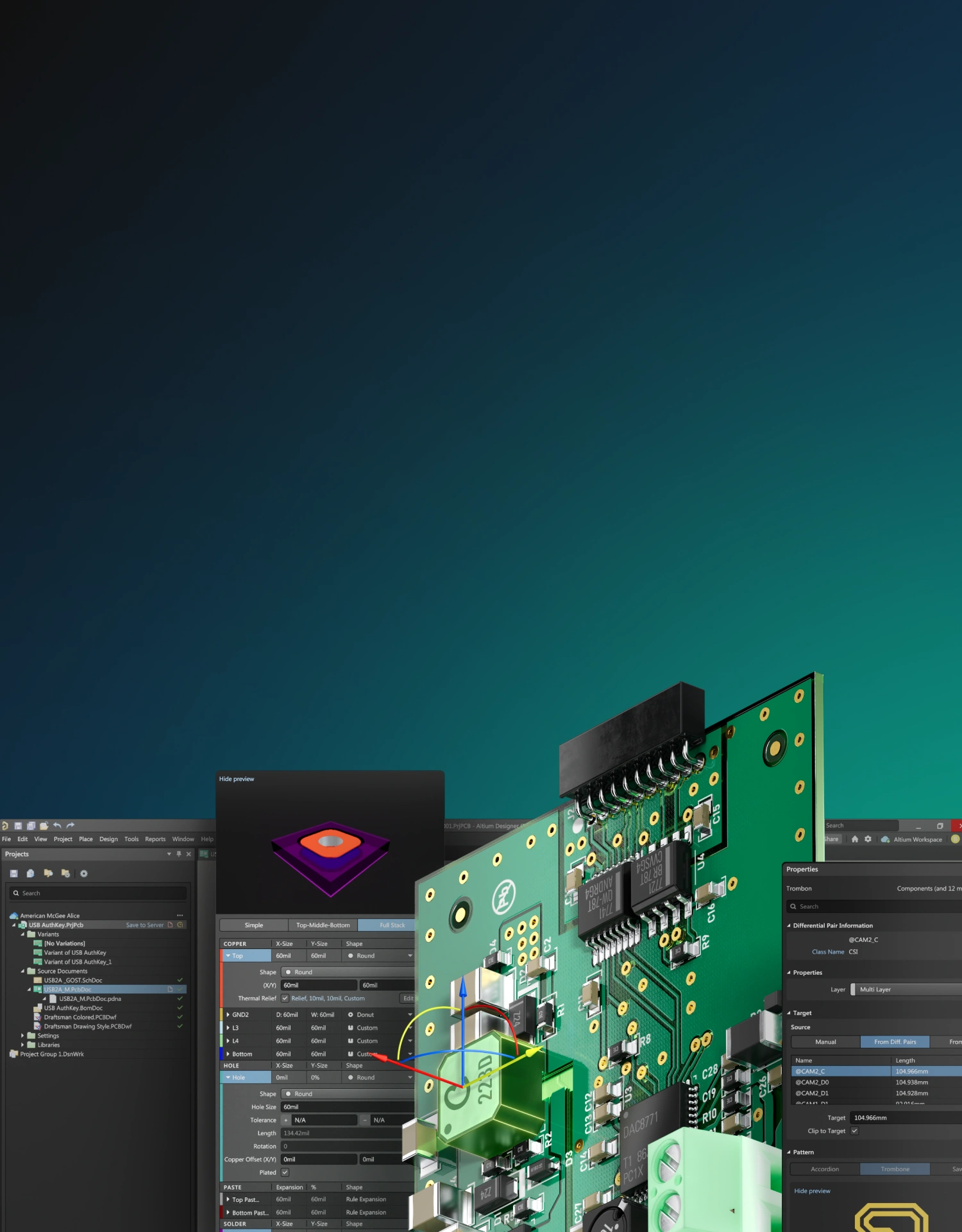
Keep your intent intact as the board gets more complex, with the industry standard in PCB design, Altium Designer.
Library & Component Data
Choose parts with current component and supply information available while those decisions are still easy to change.
BOM & Sourcing
See availability and sourcing risk before a finished design turns into a procurement problem.
Design Review
Share the real design for review instead of exporting files and rebuilding context somewhere else.
Release
Move from the approved design to manufacturing outputs with a clearer version trail and less handoff ambiguity.
Switch Tools. Keep Moving.
Bring your designs forward without rebuilding your workflow.
Step 1.
Prepare Your Files

Save your existing designs in their native format and gather the component libraries you want to bring with you.
Step 2.
Import Your Designs

Use the Import Wizard in Altium Designer to convert your existing design files into Altium format.
Step 3.
Pick Up Your Work

Open the converted designs, review the results, and continue working in Altium Develop with your existing project context intact.
Choose Your Tool to Migrate From


Advance Your Capabilities
The central place for everything is Altium. Knowledge, support, and expertise-at your fingertips.
Documentation Center

Explore Altium's powerful online documentation. A vast, expertly crafted resource designed to put answers at your fingertips.
Learning Hub

Access blogs, webinars, whitepapers, and guides from Altium experts. Find practical resources to help you design better and faster.
Knowledge Base

Empower yourself with our comprehensive Knowledge Base, designed to provide you with instant access to expert insights and solutions.
Altium Academy

Ultimate online learning destination for PCB designers and engineers worldwide.
Training Programs

Altium offers on-demand and instructor-led training programs so that you’re able to quickly and efficiently master PCB design with Altium.
Free 30-day access. No credit card required.

Why engineers
choose Altium
From concept to manufacture, all in one platform


Frequently Asked Questions
Altium Develop includes Altium Designer, the industry-leading PCB design software, and Altium 365, which adds cloud-connected tools for review, sourcing, and release coordination. Together, they give individuals and small teams a clearer path from design to review to release without forcing a new process or workflow structure.
Altium Develop is not the same as Altium Designer, but Altium Designer is the core design tool included within it. Altium Designer is the PCB design application – the schematic editor, layout environment, routing engine, and output tools engineers use to design boards. Altium Develop is the broader solution that packages Altium Designer with cloud-based capabilities for design sharing, version control, review coordination, BOM management, and release preparation.
Use the Import Wizard in Altium Designer to bring your existing component libraries into Altium Develop. The wizard converts symbols, footprints, and parameters from your local library into Altium's managed library format. Once migrated, your components are stored centrally in the cloud, accessible across projects, and kept in sync without manual folder management.
KiCad is a capable free tool well-suited to lower-layer-count boards with straightforward constraints. Altium Develop adds integrated high-speed design rules, real-time DRC, managed libraries with lifecycle visibility, and structured release output – capabilities that reduce manual effort and rework risk as board complexity increases.
Yes. Altium Designer's Import Wizard supports file conversion from EAGLE, PADS, OrCAD, and other common formats. Your schematics and PCB layouts are converted to Altium's native format, and your component libraries can be reused in new Altium Develop projects.
Free 30-day access. No credit card required.
Why Engineers Trust Altium

“Along with its reputation in the marketplace, Altium Designer has the unique combination of excellence in four key areas: quality, ease of use, price, and after-sales service.”


“At school, I learned to use Eagle, but moving over to Altium has been a world of difference. There are a lot of resources online, the training materials are pretty good, and there is a large community support, which I think is the most important factor.”

“Altium became the tool of choice as the industry standard and radically changed the way we design boards and do electronics design at an industrial level.”


Free 30-Day Trial.
No Pressure
Attached.
Design whatever you want. Treat it as a workflow
experiment, not a commitment.
- Design any board you want during the trial
- No credit card required to start
- No sales contact unless you request it
- Optional technical support if you get stuck
Start Free
Free 30-day access. No credit card required.
Are You A Student? Enroll in the Student Lab