

Altium
Student Lab
Accelerate Your Career
in Electronics Design
- Free access to Altium Designer, the industry’s #1 professional PCB design tool.
- A secure cloud workspace to collaborate with classmates, track changes, and access projects from anywhere.
- 200,000+ components, templates, and ready-to-use assets that support real engineering projects.
- Hands-on, university-level courses with guided projects to help you master practical PCB design skills.
- Real-world experience & verified credentials that make your resume stand out for internships and jobs.
Unlock More Than Licenses & Resources
With Student Programs & Scholarships

Embedded Systems Curriculum
Get real with hardware. Learn how to design, simulate, and prototype embedded systems using Renesas QuickConnect and Altium solutions.
Coming Soon!

Team
Sponsorships
Get your engineering team geared up with free Altium software and tools built for real-world design.


Global
Scholarship
Level up your PCB design skills with free professional training, hands-on projects, and credentials that get you noticed.


Women’s
Scholarship
A university-partner initiative designed to support women in electronics through hands-on learning, mentorship, and recognition.
Available Through Participating Universities!

Student Ambassador Program
Build practical design expertise, grow as a campus leader, and gain recognition that turns your engineering potential into career-ready success.




Grad to Career
Program
Go from student to industry-ready with guided training, skills assessments, and a path to your first job.
What Our Students Say

Learn Altium Designer PCB design for free.
Meet Jacob, an EE Engineer at the UMass Lowell, learning and knowing Altium Designer was very helpful in getting my internship. Employers were impressed I knew such a powerful tool.


Hear how Melissa P., EE at UC Davis, learned PCB design through Altium Education and uses it to design what she wants to build.


Lucas is an EE and part of the Penn Electric Racing Team. Hear how building PCB design skills opens doors for him across the EV industry.

Earn Industry-Recognized
Altium Credentials
Top Electronics Companies Worldwide Prefer Working
with Altium-Experienced Designers
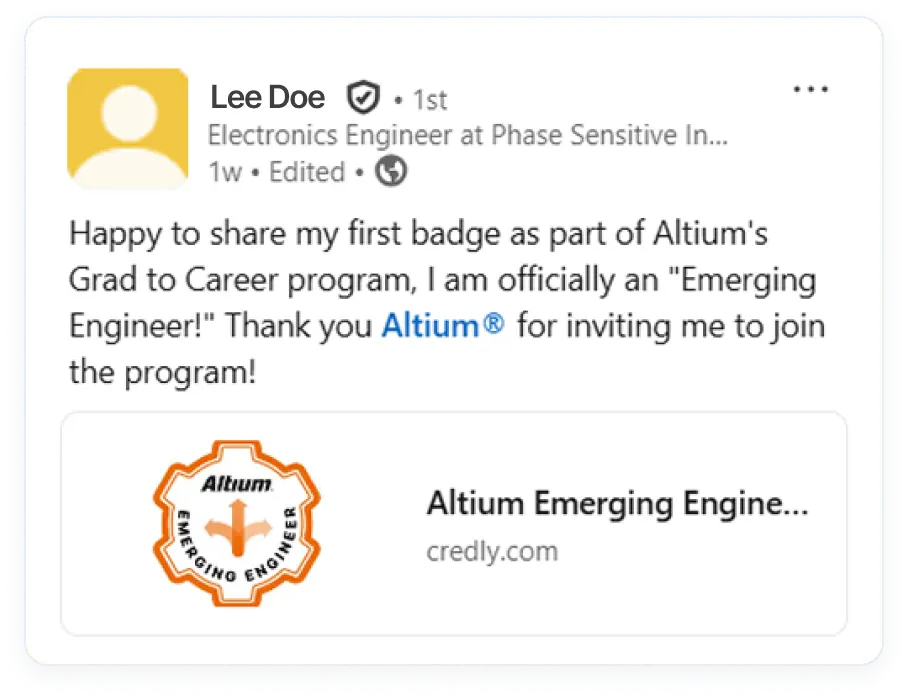
Show Your Skills With Verified Digital Badges
Digital badges are designed to be shared, making your verified skills visible to peers, employers, and recruiters worldwide. For students entering the job market, they offer a straightforward way to showcase the training you’ve completed—each badge includes clear details about the skills earned, giving hiring teams helpful context when reviewing your profile.

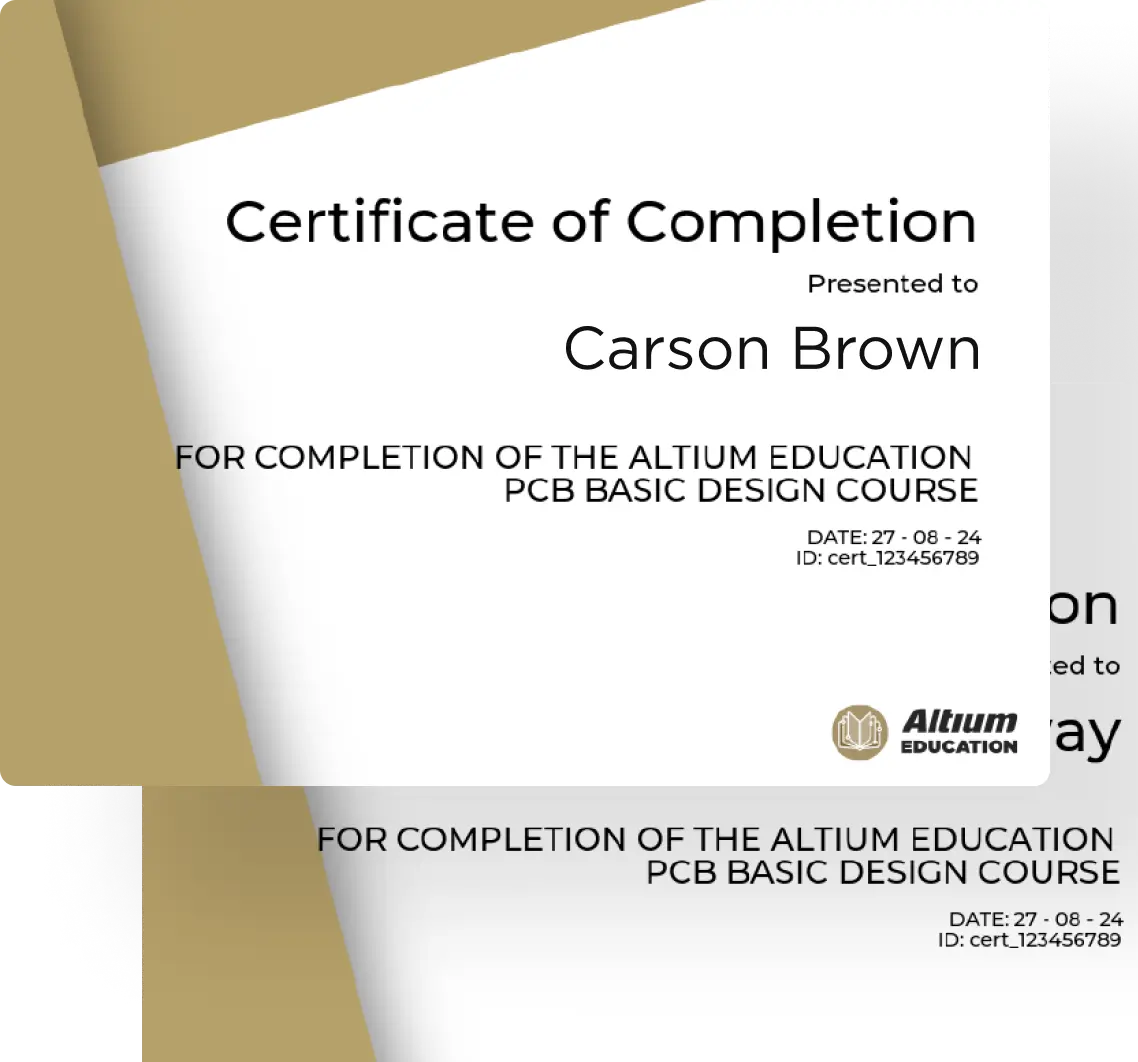
PCB Design Curriculum & Certificate
Learn PCB design step by step, from the basics to a real finished project. Build schematic, layout, and routing skills, then complete a hands-on capstone board. Finish all of the modules to earn the Altium Education PCB Design Certificate—a resume-ready credential you can share with employers.

Job Opportunities
Working at Altium is an opportunity to grow in an industry that impacts nearly everything around us.

A Renesas internship is a chance to build your skills in a field that powers the devices we rely on every day.

Frequently Asked Questions
Everything you need to know about your Student Lab License & Resources.
You can apply directly through the Application Form on this page.
Wait 1–2 days after your license expires, then reapply through the same Application Form. (Please allow ~2 business days for processing).
Each student license is valid for 1 year and can be renewed yearly as long as you remain a student.
If you haven’t received your license within a few days of applying, please email studentsupport@altium.com for assistance.
If you’re trying to use your license on another device, you must first release it from the computer currently logged into Altium Designer. You can’t be logged in on two computers at once.
Learn how to release a license remotely here: Releasing a License Remotely
If you’re not using another device:
- Shut down Altium Designer.
- Go to your Dashboard → Reports → Release License.
- Restart Altium Designer and log in again.
For more help, visit: Cannot Use On-Demand License (Seat Occupied)
Open the course link in an incognito window, sign up for an account, and then click on the course to enroll.
You can explore the following resources for help and documentation:
- Knowledge Base
- Altium Academy on YouTube
- Altium Designer User Forum.
- General Documentation
- Installation Guide
- License Enablement
- Licensing System Overview
System Requirements
(Please note that only Windows OS is supported.)
Trusted by Internationally Recognized Universities


